






The guy was lazy and didn't write anything...





Practical Guide to Customizing Tab Content on WooCommerce Product Detail Page (e.g. Adding "After Sales Service", etc.)
Teach you to use code to add custom tabs for WooCommerce product detail page, such as "After-sales service", no plugin, simple and efficient, support a variety of content display.

Astra + Gutenberg: a simple way to customize the login registration block
Use Astra with Gutenberg to quickly create beautiful, secure front-end login and registration forms for e-commerce and membership sites without programming.

What does the free version of TranslatePress do? What is the difference between it and the paid version?
Detailed comparison of TranslatePress free version and paid version of the functionality of the differences between personal blogs, corporate websites and cross-border e-commerce reference, to help you choose the most suitable multi-language plug-in program.
![TranslatePress How to do after switching language page jump incorrectly? [Detailed solution guide] - Photon Flux | Professional WordPress repair service, worldwide, fast response!](https://www.361sale.com/wp-content/uploads/2025/06/20250625110347862-image.png)
What should I do if the page jumps incorrectly after switching the language of TranslatePress? Detailed solution guide
Solve TranslatePress switch language jump error problems, including jump to the home page, 404 page, language does not correspond to the causes of common failures and practical solutions.

Yoast SEO Plugin Installation and Basic Setup Tips
It's easy for newbies to get started! A comprehensive explanation of the Yoast SEO plugin installation, configuration, and usage tips to quickly improve your WordPress website's search engine rankings.
How does Yoast SEO set up a Site Map (XML Sitemap)?
Enable XML sitemap quickly with Yoast SEO plugin to improve page indexing efficiency. Graphic explanation sitemap setup and Google submission steps, novice can easily get started!

Yoast SEO with TranslatePress Multilingual Site Setup Tips
TranslatePress with Yoast SEO multi-language site optimization setup method, help each language page to achieve independent indexing and better rankings.

How to Create Beautiful Graphic Layouts in Gutenberg
Learn how to use the WordPress Gutenberg editor to create beautiful graphic typography, from basic blocks to advanced techniques to create professional page layouts that enhance the user experience and visual impact.

Yoast SEO with robots.txt: How to properly configure crawler rules?
Want to optimize WordPress SEO? Edit the robots.txt file with Yoast SEO to correctly configure the crawler crawling rules, guide search engines to crawl important pages, and improve website inclusion and ranking results.

How to Improve WooCommerce Product Page SEO with Yoast SEO
Use Yoast SEO to optimize WooCommerce product pages, set titles, descriptions and Schema, improve search rankings and click-through rates, and enhance online store exposure and conversion results.
How to Get Order List Using WooCommerce API
Learn how to use the WooCommerce API to get the order list, master the API permission settings, Postman call methods, paging parameters and common error troubleshooting, and comprehensively improve development efficiency.
What is the TOO_MANY_REDIRECTS error and how it works
Understand what TOO_MANY_REDIRECTS errors are, why they occur and how to resolve them to avoid your website from getting stuck in a redirection loop and to safeguard the visitor experience and SEO inclusion.

WooCommerce API to Logistics Tracking System: The Key to Automating Order Logistics
Docking the WooCommerce API with the logistics tracking system to achieve automatic order updates, improve customer experience and optimize e-commerce operational efficiency.

SEO Perspective on TOO_MANY_REDIRECTS: Impact on Rankings and Suggestions for Fixes
TOO_MANY_REDIRECTS errors can affect the SEO rankings of your WooCommerce site, resulting in inaccessible pages and wasted crawl budget. This article provides suggestions for fixes, including checking URL settings, optimizing Cloudflare and Nginx configurations, and streamlining redirect links to help...

How to Get Store Statistics via WooCommerce API
Through the WooCommerce API to get sales, orders, customer number and other statistics, to realize the automated management of store data and multi-dimensional analysis, easy to dock the ERP and BI systems, to improve the efficiency of e-commerce operations.

How to Improve Yoast SEO Readability Score? Write clearer content
Learn how to improve Yoast SEO readability scores and write clearer, more readable content. This article shares scoring rules, improvement tips and practical writing methods to help your WordPress posts get better SEO performance.

Yoast SEO Internal Link Distribution Guide: Case Study of an E-commerce Website
Learn how to optimize the internal link layout of your e-commerce website with Yoast SEO. Through practical case studies, master the link distribution strategy for category pages, product pages, and blog content, and comprehensively improve website ranking and conversion.

Do I need to uninstall other SEO plugins before installing Yoast SEO?
Do you need to uninstall other SEO plugins before installing Yoast SEO plugin? This article explains the impact of multi-plugin conflict, the preparations before switching, and how to safely migrate the original SEO settings to help you successfully complete plugin replacement and optimization.
Yoast SEO Tutorial: How to Exclude Specific Page Types from Generating Sitemaps
Exclude media pages, tabs and other worthless pages with Yoast SEO plugin for a more focused sitemap and better SEO results. Easy to operate and practical, help you optimize the whole site structure.
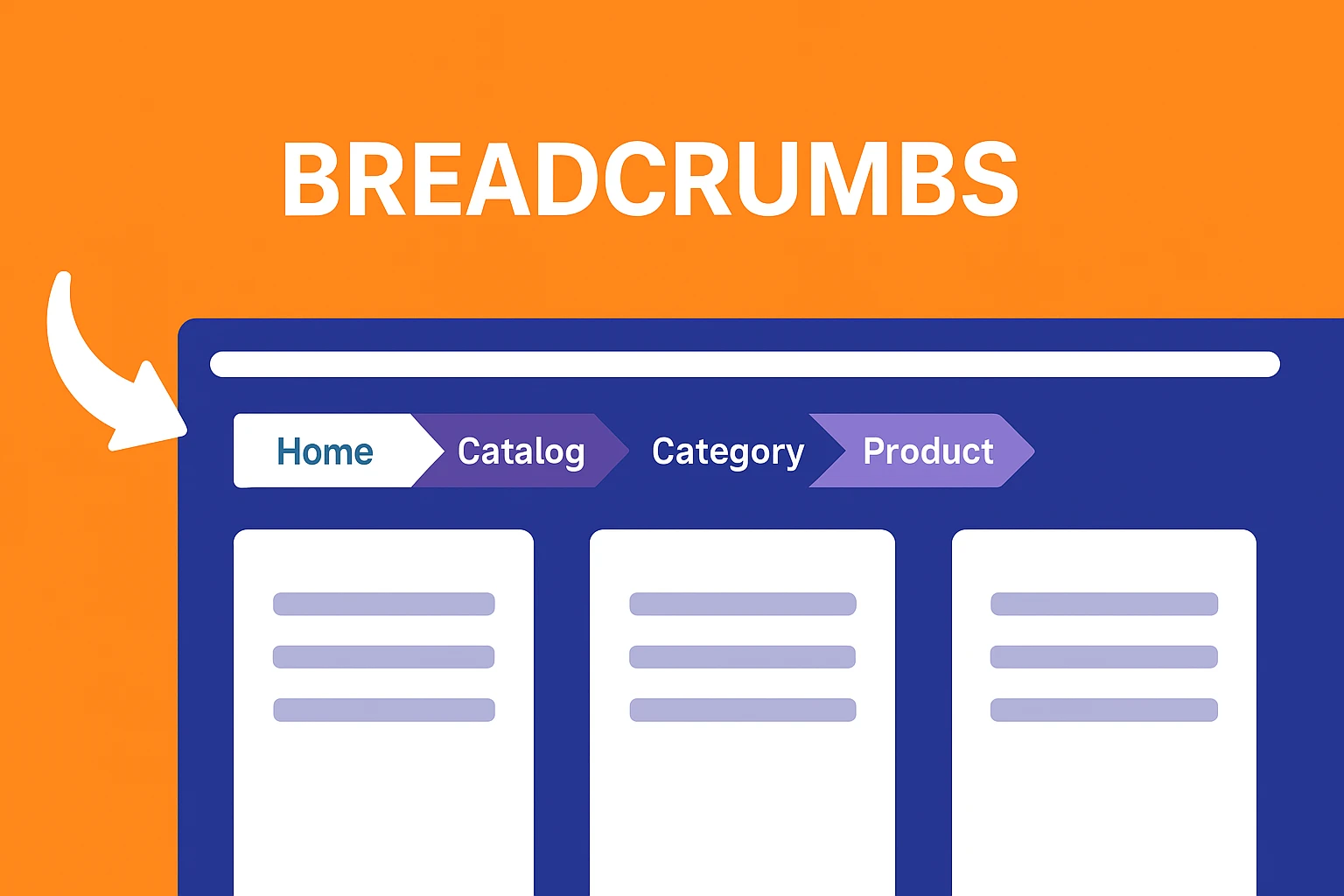
Breadcrumb navigation does not work after Yoast SEO installation? Reasons and Solutions
Yoast SEO plugin has integrated breadcrumb function, but what if the navigation doesn't show up? This article analyzes the reasons and solutions to help you set up and improve the SEO performance of your website.

Yoast SEO Activation Failed? These 5 troubleshooting steps will save you!
Can't activate Yoast SEO plugin? This article teaches you through five steps to troubleshoot plugin conflicts, system environment, permission settings and other common problems, quickly solve the activation failure, and successfully open the website SEO optimization.

Which is better, open source CMS or SaaS website building system? Analyze from security, scalability, cost
Compare and contrast open source CMS and SaaS website building system, analyze from the perspective of security, scalability and cost to help you find the most suitable way to build a website.

Ecommerce Plugin Recommendations: 5 Must-Have Tools to Boost Conversions
Featured 5 e-commerce plugin recommendations covering cart salvage, smart pop-ups, product recommendations, trust building and email marketing to improve conversion rates across the board.

A roundup of the best e-commerce plugins for mobile experience
Learn how to improve ecommerce platform conversions by optimizing the mobile experience, recommending the best ecommerce plugins to improve loading speed, payment experience and customer support.

Will the future of website building still need open source CMS? An article to see its long-term value
An in-depth analysis of the long-term value of open source CMS in the future of website building, and understand why it remains the key to creating autonomous, secure, and highly scalable websites for your organization.

Create Your First WordPress Child Theme from Scratch (with Code Samples)
Quickly master creating WordPress child themes with code examples to help you safely modify theme styles and personalize your design.
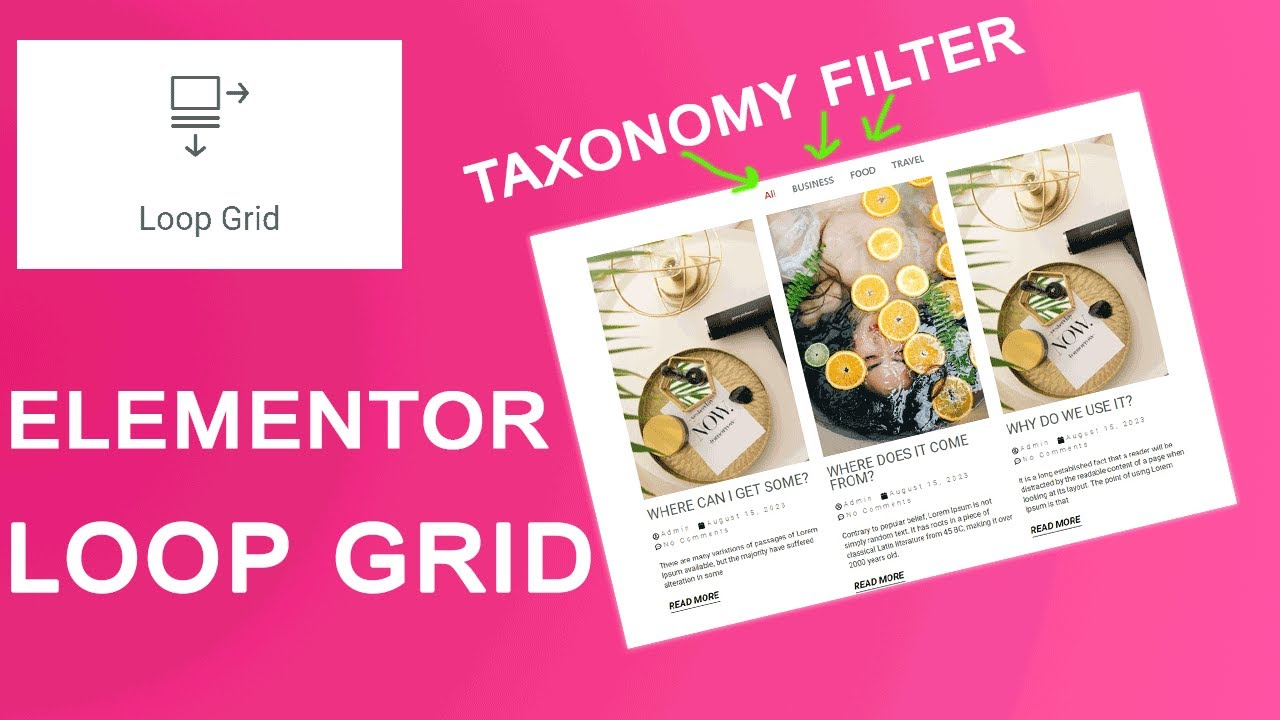
Elementor Loop Grid vs. Post List Widget: How to Choose Based on Use Cases
Elementor Loop Grid vs. Post List Widget: How to Choose Based on Use Cases? A Comprehensive Guide to Optimal Pairings for Feature Pages, Category Pages, and Homepages.
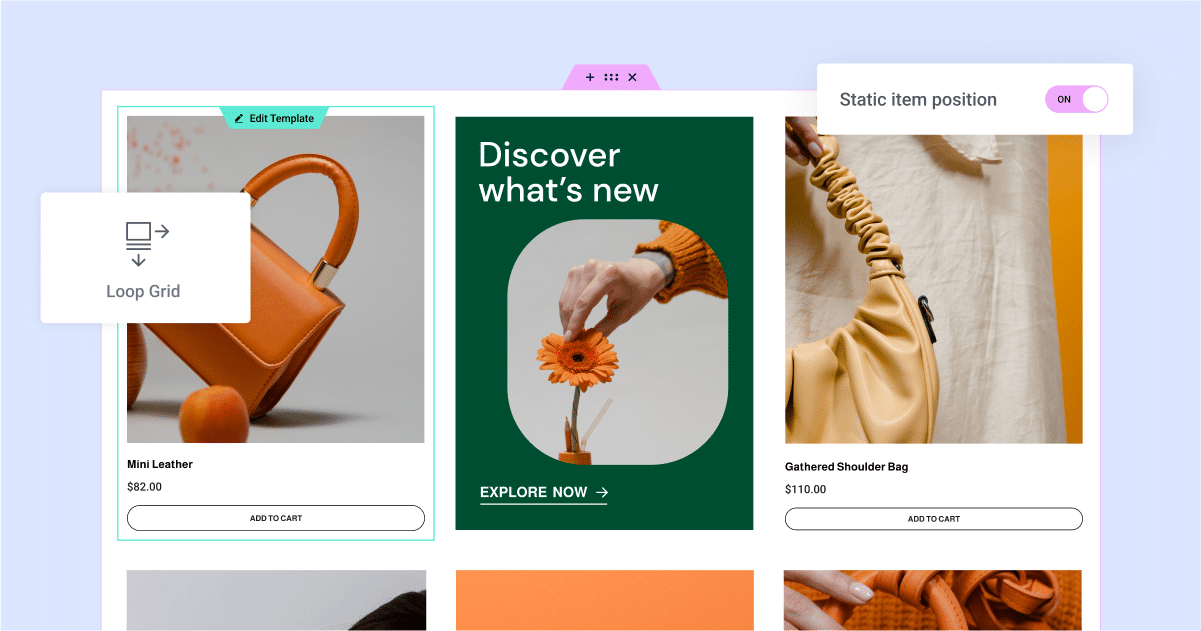
Dynamic Content + Loop Grid: Why It Works for "E-commerce-Style" List Pages
Dynamic content paired with a fluid grid system enables rapid creation of e-commerce-style listing pages: Uniform card design, automatic updates, support for filtering, sorting, and pagination, making maintenance hassle-free.
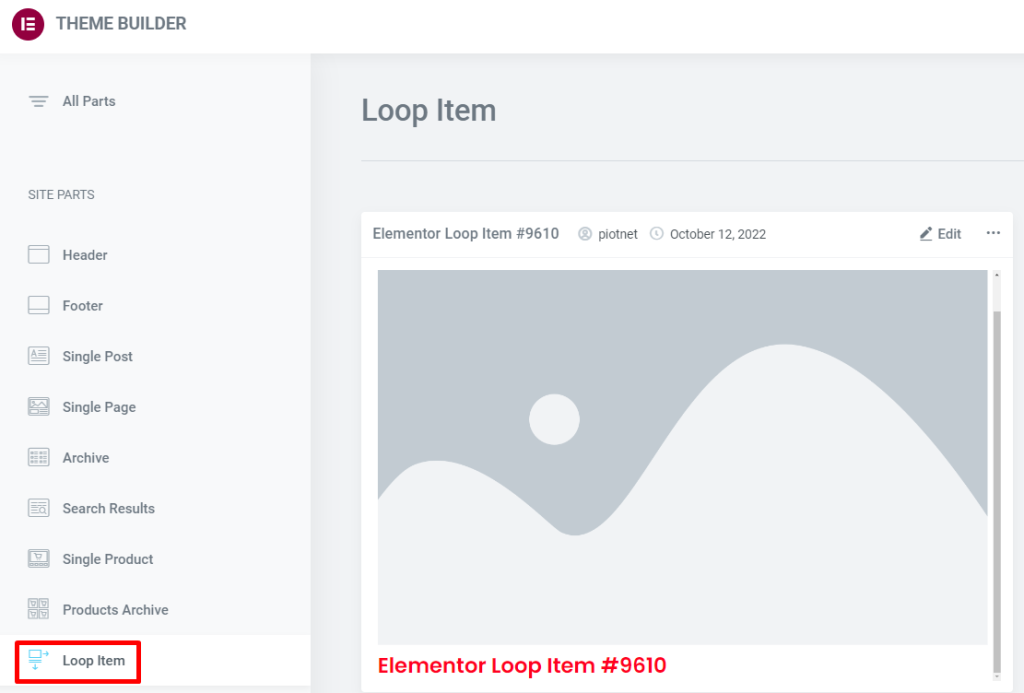
Product List Page with Loop Grid: How to Arrange Price, Rating, and Promotion Labels (Including Settings Location and Steps)
How to Create a WooCommerce Product Listing Page with Elementor Loop Grid: Add price, rating, and Sale Flash badges to Loop Items, set column count, spacing, and responsive layout. Includes solutions for common issues like inconsistent card heights and badge misalignment.

WooCommerce translation plugin how to choose? WPML, Polylang, TranslatePress Applicable scenarios
WooCommerce Translation Plugin Options: Compare WPML Multilingual SEO, Polylang & TranslatePress Visual Translations, Getting Started Is Faster & Less Hassle.

 简体中文
简体中文  English
  日本語
日本語  Français
  Español



