






The guy was lazy and didn't write anything...





How to remove SKU display from WooCommerce product page with code? Complete Practical Guide
Tutorial teaches you how to hide WooCommerce product page SKUs with code, no plugin required, simple and practical, supports conditional control and quick restore display.
How to Add Uniform Borders to All WooCommerce Buttons in Bulk
With simple CSS, this article describes how to add uniform borders to all WooCommerce buttons in bulk to improve the overall visual consistency of your website. Includes button class names, code examples, usage and advanced optimization tips to help you design your e-commerce website more professionally.

What is WebP? Why are more and more websites starting to use it?
What is WebP? This article tells you in simple terms what WebP does, its benefits, and why more and more websites are starting to use it to speed up their web pages.
How to Increase Store Conversions After WooCommerce Activation
Learn how to boost conversions by optimizing your WooCommerce store's loading speed, recommendation features, checkout process, customer reviews, limited time offers, and more. In this article, we will share practical tips and tricks to help you increase store sales and customer satisfaction.
How to Activate and Setup Website Statistics and Analytics Tools with WooCommerce
Learn how to integrate Google Analytics, MonsterInsights and other mainstream web analytics tools in WooCommerce to achieve user behavior tracking, e-commerce statistics and conversion rate analysis, and comprehensively improve e-commerce operational efficiency.

How to Activate WooCommerce and Set Product Pricing by Region
Use the Price Based on Country plugin to enable WooCommerce product pricing by country, with support for automatic switching of prices and currencies.
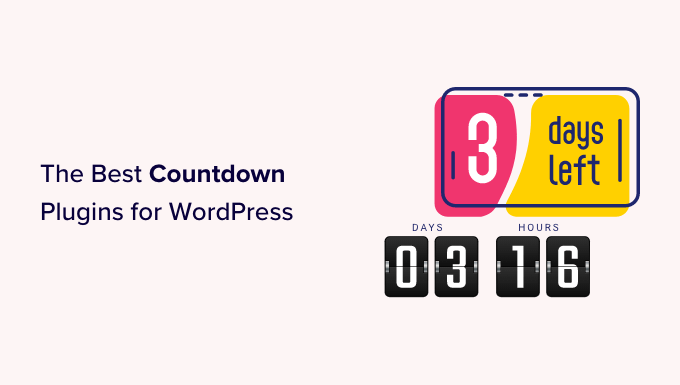
How to Activate WooCommerce and Set Up Site Notification Bars and Countdown Promotions: Create More Attractive Ecommerce Pages
Add a top notification bar and a limited time countdown to your WooCommerce store with the free plugin to draw users' attention to promotions and increase click-through rates and order conversions.

WooCommerce Product Page Customization Helps Conversion Rates Soar
Master WooCommerce product page customization techniques to boost conversions and make e-commerce pages more intuitive, efficient, and trustworthy to easily attract buyers to place orders.

How to Set Up Refund and Return Policies After WooCommerce Activation
This article describes in detail how to set up refund and return policy after WooCommerce activation, including adding policy page, configuring order refund function, binding payment gateway, recommending plug-ins, etc. It helps sellers to establish clear and compliant after-sales process and improve user trust and shopping experience.

Solution for Cloudflare SSL Settings that Raise TOO_MANY_REDIRECTS
The TOO_MANY_REDIRECTS error on your website may be caused by a conflict between Cloudflare's SSL settings and the server configuration. This article explains in detail the common causes and solutions to help you quickly fix the infinite redirection problem and restore normal access to your website.

How to Add Products and Set Prices after WooCommerce Activation: Complete How-to Guide
This article describes in detail how to add products, set prices and manage inventory after activating the WooCommerce plugin, including different product types, promotional price settings, batch import and other operational skills to help you quickly and efficiently complete the process of online store merchandise shelves.
How to Activate WooCommerce and Setup Customer Shopping History and Referrals: Full Tutorial
Learn how to activate customer shopping history and personalized recommendation features in WooCommerce, using default settings or plugins to enhance the customer experience and increase sales opportunities. Make your store smarter and more profitable with recommender systems, cross-selling & up-selling.

ElementsKit vs. other Elementor plugins: which is better for you?
Comprehensive comparison of ElementsKit and common Elementor plugins, from functionality, performance to design efficiency, to help you find the most suitable WordPress website builder extension.
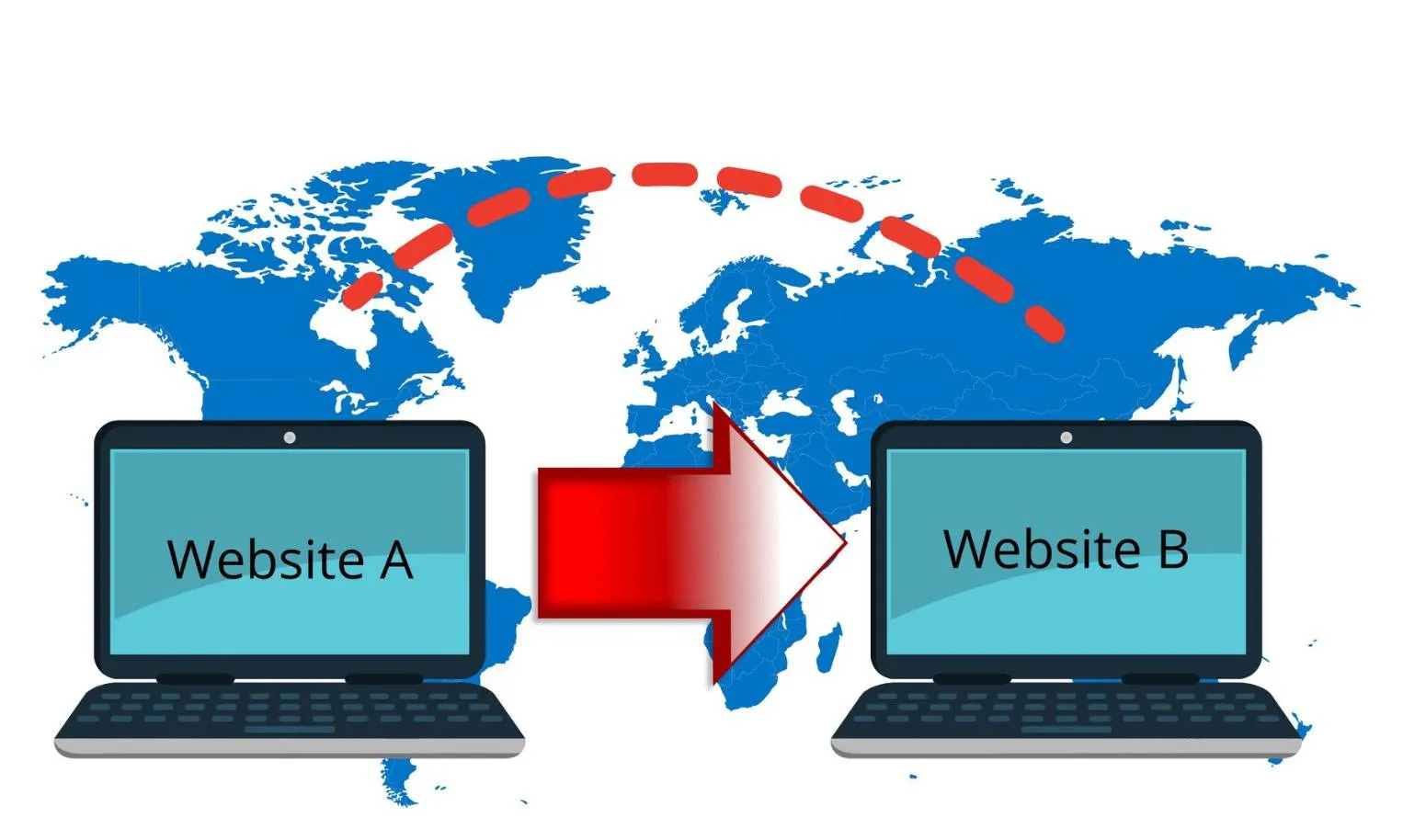
How to Maintain SEO Rankings with Yoast SEO After Site Migration
Website migrations can easily lead to a drop in rankings if not done correctly. By using Yoast SEO correctly, updating Sitemap, setting up 301 redirects, checking canonical tags and internal links, you can maintain SEO performance and optimize the structure of your website.
Yoast SEO Internal Link Distribution Guide: Case Study of an E-commerce Website
Learn how to optimize the internal link layout of your e-commerce website with Yoast SEO. Through practical case studies, master the link distribution strategy for category pages, product pages, and blog content, and comprehensively improve website ranking and conversion.
How to Activate Membership Rewards System through WooCommerce: An Effective Strategy to Create User Loyalty
Learn how to enable membership points system through WooCommerce, configure points acquisition and redemption rules with the help of professional plug-ins, enhance user loyalty and repurchase rate, and create an efficient e-commerce membership incentive mechanism.

How to Activate and Configure Product Filtering in WooCommerce: A Guide to Key Settings that Enhance the Shopping Experience
This guide explains in detail how to set up product filtering in WooCommerce, including basic category filtering and advanced plugin configuration. Learn how to use WOOF and other plug-ins to achieve multi-dimensional filtering such as price, color, brand, etc., to improve the user shopping experience and conversion rate. Suitable for all kinds of e-commerce network...
How WooCommerce Activates and Increases Page Load Speed in Stores: A Comprehensive Optimization Guide
Learn how to activate WooCommerce and improve page load speeds with caching, hosting, CDN, image optimization, and more to create an efficient e-commerce site.

Yoast SEO Tutorial: adding structured data to articles (FAQ Schema, How-to Schema)
Learn how to add FAQ Schema and How-to Schema to WordPress using Yoast SEO to improve post search presentation, increase click-through rate and user experience.

How to combine Yoast SEO and Google Site Kit to improve site performance?
Combine Yoast SEO and Google Site Kit to create a closed-loop system for SEO optimization of WordPress websites. Master the core features and best practices of both plugins to improve website ranking, performance and user experience.

Yoast SEO installation failed? The most common reasons and solutions
What should I do if I fail to install Yoast SEO? This article analyzes 6 common problems when installing Yoast SEO on WordPress, including low PHP version, insufficient memory, wrong file permissions, plugin conflicts and solutions, which will help you quickly get back to using it.

Lazy Loading, Compression and Caching: A Practical Guide to Speeding Up Your WoodMart Site
Master WoodMart's three steps of website optimization: lazy image loading, resource compression, and cache acceleration to easily speed up web pages and improve rankings and conversions.
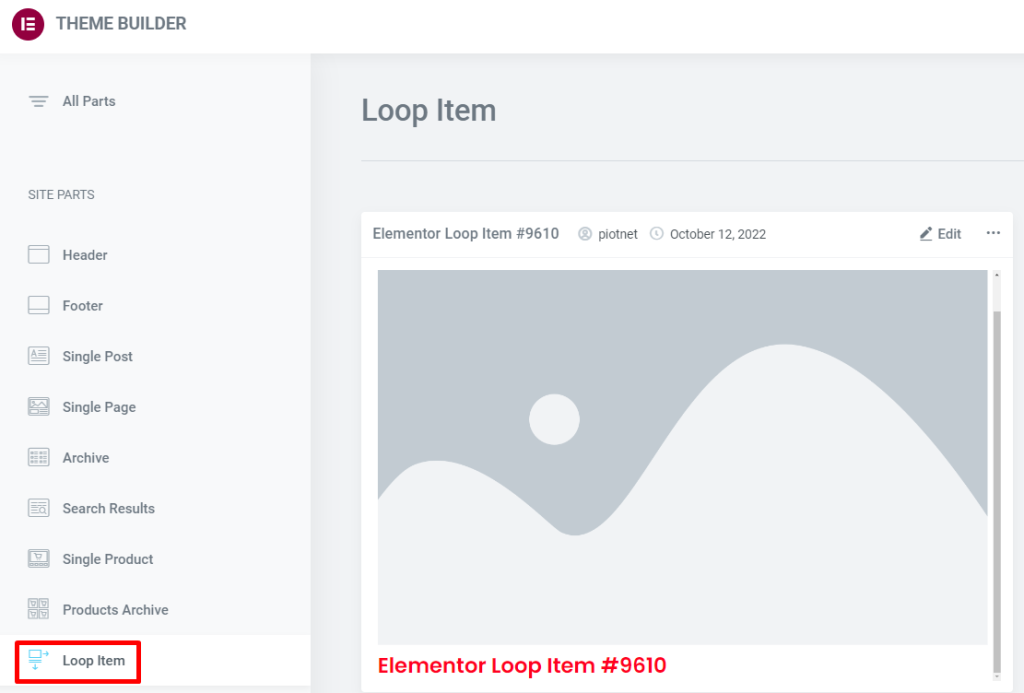
Product List Page with Loop Grid: How to Arrange Price, Rating, and Promotion Labels (Including Settings Location and Steps)
How to Create a WooCommerce Product Listing Page with Elementor Loop Grid: Add price, rating, and Sale Flash badges to Loop Items, set column count, spacing, and responsive layout. Includes solutions for common issues like inconsistent card heights and badge misalignment.
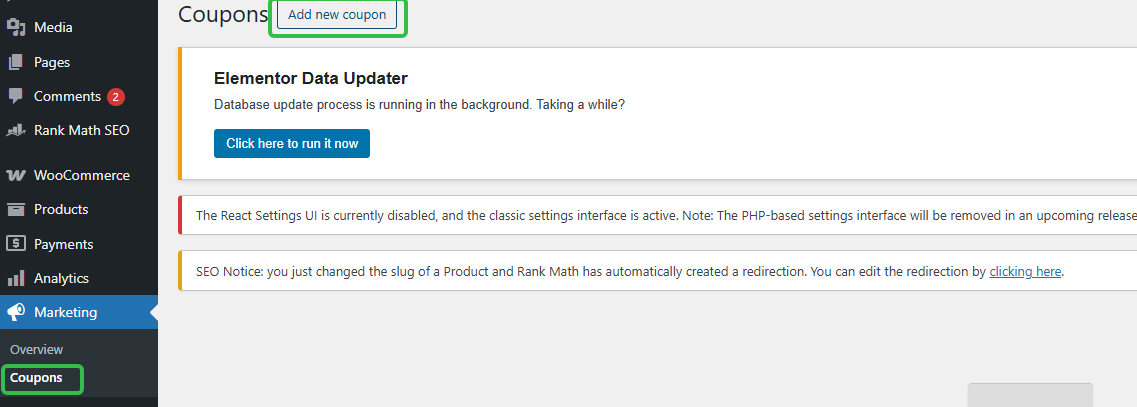
Can I use coupons for subscriptions? Where to set up WordPress subscription coupons (short version)
How to Set Up WooCommerce Subscription Coupons? Locate the backend path in one step, clearly define rules, usage limits, expiration dates, and whether they affect renewals to avoid pitfalls.
90% of people buying the wrong Elementor Pro: is the free version actually good enough?
Is Elementor Pro worth buying? This article compares the core differences between the free version and Pro, and explains the real uses of Theme Builder, forms, pop-ups, and e-commerce page transformations.

WooCommerce How to Activate and Configure Tax Rules and Zones
This article details how to activate and configure tax rules and zones in WooCommerce, including enabling tax functionality, setting national and provincial tax rates, assigning commodity tax classes, and testing that taxes and fees take effect correctly, for both cross-border and local e-commerce users.

WooCommerce API Methods for Updating Product Inventory: A Practical Guide for Developers
Through the WooCommerce REST API, developers can achieve single or batch update of product inventory, reduce manual operations and improve the efficiency of inventory synchronization. This article describes in detail the API Endpoint for updating inventory, PHP sample code, Postman test methods and notes to help ...

How to choose a WordPress backup recovery plugin? A comparison and pitfall avoidance checklist that even a novice can understand
Newbies can also understand the WordPress backup recovery plugin shopping guide: free and paid differences, must-see indicators, UpdraftPlus/WPvivid recommendations, timed backup + cloud backup + retention number setting steps, with a list of common pitfalls.
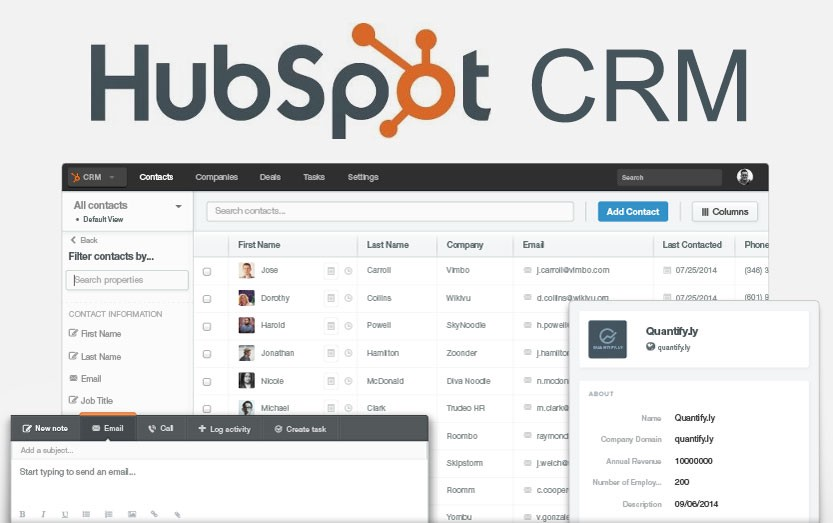
2026 Recommended List of WordPress CRM Plugins: which one is the most hassle-free from lead to close?
Organize 2026 years of saving WordPress CRM plugin: HubSpot, Jetpack CRM, FluentCRM, Groundhogg, etc., with installation and configuration steps, form into the lead, abandonment salvage and automated email templates, suitable for e-commerce and inquiries station fast landing.

How to Efficiently Manage Product Inventory with WooCommerce Batch Tool (Hands-on Guide to WP Sheet Editor Plugin)
With the WP Sheet Editor plugin, you can batch edit WooCommerce product inventory just like Excel, which saves time and makes it easy to manage variants and inventory status.

 简体中文
简体中文  English
  日本語
日本語  Français
  Español



