






The guy was lazy and didn't write anything...




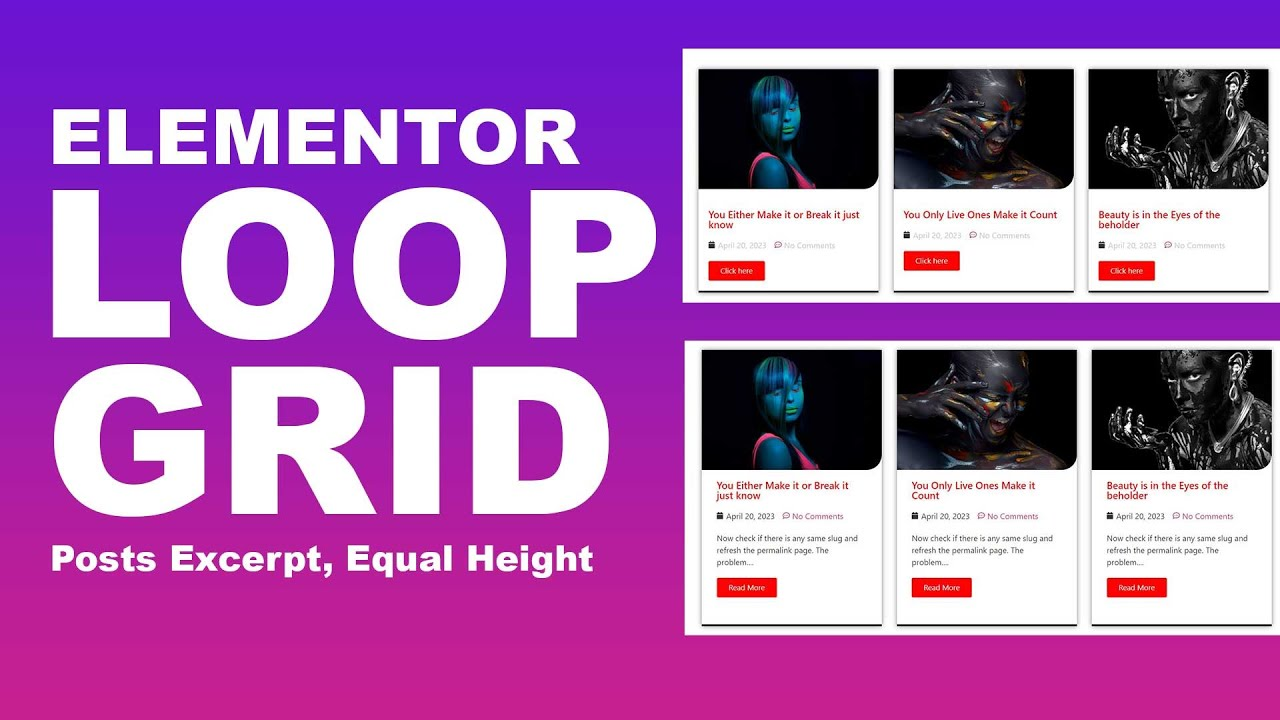
Gutenberg (Query Loop) vs Elementor Loop Grid: Pros, Cons, and Migration Recommendations
Comparing the pros and cons of Gutenberg Query Loop and Elementor Loop Grid, this guide provides selection strategies and migration recommendations for list pages, archive pages, and feature pages—helping you avoid pitfalls and build more reliably.
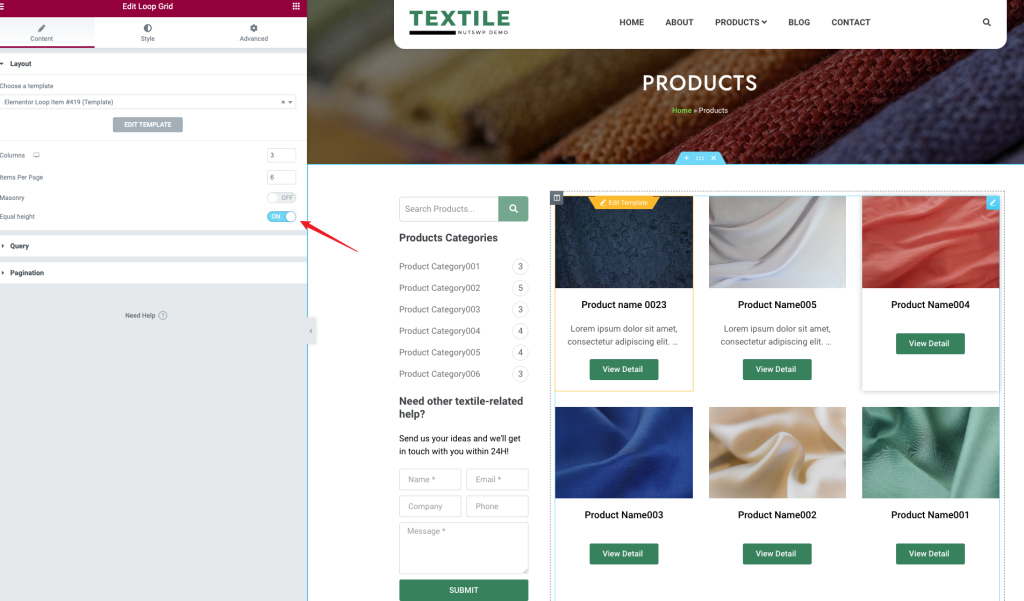
Common Misconceptions About Loop Grid: Looks Like You Know How to Use It, But You're Just Going Through the Motions
Is your Loop Grid list page always messy, unclickable, and failing to update content? This guide breaks down the causes and solutions in simple steps—perfect for beginners to follow and optimize directly.

Loop Grid is Laggy: Step-by-Step Guide to "Where to Look and How to View" Explained in One Go
Is your looping grid lagging? Learn how to step-by-step check TTFB, image size, cache hits, and rendering bottlenecks in your browser, Elementor, and WordPress to quickly pinpoint the cause.
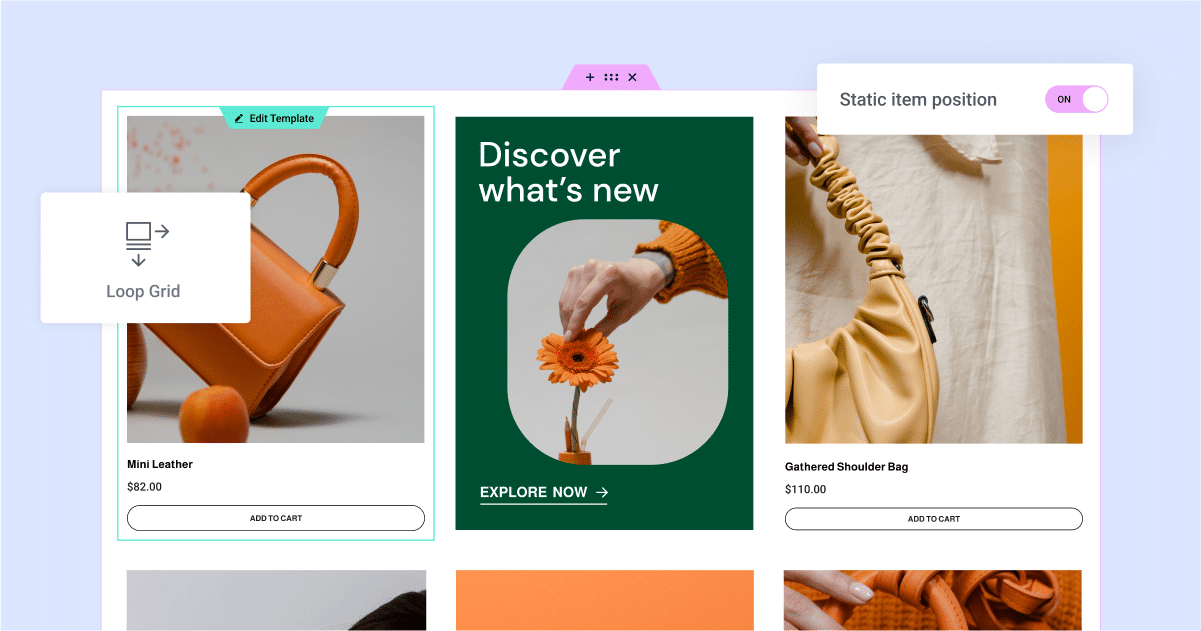
Dynamic Content + Loop Grid: Why It Works for "E-commerce-Style" List Pages
Dynamic content paired with a fluid grid system enables rapid creation of e-commerce-style listing pages: Uniform card design, automatic updates, support for filtering, sorting, and pagination, making maintenance hassle-free.
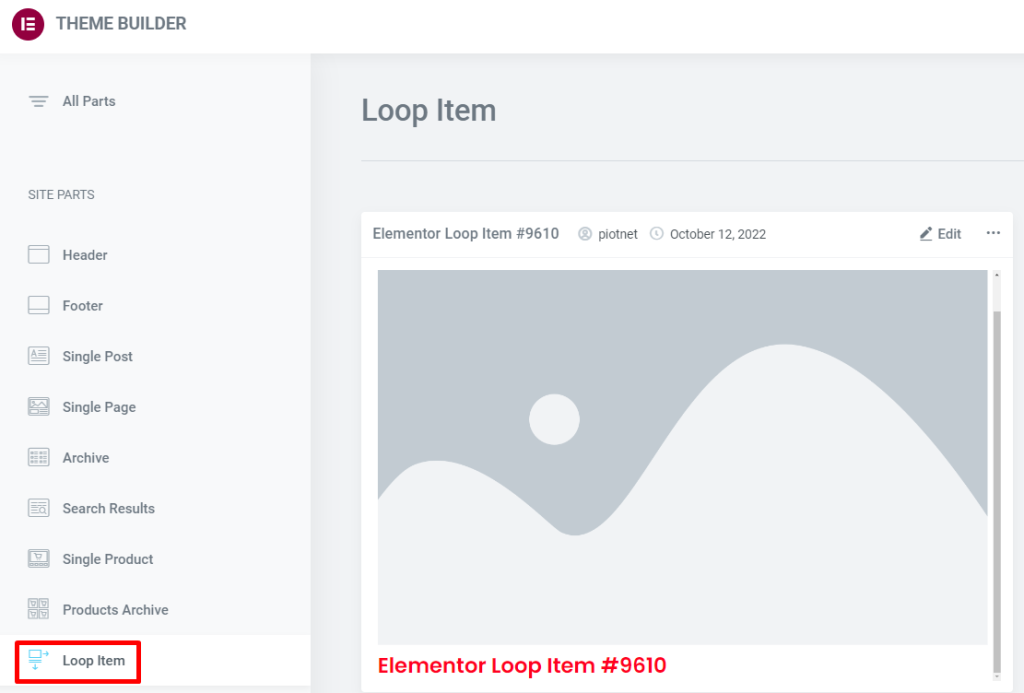
Product List Page with Loop Grid: How to Arrange Price, Rating, and Promotion Labels (Including Settings Location and Steps)
How to Create a WooCommerce Product Listing Page with Elementor Loop Grid: Add price, rating, and Sale Flash badges to Loop Items, set column count, spacing, and responsive layout. Includes solutions for common issues like inconsistent card heights and badge misalignment.
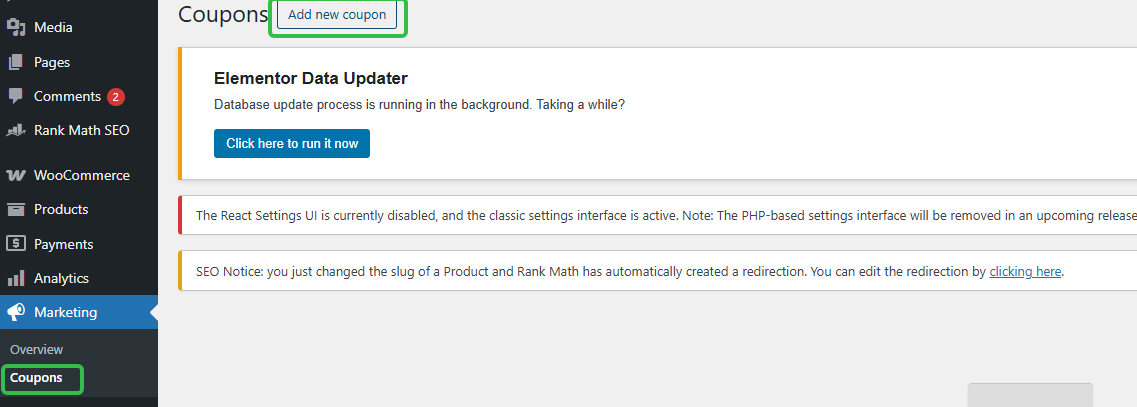
Can I use coupons for subscriptions? Where to set up WordPress subscription coupons (short version)
How to Set Up WooCommerce Subscription Coupons? Locate the backend path in one step, clearly define rules, usage limits, expiration dates, and whether they affect renewals to avoid pitfalls.
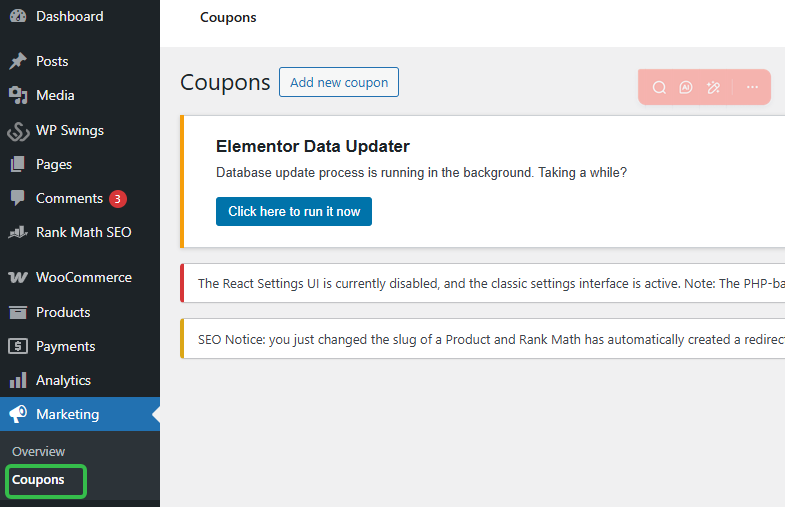
How to Prevent WordPress Coupons from Being Abused? Subscription Coupon Usage Limits and User Restrictions Settings
Learn how to prevent coupon abuse and maximize business profits by setting usage limits and user restrictions on your WordPress site.

How to Optimize WordPress Page Load and Indirectly Improve Page Inclusion Efficiency with MP4 Video Compression
This article systematically explains MP4 video in WordPress page load and compression optimization methods, combined with the search engine crawling mechanism, explains in detail how the video volume and loading method affects the page performance and inclusion efficiency, and provide direct reproduction of the parameter recommendations and practical solutions, suitable for ...
How to Set Up First Month Free/First Order Discount: Using Discount Rules as an Example
Configure WooCommerce first-order discounts and initial zero-cost offers with the free Discount Rules for WooCommerce plugin: Set up first-order conditions, 100% discounts, subscription product restrictions, anti-abuse limits, and launch self-test checklists all in one go.
Does Elementor Lightbox have any impact on SEO? How search engines crawl pop-up content
This article systematically analyzes whether Elementor Lightbox affects SEO, from the search engine crawling mechanism, JavaScript rendering logic to the actual implementation of Elementor pop-up windows, in-depth analysis of what content can be safely put into the Lightbox, what practices may affect the inclusion and ...

Subscription + Coupon Causing Amount to Become 0? Order Anomalies and Tax Calculation Fix Guide (Free Plugin Example)
WooCommerce Subscription Products: Amount Becomes Zero, Tax Calculations Erratic, Checkout Fails After Applying Coupons? This article demonstrates setup steps and troubleshooting sequence using the free plugin Subscriptions for WooCommerce to quickly fix order and tax calculation anomalies.
How to Optimize Subscription Page SEO for Better Conversion? Title Structure, FAQs, and Trust Modules Checklist
Subscription Page SEO Best Practices: Above-the-fold content, plan comparisons, FAQs, and trust-building elements checklist. Includes WordPress setup steps to boost subscription conversion rates.

The Real Reason Why Some Developers Are Turning Off Nexter Blocks: An Explanation & SEO Guide to Technology Selection
In this article, we analyze why some developers have reservations or even aversion to Nexter Blocks from the perspectives of technology selection, real development experience, maintainability, and long-term SEO risks, and summarize the judgment criteria and directly practical suggestions to avoid pitfalls in combination with actual use scenarios....
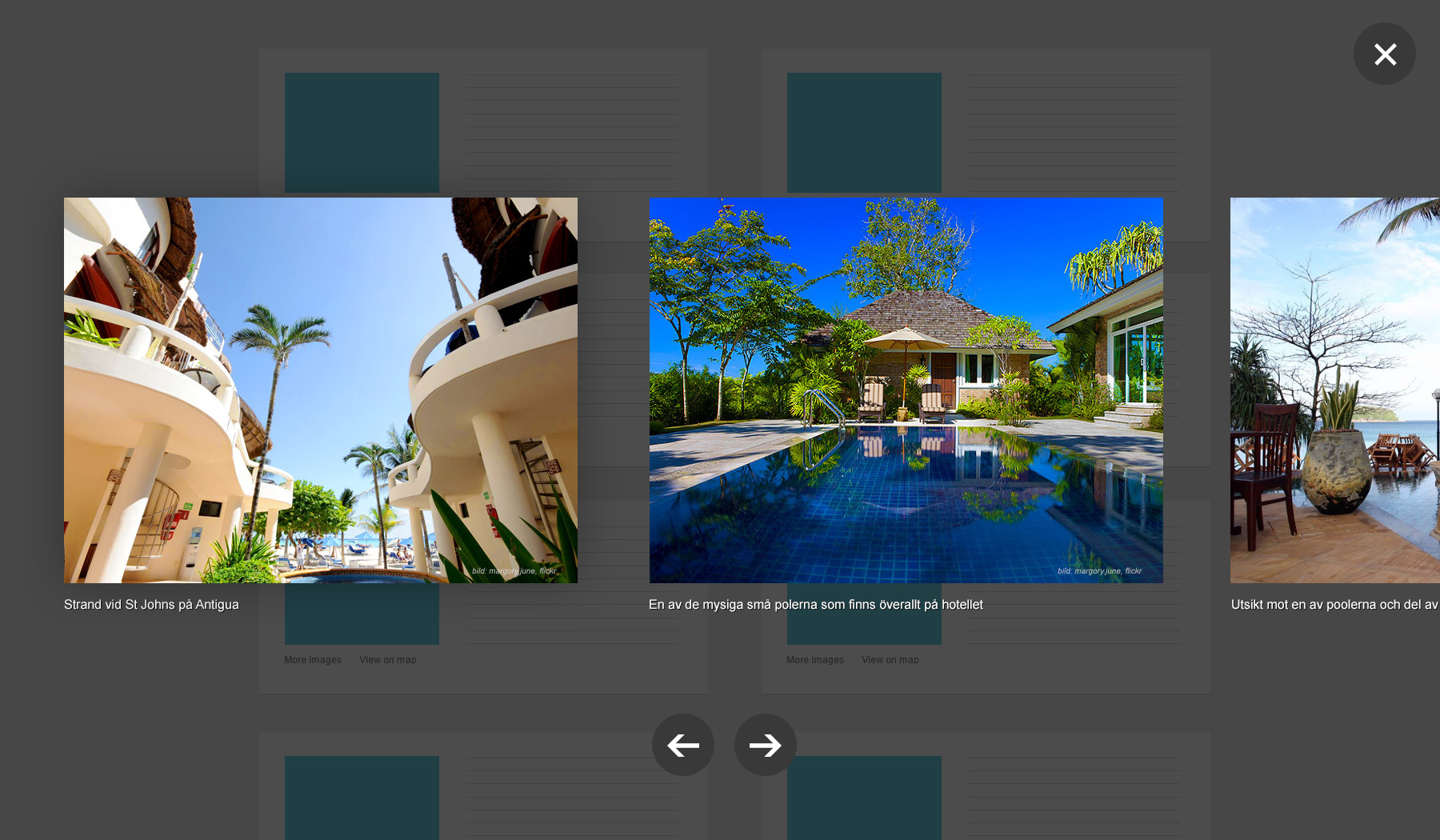
Elementor Free Edition vs Pro Edition: Lightbox Feature Differences Comparison
This article systematically compares the real difference between Elementor free version and Pro version in terms of Lightbox features, from the principle of implementation, setup method to the actual use of the scenario, a detailed analysis of whether it is necessary to upgrade to Pro for Lightbox, suitable for WordPress newcomers and advanced users to refer to ...
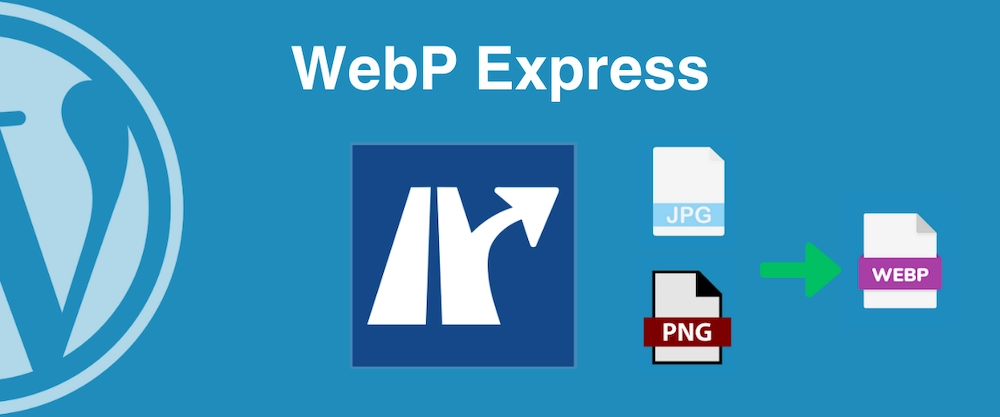
WordPress Auto-Convert to WebP Plugin Review: WebP Express vs EWWW vs LiteSpeed Cache
Learn how to automatically convert images to WebP format using the EWWW Image Optimizer plugin in WordPress to boost your website's loading speed. With simple setup, batch optimize existing images and effortlessly enable WebP.

WooCommerce translation plugin how to choose? WPML, Polylang, TranslatePress Applicable scenarios
WooCommerce Translation Plugin Options: Compare WPML Multilingual SEO, Polylang & TranslatePress Visual Translations, Getting Started Is Faster & Less Hassle.
What must be translated for WooCommerce in a WordPress multilingual site?
WooCommerce Doing multilingual e-commerce, what must be translated to not affect orders? Product, Cart, Checkout, Order, Payment & Policy Lists + Setup Essentials all at once.
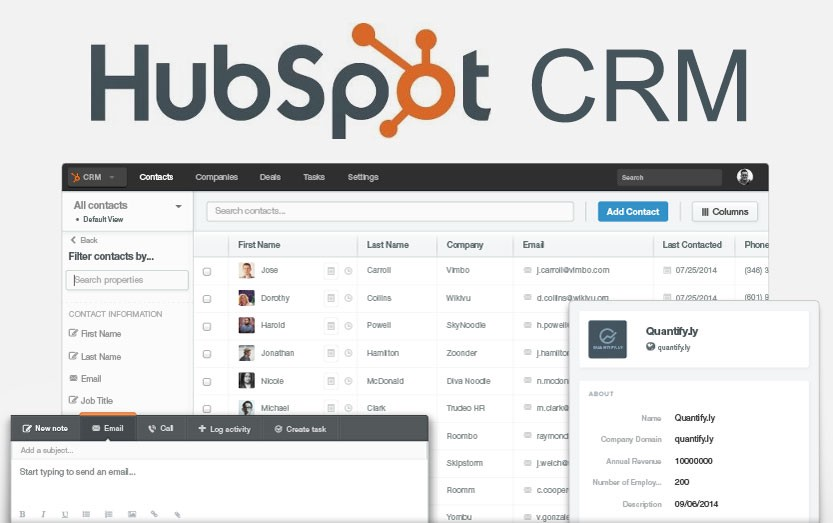
2026 Recommended List of WordPress CRM Plugins: which one is the most hassle-free from lead to close?
Organize 2026 years of saving WordPress CRM plugin: HubSpot, Jetpack CRM, FluentCRM, Groundhogg, etc., with installation and configuration steps, form into the lead, abandonment salvage and automated email templates, suitable for e-commerce and inquiries station fast landing.
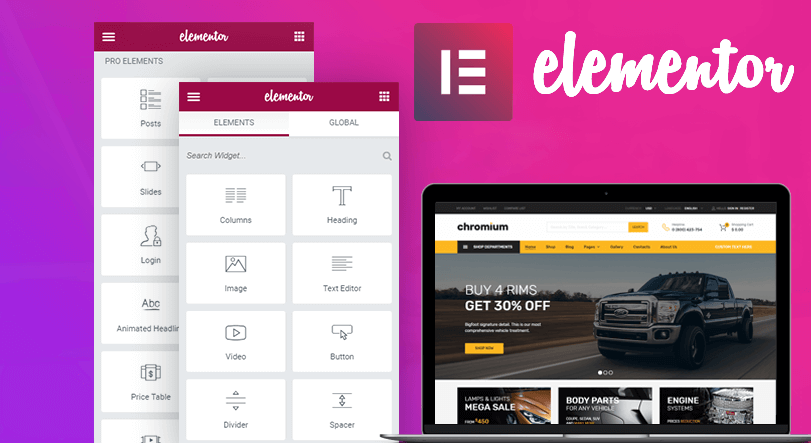
How to choose Elementor plugin template plugin? Newbies use these 4 feature points to quickly make high converting pages
Organize Elementor plug-in template plugin selection points: template library, responsive, custom, import and export. With clear setup steps and optimization suggestions, newbies can also quickly make high conversion page.
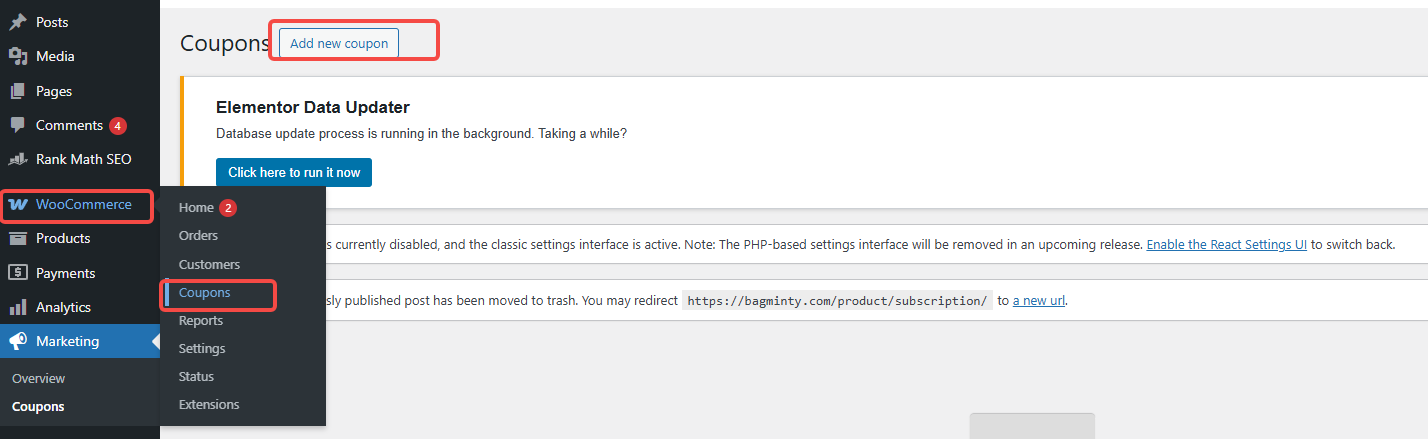
How to do renewal discounts without losing money?4 ways to play with WordPress to set up subscription renewal coupons
Teach you to set up renewal coupons in WordPress/WooCommerce with product ID hierarchy: monthly minus 5, quarterly minus 20, yearly minus 80, with clear limitations and better renewals without losing discounts.

What is the WordPress Subscription feature? What products and services are suitable
WordPress subscription feature is suitable for content memberships, service packages and regular replenishment. This article explains what the subscription model is, which products it is suitable for, and provides free landing methods and page write-ups for email subscriptions, membership subscriptions, and auto-debit.

How do WordPress subscription product refunds work? Refund Rules and Compliance Advice for Coupon Orders
Learn how to handle refunds for WordPress subscription products and coupon orders, set up compliant refund policies, and avoid complaints and legal issues.
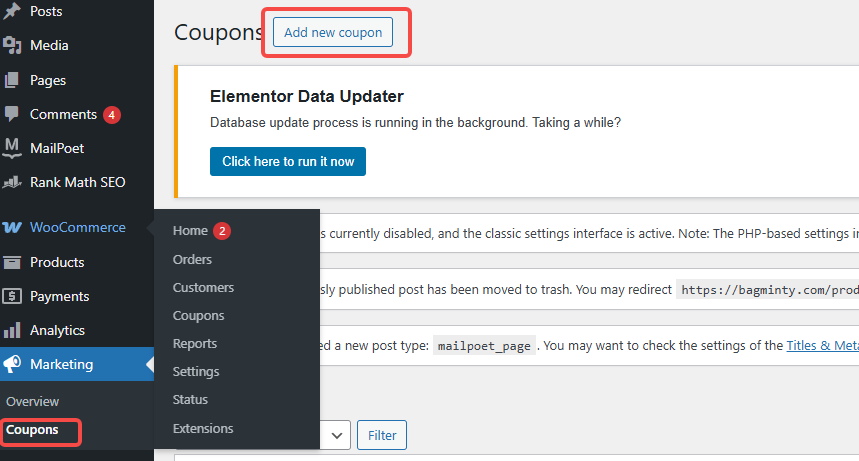
Coupon not working? Check These 5 Places First (WooCommerce General)
In WooCommerce, coupons that don't work can affect sales and customer experience. This article describes five common checkpoints to help merchants solve the problem of coupons not working and improve the effectiveness of promotions.
90% of people buying the wrong Elementor Pro: is the free version actually good enough?
Is Elementor Pro worth buying? This article compares the core differences between the free version and Pro, and explains the real uses of Theme Builder, forms, pop-ups, and e-commerce page transformations.
Elementor Pro getting stuck? The Ultimate Optimization Tips to Improve Website Speed Revealed!
Find out how Elementor Pro may affect website loading speed? Improve the loading speed and performance of your Elementor website by optimizing images, enabling caching, reducing plugins, optimizing databases, and more to ensure a smooth user experience.
The Best Comparison: Free vs. Paid WordPress Image Compression & Watermarking Plugins, Which is Better for You?
Explore common free and paid image compression and watermarking plugins for WordPress, including Smush, EWWW Image Optimizer, WP Rocket, Imagify, and more, to help you optimize your images, increase site speed, and protect original content.
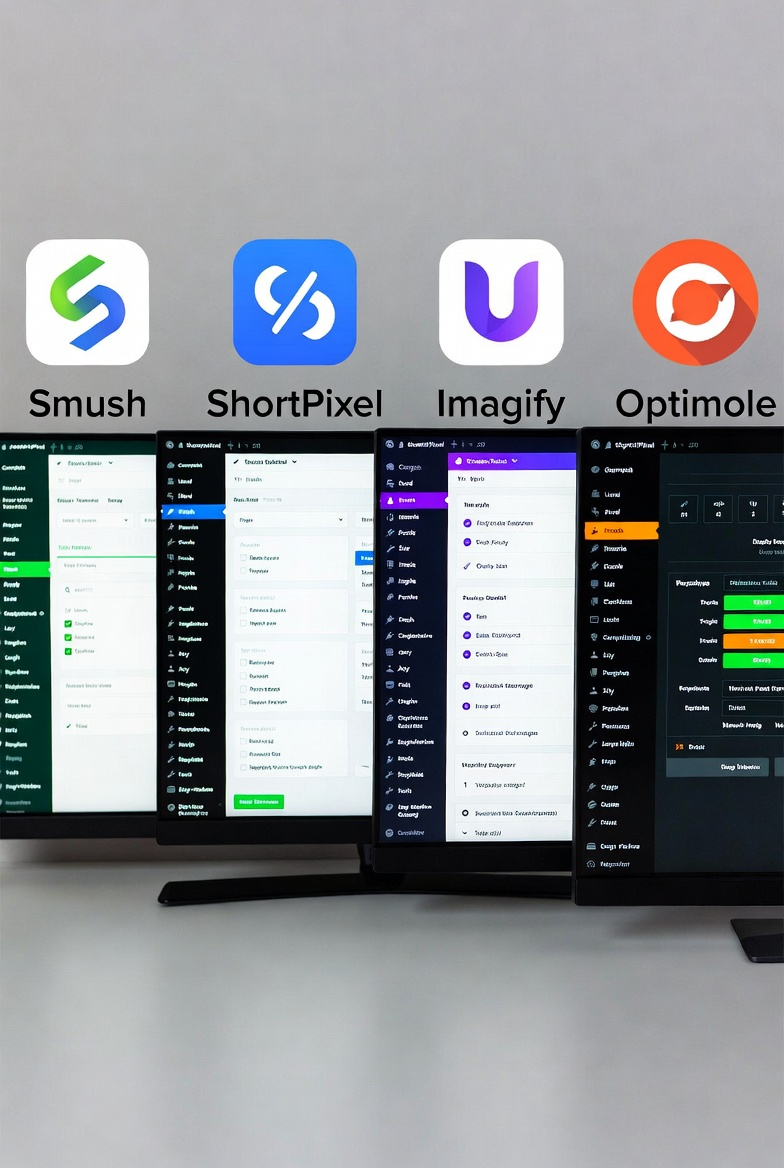
A Practical Guide to WordPress Image Compression Plugin to Easily Improve Website Loading Speed
Detailed explanation of the role of WordPress image compression plug-ins and settings, covering plug-in selection, automatic compression, size control and batch processing techniques to help reduce the size of the site images, improve page load performance, suitable for novice webmasters to quickly get started using.
Quickly boost website speed & protect copyrights! Choose the most powerful WordPress image compression and watermarking plugin!
Want to make your website load on the fly and protect image copyrights? Choose the most powerful WordPress image compression and watermarking plugin to improve user experience, beat slow loading problems and boost SEO rankings!

How to make Polylang work seamlessly with SEO plugins to improve multilingual site ranking?
Learn how the Polylang plugin works seamlessly with the Yoast SEO or Rank Math plugins to optimize your multilingual site, boost SEO rankings, and attract more global users.

How to choose a WordPress backup recovery plugin? A comparison and pitfall avoidance checklist that even a novice can understand
Newbies can also understand the WordPress backup recovery plugin shopping guide: free and paid differences, must-see indicators, UpdraftPlus/WPvivid recommendations, timed backup + cloud backup + retention number setting steps, with a list of common pitfalls.

 简体中文
简体中文  English
  日本語
日本語  Français
  Español



