





arrange in order
How does Astra Register & Login prevent spam registrations? Plugin Recommendations (Free Programs)
When building a membership or e-commerce site with Astra, it's crucial to prevent spam signups. In this article, we recommend 4 free plugins, including CAPTCHA verification, email activation, brute force login prevention and cloud protection solutions to help you quickly build a secure and efficient registration system.
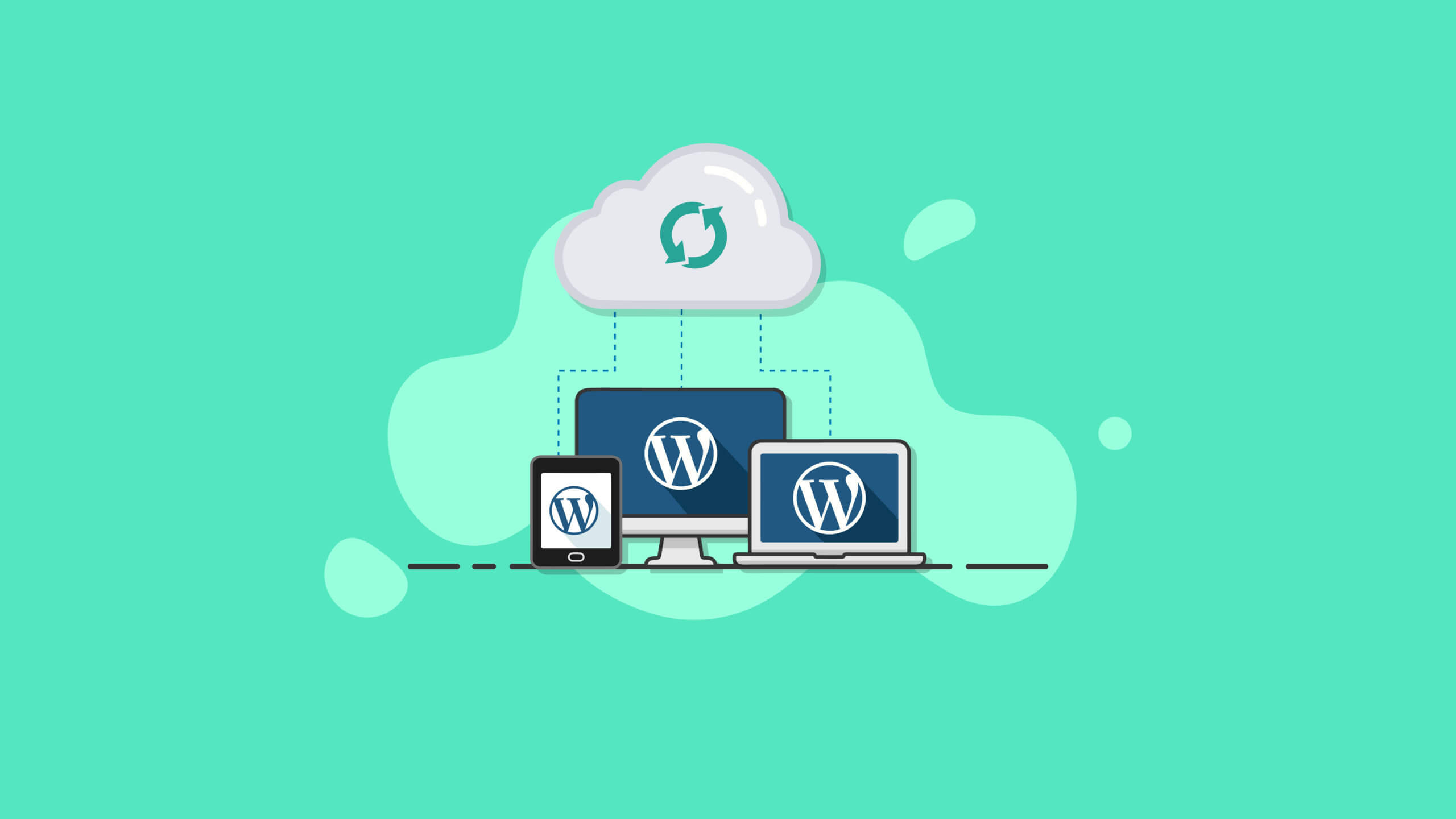
Best Practices and How-To's for Regularly Backing Up Your WordPress Site
Learn how to set up automatic backups and develop a backup strategy to ensure WordPress site security and data integrity with backup plugins like UpdraftPlus.

Create an interactive timeline page with Avada, are you using these hidden features correctly?
Explain the 8 hidden tricks of Avada Builder for building interactive timeline pages to help you create visually flexible and powerful content displays.

Practical Guide to Customizing Tab Content on WooCommerce Product Detail Page (e.g. Adding "After Sales Service", etc.)
Teach you to use code to add custom tabs for WooCommerce product detail page, such as "After-sales service", no plugin, simple and efficient, support a variety of content display.
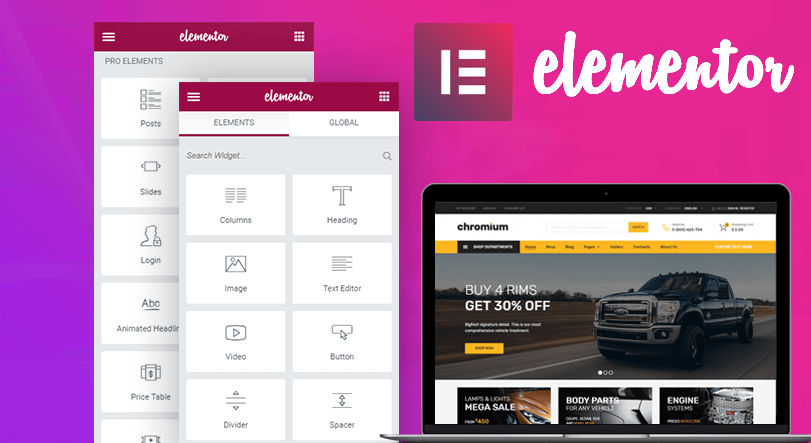
Free Elementor templates to implement video background design tutorials
Quickly add video backgrounds with free Elementor templates to optimize visual effects and enhance web appeal and page presentation.
Astra + Gutenberg: a simple way to customize the login registration block
Use Astra with Gutenberg to quickly create beautiful, secure front-end login and registration forms for e-commerce and membership sites without programming.
Determine if your WordPress site requires a CDN for the region you are visiting?
Analyzes access distribution, loading speed, traffic conditions, and other factors to help you determine if a WordPress site is a good candidate for a CDN.

How to Install WP-CLI on Linux
This article describes in detail how to install WP-CLI on a Linux system, covering the process of downloading the Phar build file, checking the file for executability, turning it into an executable, and testing the installation process, allowing you to manage your WordPress website more efficiently from the command line.

How to Personalize Content Display with Blocksy Content Blocks + Conditional Logic
Use Blocksy Content Block + Conditional Logic feature to display personalized content for different users, such as sign-up guides and exclusive member offers, to improve conversion and user experience.
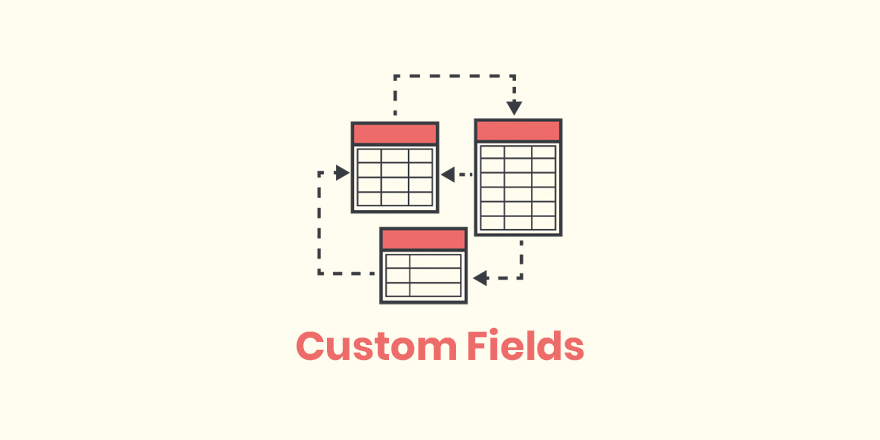
What are the fields that WordPress hides by default? Is it possible to restore the display?
Learn what WordPress default hidden fields do, how they are displayed, and useful tips for using plugins to view hidden fields.

Logged in users see hidden information? Easy to fix with code (for WooCommerce product pages)
Want to add "Login User Only" content to your WooCommerce product pages? This tutorial teaches you to use simple code to determine the state of the user, to realize the exclusive information display, without plug-ins, fast online.

How to Install the TranslatePress Plugin - A Quick Start Guide for Multilingual WordPress Websites
Want to make your WordPress website support multi-language switching? This tutorial shows you how to install and setup the TranslatePress plugin to build visual, multilingual, auto-translating websites step by step, without coding basics.
TranslatePress Conflicts with Other Plugins? How to Troubleshoot Compatibility Issues
Using TranslatePress to do multi-language station encountered plugin conflicts or page abnormalities? This article teaches you how to quickly troubleshoot compatibility issues, solve the page does not display, language switching errors and other common failures, so that the site back to normal operation.

What does the free version of TranslatePress do? What is the difference between it and the paid version?
Detailed comparison of TranslatePress free version and paid version of the functionality of the differences between personal blogs, corporate websites and cross-border e-commerce reference, to help you choose the most suitable multi-language plug-in program.

How does TranslatePress set up multilingual content for WooCommerce products?
Detailed tutorial teaches you how to set up WooCommerce product multilingual content with TranslatePress to realize complete translation of title, description, variants, etc., and easily open cross-border e-commerce.
How to Reset WordPress Password with WP-CLI
Learn how to quickly reset your WordPress password using WP-CLI for VPS environments. Manage WordPress from the command line to increase efficiency and save time.
Domestic vs Foreign CDNs: How should WordPress users weigh in?
Comprehensive comparison of the characteristics and differences between domestic and foreign CDNs, for WordPress websites to choose the right acceleration program to provide a practical reference, suitable for newcomers and developers to read.
![TranslatePress How to do after switching language page jump incorrectly? [Detailed solution guide] - Photon Flux | Professional WordPress repair service, worldwide, fast response!](https://www.361sale.com/wp-content/uploads/2025/06/20250625110347862-image.png)
What should I do if the page jumps incorrectly after switching the language of TranslatePress? Detailed solution guide
Solve TranslatePress switch language jump error problems, including jump to the home page, 404 page, language does not correspond to the causes of common failures and practical solutions.
WordPress website building cost analysis: personal website building budget in 2025
Detailed analysis of the cost of building a website with WordPress for individuals in 2025, covering domain names, hosting, themes, plug-ins and other budgetary elements to help webmasters reasonably plan the cost of building a website.
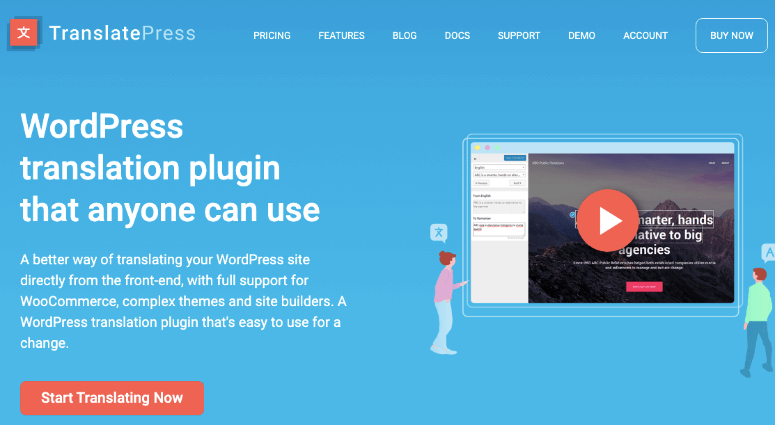
How does TranslatePress set up different menus for different languages?
Learn how to set up exclusive menus for different languages in TranslatePress, including the menu translation function and conditional menu plugin, to enhance the professionalism and user experience of your multilingual website.
How do I manage post custom fields with a plugin without writing code?
Learn how to use the ACF plugin to easily add and manage custom fields in WordPress without programming and improve your website content structure and management efficiency.
Is Yoast SEO Free enough? For which users?
Is the free version of Yoast SEO enough? This article analyzes the feature differences, which users it is suitable for, and whether it is worth upgrading to the paid version in one article.

How to read the SEMrush weight chart? Chart changes interpretation and operation tutorial
Detailed analysis of SEMrush weight chart view method and determine the fluctuation skills, with steps to help you grasp the keyword traffic trends and site performance changes.
TranslatePress page translations not working? Try this setting!
Experiencing invalid translations on TranslatePress pages? This article teaches you to troubleshoot saving, caching, and other issues to quickly restore multi-language display.
How to Create a Personal Blog with WordPress: Hottest Features and Plugins for 2025
Learn how to build your personal blog with the new 2025 WordPress features and plugins to improve SEO, interactivity, and user experience to help your blog succeed.

Yoast SEO Plugin Installation and Basic Setup Tips
It's easy for newbies to get started! A comprehensive explanation of the Yoast SEO plugin installation, configuration, and usage tips to quickly improve your WordPress website's search engine rankings.

Performance Differences Between WordPress Optimization with CDN and Traditional Hosting
CDN can help WordPress websites to improve global access speed and reduce hosting load, what are the optimization advantages over traditional hosting? You'll understand after reading this article.

How to Integrate CDN with WoodMart for Fast Global Access
Learn how to integrate a CDN with the WoodMart theme to improve website loading speeds globally, optimize the user experience, and improve e-commerce website performance.
How does Yoast SEO set up a Site Map (XML Sitemap)?
Enable XML sitemap quickly with Yoast SEO plugin to improve page indexing efficiency. Graphic explanation sitemap setup and Google submission steps, novice can easily get started!
How to display more friendly on mobile when there are too many fields? Scrolling and Collapsing Tips Explained
When displaying a large number of custom fields on mobile, the page may look crowded and confusing. This article introduces a variety of WordPress no-code field collapsing and scrolling display methods to improve structural clarity and readability.

 简体中文
简体中文  English
  日本語
日本語  Français
  Español



