





arrange in order

Hello Biz: A WordPress Theme Tailored for Beginners
Hello Biz is a WordPress theme designed for small businesses and freelancers that is easy to use and offers professional templates and widgets to help you quickly build a responsive website and launch your online business.
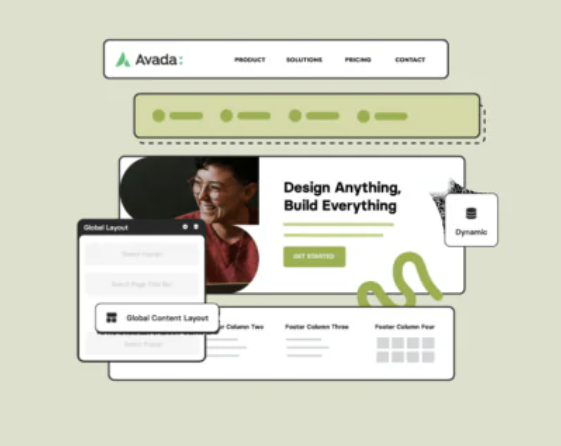
Avada page title bar settings in detail: from basic to advanced
This article explains how to set and customize page title bar in Avada theme, from enabling/disabling title bar to adjusting style, font, background and breadcrumb navigation. Enhance your website's user experience and SEO results with these settings!

Elementor AI: How to use AI to modify CSS and code to beautify your login page
Enhance your login page design with Elementor AI modifications to CSS and code to optimize page load speed, enhance interactivity, save development time and improve user experience. This article details how to customize buttons, backgrounds, fonts, and animations with AI to create engaging...

2025 Image Optimization Guide: essential tips to improve website speed and SEO rankings
Image optimization continues to be an important factor in website performance. This article breaks down 2025 image optimization best practices in detail, including choosing the right image format, resizing, compressing images, enabling lazy loading, optimizing metadata, and more, to help improve website speed and SEO rankings.
Beginner's Bible: Master WordPress image sizing and optimization methods to quickly improve site performance
Understand WordPress image sizes and why they are generated, and learn how to manage and optimize image sizes to improve website loading speed and reduce storage footprint. This article will also cover how to compress multiple image sizes using image optimization tools to ensure website performance and user experience.

The Beginner's Bible: 10 Golden Rules for Building Fully Responsive Websites with Elementor
Learn how to create a perfectly responsive website with Elementor. This article covers 10 key tips, from mobile-first design to image optimization, to help you boost your site's performance and optimize the user experience on different devices.
How to Fix 502 Bad Gateway Error: Troubleshooting and Repair Methods
502 Bad Gateway error can be caused by a variety of reasons, this article will introduce detailed troubleshooting steps and solutions to help you quickly fix the 502 error and restore your website to normal operation.

Experiencing WordPress Content Page 404 Error? A Step-by-Step Guide to Fixing It
Experiencing 404 errors on WordPress content pages? This article provides a variety of fixes, including checking fixed links, fixing .htaccess files, disabling plug-ins to rule out conflicts, emptying the cache, etc., while providing tips to prevent 404 errors from happening again, to help improve website stability and SE...
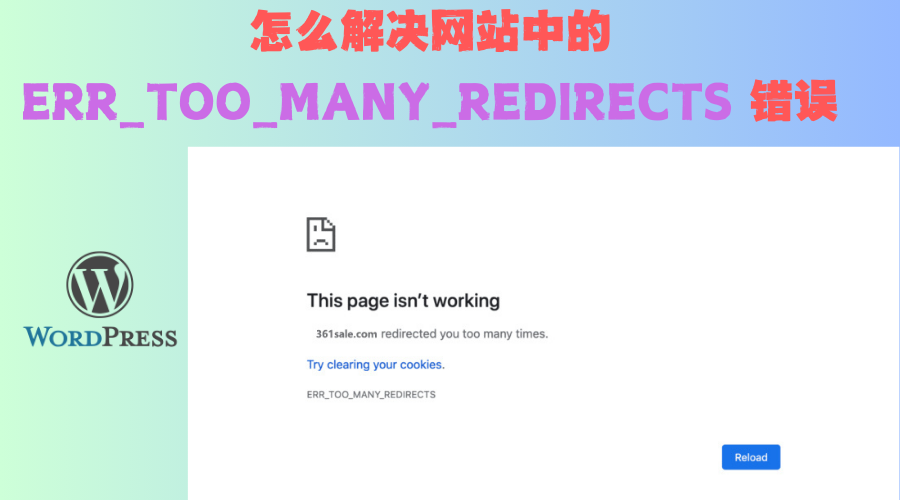
How to Fix ERR_TOO_MANY_REDIRECTS Error in WordPress Website: Complete Fix Guide
Experiencing ERR_TOO_MANY_REDIRECTS error on WordPress website? This article provides detailed steps to help you clear your browser cache, check SSL settings, disable plugins, fix .htaccess files, troubleshoot CDN configuration, etc. to resolve redirection loops and make your...

WordPress Multisite Updates and Maintenance: How to Avoid Compatibility Issues and Reduce Maintenance Effort
Learn how to effectively manage WordPress multisite updates and maintenance, avoid compatibility issues, and reduce administrative workload. Explore backup strategies, plugin management, automatic update settings, security and performance optimization, and other practical tips to ensure stable site operation and efficient management.

WebP's Impact on SEO: How to Boost Rankings by Optimizing Images
WebP is an efficient image format that reduces file size and increases loading speeds to optimize website performance and improve SEO rankings. By using WebP plugins, Lazy Load, CDNs, and optimized image tags, websites can improve user experience, reduce bounce rates, and increase...
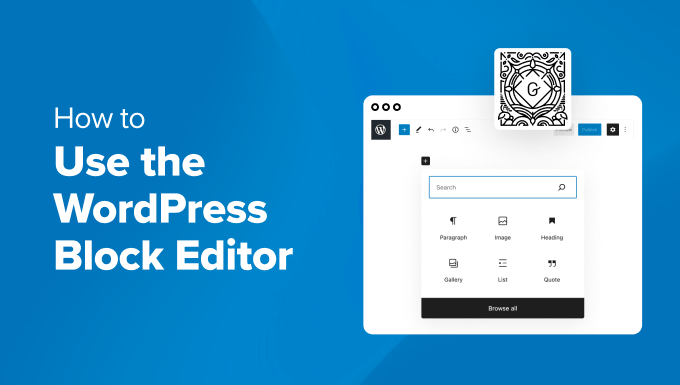
How to Quickly Build an Effective and Professional WordPress Website with the Gutenberg Editor
A detailed look at how to create effective WordPress websites using the Gutenberg editor, including block theme selection, global style customization, template creation, and SEO optimization tips for both novice and experienced developers.

How to Add a Mega Menu to a WordPress Website: A Step-by-Step Tutorial
Learn how to add a mega menu to your WordPress website using the Max Mega Menu plugin. This tutorial provides a step-by-step guide to help you create feature-rich, visually appealing navigation menus that enhance user experience and website usability.
WooCommerce Inventory and Order Management Guide: Taking Full Control of E-Commerce Operations
When using WooCommerce for e-commerce website management, inventory and order management is the key to ensure the smooth operation of your business.WooCommerce provides a lot of built-in features to help merchants manage inventory and orders easily. WooCommerce provides many built-in features to help merchants easily manage inventory and orders.
How to set the maximum number of products per user in WooCommerce?
When running a WooCommerce e-commerce platform, limiting the maximum number of products that can be purchased by each user is a very useful feature, especially when you need to sell limited edition products or manage inventory. With this feature, you can ensure a fairer distribution of products and avoid a few users...

How to Implement Floating Contacts on WordPress with Chaty
In today's fast-paced internet world, it's crucial to maintain real-time communication with your users. With the Chaty plugin, you can implement a floating contact feature on your WordPress website to enhance user experience and increase conversions. Increase your orders. Step 1: Install and activate Chat...

How to Enable Multi-Currency Functionality in WordPress Themes with the FOX Currency Switcher Plugin
In a previous post there was written about the implementation of multi-currency functionality, but since it's going to be charged, I brought another free multi-currency plugin to use. Of course he also has a paid version, but free is basically enough. In a cross-border e-commerce scenario, providing multi-currency payment options is a great way to enhance...

How to Use the Rank Math Plugin for SEO on WordPress
Rank Math is a powerful and easy-to-use SEO plugin for WordPress that can help you optimize your website content and improve search engine ranking. 1.Install and setup Rank Math plugin Steps: Go to WordPress backend, click "Plugins" > "...

How to Integrate Join.chat Live Chat Feature in WoodMart Theme
In order to enhance user experience and provide customers with a convenient communication channel, integrating real-time chat is one of the essential features of modern e-commerce websites.Join.chat is a very popular real-time chat plugin, which is especially suitable for integrating WhatsApp chat to help you realize with customers...
How to Modify Footer Copyright Information in WordPress Themes
The footer is an important part of a WordPress website, often used to display copyright information, privacy policy, terms of service and contact information. By default, many WordPress themes automatically generate footer copyright information, such as "© 2024 Powered by Wor...

How to Enhance User Review Experience with Customer Reviews for WooCommerce Plugin: Optimization and Hands-on Guide
On the back-end of the Wordpress site. If you have installed WooCommerce (e-commerce plugin) , itself provides the basic evaluation function, but in order to further optimize the user experience and enhance brand trust, Customer Reviews for WooCommerce plugin on the basis of this...

How to implement multi-language support in WoodMart theme: detailed tutorial and plugin advantages and disadvantages analysis
For e-commerce websites using WoodMart theme, adding multi-language support can improve user experience and market coverage. So how do we go about adding this feature and how do we choose it? Why choose multilingual support? Adding multilingual support to a website has multiple good...

How to Submit Chinese Website to Baidu Maps: Detailed Step-by-Step Guide
When your website content and update a part, also well optimized, that how to submit the Chinese site of the Baidu map? Of course, the English site can also be, please follow the steps below: With the submission of Google Maps is almost the same, we go to the "Baidu search resource platform (Baidu Webmaster)". The map ...

WordPress Multi-Domain Redirection Setup Guide
When running a WordPress website, you come across situations where you need to redirect multiple domains to one main domain. Whether it's for SEO optimization, to unify your brand image, or to avoid user confusion, it's important to set up your redirects correctly. Why do you need multiple domain redirects? 1. to unify...

WordPress Reset Password: A Complete Detailed Guide
Forgotten passwords for WordPress websites are a common problem. The good news is that WordPress offers a variety of ways to reset your password so that you can easily regain access to your website. I will describe these methods in detail, including using the built-in password reset feature, resetting through the database...

How to Set Up Multiple Domains in WordPress
Using multiple domains to access and manage the same WordPress site can increase flexibility and scalability. This article will detail the steps and practicalities of setting up multiple domain names in WordPress. 1. Why use multiple domain names? There are several benefits of using multiple domain names: Branding:...

How to Add and Efficiently Manage Products in WooCommerce
Adding and Managing Products Before you can sell anything, you first have to have something to sell. That's why choosing and managing products is one of the most important aspects when opening a store. Getting Started with Product Management in WooCommerce On the WooCommerce platform, adding products may seem...

A Complete Guide on How to Add, Remove and Customize Sidebars in WordPress
What is a WordPress Sidebar A WordPress sidebar (Sidebar) is an area of a website layout that is usually located on the left or right side of a page, but can also be located at the top or bottom of a page. The main function of a sidebar is to display additional content, provide navigation, enhance user...

How to Block IP Addresses in WordPress
Every webmaster or administrator has run into a headache: the comment section is bombarded with spam like crazy, but those spammers always seem to find a way to get around all kinds of protection. The good news is that IP blocking can help you solve this trouble. An IP address is the name of every...

Mastering the WordPress Block Editor: A Guide to Advanced Tips for Improving Efficiency and Functionality
If you're using the WordPress block editor (also called Gutenberg), you may have come across some less intuitive features. If you're using a block theme and operating in the site editor, you'll find that some of the actions may not be as obvious. Here are some simplified...

 简体中文
简体中文  English
  日本語
日本語  Français
  Español



