





arrange in order

How to add a "members only" download feature to a WordPress website? Full Tutorial
Quickly implement members-only downloads for your WordPress site with the Simple Membership and Download Monitor plugins, no coding required.
WordPress Sidebar Setup Tutorial: From Getting Started to Custom Layouts
Comprehensive analysis of WordPress sidebar settings and customization techniques, covering widget management, page template selection, Elementor custom layout and conditional display methods.
Creating a Fast WordPress Image Experience: WebP and Cloudflare Technology Integration Explained
By combining the WebP image format with Cloudflare CDN, WordPress website images are loaded extremely fast, improving page performance and SEO results.

Heartbeat Plugin Review: Comparative Analysis of WordPress Performance Optimization Tools
Compare three mainstream WordPress Heartbeat management plugins to help you reduce your backend resource usage, improve your website performance, and choose the most suitable optimization tool.

WordPress auto-generated Sitemap and plugin generation what is the difference between
Compare the difference in functionality between the WordPress Sitemap and the SEO plugin to help you choose the most suitable configuration for your website.

What is WordPress Heartbeat? Why It Affects Your Site Speed
In-depth analysis of the role of the WordPress Heartbeat API and optimization methods, to solve the background lag and high CPU occupation problems, to improve the overall site performance.

WoodMart Conditional Sidebar Setup Tutorial: Easy Page Control with Plugins
Want your WoodMart store page to display different sidebars based on categories? This tutorial teaches you to customize conditional sidebar settings with the Content Aware Sidebars plugin, which is easy to use and improves conversion results.
WordPress Automatically Convert Uploaded Images to WebP in Batch
Master how to automatically batch convert uploaded images to WebP format in WordPress to improve loading speed and SEO for efficient image optimization.

Version Control and Management Strategies for WordPress Theme and Plugin Updates
Learn how to version control WordPress themes and plugins when updating them to avoid conflicts and site crashes. Learn best practices for backups, rollbacks, and test environments to ensure secure and stable website operation.

Is CDN image compression worth enabling? Exploring the Practical Impact on Image Sharpness
Does CDN image compression affect image quality? This article comprehensively analyzes the principle of compression, test comparisons, applicable website types and open recommendations to help you determine whether to enable this optimization feature.
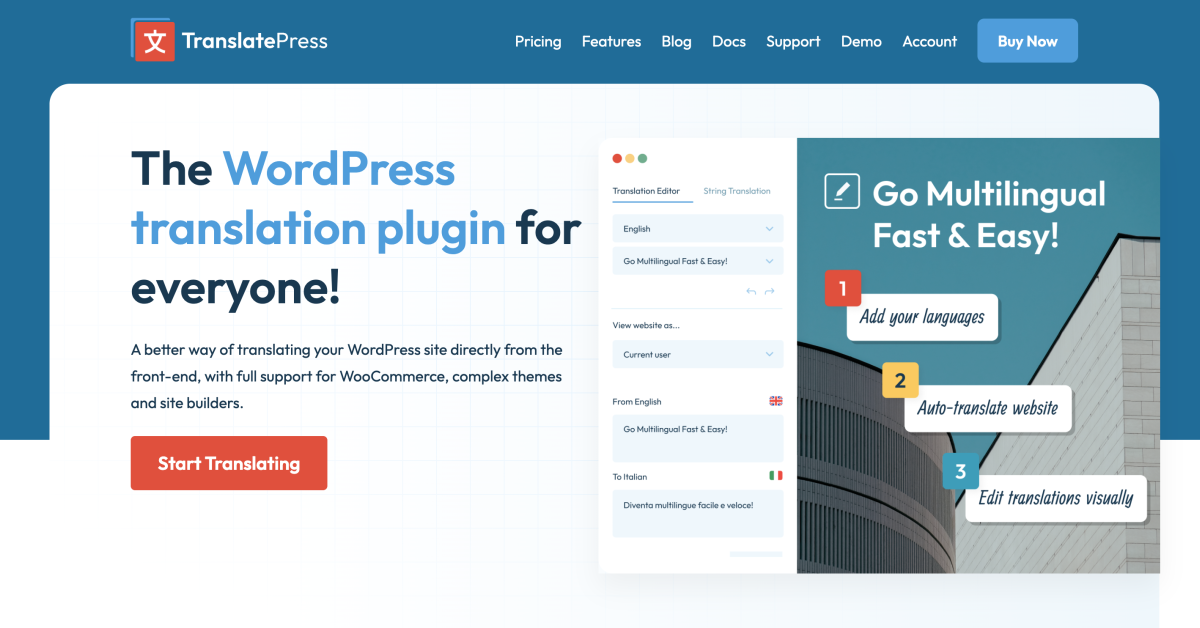
5 TranslatePress Tips for Easy Visual Translation of WordPress Multilingual Websites
Master 5 efficient TranslatePress tips to quickly enable WordPress visual translation with auto-translation, hidden text recognition and multi-language SEO settings, and easily build a professional internationalized website.

WordPress Registration Plugin Implementing Social Login Functionality Full Guide
Easily add Google and Facebook one-click social signups to your WordPress site with the WP User Manager plugin to increase signup conversions and ease of use.
W3 Total Cache Deep Setup Guide: Best Practices for Maximizing Plugin Performance
In-depth analysis of W3 Total Cache module setup methods, sub-scenario configuration recommendations, fully utilize the acceleration potential and stability of the cache plug-in.

Pros and cons of WebP format: is it suitable for all WordPress sites?
An in-depth analysis of the pros and cons of the WebP format, combined with performance, compatibility, and content type to determine if your WordPress site should enable it.

W3 Total Cache's CDN Functionality Configuration Explained: Improving Performance or Increasing Complexity?
Analyze W3 Total Cache's CDN module features, performance performance and configuration challenges to determine if it is suitable for your WordPress website.

WordPress Performance Optimization: Managing WordPress Heartbeat Request Frequency with Plugins
The WordPress Heartbeat API sends frequent background requests, which can lead to high server resource consumption. By using the Heartbeat Control plugin to set the request frequency, you can optimize the site performance and ease the background lag while preserving features such as autosave.
WordPress Heartbeat's Relationship with Autosave and Session Synchronization
The WordPress Heartbeat API is closely related to backend autosave, session synchronization, and multi-person editing. By controlling the frequency of requests, you can improve performance while maintaining functional integrity.
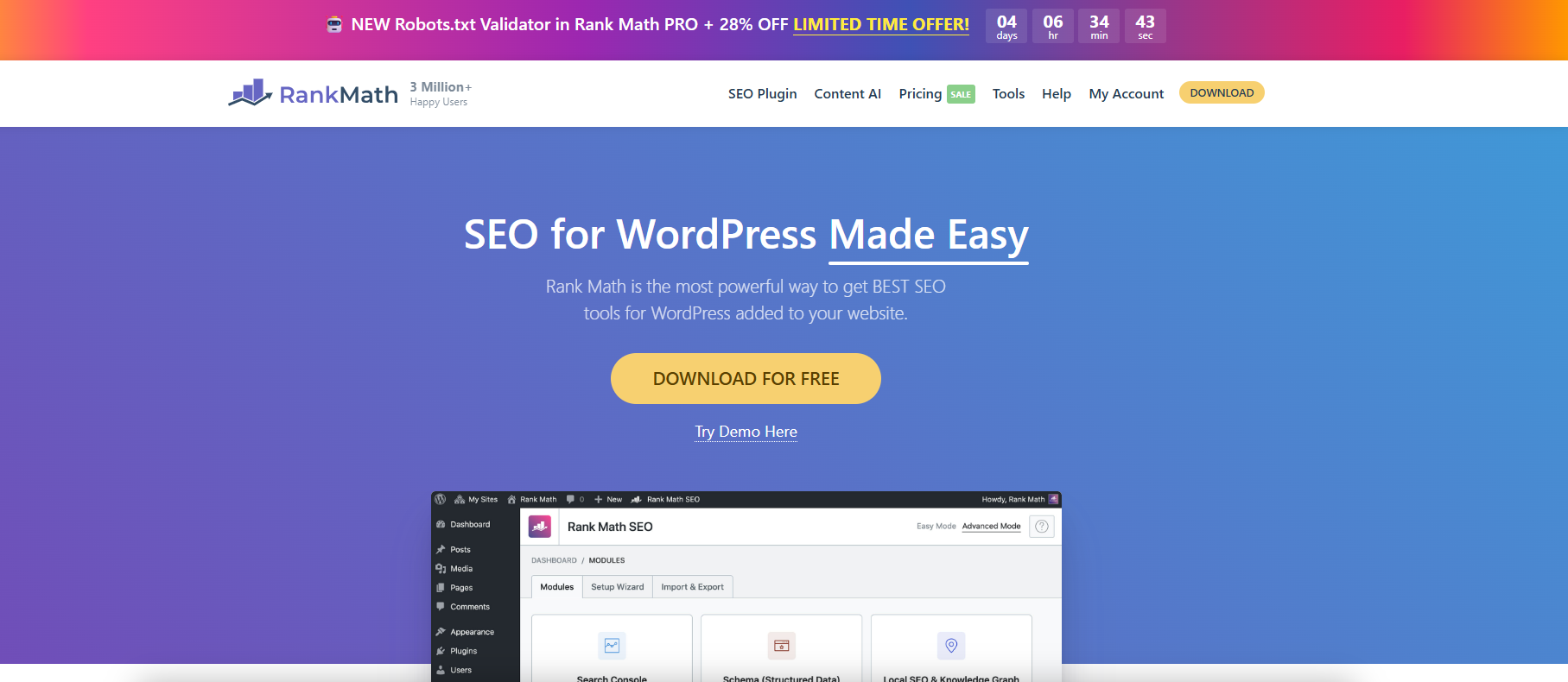
Use Rank Math to fine-tune WordPress Sitemap output.
With Rank Math, you can finely configure WordPress sitemaps, customize page indexing and category filtering to improve search engine crawling and SEO efficiency.
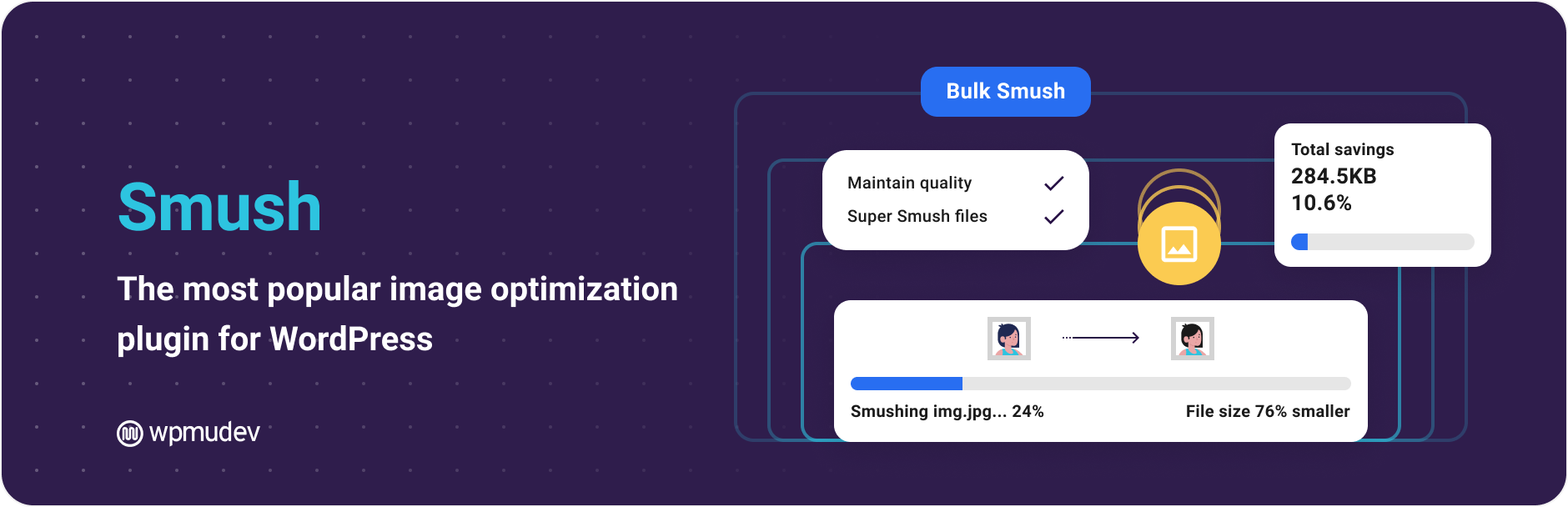
How to set Smush plugin to support WebP format?
Learn how to enable WebP image formats with the Smush Pro plugin to improve WordPress site loading speed and image optimization efficiency with the help of a CDN.
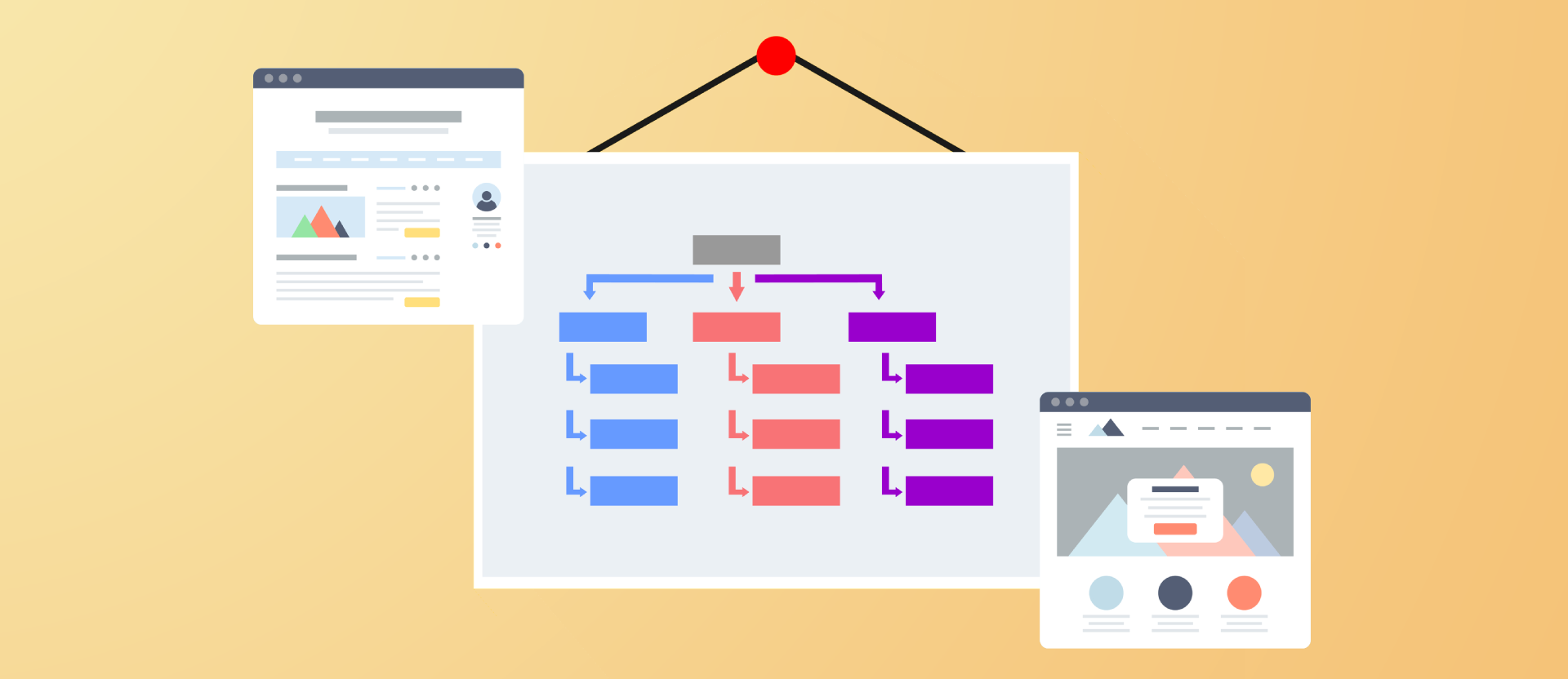
Improving Crawl Efficiency Across the Board: A Guide to Configuring WordPress XML Sitemaps
Comprehensively introduce how to generate, configure and submit XML sitemaps for WordPress websites, improve crawling efficiency and indexing performance, and adapt Rank Math and Yoast SEO.

Does WordPress have a built-in SEO tool?
This article explores the built-in SEO features of WordPress and describes how to optimize your website's SEO performance through plugins, including key steps such as URL settings, title customization, and website performance improvement.
Avoiding Cache Invalidation: WP Super Cache FAQs and Solutions
Analyze the common causes and troubleshooting methods of WP Super Cache cache invalidation to help WordPress websites run stably and improve loading speed and performance.
How WP Super Cache works: How to improve page load speed?
In-depth analysis of the working mechanism of WP Super Cache and configuration techniques to help WordPress websites achieve faster loading speed and better performance.

How do I get Elementor to support the WebP image format?
Teach you how to load WebP images correctly in Elementor, improve loading speed, work with plugins, CDN and caching to optimize website performance and SEO results.

Image Optimization Made Easy: A Complete Guide to Rank Math PRO's Imagify Integration Process
Use Rank Math PRO to install Imagify plugin in one click, easily realize lossless image compression and WebP/AVIF conversion, and improve WordPress website speed and SEO performance.
How to Add an Author Info Box to the Sidebar with Kadence Theme Pro
With Kadence Theme Pro's Hooked Elements feature, you can easily add a personalized author information box to your blog post sidebar.
Analysis of compatibility crashes from broken themes and plugin combinations
The combination of cracked themes and plug-ins is prone to compatibility crashes, misbehavioral functionality, and security issues, and this article analyzes their root causes and potential risks.

Advanced Tips to Avoid Fuzzy Thumbnails in WordPress Media Library
Master the skills of WordPress to avoid blurred thumbnails, improve image clarity and loading efficiency, adapt Retina screen and CDN optimization.
How to Safely Switch Caching Plugins? Complete Tutorial to Avoid WP Super Cache Conflict with W3 Total Cache
Teach you how to correctly switch between W3 Total Cache and WP Super Cache plugins in WordPress to avoid cache conflicts and improve website performance and loading speed.

Complete Guide to Migrating to WoodMart from Other Themes
Complete explanation on how to seamlessly migrate to WoodMart from other themes, including installation setup, page rebuild, performance optimization and other key steps for e-commerce users.

 简体中文
简体中文  English
  日本語
日本語  Français
  Español



