





arrange in order

5 Must-Do Settings After Yoast SEO Installation
Learn the 5 settings you must make after installing Yoast SEO to help boost your website's search engine rankings and optimize SEO results, including XML sitemaps, breadcrumb navigation, and social media configuration.

A Complete Guide to Setting Product Page Titles and Descriptions with Yoast SEO
A comprehensive guide on how to optimize product page titles and descriptions to boost search rankings and click-through rates with the Yoast SEO plugin for WooCommerce and WordPress e-commerce sites.
Is Yoast SEO compatible with WooCommerce after installation?
Understand Yoast SEO compatibility with WooCommerce and optimization methods to improve product page structure, sitemaps, metadata, and search ranking performance.

What advanced options do I need to configure after Yoast SEO installation?
Comprehensively analyze the advanced settings of Yoast SEO plugin after installation, including content indexing control, breadcrumb navigation, structured data, title template and sitemap configuration, which will help you improve the overall SEO performance of your WordPress website.

WordPress auto-generated Sitemap and plugin generation what is the difference between
Compare the difference in functionality between the WordPress Sitemap and the SEO plugin to help you choose the most suitable configuration for your website.

How Kadence Improved SEO Performance and Core Page Metrics for WooCommerce
Learn how Kadence can help WooCommerce improve SEO performance and core web metrics. From structural optimization and load speed to the mobile experience, enhance your e-commerce site's rankings and performance.
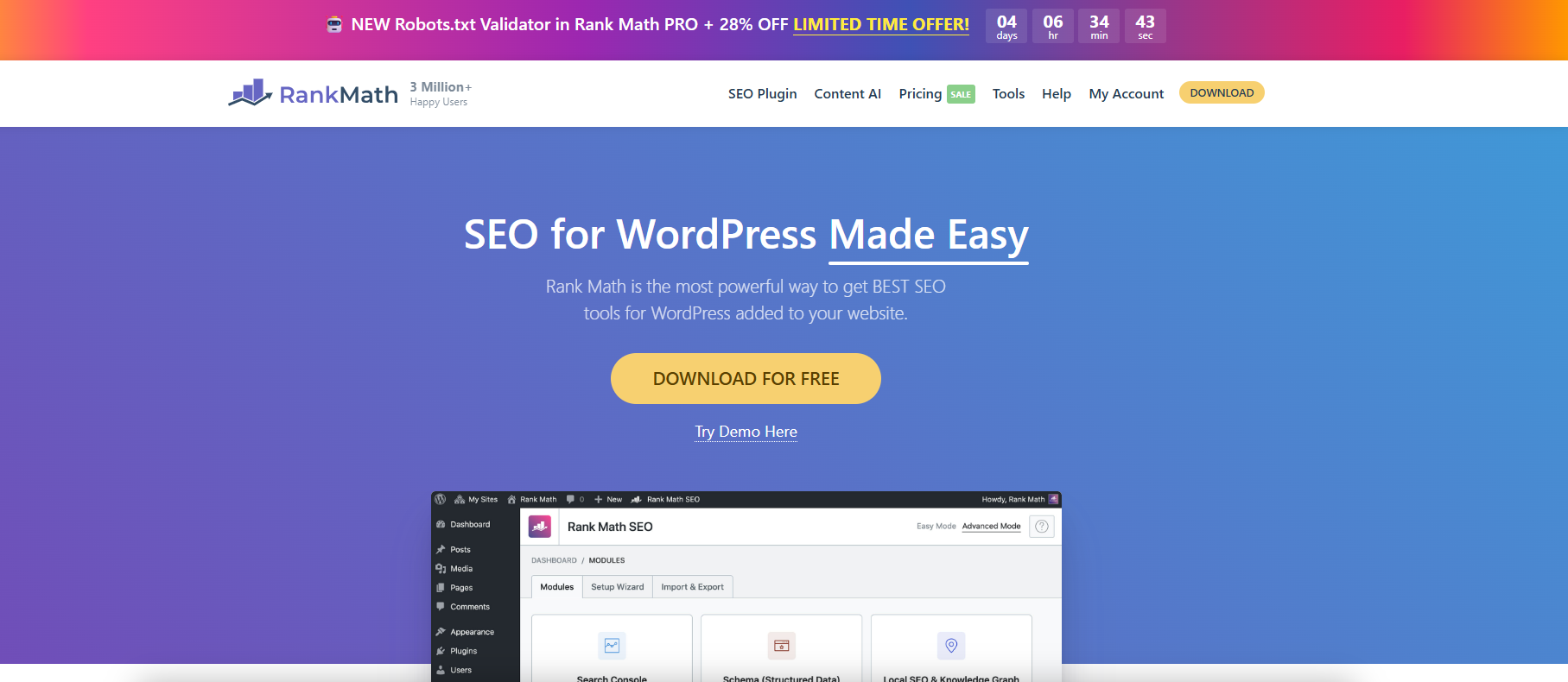
Use Rank Math to fine-tune WordPress Sitemap output.
With Rank Math, you can finely configure WordPress sitemaps, customize page indexing and category filtering to improve search engine crawling and SEO efficiency.
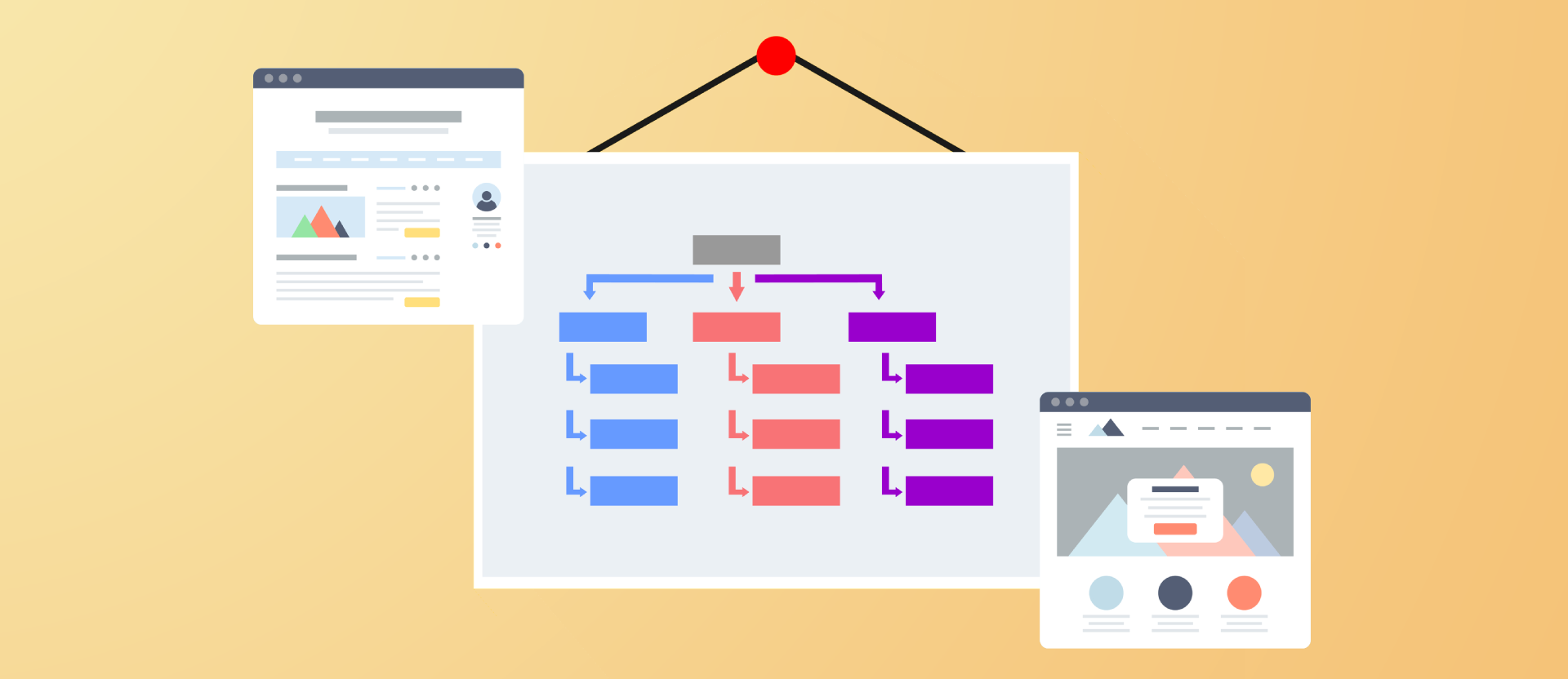
Improving Crawl Efficiency Across the Board: A Guide to Configuring WordPress XML Sitemaps
Comprehensively introduce how to generate, configure and submit XML sitemaps for WordPress websites, improve crawling efficiency and indexing performance, and adapt Rank Math and Yoast SEO.
Yoast SEO Tutorial: How to Exclude Specific Page Types from Generating Sitemaps
Exclude media pages, tabs and other worthless pages with Yoast SEO plugin for a more focused sitemap and better SEO results. Easy to operate and practical, help you optimize the whole site structure.

Can you do SEO on WordPress?
This article explores how to boost your website rankings with WordPress SEO features and plugins such as Yoast SEO, including optimizing URL structure, titles, meta descriptions, image ALT text, as well as improving site performance and mobile optimization.

Does WordPress have a built-in SEO tool?
This article explores the built-in SEO features of WordPress and describes how to optimize your website's SEO performance through plugins, including key steps such as URL settings, title customization, and website performance improvement.

Image Optimization Made Easy: A Complete Guide to Rank Math PRO's Imagify Integration Process
Use Rank Math PRO to install Imagify plugin in one click, easily realize lossless image compression and WebP/AVIF conversion, and improve WordPress website speed and SEO performance.

 简体中文
简体中文  English
  日本語
日本語  Français
  Español



