





arrange in order

SEMrush Practice: How to dig the underestimated keywords to improve conversion rate
Through the SEMrush tool, we accurately excavate low-competition long-tail keywords in the Dior bag category, and build a content matrix and conversion page to effectively increase traffic and sales conversion rate.

How to Boost Product Page Ranking with Yoast SEO for WooCommerce Newbies?
New to running a WooCommerce store? This post teaches you to optimize your product pages with Yoast SEO plugin, including keyword layout, SEO title & description, structured data, internal linking, and other complete steps to improve Google ranking and traffic conversion easily.
Polylang with Yoast SEO: Best SEO Practices for Multilingual Sites
Polylang works with Yoast SEO to build an effective SEO structure for WordPress multilingual sites, improving search rankings and global traffic performance.

Moz vs SEMrush - Don't choose one over the other, boost your SEO results with a combination of strategies!
Moz and SEMrush do not have to choose only one. In this article, a detailed comparison of the two features, teach you how to use a combination of these two mainstream SEO tools, keyword expansion, link optimization, technical diagnosis, and other full process coverage, to help the site rankings to improve.

The Impact of Yoast SEO Internal Link Distribution on SEO Weight Transfer
Learn how the Yoast SEO plugin can help optimize your internal linking structure, improve on-page weight transfer efficiency, and enhance your site's overall SEO performance.

Do I need to submit Sitemap manually after installing Yoast SEO?
Do you need to submit sitemap manually after installing Yoast SEO? This guide will answer and teach you how to submit sitemap to Google Search Console and Bing to improve the efficiency of page indexing.

How to Optimize Images on WooCommerce Product Pages with Yoast SEO to Improve Page Load Speed?
Optimizing images on WooCommerce product pages is critical to improving load speed, SEO rankings, and user experience. This article explains how to leverage the Yoast SEO plugin and other tools such as Smush and Imagify to optimize image formats, enable ALT tags, use delayed...

Yoast SEO internal link optimization: ways to avoid duplicate links
Learn how to use Yoast SEO plugin to optimize your website's internal links, avoid the problem of duplicate links, and improve your website's SEO ranking. This article introduces 5 optimization methods, including using anchor text wisely, reviewing old articles regularly, setting URL redirection, etc. to help you manage more efficiently...
How long does it take to see results after Yoast SEO installation? Key Factors Affecting Ranking Speed and Optimization Advice
How long does it take to see results after installing Yoast SEO? This article explains the search engine crawling mechanism, plugin optimization principles, the key factors affecting the ranking changes, and how to speed up the SEO effect of the time, to help WordPress users more efficient use of Yoast SEO to enhance the network....

Yoast SEO installation sitemap display 404 how to do? Common causes and solutions
After installing Yoast SEO sitemap reported 404? This article comprehensive analysis of sitemap_index.xml inaccessible common causes, including fixed links, .htaccess settings, cache plugin conflicts and Nginx configuration issues, and provide detailed solutions to help you quickly restore ...
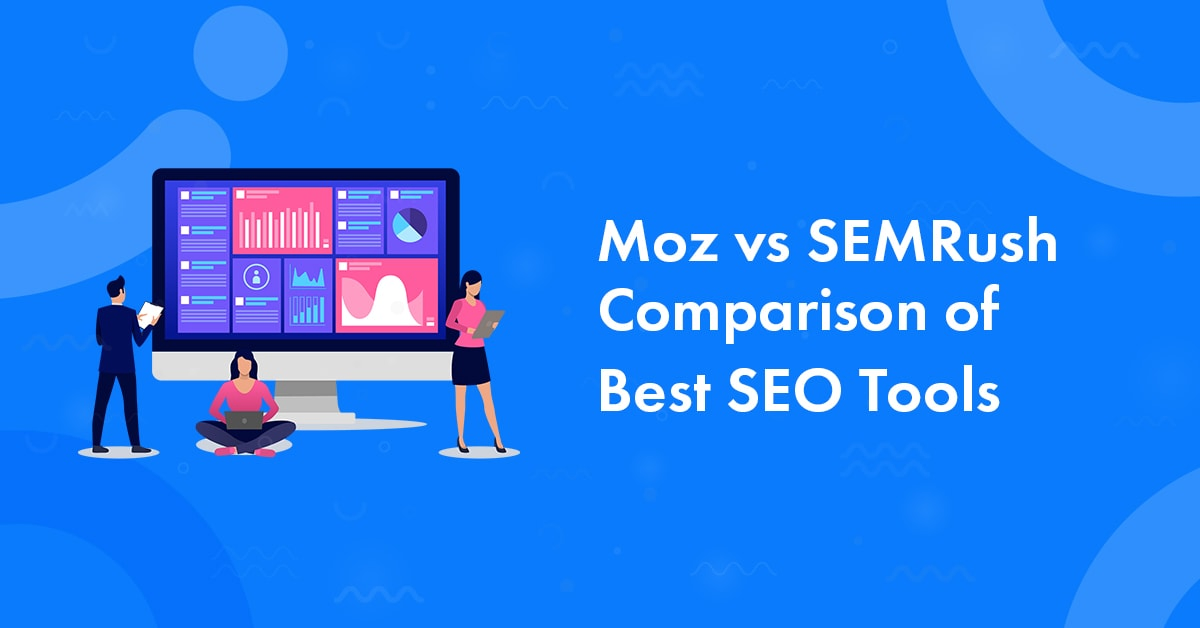
From content marketing to technical SEO: who's better, SEMrush or Moz Pro?
An in-depth comparison of the differences between SEMrush and Moz Pro in terms of keyword research, content optimization, technical SEO, pricing, and applicability to help you choose the best SEO tool for your needs, whether you're a newbie, a blogger, or an enterprise marketing team.

Do I need to uninstall other SEO plugins before installing Yoast SEO?
Do you need to uninstall other SEO plugins before installing Yoast SEO plugin? This article explains the impact of multi-plugin conflict, the preparations before switching, and how to safely migrate the original SEO settings to help you successfully complete plugin replacement and optimization.

 简体中文
简体中文  English
  日本語
日本語  Français
  Español



