





arrange in order

Building an Internationalized WordPress Website with Different Domains and Subdomains
This article describes in detail how to build an internationalized WordPress website with different domain names and sub-domains, including the advantages and disadvantages, implementation, applicable scenarios and SEO optimization suggestions to help enterprises expand the global market.
How to Fix Cloudflare DDoS Protection Mistakenly Killing Normal Traffic
Learn how to solve the problem of mistakenly killing normal traffic by adjusting Cloudflare's protection level, enabling Challenge Mode, and using IP whitelisting to ensure website security and user access experience.

WordPress Local Installation Tutorial: Installing 1Panel Panel on Server
Graphic tutorials detailing how to install 1Panel panel on the server, suitable for newcomers to quickly set up a website and visualize the operation and maintenance environment.

Can mistakenly deleting temp-write-test affect a WordPress site? Here's the truth
Explain the real role of temp-write-test file in WordPress, whether the site is affected after accidental deletion, and security management suggestions.

What should you look for when you need to modify the database in Magento?
In Magento, if you need to make changes to the database, you can usually do so by following these steps: In the Magento backend, navigate to System > Settings > Advanced > Developer, find the Debugging tab, and change the "Enable template paths..." to "Enable template paths...". "In the Magento backend, navigate to System > Settings > Advanced > Developer, find the Debugging tab, and change the "Enable template path..." to "Enable template path...".

HTTPS encryption: the cornerstone of Internet security.
In today's network world, with a large amount of sensitive information being transmitted over the Internet, securing that information is becoming increasingly important. In this context, HTTPS (Hypertext Transfer Protocol Secure) came into being.HTTPS is a secure communication protocol used to ensure that in...

In-Depth Analysis: Optimizing PHP Applications to Efficiently Handle MySQL High Concurrency
With the increasing performance demands of web applications, optimizing PHP applications for highly concurrent MySQL access has become a major challenge for developers. This article explores a number of strategies that are designed to provide concrete and practical solutions. Strategy 1: Efficient Persistent Connection ...

WordPress get_template_part: solving the content error problem.
Detailed explanation of get_template_part correct invocation method, to avoid WordPress content function is not defined error, improve the theme code specification and stability.

Error 521 Error Analysis: SSL Configuration Issues Explained
This article provides an in-depth look at how SSL misconfiguration can cause Cloudflare to report errors, with troubleshooting and repair procedures.
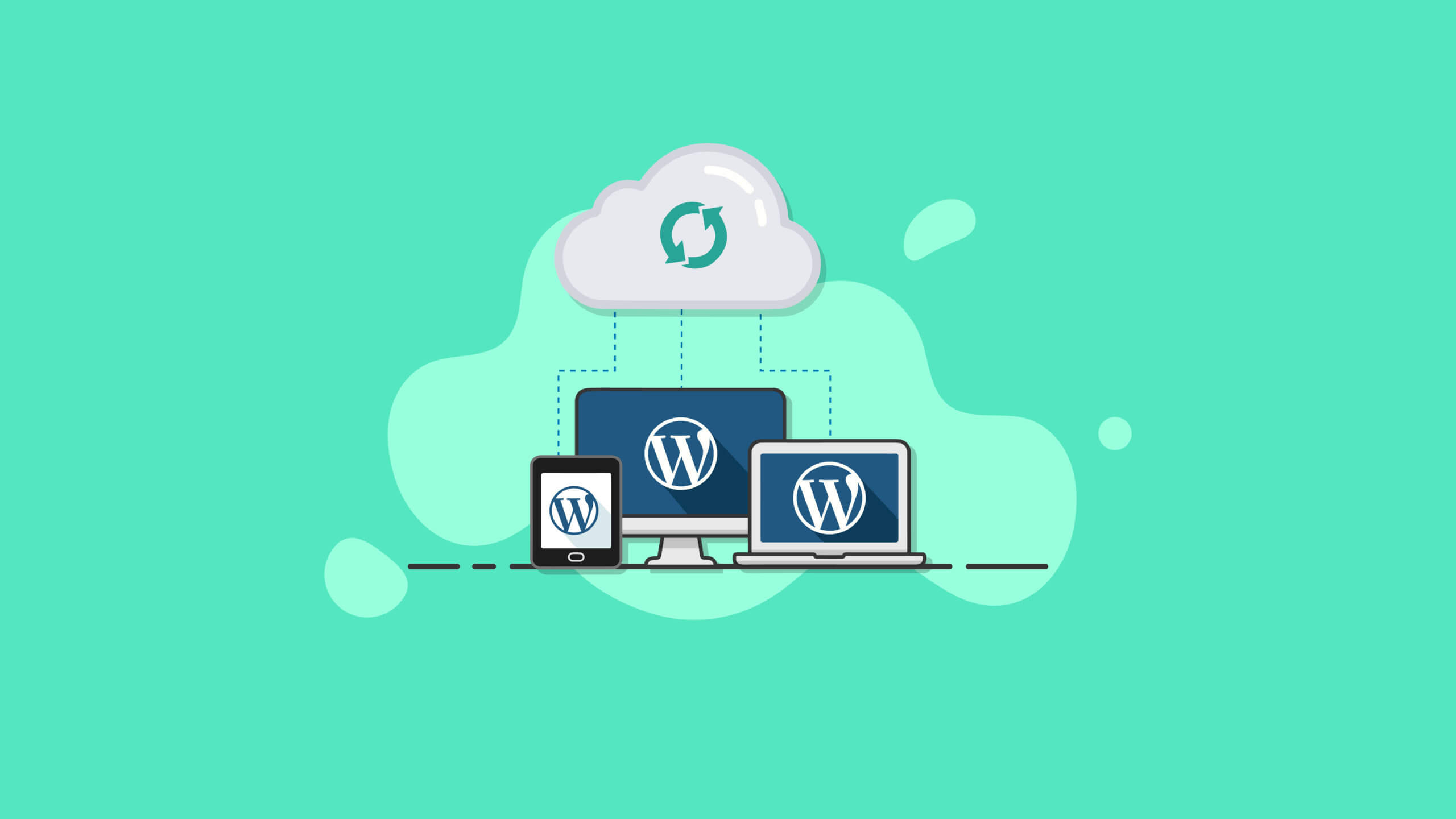
Best Practices and How-To's for Regularly Backing Up Your WordPress Site
Learn how to set up automatic backups and develop a backup strategy to ensure WordPress site security and data integrity with backup plugins like UpdraftPlus.
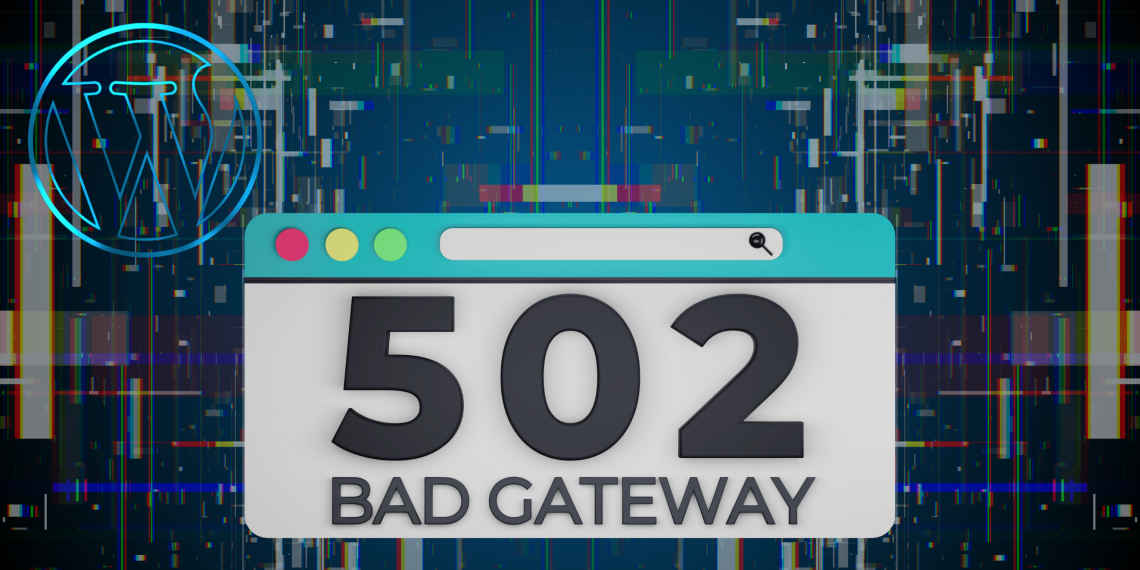
In the cloud era, why are 502 errors still not completely eliminated?
502 Bad Gateway errors are still common in the cloud era. This article provides an in-depth analysis of the root causes and common triggers to help you better cope with website outages.

Elementor error 500 causes and PHP memory limit analysis
Elementor reported error 500 often due to PHP memory shortage, understand the specific reasons and enhance the memory limit of the solution to avoid editor load failure.





