





arrange in order

How to use element caching to speed up page loading
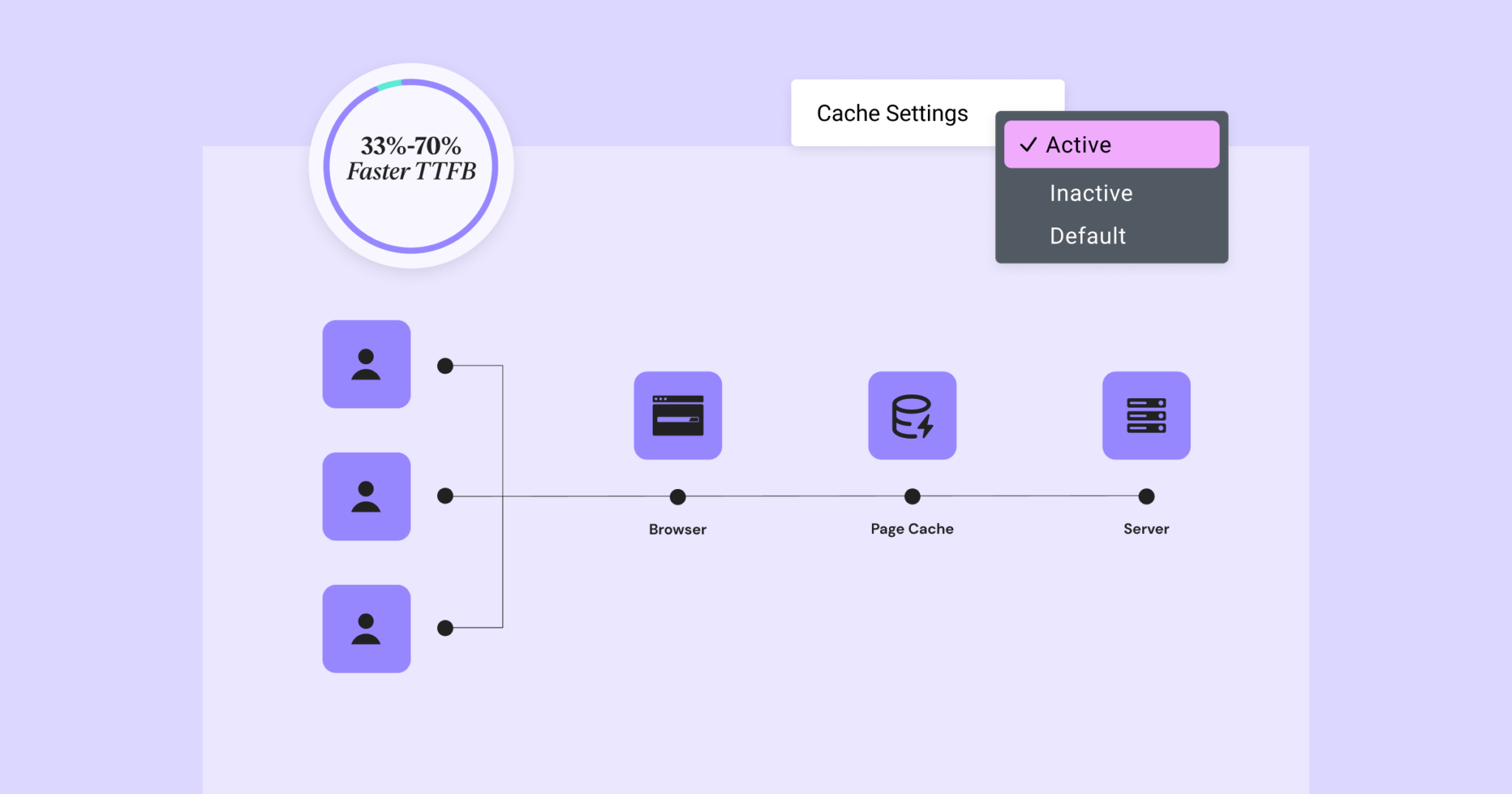
Reducing page load time can increase visitor retention and improve your SEO score. Site performance can be significantly improved by using element caching. When widgets are rendered on the server, the HTML output is stored in a database. This way, the next time the element appears, it will be retrieved from the database...
Elementor 3.22 Update: New Off-Canvas Widget and Caching Improve Site Performance
What's New: Off-Canvas Widget Elementor 3.22 introduces Off-Canvas Widget, a new professional design tool that creates interactive page layouts and enhances user experience. Features: Interactive Layout: Open and close containers by clicking on links that can...

Improve website performance across the board: update Elementor to optimize load speed, code cleanliness, and image processing
Past versions of Elementor took a big step forward in improving site performance, but this new version it adds a number of features that can speed up your site in three main ways: improved performance metrics, cleaner code, and faster image loading. While some features will...

How to Clear the Elementor Cache: A Complete Guide to Improving Website Performance and User Experience
What is Elementor Caching? Elementor caching is a data storage method used to hold a static version of your website. When a user visits your website, their browser sends a request to the server to access the database and load the website pages. Caching can take commonly used ...

How to Check and Update PHP Versions in WordPress: A Complete Guide to Improving Your Site's Performance and Security
What is PHP? PHP is an open source server-side scripting and programming language used to build and maintain websites. It runs on web hosting servers. How to Check and Update PHP in WordPress [Step-by-Step Guide] What is PHP's role in WordPress? ...





