





arrange in order

How to Clean Up Your WordPress Media Library
Over time, WordPress media libraries can balloon and fill up with unused or unneeded files. These files not only take up disk space, but can also slow down the speed and performance of your website. For this reason, it's crucial to clean up your WordPress media library on a regular basis. In this guide,...

How to Clear the Elementor Cache: A Complete Guide to Improving Website Performance and User Experience
What is Elementor Caching? Elementor caching is a data storage method used to hold a static version of your website. When a user visits your website, their browser sends a request to the server to access the database and load the website pages. Caching can take commonly used ...

Improve website performance across the board: update Elementor to optimize load speed, code cleanliness, and image processing
Past versions of Elementor took a big step forward in improving site performance, but this new version it adds a number of features that can speed up your site in three main ways: improved performance metrics, cleaner code, and faster image loading. While some features will...

Elementor Ultimate Addons version 1.36.37 update: page performance improvements and feature optimizations
Improvement: Compatible with the latest Elementor and Elementor Pro 3.24 versions. Implemented widget output caching to enhance page performance. Provided "Auto Align Buttons" for Woo product and post widgets. Navigation Menu - When the navigation menu container is on a small screen...
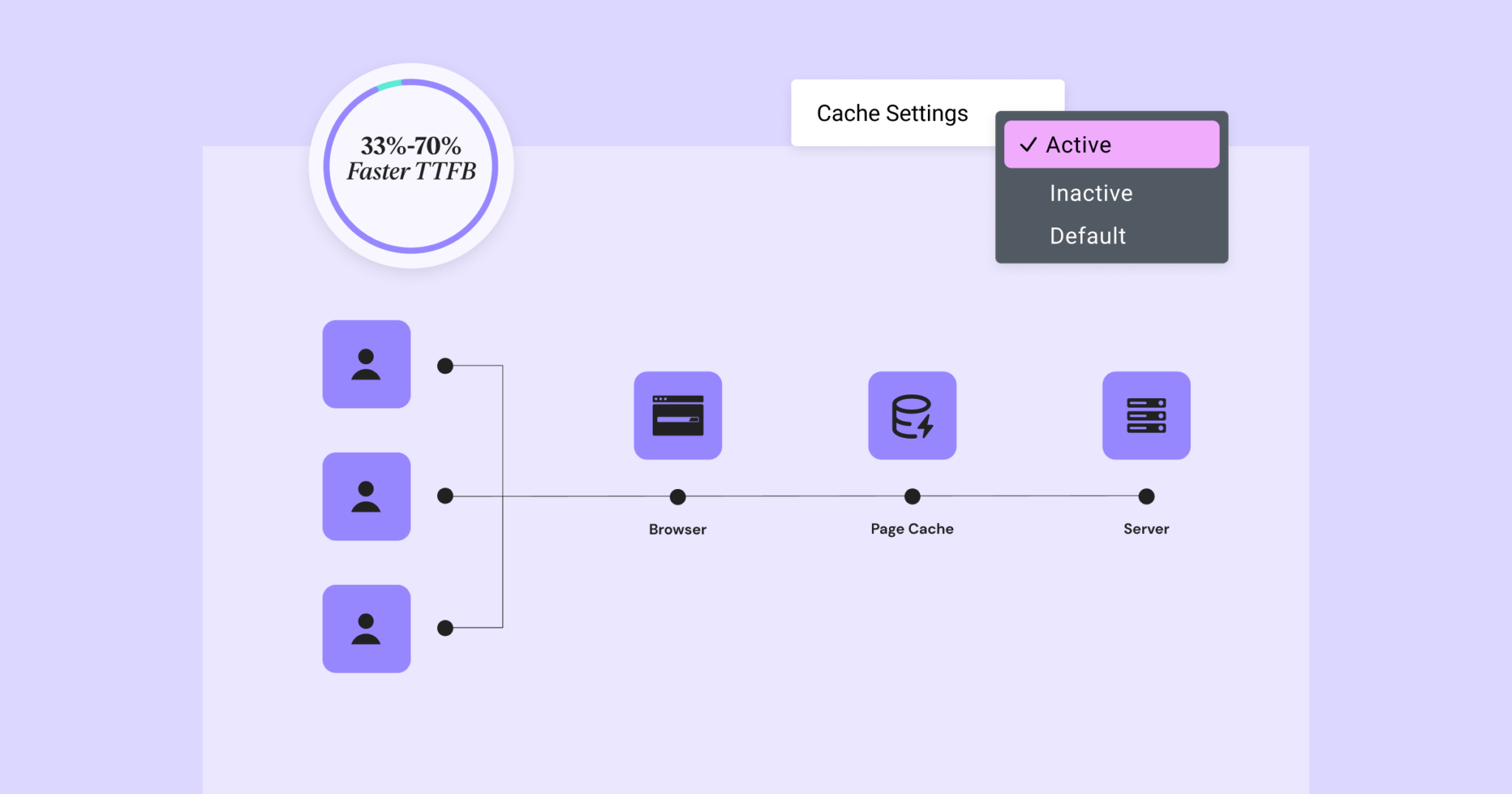
Elementor 3.22 Update: New Off-Canvas Widget and Caching Improve Site Performance
What's New: Off-Canvas Widget Elementor 3.22 introduces Off-Canvas Widget, a new professional design tool that creates interactive page layouts and enhances user experience. Features: Interactive Layout: Open and close containers by clicking on links that can...





