





arrange in order

How to use Elementor Safe Mode for quick troubleshooting?
Experiencing Elementor loading failures, editor crashes, or style errors? This article shows you how to use Elementor Safe Mode to quickly locate and fix the problem and improve troubleshooting efficiency.

Adding Multi-Level Filtering to Articles and Products in Elementor Tutorial
This tutorial describes the complete procedure and setup of adding multi-level filters to articles and products in Elementor using the Unlimited Elements plugin.

Elementor Security Model and Teamwork: How to Improve Stability in Multi-Developer Projects?
Building a WordPress website with Elementor in a multi-developer environment? This guide teaches you how to quickly diagnose problems, avoid plugin conflicts, and improve the stability and efficiency of your collaborative projects through Safe Mode.

How to implement Loop Grid in WordPress with Elementor + HappyAddons
Comprehensive explanation of the Elementor Loop Grid and HappyAddons combination of installation, template creation, layout design, query configuration and style adjustment, so that WordPress sites easily realize the grid content display

Elementor Cloud Templates is now available: Create your own design library!
Elementor 3.29 introduces Cloud Templates, a feature that allows you to quickly store and retrieve pages, blocks and containers across multiple sites for design unification and efficient collaboration, so you can say goodbye to repetitive productions and cumbersome import processes.

How to Add Mouse Hover Cursor Effect to Elementor Site
This article explains the configuration of the WordPress site Elementor and HappyAddons mouse hover cursor effect of the complete process, covering plug-in installation, the whole page and element-level applications, LazyMove, MixBlend parameter analysis, as well as the text color icon images and videos of the five styles of combinations for the former ...

How to Add Anchor Links in Elementor (Step-by-Step Tutorial)
This tutorial explains how to set up anchor links in Elementor, which allows visitors to quickly jump to a specific area of the page in 3 steps, improving the efficiency of page interactions.

Elementor Secure Mode for Mobile Optimization: How to Improve Mobile User Experience?
Understand the real impact of Elementor's security model on mobile presentation, and master practical tips and responsive design recommendations to enhance the mobile user experience during debugging and development.
How to Add Age Verification to WordPress with Elementor
Use Elementor with HappyAddons plugin to easily add age verification functionality to WordPress websites, adapt to mobile and improve content access control.

How can Elementor Safe Mode help optimize site performance and reduce resource consumption?
Get a deeper understanding of how Elementor Security Mode can help troubleshoot plugin conflicts, reduce page resource consumption, improve loading speed, and provide a smoother, more efficient user experience and performance guarantee for WordPress sites.

How to Create a Mega Menu with Elementor Builder and WoodMart Themes
This article describes how to create powerful and flexible mega menus with the Elementor builder and WoodMart theme. It includes creating navigation menus, setting up dropdown menus, adding full-width mega menus, customizing sizes, adding labels and setting up rotating product displays to help enhance web...

Comparison of the Three Major WordPress Editors: Features and Selection Guide
Comprehensive comparison of Gutenberg, Elementor, and Brizy, covering features, scenarios, and performance, to help you choose the right tool for your website.
Introducing Editor V4 Alpha: The Future of Elementor Website Building
Learn about the new features that Editor V4 Alpha introduces in Elementor, including reusable classes, interactive styles, simplified DOM structure, and fully responsive design controls to help users increase productivity and optimize site performance.

How to make Elementor columns equal in height (also Flexbox containers)
Learn how to use the HappyAddons plugin to equalize columns and Flexbox containers in Elementor, simplifying the site design process, eliminating the need to write code, and improving page aesthetics and consistency.

Elementor Secure Mode vs Debug Mode: Which is better for your workflow?
Understand the core difference between Elementor Safe Mode and Debug Mode, master how to quickly locate and solve common problems such as website loading, white screen, plugin conflicts, etc., to improve your WordPress development and design efficiency. Understand the core difference between Elementor safe mode and debug mode, master...

Complete Tutorial on Creating Comparison Tables with Elementor
Use Elementor in conjunction with widgets to easily create product comparison tables that showcase product features, images, and prices for e-commerce sites, service packages, or feature module comparisons.

How to Troubleshoot Incompatibility with Themes via Elementor Safe Mode
Use Elementor Safe Mode to quickly troubleshoot conflicts between themes or plug-ins and editors, solve common failures such as page failure to load, wrong style, etc., and improve WordPress website stability.
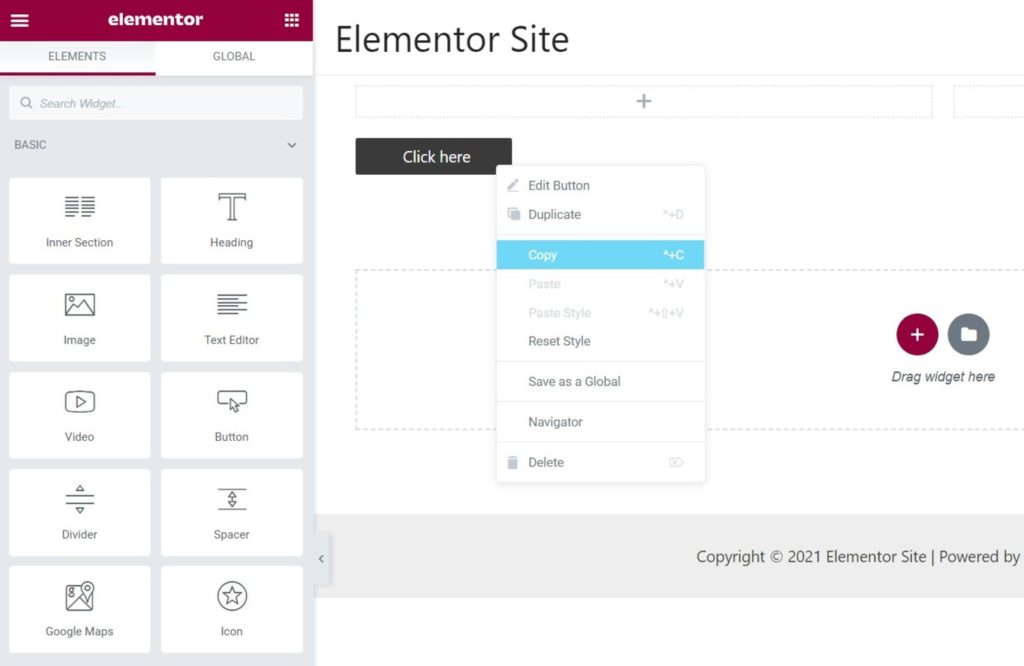
How to Fix Elementor "Inner Section Widget Missing" Issue
This tutorial teaches you to restore the gadget and analyze the common applications and compare the differences.

Elementor Safe Mode and Website Backup: How to Synchronize Your Website Security
Learn how to troubleshoot plugin conflicts with Elementor Safe Mode and secure your WordPress site with regular backups. This article provides complete instructions and advice to help you secure a stable website.

How to Avoid Data Loss in Page Design with Elementor Security Patterns?
Learn how to effectively avoid data loss in page design, resolve plugin conflicts and editor crashes, safeguard your design results and improve development efficiency by enabling Elementor Security Mode.

Elementor Safe Mode and Automatic Backup: Important Tools for Preventing Accidental Losses
Learn how to effectively prevent data loss in page design, safeguard the integrity of design results, and improve development efficiency and security by enabling Elementor's Safe Mode and Auto Backup features.

Why Elementor Safe Mode is a must-have tool for every developer?
Learn how Elementor Safe Mode helps developers quickly pinpoint problems, reduce debugging risks, and save time and effort. By isolating distractions and improving debugging efficiency, Elementor Safe Mode is a must-have tool for improving development productivity.

The Impact of Elementor Secure Mode on SEO Optimization: Improving Website Performance and Accessibility
Learn how Elementor Security Mode can indirectly improve the SEO performance of your WordPress site by optimizing site performance and accessibility, with a full breakdown from load speed to user experience.
Common Misconceptions and Solutions in Elementor Safe Mode
Learn about common misconceptions and solutions in Elementor security mode to help you easily troubleshoot plugin conflicts, front-end design issues, and performance impacts to optimize your WordPress site building process.
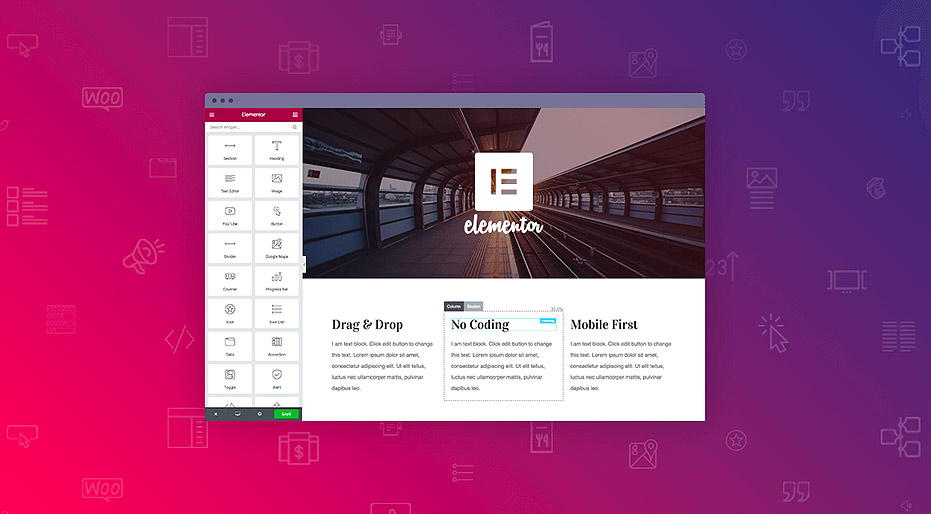
Best Practices for Elementor Secure Mode: Optimization and Troubleshooting Tips
Learn how to optimize page design, resolve plugin conflicts, and troubleshoot issues with Elementor Security Mode. This article provides practical tips and best practices to help developers increase development efficiency and improve site performance.

Elementor Transparent Fixed Header Compatibility Analysis in Different WordPress Themes
Learn how to create transparent fixed headers with Elementor in different WordPress themes. This article analyzes the compatibility of themes such as Astra, OceanWP, GeneratePress, Hello Theme and WoodMart to help you choose the most suitable theme for your ideal...
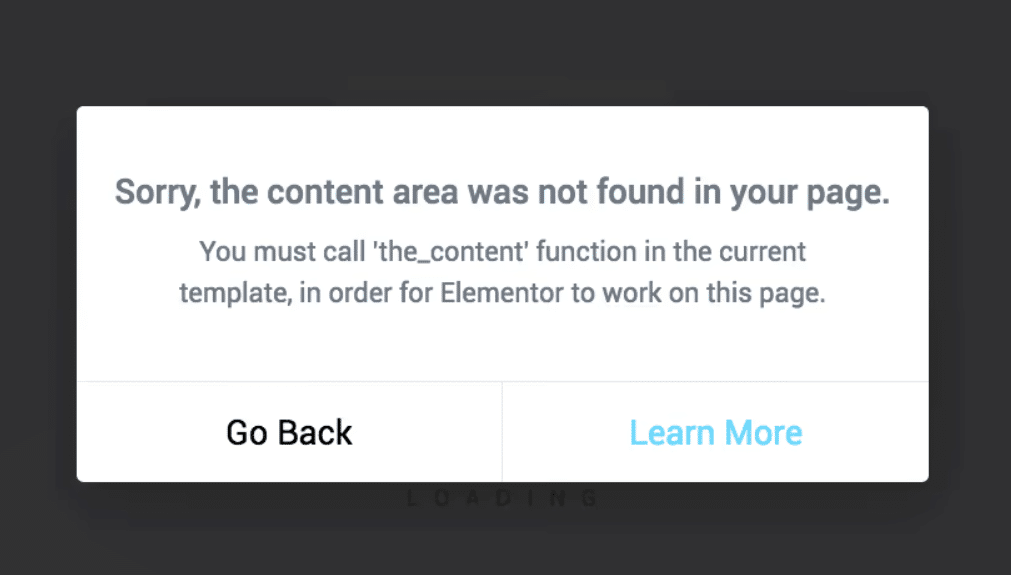
Elementor reports error "You must call the content function".
Detailed tutorial on how to restore page editing functionality when Elementor reports the error "You must call the content function".

Elementor and SEO: Best Practices for Optimizing Page Structure and Loading Speed
Learn how to enhance your website's SEO performance, user experience and search engine rankings by optimizing page structure and improving load speed when building websites with Elementor.
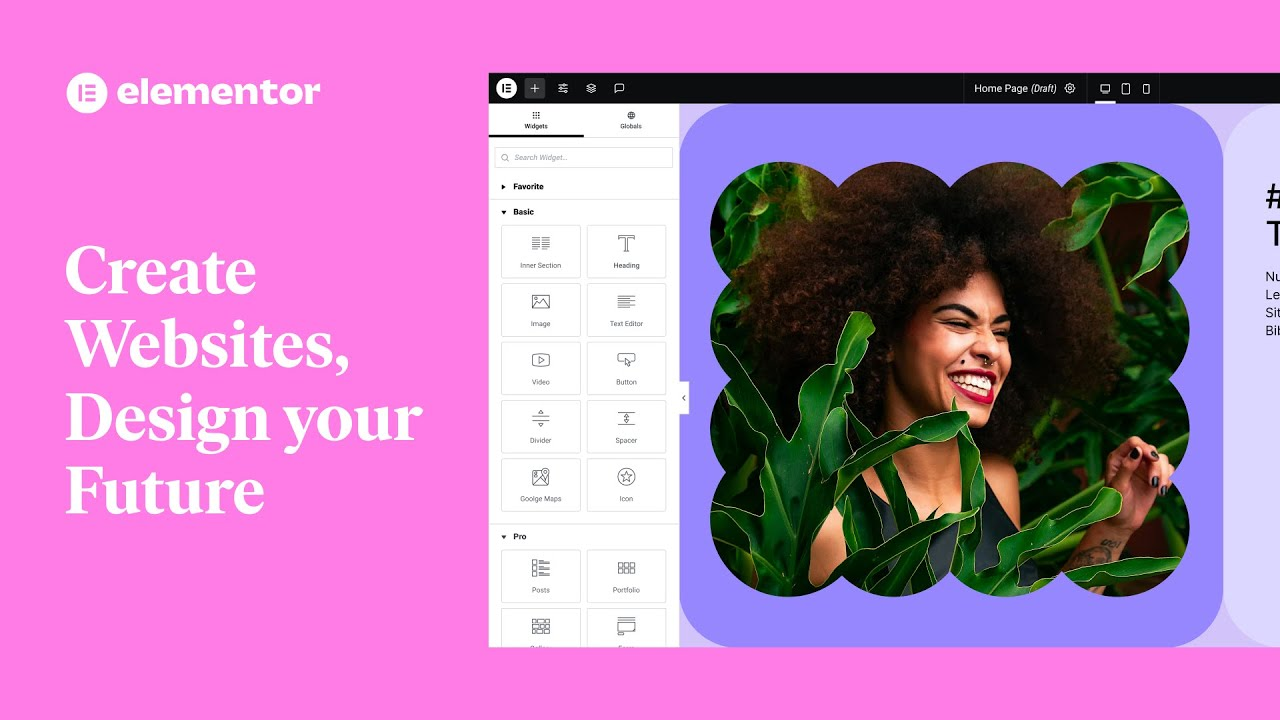
Explanation of common features of Elementor web editor: Improve website design efficiency
Learn about Elementor's core features, including drag-and-drop design, responsive design, rich templates, animated effects, form building, and SEO optimization, to help you quickly build effective, beautiful WordPress websites.

Free Elementor Translation Plugin: How to make your website multilingual?
Learn how to use free Elementor translation plugins like Polylang, TranslatePress, Weglot, and GTranslate to help you easily add multi-language support to your WordPress website, boosting your user experience and global reach.

 简体中文
简体中文  English
  日本語
日本語  Français
  Español



