





arrange in order

WooCommerce Blocks: Local Pickup in Detail
Comprehensive analysis of WooCommerce Blocks local self-pickup function, support for multiple self-pickup point settings, tax calculation, interface customization and the old version of the way to compare.
Complete Guide to the WooCommerce Multi-Currency Price Switching Widget (Currency Converter Widget)
Currency Converter Widget supports multi-currency display in WooCommerce store, integrated exchange rate service, front-end switching price symbols, flexible and practical operation.

How to Manage Multiple Regions and Currencies with WooCommerce
Explains how to configure WooCommerce with multi-region taxes, currency switching, and multi-language sites for cross-border e-commerce business for multiple countries.

A complete guide to configuring WooCommerce's offline payment methods: Cash on Delivery, Check Payment, Bank Transfer
This tutorial explains how to enable and configure Payment on Delivery, Payment by Check and Bank Transfer in WooCommerce for various offline checkout needs.

WooCommerce product diagrams are blurry, the culprit of user churn that you're overlooking?
The blurring of product images may lead to traffic loss and conversion decline, this article explains the reasons for the blurring of WooCommerce images and optimization methods to improve the visual effect.

How to Set Sidebars on Archive, Blog and Post Pages in WoodMart Theme
Comprehensive explanation on how to configure sidebar and top filter features on store and blog pages in WoodMart theme to improve page structure and browsing efficiency.

WooCommerce vs Magento: Which open source e-commerce CMS is better for your online store?
Compare the pros and cons of two open source e-commerce platforms, WooCommerce and Magento, to help you choose the best e-commerce CMS for your online store.Understand the features, pricing, and scenarios where both platforms are applicable to make an informed decision.

WooCommerce Active Product Filters Block User Guide
Introduces the role of the Active Product Filters block in WooCommerce, how to add it, where to recommend it, and practical tips to help optimize the product filtering process.
The Best Open Source CMS Solutions for E-Commerce in 2025
Explore the best open source CMS solutions for e-commerce in 2025, including a comparison of platforms such as WooCommerce, Magento, PrestaShop, OpenCart, and Shopware, to help merchants choose the most suitable e-commerce system for building an online store.
Fatsome Theme Overview: Clean and Powerful Design for WordPress Websites
Fatsome Theme is a clean and powerful WordPress theme for business, blog and e-commerce websites. Offering responsive design, SEO optimization, fast loading and rich customization options, it helps users build professional websites with ease.

How to Add PayPal Personal Payment Account in WooCommerce Theme Website
A complete step-by-step explanation of adding a PayPal personal collection account to a WooCommerce website, including code, API setup, and testing the payment process.

How do I set the minimum order quantity for each category in WooCommerce?
Easily set minimum order quantities by category for your WooCommerce store with the WooCommerce Min Max Quantity plugin to increase sales, optimize inventory management, and reduce losses from small orders. This tutorial will explain in detail how to apply minimum quantity rules to enhance purchase...
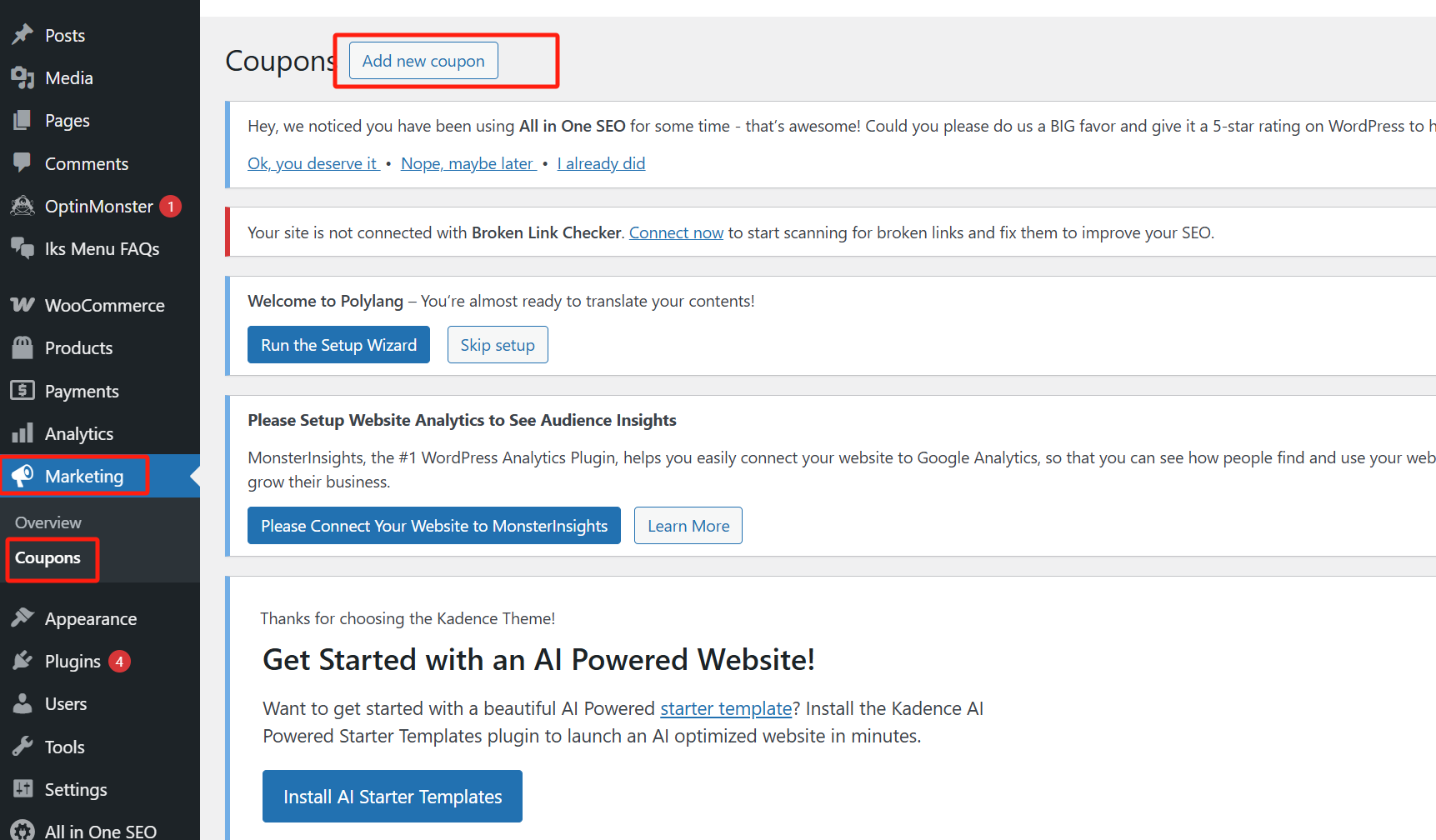
WooCommerce Discount Rules Explained: A Powerful Tool to Boost Ecommerce Sales
Get an in-depth understanding of how to set up discount rules in WooCommerce to boost sales, attract more customers, and increase conversions with a variety of strategies such as bulk discounts, cart discounts, user role discounts, and more.

Manage Multiple Regional, Language and Currency Settings in WooCommerce
Learn how to configure multiple regional tax rates, shipping zones, multi-currency and multi-language settings in WooCommerce to help your store provide a personalized global shopping experience.

How to Configure and Optimize Product Catalog Display in WooCommerce
Learn how to use the WooCommerce Customizer to configure how the product catalog is displayed, optimize the product display on store pages and category pages, adjust the sorting method, the number of products per row and per page.

How to Optimize WooCommerce Store with Yoast SEO: Improve Ecommerce Website Ranking and Traffic
Learn how to optimize your WooCommerce store's product pages, category pages, and tag pages with Yoast SEO to improve search engine rankings, increase traffic and boost conversions.

WoodMart Theme: why it's the best choice for building an e-commerce website?
WoodMart theme provides powerful features for e-commerce websites, including WooCommerce support, delayed loading, responsive design and SEO optimization to help merchants build efficient and beautiful online stores.

Adding Different Types of Products in WooCommerce: A Complete Guide
Learn how to add different types of products to your WooCommerce store, including simple products, combo products, and external/affiliate products. Follow this guide to easily set up products, provide a smooth shopping experience, and improve store efficiency.

WooCommerce Product Category, Tag and Attribute Management Guide
Learn how to effectively manage product categories, tags, and attributes in your WooCommerce store to improve store usability and customer satisfaction. This article covers how to add and edit categories, tags, and attributes to help merchants streamline the product management process and provide a better shopping experience.

Enhance your e-commerce experience by customizing the "Order Confirmation" page with Blocksy 2
Learn how to customize personalized order confirmation pages for your WooCommerce store with Blocksy 2's Custom Thank You Pages module to enhance customer experience and create more marketing opportunities.

Adding Variation Swatches to WooCommerce Products with blocksy 2
Learn how to improve the intuitiveness and aesthetics of your WooCommerce store product displays with blocksy 2's variant color palette feature. Use visual options such as images, colors, and buttons to enhance user experience and increase conversions.
WooPayments and Global Payment Solutions: Helping Merchants Easily Expand to Global Markets
Learn how WooPayments helps cross-border e-commerce merchants achieve global market expansion by supporting multi-currency payments, automatic exchange rate conversion, and cross-border transaction optimization features, providing a secure and convenient global payment solution.

Enhance e-commerce website functionality with Blocksy 2 Conditional Manager Showcase
Learn how to leverage Blocksy 2's Conditional Manager to accurately display content based on time of day, user behavior, source of visit, and more to boost customer engagement and e-commerce conversions.

How to Use Custom WooCommerce Product Information Tags in Blocksy 2
Learn how to enable and use custom product tags in Blocksy 2 to help merchants add personalized content to each product page, enhance the customer shopping experience and increase conversions. With a simple setup, merchants can add more valuable information to their products.

How to Fully Customize WooCommerce Checkout Page with Elementor
Fully customize the appearance and functionality of your WooCommerce checkout page with Elementor's Checkout Widget. This article shows you how to set up the layout, fields, payment methods, and styles of the checkout page to optimize the user experience and increase conversions.

How to Use Chat Plugin with WooCommerce: Live Customer Support for Ecommerce Websites
Learn how to integrate chat plugins with WooCommerce to boost customer support and conversions on your e-commerce site. Optimize the shopping experience by providing customers with instant help through live chat, automated responses, and multi-channel support.

How to change "Add to Cart" button text in WooCommerce
Learn how to modify the Add to Cart button text in WooCommerce with the Loco Translate plugin and custom CSS. This article provides detailed steps to help customize the button text and style according to your needs, enhancing the personalization and user experience of your website.

How to Customize the Appearance of WooCommerce Product Images with Essential Addons (Elementor Free Plan)
Learn how to use Essential Addons plugin with Elementor Free Edition in this tutorial to customize the image display of WooCommerce product pages, including rotating, thumbnail arrangement and popup view functions, to enhance the visual effect and user experience of product pages, and to easily achieve...

Designing Catalog Pages and Store Pages with Astra WooCommerce Module
A comprehensive introduction to the product presentation features of the WooCommerce module in the Astra theme, including card styles, pagination, quick previews, sidebar layouts and filter interactions, helping to build fully functional e-commerce pages.

Three useful features of Astra Pro that enhance WooCommerce performance and shopping flow
This article introduces three useful features of Astra Pro in WooCommerce stores, including high-performance order storage support, product image width settings, and product quantity up/down buttons, which help merchants improve system performance and shopping operation efficiency.

 简体中文
简体中文  English
  日本語
日本語  Français
  Español



