





arrange in order

Free Elementor Translation Plugin: How to make your website multilingual?
Learn how to use free Elementor translation plugins like Polylang, TranslatePress, Weglot, and GTranslate to help you easily add multi-language support to your WordPress website, boosting your user experience and global reach.

WordPress CRM Plugin Comparison 2025: Features, Ease of Use & Pricing Analysis
An in-depth analysis of the best WordPress CRM plugins for 2025, covering features, ease of use & pricing, to help organizations choose the best CRM solution to improve customer management and sales effectiveness.

Choosing the Best Plugins for WordPress: five must-have post-installation plugins
Explore five must-have plugins after installing WordPress, including Yoast SEO, Akismet, Elementor, UpdraftPlus, and WP Super Cache.These plugins help you optimize your site's SEO, security, speed, and user experience.

WordPress default avatar is too monotonous? Teach you to change to a personalized avatar in one click
With WP Swiss Toolkit plugin, you can easily set up customized avatars in your WordPress website, support avatar upload, SVG image upload, enhance file upload size and other functions, which can comprehensively improve the efficiency of website management and user experience.
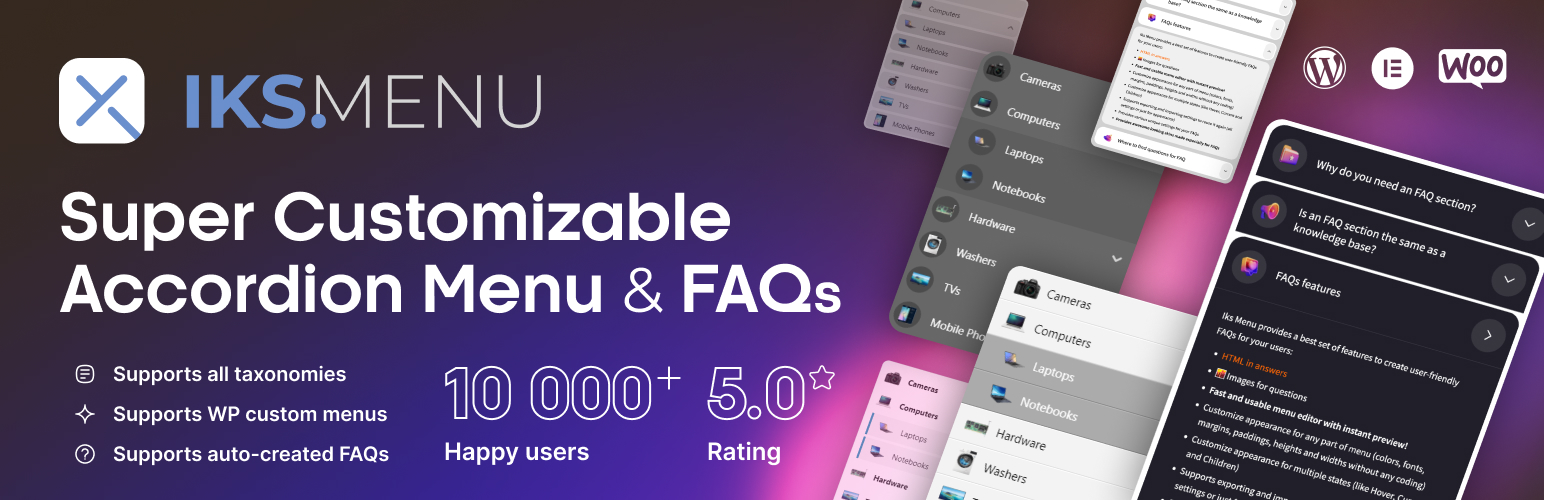
Create dynamic WordPress accordion menus with IKS Menu plugin
Learn how to create dynamic accordion menus on WordPress using the KS Menu plugin to enhance user experience and optimize site navigation. Detailed installation, customization and responsive design setup steps are provided.

How to Embed YouTube Videos on a WordPress Website: EmbedPress Plugin Guide
Learn how to easily embed YouTube videos, live streams, channels, and playlists into WordPress websites using the EmbedPress plugin. This article details embedding methods in different editors such as Elementor, Gutenberg, and Classic Editor, and provides...

How to Fully Customize WooCommerce Checkout Page with Elementor
Fully customize the appearance and functionality of your WooCommerce checkout page with Elementor's Checkout Widget. This article shows you how to set up the layout, fields, payment methods, and styles of the checkout page to optimize the user experience and increase conversions.

Create stunning flickering image effects with Elementor's Image Carousel widgets
Use Elementor to create modern and engaging flashing image effects to showcase fashion brands' collections. Enhance the dynamic feel and user experience of the page with Image Carousel widgets and fade-in effects that make it easy for users to browse products and engage with the campaign.

Optimize your website's images: Improve your website's performance with the Image Optimizer plugin from Elementor.
Use the Image Optimizer plugin to automatically optimize all images on your WordPress site, reduce image file sizes, and improve site loading speed. It supports automatic compression, batch optimization and format conversion to help your website improve performance, user experience and SEO ranking.

Getting Started with Elementor Containers: Structure, Orientation and Layout Controls Explained
Get an in-depth understanding of the structure and orientation of the Elementor container, as well as tips on content width, minimum height, customized typography, and responsive layout, to help you create professional WordPress pages with ease.

How to Easily Add New Stickers in Gutenberg with Essential Blocks Plugin
Easily add new sticker features in the Gutenberg editor to boost website interactivity with the Essential Blocks plugin. Learn how to configure content feeds, set up animations, and implement dynamic content displays to help keep your site up to date and users engaged.

How to Embed Audio Files in Gutenberg and Elementor with EmbedPress Plugin
Learn how to embed audio files in your WordPress website using the EmbedPress plugin. Easily add an audio player through the Gutenberg or Elementor editor and customize playback options to enhance the user experience.





