





arrange in order
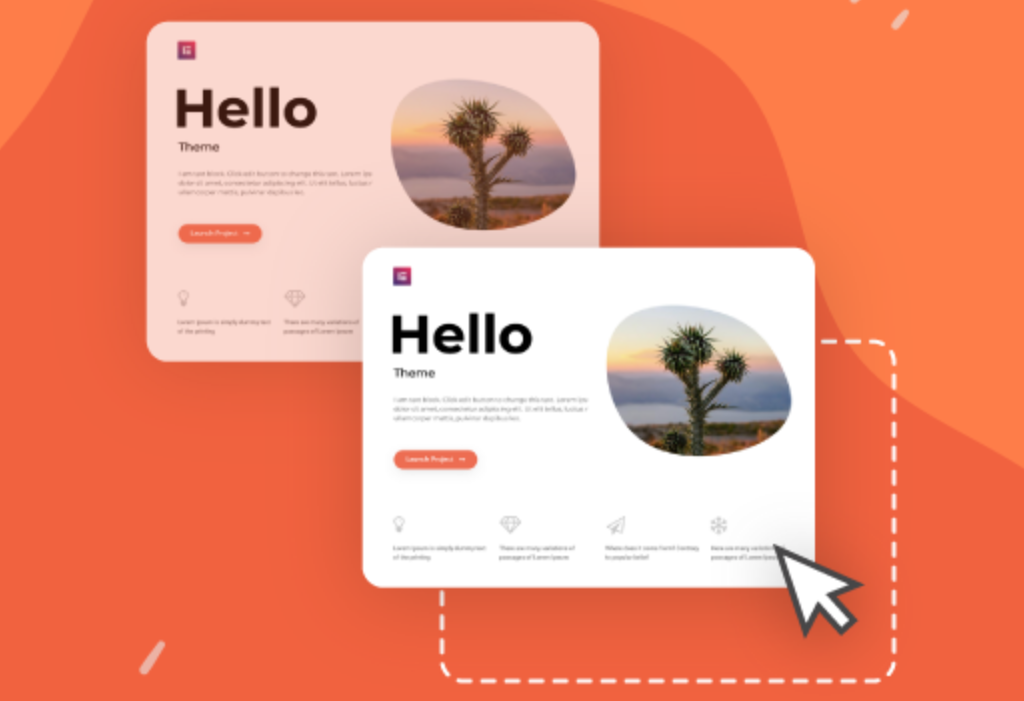
How to Create Child Themes for Popular Themes (Astra / Hello / GeneratePress)
This article systematically explains what a WordPress child theme is and why it's essential to create one when using popular themes like Astra, Hello, or GeneratePress. Through step-by-step, reproducible instructions, it helps you safely customize your theme while avoiding style issues caused by theme updates.

Blocksy child theme update guide: does the parent theme upgrade affect customization settings?
When using Blocksy child theme, the parent theme update will not affect your customization settings in the child theme. This article analyzes the theme structure relationship, update mechanism and best practices to help you feel free to customize and upgrade.

WooCommerce Child Theme Development Tutorial: Customizing Your WooCommerce Store Appearance
Learn how to customize the look of your store using the WooCommerce child theme, including template overrides, styling tweaks, and feature extensions for personalized e-commerce site design.

How to Create and Customize WordPress Child Themes: Full Tutorial & Practical Guide
What is a WordPress child theme? A WordPress child theme is a theme that inherits the functionality and styling of another theme (called a parent theme). Child themes are a safe way to modify a WordPress theme without having to edit the parent theme files directly. When you create a child theme,...

How to Create and Customize Child Themes in WordPress: A Guide to Manual and Plugin Approaches
Learn how to create and customize child themes in WordPress, either through manual methods or using plugins. This article provides detailed steps and tips for solving common problems to ensure your customized content stays the same after a theme update.





