



WordPress PluginTotal 26 articles
arrange in order

Imagify vs WP Smush Image Optimization: which one is better for your website?
Compare two popular image optimization plugins, Imagify and WP Smush, to help you choose the best tool for your website. Learn about the pros and cons of each plugin, how to increase your website speed, optimize images, and improve SEO performance.

How does Imagify and WP Smush work differently? The Difference Between Local Compression vs Cloud Compression
This article compares and analyzes two popular image compression plugins, Imagify and WP Smush, and introduces in detail the working principle, advantages and disadvantages of local compression and cloud compression, to help you choose the right compression method according to the needs of your website.
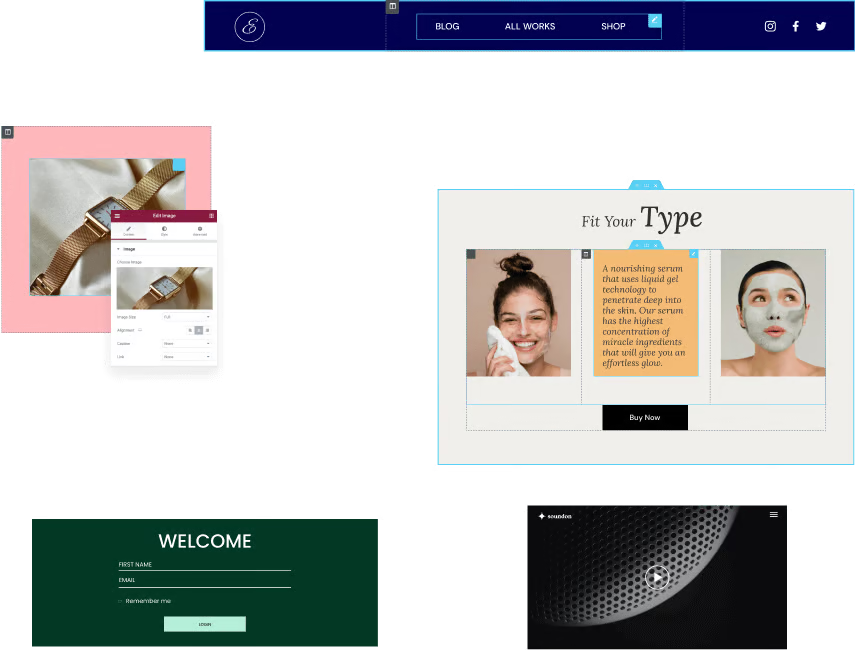
Why Elementor templates are the best choice for beginners to build websites
Find out why Elementor templates are ideal for beginners to build websites. Create a personal blog, a small business website or an e-commerce platform without writing code and choosing the right template.
Loco Translate PRO: How to import and export translation files?
Learn how to import and export translation files in WordPress using the Loco Translate PRO plugin. Master this technique and increase the efficiency of your multilingual website translation management.
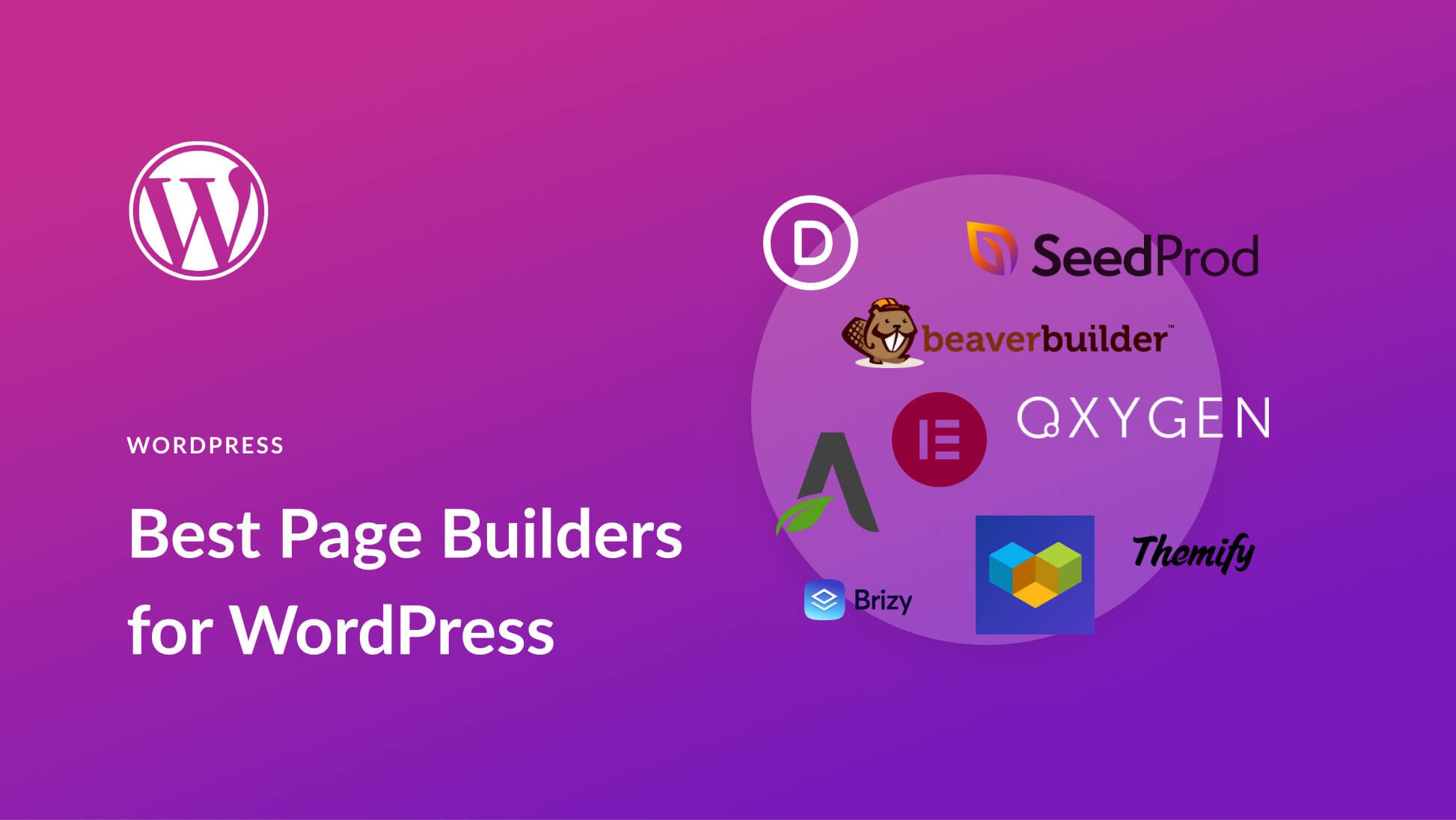
Elementor plugin for external templates vs. other page builders: which one fits your needs better?
In WordPress website building, the choice of page builder tool is crucial. In this article, we compare Elementor, WPBakery, Gutenberg and Brizy to help you choose the most suitable page builder plugin to improve design efficiency and website performance.
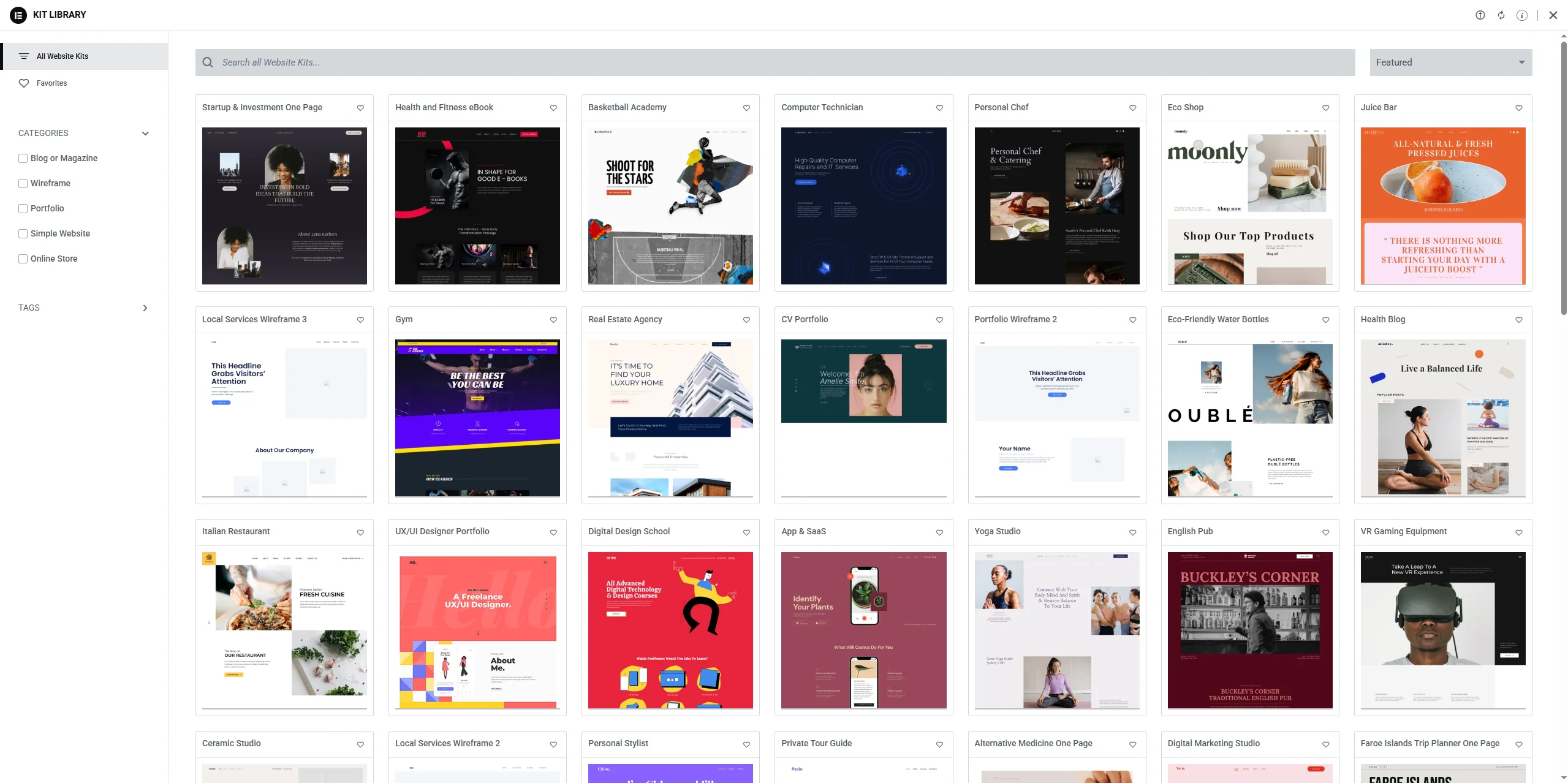
Security and compatibility issues with Elementor plug-in templates: how to avoid common pitfalls
In-depth discussion of Elementor plug-in template plug-ins security and compatibility issues, to provide effective preventive measures and solutions to help webmasters avoid common security risks and plug-in conflicts, to ensure the stability and efficient operation of the site.
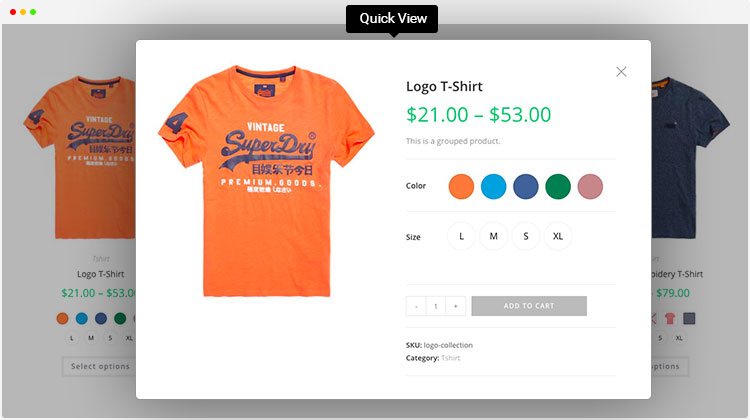
Enhance product presentation with the WordPress Multi-Variant and Multi-Attribute plugin
Explore how to optimize product pages using WordPress multi-variants and multi-attributes plugins to enhance user experience, boost shopping engagement, drive sales, and help merchants stand out in the fiercely competitive e-commerce market.

Not sure what GenerateBlocks is? What website-building problems can it solve?
What is GenerateBlocks? This article systematically explains the core features of the GenerateBlocks plugin, its applicable scenarios, and the WordPress page layout and site-building issues it resolves, helping you determine whether it's worth using long-term.

We recommend a few must-have Astra plugins to improve the functionality and aesthetics of your site.
Featured Astra theme must-have plugins, including Starter Templates, Spectra, Elementor, WP Rocket, etc., to improve the functionality, aesthetics and loading speed of the site.

Complete Guide to Installing WordPress Plugins with WP-CLI
This tutorial explains how to install, enable and manage WordPress plugins using WP-CLI. Learn how to simplify the plugin installation process via the command line for developers.

Is automated SEO setup really a "lazy man's gospel"?Rank Math Pros and Cons
A comprehensive analysis of the strengths and limitations of Rank Math's automation features to help WordPress users determine if they are worth using.

Plugin Developer Perspective: Why is Rank Math Free + Powerful? Talking about Plugin Profit Model Transformation
What makes Rank Math free and powerful? This article analyzes the profitability logic from the perspective of plugin developers, and reveals a key shift in the WordPress plugin business model.
A comprehensive look at the Elementor Pro form builder: from design to post-commit automation
A comprehensive overview of the features and benefits of Elementor Pro's built-in form builder for information gathering, autoresponders, and third-party platform integration scenarios.

How to Add Icons to Your WordPress Website Navigation Menu: Improving Usability and Visualization
Learn how to add icons to your website's navigation menu with the Menu Icons plugin, Font Awesome icons, or custom graphics. This article provides detailed steps to help you improve the usability and visual appeal of your website and optimize the user experience.

How to White Label Astra Themes: Personalizing the Experience for Your Brand
Learn how to match the backend interface of your Astra theme to your brand with the Astra Pro plugin's white-labeling feature. This article provides detailed steps to help you personalize the plugin name, theme name, author information, and more to create a website that is exclusive to your brand.

Kadence Tutorial: Kadence Pattern Hub Thumbnail and Access Key Configuration Guide
This article introduces the complete operation flow of thumbnail generation and Access Key setting in Kadence Pattern Hub plug-in, which helps you to quickly manage the design pattern content and realize visual display.

Kadence Pattern Hub Plug-in Complete Tutorial: Creating, Managing and Synchronizing Design Patterns
This article details how to use the Kadence Pattern Hub plug-in to create, manage, and share design patterns to help designers quickly import and reuse design elements across multiple projects and improve site design efficiency.

Kadence Tutorial: How to Install and Activate the Kadence Pattern Hub Plug-in
This article details how to install and activate the Kadence Pattern Hub plug-in, which helps you create and host custom content libraries to improve website design efficiency and flexibility.

Kadence Tutorial: Kadence Conversions Plug-in Installation and Setup Guide
This article details the installation and activation process of the Kadence Conversions plugin and explains how to create conversion elements such as pop-ups, slide-ins and banners. With this guide, users can easily add attractive elements to their websites to boost conversions.

Kadence Tutorial: Using Kadence blocks to insert content catalogs in WordPress sites
This article describes how to use Kadence Blocks plugin to insert content directories in WordPress articles, improve page structure clarity and SEO performance, and support Kadence Theme Pro to realize automatic insertion throughout the site.

How to Translate a WordPress Website Using Loco Translate Plugin with WoodMart Theme Integration
This article describes how to use Loco Translate plugin to translate WoodMart theme, including plugin installation, language settings, storage location selection and text translation steps. With Loco Translate, no need to modify the code to complete the theme localization, improve the site's multi-language adaptability ...

Bricks Ultimate Version 1.8.7.1 Update Analysis
Bricks Ultimate version 1.8.7.1 is released, optimizing Order Bumps feature and fixing WooCommerce product image display issues. This article analyzes the updates and whether it's worth upgrading.

Autoptimize vs. other caching plugins: which one is best for your WordPress site?
Learn the key differences between Autoptimize and WP Rocket, LiteSpeed Cache and W3 Total Cache to help you choose the best caching plugin for your WordPress website. Boost site speed, optimize static files, and improve user experience.

IKS Menu Pro Plugin Compatibility Analysis: How to Solve Plugin Compatibility Problems
Learn about the compatibility of IKS Menu Pro plugin with common WordPress plugins and themes such as WPML, WooCommerce, Elementor, etc. The solutions in this article will help you to solve the compatibility problems encountered in the process of using it, and improve the user experience and functionality of your website...

Best WordPress Slideshow Plugin - Enhance Website User Experience
Learn about and choose the best WordPress slideshow plugins to enhance the user experience of your website. This article rounds up a few popular responsive slideshow plugins to help you optimize your website results and improve interactivity.

How to embed a Facebook page on WordPress?
Learn how to dynamically add a Facebook page to your website through a WordPress plugin or manual integration. This article describes two ways to help improve your website functionality and user interaction.

 简体中文
简体中文  English
  日本語
日本語  Français
  Español



