





arrange in order
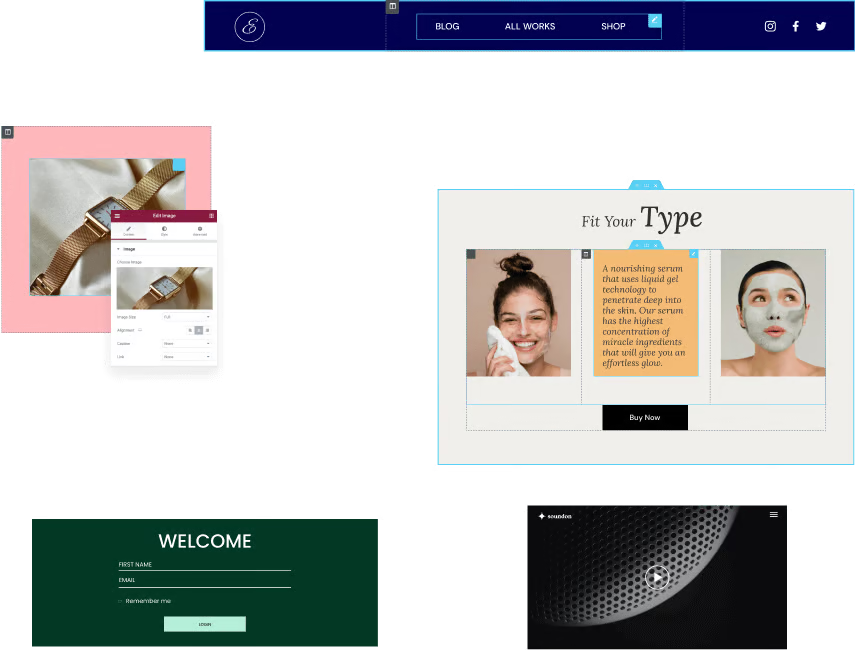
Why Elementor templates are the best choice for beginners to build websites
Find out why Elementor templates are ideal for beginners to build websites. Create a personal blog, a small business website or an e-commerce platform without writing code and choosing the right template.

Best WordPress Slideshow Plugin - Enhance Website User Experience
Learn about and choose the best WordPress slideshow plugins to enhance the user experience of your website. This article rounds up a few popular responsive slideshow plugins to help you optimize your website results and improve interactivity.

Not sure what GenerateBlocks is? What website-building problems can it solve?
What is GenerateBlocks? This article systematically explains the core features of the GenerateBlocks plugin, its applicable scenarios, and the WordPress page layout and site-building issues it resolves, helping you determine whether it's worth using long-term.
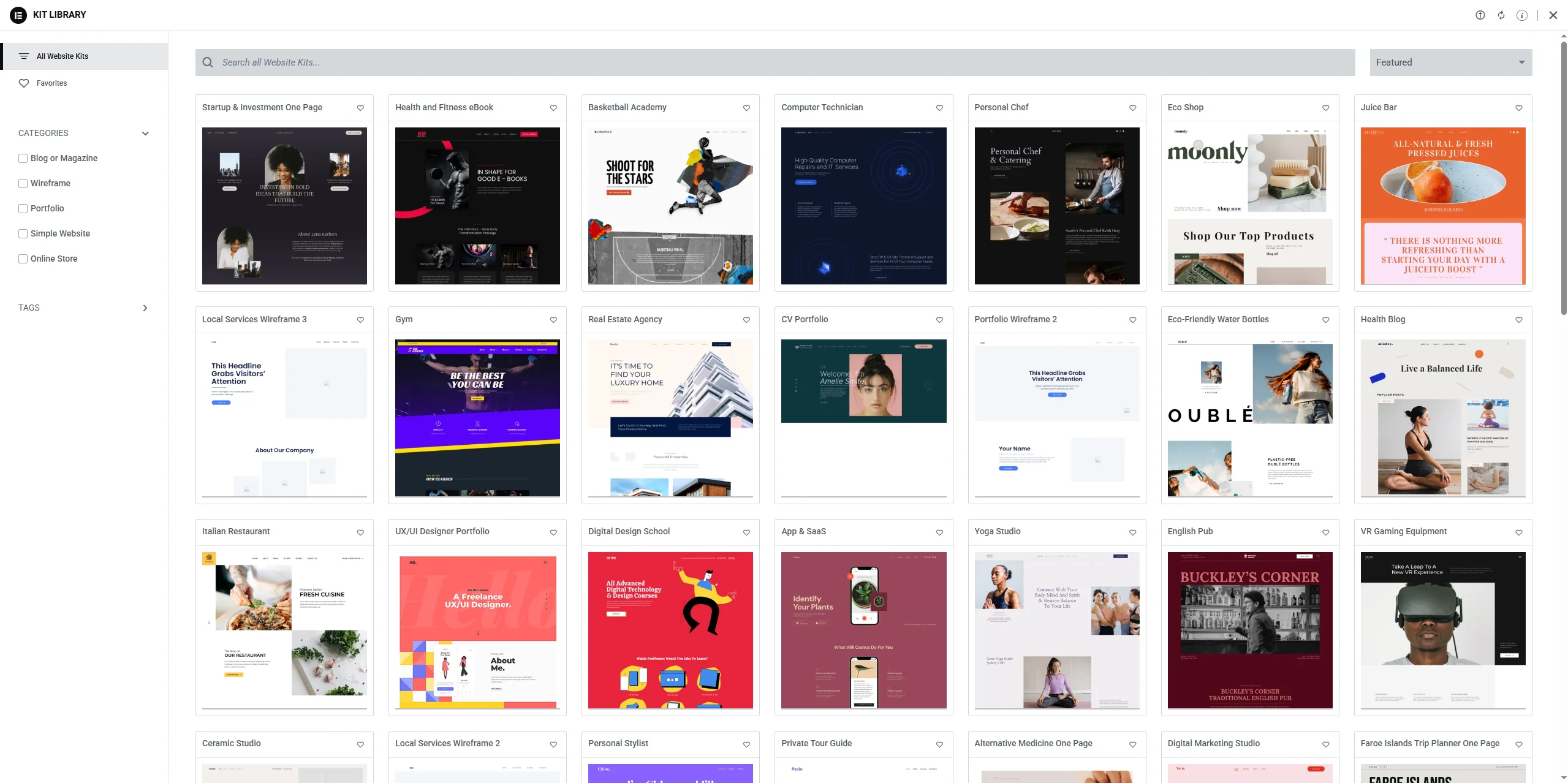
Security and compatibility issues with Elementor plug-in templates: how to avoid common pitfalls
In-depth discussion of Elementor plug-in template plug-ins security and compatibility issues, to provide effective preventive measures and solutions to help webmasters avoid common security risks and plug-in conflicts, to ensure the stability and efficient operation of the site.
How to White Label Astra Themes: Personalizing the Experience for Your Brand
Learn how to match the backend interface of your Astra theme to your brand with the Astra Pro plugin's white-labeling feature. This article provides detailed steps to help you personalize the plugin name, theme name, author information, and more to create a website that is exclusive to your brand.

Bricks Ultimate Version 1.8.7.1 Update Analysis
Bricks Ultimate version 1.8.7.1 is released, optimizing Order Bumps feature and fixing WooCommerce product image display issues. This article analyzes the updates and whether it's worth upgrading.

Autoptimize vs. other caching plugins: which one is best for your WordPress site?
Learn the key differences between Autoptimize and WP Rocket, LiteSpeed Cache and W3 Total Cache to help you choose the best caching plugin for your WordPress website. Boost site speed, optimize static files, and improve user experience.

Complete Guide to Installing WordPress Plugins with WP-CLI
This tutorial explains how to install, enable and manage WordPress plugins using WP-CLI. Learn how to simplify the plugin installation process via the command line for developers.
A comprehensive look at the Elementor Pro form builder: from design to post-commit automation
A comprehensive overview of the features and benefits of Elementor Pro's built-in form builder for information gathering, autoresponders, and third-party platform integration scenarios.
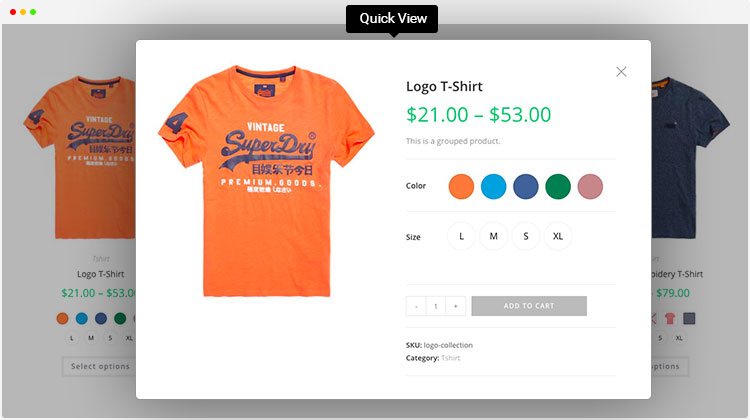
Enhance product presentation with the WordPress Multi-Variant and Multi-Attribute plugin
Explore how to optimize product pages using WordPress multi-variants and multi-attributes plugins to enhance user experience, boost shopping engagement, drive sales, and help merchants stand out in the fiercely competitive e-commerce market.
Loco Translate PRO: How to import and export translation files?
Learn how to import and export translation files in WordPress using the Loco Translate PRO plugin. Master this technique and increase the efficiency of your multilingual website translation management.

Kadence Tutorial: Using Kadence blocks to insert content catalogs in WordPress sites
This article describes how to use Kadence Blocks plugin to insert content directories in WordPress articles, improve page structure clarity and SEO performance, and support Kadence Theme Pro to realize automatic insertion throughout the site.





