




Elementor Page 22
Elementor is a powerful drag and drop page builder for WordPress that makes it easy for users to create responsive websites. Known for its user-friendly interface that allows even non-developers to create professional-looking pages without writing a single line of code, Elementor offers a wealth of widgets, templates, and design options that grant complete creative freedom to improve the functionality and aesthetics of your website, making it the tool of choice for beginners and experienced developers looking to streamline their website design workflow.
arrange in order

Fixing the "You Must Call the Content Function" error in Elementor
Detailed analysis of Elementor error "You Must Call the Content Function" causes, and provides four effective solutions to quickly restore page editing functionality.
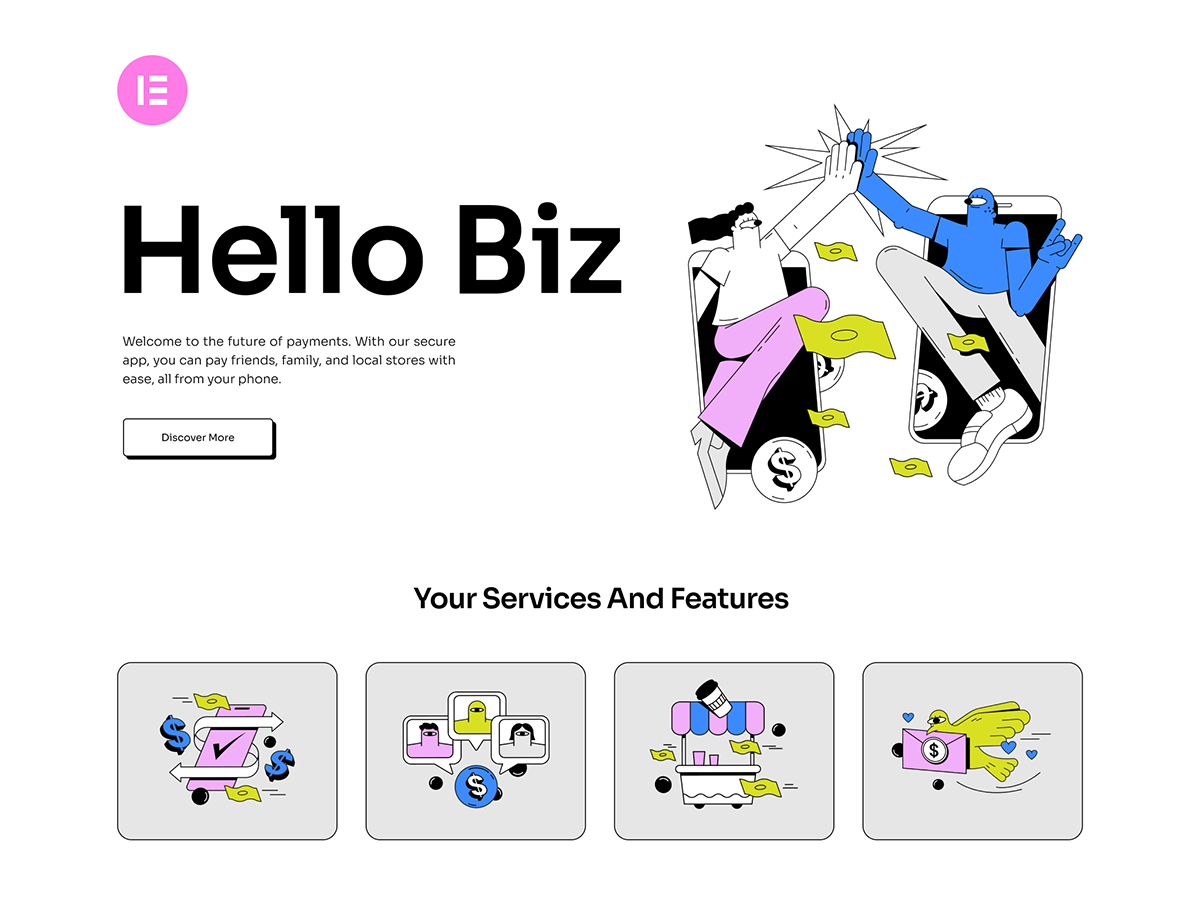
Introducing Hello Biz: a free WordPress business theme for beginners!
Hello Biz is a free WordPress business theme from Elementor, suitable for beginners and small businesses to build a website quickly, with built-in templates and specialized widgets to build professional websites easily.
Elementor Web.fwrd 2025 Year in Review: Opening a New Era of Web Authoring
Take a deeper dive into the many updates Elementor released in Web.fwrd 2025, including the AI Site Planner, Hello Biz Theme, Send Marketing Platform, and the all-new Editor V4, which helps web creators build effective websites.

Free Elementor Translation Plugin: How to make your website multilingual?
Learn how to use free Elementor translation plugins like Polylang, TranslatePress, Weglot, and GTranslate to help you easily add multi-language support to your WordPress website, boosting your user experience and global reach.

In-Depth Website Editor Comparison: Core Differences Between Elementor and Gutenberg
An in-depth look at the core differences between Elementor and Gutenberg, from design freedom and performance to future directions, to help you choose the best editor for your next WordPress project.

Why Elementor chose to prioritize CSS: The vision behind Editor V4
Elementor adopts a CSS-first style system in Editor V4 for greater design consistency, scalability and efficiency. Through classes and inheritance, users can easily manage site-wide styles, improving the efficiency of design changes and enhancing site performance.

What's New in Elementor: Editable Blocks, AI Logo Generator and Cleaner Product Images - April Update Highlights
Elementor's April update brings a new AI Logo generator, smart image tools, and editable blocks to help users create brand assets faster, improve the quality of product imagery, and accelerate the website design process. With these features, designers can more efficiently complete projects...
The combination of Elementor templates and dynamic content: making your pages more interactive
Learn how to combine Elementor templates with dynamic content to enhance your website's interactivity and user experience. Create more vibrant, user-engaging web designs with real-time updates, social media integration, and personalized content.
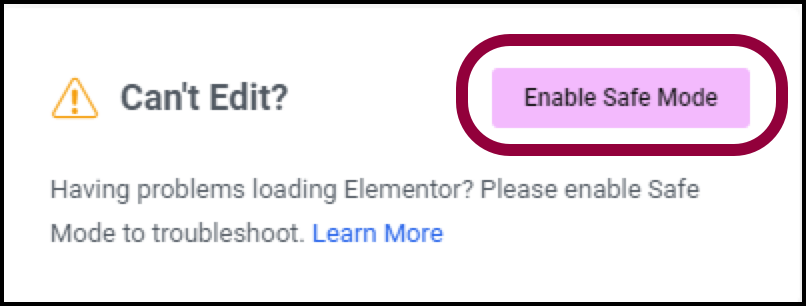
Why using Elementor Safe Mode speeds up website debugging
Learn how to speed up the website debugging process by enabling Elementor Safe Mode. This article describes how Safe Mode can be used to isolate plugin conflicts, optimize page load speeds, and reduce cache interference to improve the efficiency of Elementor page builds and troubleshooting.
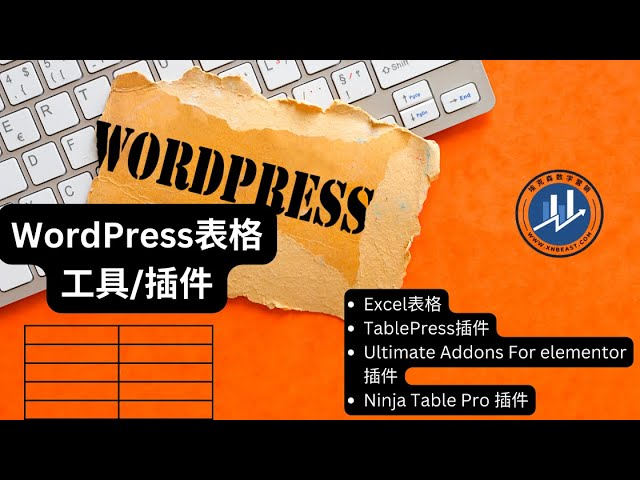
Using Elementor Forms Plugin: Recommended Best Plugins and Tools
Choose the right Elementor table plugin to enhance table functionality and design. We recommend TablePress, WP Table Builder and other best plugins to help you easily create interactive, responsive and beautiful tables for different needs.
Advanced Methods for Solving the_content Error in Elementor
Encountered Elementor page does not display content or the_content error? This article explains in detail the role of the_content function, common causes of errors and advanced repair techniques to help you completely solve the content loading problems in Elementor, improve site performance and compatibility ...

Optimize your website's images: Improve your website's performance with the Image Optimizer plugin from Elementor.
Use the Image Optimizer plugin to automatically optimize all images on your WordPress site, reduce image file sizes, and improve site loading speed. It supports automatic compression, batch optimization and format conversion to help your website improve performance, user experience and SEO ranking.

 简体中文
简体中文  English
  日本語
日本語  Français
  Español



