




Elementor Page 43
Elementor is a powerful drag and drop page builder for WordPress that makes it easy for users to create responsive websites. Known for its user-friendly interface that allows even non-developers to create professional-looking pages without writing a single line of code, Elementor offers a wealth of widgets, templates, and design options that grant complete creative freedom to improve the functionality and aesthetics of your website, making it the tool of choice for beginners and experienced developers looking to streamline their website design workflow.
arrange in order

How to Install WordPress Website Templates with Elementor
Learn how to install and apply WordPress website templates using Elementor. This article explains every step of the process in detail, from plugin installation, template selection to content import, helping users to easily create a personalized website.

Elementor Pro Resources: Maximizing Official Support and Community Wisdom
A comprehensive analysis of Elementor Pro's official resource system, including the knowledge base, community forum, technical support, and technical documentation, helps users maximize the software's value.
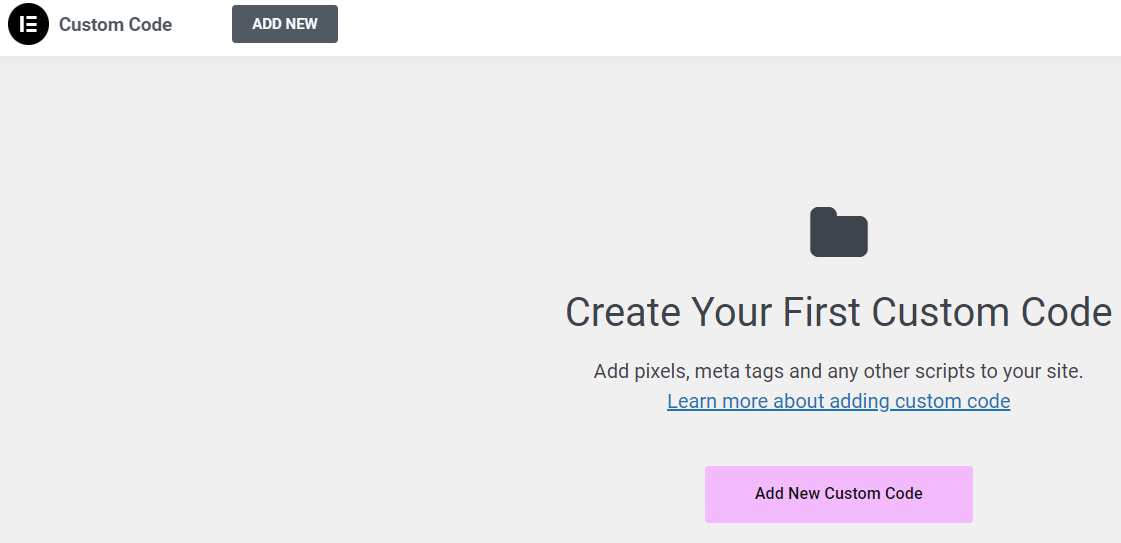
90% used the code in the wrong location: Elementor Custom Code instead of functions.php
Where should code go? Misusing Custom Code can cause chaos, while errors in functions.php lead to blank screens. This article clearly defines the true boundaries between Elementor Custom Code and functions.php, helping you avoid pitfalls and maintain your site more easily.

Why Elementor plugin for external templates is ideal for beginners?
Find out why Elementor plugin for external templates is ideal for beginners. Not only does it support drag-and-drop editing, it also offers a wealth of templates and widgets to help users quickly build professional websites.
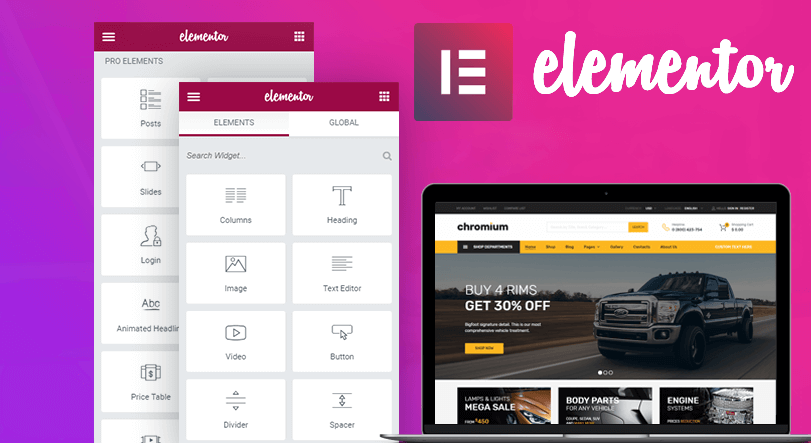
How to choose Elementor plugin template plugin? Newbies use these 4 feature points to quickly make high converting pages
Organize Elementor plug-in template plugin selection points: template library, responsive, custom, import and export. With clear setup steps and optimization suggestions, newbies can also quickly make high conversion page.

How to troubleshoot the content function error when using Elementor's self-built page templates?
This article teaches you how to troubleshoot template files, add the_content function, and solve the loading failure problem.

Advantages and disadvantages of Elementor global font system design analysis
An in-depth analysis of the pros and cons of Elementor's global font system, and how to properly configure global fonts in WordPress sites to improve design consistency and brand professionalism.

SEO Optimization Guide: Increase Content Visibility and Traffic with Loop Grid
Optimize Headlines, Abstracts, Schema and Internal Links with Elementor's Loop Grid to improve overall website SEO and content visibility.

Category pages not generating orders or ranking? The Archive template is quietly solving these e-commerce challenges.
Are your category pages just auto-generated? Then you're wasting traffic for nothing. This article thoroughly dissects how the Archive template solves the core e-commerce pain points of category pages failing to rank and convert.





