


SEO Page 8
Professional high level knowledge of SEO and free high quality services for millions of sellers
arrange in order

Don't be intimidated by SEO, focus keywords are easiest to set up this way!
Focus keywords are the foundation of article SEO. This article shows you how to set up keywords, analyze page structure, and improve search engine visibility with the Yoast SEO plugin to make content easier to find.

302 jump, rankings fell off? Understand the SEO difference between 301 and 302 so that you don't waste your time.
Can't figure out the difference between 301 and 302 jumps? This article tells you the actual impact of the two on SEO, teach you how to correctly set up the jump, to avoid ranking and weight loss.
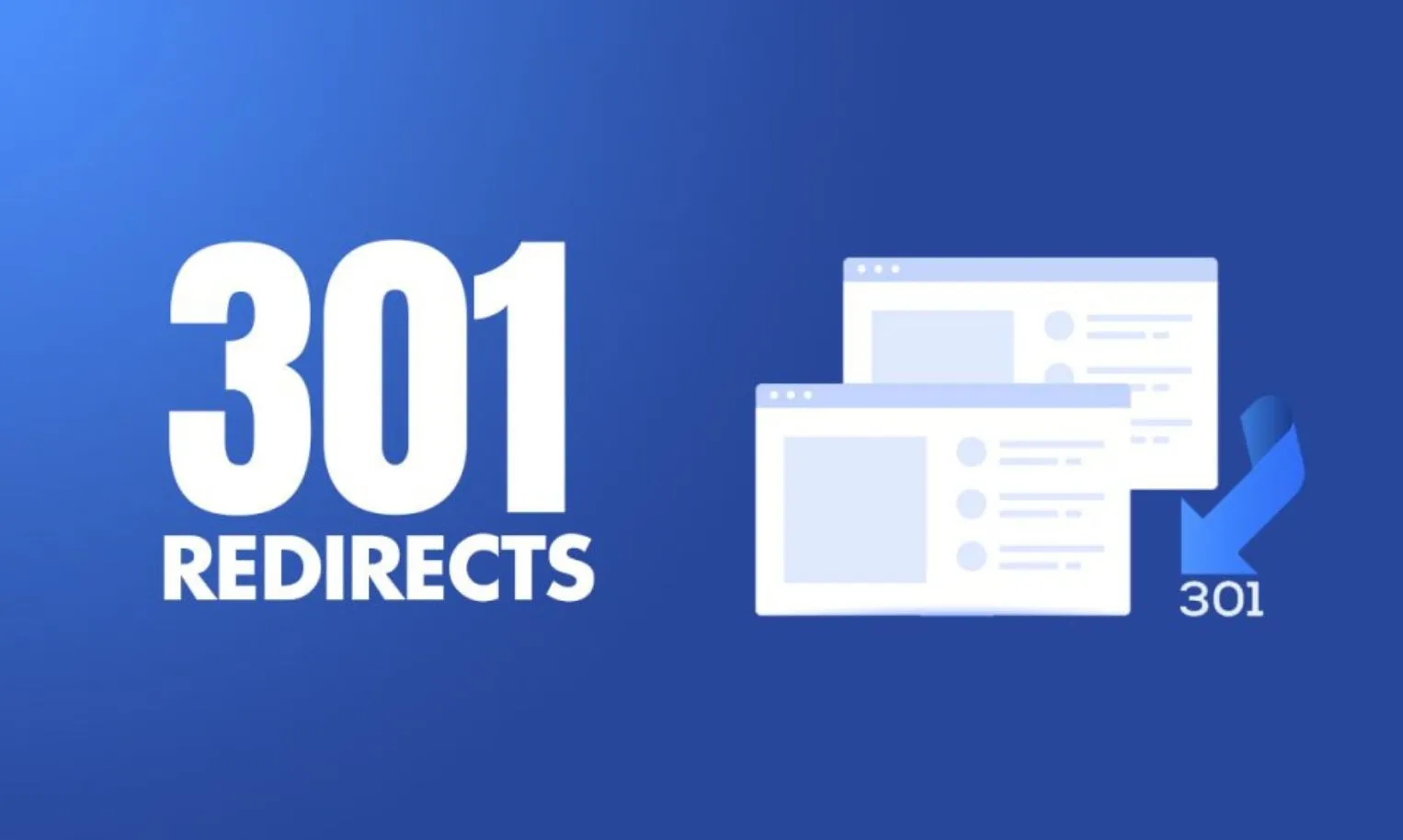
SEO collapse of the murderer behind the scenes: 301 jump did not understand, the site white optimization
Understand what is 301 jump and its important role in SEO, master the use of WordPress plugin to set up permanent redirection, avoid traffic loss, optimize the structure of the site.

Webmasters look stupid! Moz and Semrush face off on problematic keyword research, and the winner is beyond belief!
An in-depth comparison of Moz and Semrush's features, data, and scenarios for question-based keyword mining to help improve content strategy.

Yoast SEO is your secret weapon to get to #1 on Google, and this tutorial tells it like it is!
Explain the installation steps and settings of Yoast SEO plugin to help WordPress websites improve Google search rankings, optimize content structure, and increase inclusion and click-through rate.

Yoast SEO Activation Failed? These 5 troubleshooting steps will save you!
Can't activate Yoast SEO plugin? This article teaches you through five steps to troubleshoot plugin conflicts, system environment, permission settings and other common problems, quickly solve the activation failure, and successfully open the website SEO optimization.

Late Setup, Lost Traffic? The right way to get rid of 301 with Rank Math
This tutorial shows you how to configure 301 redirects using Rank Math plugin, covering plugin enable, single and batch redirect settings, redirect record management, regular redirects and auto-redirect strategies, which will help you easily deal with SEO problems caused by page restructuring.

SEO newbies can also hang with veteran webmasters?Yoast plugin full process unlocked!
This beginner's tutorial will show you hands-on how to install and configure the Yoast SEO plugin, master search appearance, keyword optimization, sitemaps, and other key features to quickly improve your WordPress website's search performance.

Using the wrong focus keyword is the same as writing an article for nothing?Yoast SEO newbies are most likely to overlook the deadly settings!
Learn about the Focus Keywords feature in the Yoast SEO plugin and how to enable, fill out, and optimize it to make your WordPress pages more visible to search engines and increase their rankings and exposure.

Does Yoast SEO need to be installed with all features turned on? These suggestions are worth checking out
Should I enable all features after installing Yoast SEO? This article analyzes the core modules and optional settings of the plugin in detail, helping you to selectively enable features according to the type of website, avoiding misuse and improving the efficiency of SEO performance.

Yoast SEO Tutorial: How to Set Up Facebook and Twitter Share Previews
The article teaches you how to set up Facebook and Twitter share graphs, titles and descriptions with the Yoast SEO plugin, from site-wide default graphs to single custom covers, with debugging tools to optimize social presentation step by step to make content more eye-catching on the platform.
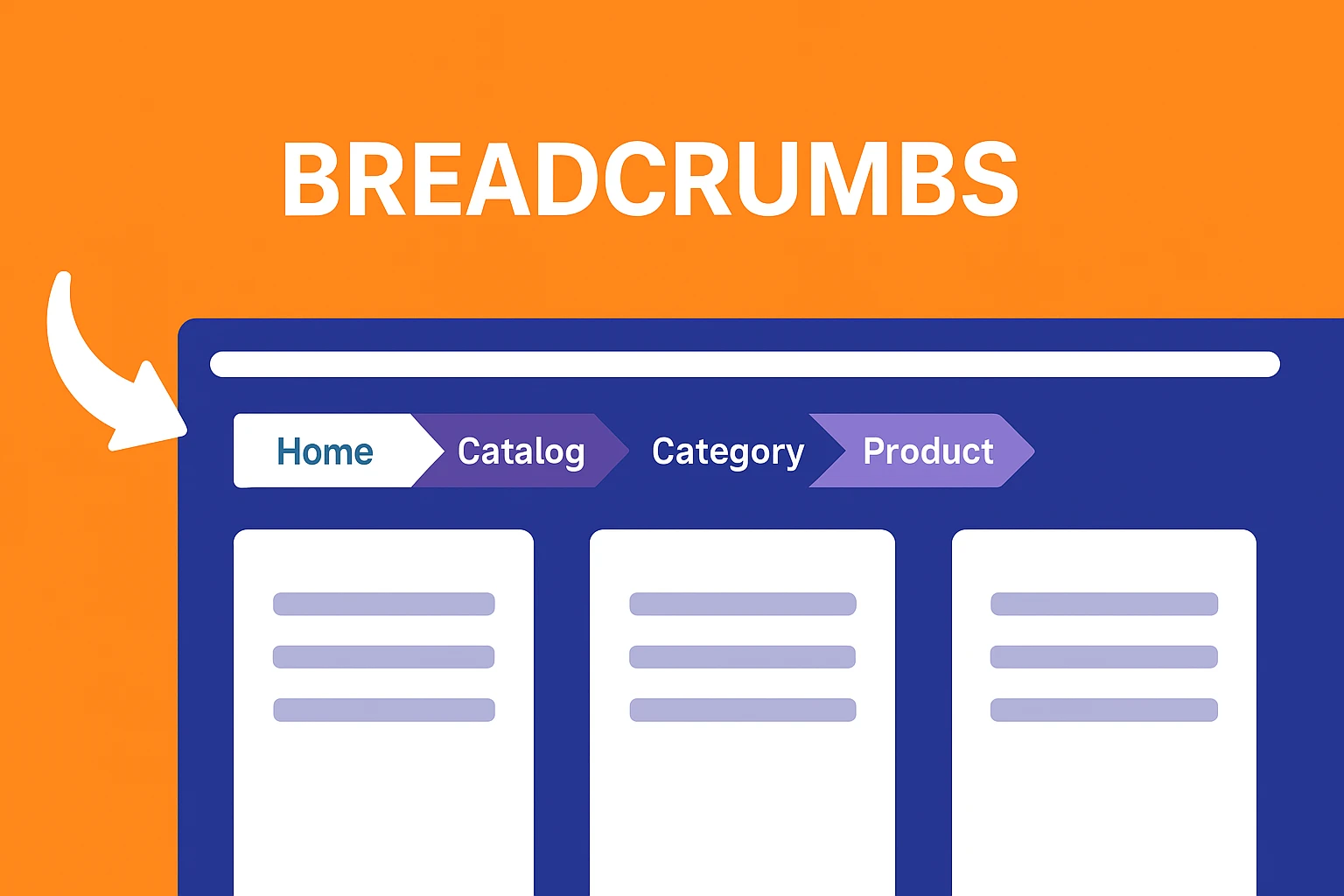
Breadcrumb navigation does not work after Yoast SEO installation? Reasons and Solutions
Yoast SEO plugin has integrated breadcrumb function, but what if the navigation doesn't show up? This article analyzes the reasons and solutions to help you set up and improve the SEO performance of your website.

How does TranslatePress work with Rank Math for multilingual SEO?
Learn how to combine TranslatePress and Rank Math for multilingual SEO optimization of WordPress to improve global search engine rankings and user experience.

SEMrush vs. Moz Content Marketing: Template Features and Optimization Suggestions Explained
A comprehensive comparison of the differences between SEMrush and Moz in terms of content templates, optimization recommendations, and feature support to help companies choose the best content marketing tool for their business.
Does Using Caching Plugins Affect SEO - W3 Total Cache vs.
Do Caching Plugins Really Affect SEO? This article explains how W3 Total Cache and WP Super Cache can indirectly enhance search ranking performance by improving website speed and stability.

How to set up SEO friendly multilingual URL structure for Polylang?
Want to make your WordPress multilingual website more crawlable by Google? This article explains how to use Polylang to set up SEO-friendly multilingual URL structure to improve indexing and ranking results.

Rank Math vs Yoast SEO Sitemap Features Comparison: Which is better for your site?
Compare and contrast the differences between Rank Math and Yoast SEO in terms of Sitemap functionality, covering how to generate it, the details of setting it up, and who it's for, to help you choose the SEO plugin that suits you better.

What if Yoast SEO conflicts with other SEO plugins?
Solve Yoast SEO conflicts with other plugins, including sitemap overlay, meta tag invalidation, cache interference and multi-language compatibility issues, and improve the stability of website SEO.

Yoast SEO can't enable the plugin after installation, how to troubleshoot?
Yoast SEO plugin can't be enabled? This article explains the common causes and solutions, including PHP version, plugin conflicts, memory limitations, etc., to help you quickly troubleshoot the problem.
Yoast SEO is not generating sitemap.xml after installation?
Yoast SEO does not have sitemap.xml after installation? This article explains the reasons, including fixed link settings, cache interference, plugin conflicts, and provides practical solutions.

5 Must-Do Settings After Yoast SEO Installation
Learn the 5 settings you must make after installing Yoast SEO to help boost your website's search engine rankings and optimize SEO results, including XML sitemaps, breadcrumb navigation, and social media configuration.

A Complete Guide to Setting Product Page Titles and Descriptions with Yoast SEO
A comprehensive guide on how to optimize product page titles and descriptions to boost search rankings and click-through rates with the Yoast SEO plugin for WooCommerce and WordPress e-commerce sites.
Is Yoast SEO compatible with WooCommerce after installation?
Understand Yoast SEO compatibility with WooCommerce and optimization methods to improve product page structure, sitemaps, metadata, and search ranking performance.

What advanced options do I need to configure after Yoast SEO installation?
Comprehensively analyze the advanced settings of Yoast SEO plugin after installation, including content indexing control, breadcrumb navigation, structured data, title template and sitemap configuration, which will help you improve the overall SEO performance of your WordPress website.

WordPress auto-generated Sitemap and plugin generation what is the difference between
Compare the difference in functionality between the WordPress Sitemap and the SEO plugin to help you choose the most suitable configuration for your website.

How Kadence Improved SEO Performance and Core Page Metrics for WooCommerce
Learn how Kadence can help WooCommerce improve SEO performance and core web metrics. From structural optimization and load speed to the mobile experience, enhance your e-commerce site's rankings and performance.
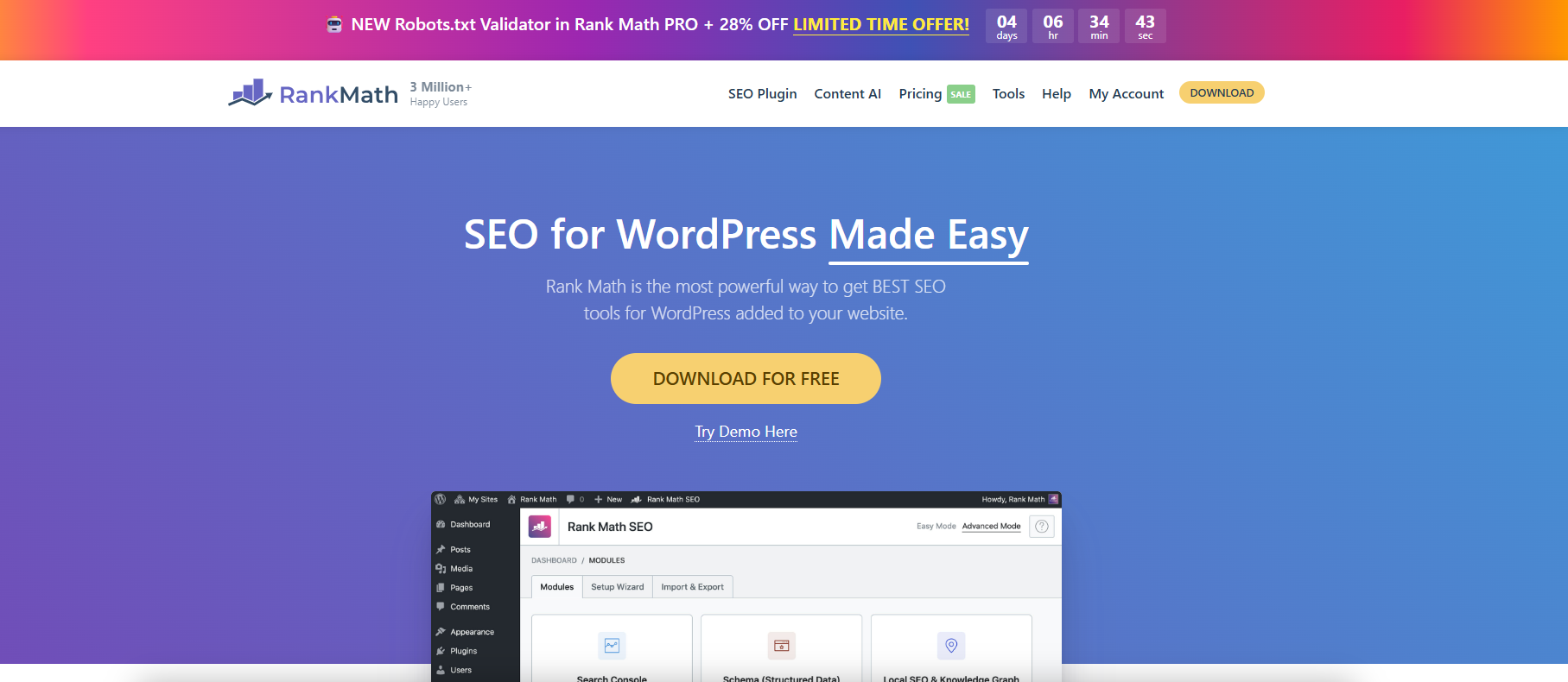
Use Rank Math to fine-tune WordPress Sitemap output.
With Rank Math, you can finely configure WordPress sitemaps, customize page indexing and category filtering to improve search engine crawling and SEO efficiency.
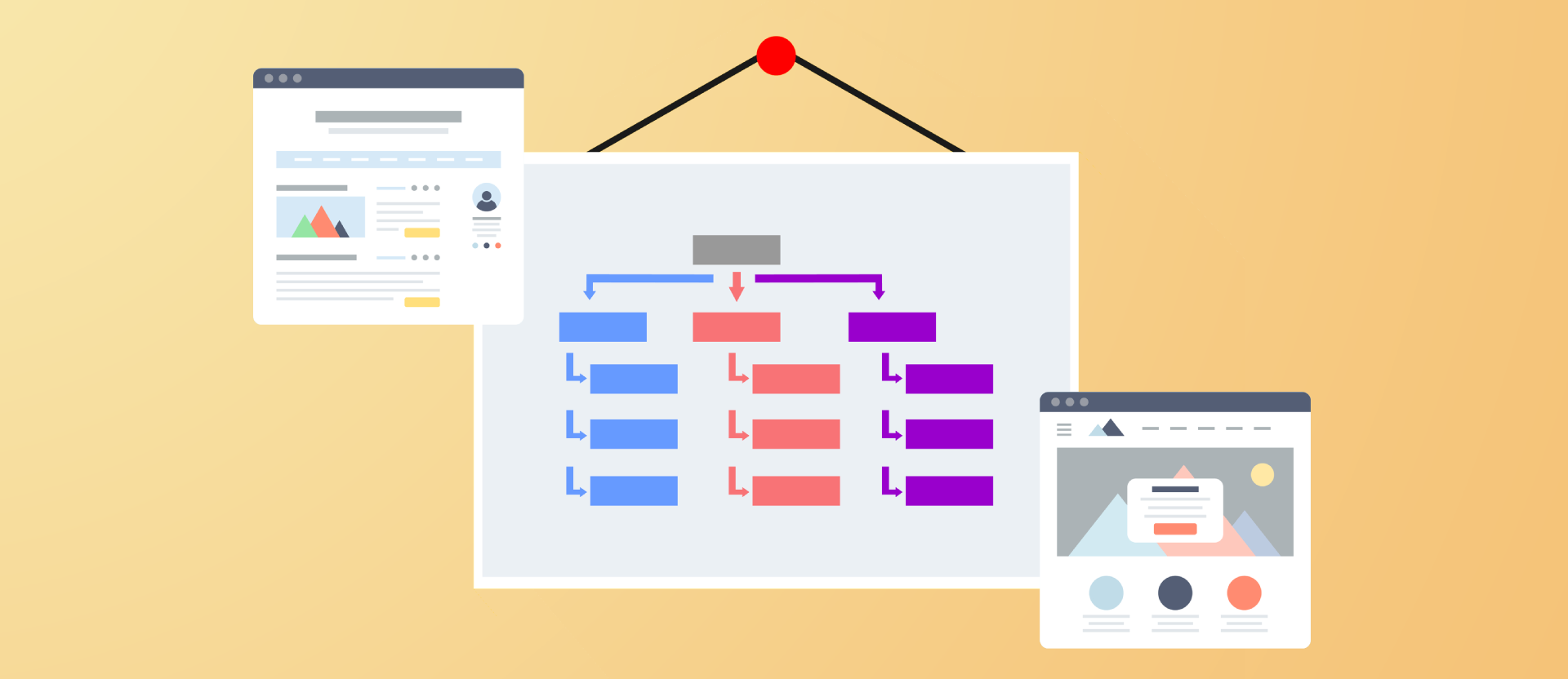
Improving Crawl Efficiency Across the Board: A Guide to Configuring WordPress XML Sitemaps
Comprehensively introduce how to generate, configure and submit XML sitemaps for WordPress websites, improve crawling efficiency and indexing performance, and adapt Rank Math and Yoast SEO.
Yoast SEO Tutorial: How to Exclude Specific Page Types from Generating Sitemaps
Exclude media pages, tabs and other worthless pages with Yoast SEO plugin for a more focused sitemap and better SEO results. Easy to operate and practical, help you optimize the whole site structure.

Can you do SEO on WordPress?
This article explores how to boost your website rankings with WordPress SEO features and plugins such as Yoast SEO, including optimizing URL structure, titles, meta descriptions, image ALT text, as well as improving site performance and mobile optimization.

 简体中文
简体中文  English
  日本語
日本語  Français
  Español



