




Server operation and maintenance Page 11
Choosing the right server for you needs to be considered in light of your actual needs and situation, and you need to weigh a number of factors such as price, performance, reliability, and quality of service.
arrange in order

1Panel v2: Heavy Updates and Innovative Features in Depth
Learn about the comprehensive updates to 1Panel v2, including new features such as load balancing, snapshot mechanism, task management and multi-computer management, providing webmasters and enterprise-level users with an efficient and stable management experience.

Completely outperforms the old version! Five Amazing Benefits of 1Panel v2 Upgrade Revealed!
1Panel v2 brings five upgraded advantages of performance optimization, security protection, extension compatibility and convenient operation, making site management more stable and efficient.

1Panel v2: The revolutionary panel that breaks the mold and redefines server management!
Explore how 1Panel v2 compares to other control panels and learn how it redefines the server management experience with efficient performance, robust Docker support, and security features.

1Panel v2 Pro creates a new peak of website performance!
In-depth analysis of 1Panel v2 Pro's core features and advantages, bringing faster, more stable and more secure website operation experience.

WordPress temp-write-test file appears? Causes and Solutions
Detailed analysis of WordPress temp-write-test file sources, risks and deletion methods to help webmasters quickly solve the residual problem.
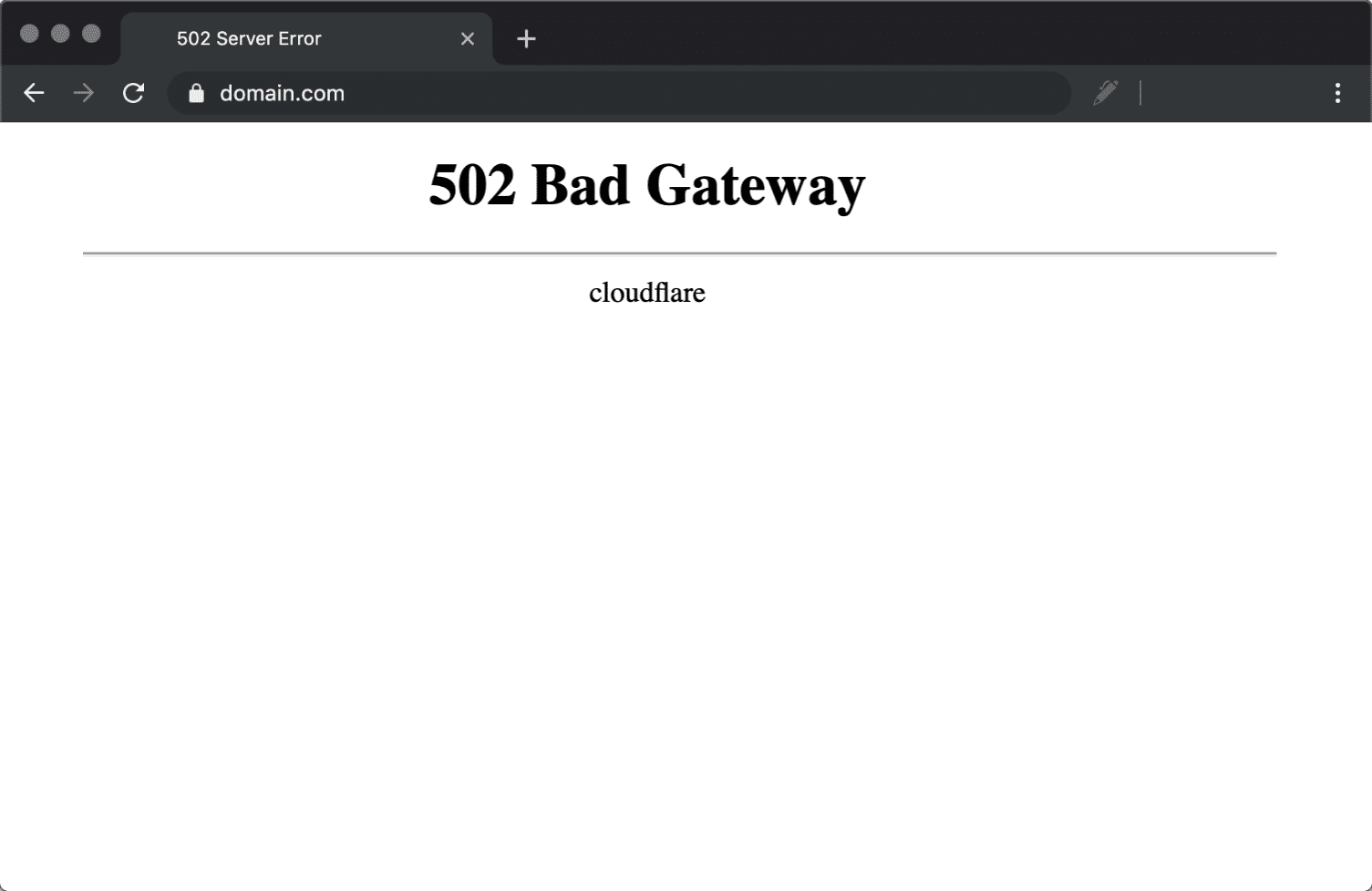
Website crashing? How to check if it's caused by a 502 error
02 Bad Gateway error is commonly seen when a website crashes. This article provides simple and effective checking steps and fixes to help you get your website back up and running quickly.

1Panel v2 improves data and website security across the board
1Panel v2 builds a multi-layer protection system with snapshots, backups, firewalls and WAFs to strengthen data and website security and create an efficient and stable server environment.

The temp-write-test file: The truth behind the WordPress temp mechanism
Many webmasters mistakenly think temp-write-test is a virus, in fact, it is a WordPress security mechanism to detect write permissions, take you to understand the real principle.

1Panel v2 Getting Started Guide: Beginners Getting Up to Speed with Hosted Management Panels
1Panel v2 is an integrated visual interface and security features of the server management panel, novice can quickly complete the site deployment and system maintenance.

Is 1Panel v2 right for your web hosting business? Pros and Cons Analysis
In-depth analysis of 1Panel v2 features, security mechanisms and performance, understand its advantages and shortcomings in web hosting business, help you choose the most suitable server management panel.

Getting to grips with the WordPress write test mechanism: the significance of the temp-write-test file
Comprehensively explains the principle and role of WordPress temp-write-test file generation, to understand its significance in the detection of server write permissions, automatic updates and system security, to help you better maintain stable operation of the site.

1Panel v2 Supports Developers' Must-Have Features Explained
1Panel v2 creates an efficient and secure server management environment for developers, supporting multi-language environments, Docker management, automated deployment, API development, and multi-channel backup systems, helping to build an agile and efficient project workflow.





