




Server operation and maintenance Page 14
Choosing the right server for you needs to be considered in light of your actual needs and situation, and you need to weigh a number of factors such as price, performance, reliability, and quality of service.
arrange in order

What does 502 Bad Gateway mean? Common Causes and Solutions
502 Bad Gateway is a common server error that can be caused by server overload, DNS resolution issues, firewall blocking or CDN connection anomalies. This guide analyzes the causes of 502 error in depth and provides practical fixes to help you quickly restore normal access to your website.
Fix "ERR_TOO_MANY_REDIRECTS" error in Chrome
Experiencing "ERR_TOO_MANY_REDIRECTS" error in Chrome? This article provides solutions including clearing cache, disabling extensions, checking server settings, etc. to help you fix browser redirection issues quickly.

How to Fix 408 Request Timeout Error (Simple Fix Guide)
A comprehensive understanding of the causes and solutions to HTTP 408 request timeout errors. 8 solutions from client-side to server-side, including debugging plug-ins, server log analysis and firewall adjustments to help you quickly troubleshoot problems and improve your browsing experience.

How to fix 408 request timeout error?
HTTP 408 request timeout errors usually occur when the server is unable to respond to a client request in a timely manner. This article delves into the common causes of 408 errors and provides solutions to help you get your website back up and running quickly.

How to Fix WordPress and Cloudflare Error 521
Error 521 error usually indicates that Cloudflare cannot connect to your WordPress web server. This article explains the possible causes and provides steps to resolve the issue, including checking the status of the server, configuring the firewall, and unblocking IPs.
How to Fix SSH Connection Denied Error
Comprehensively analyzes the common causes and solutions of "SSH Connection Denied" errors, including SSH client installation, firewall settings, credentials and port validation, and restarting SSH service, which will help you quickly restore the remote connection with the server.
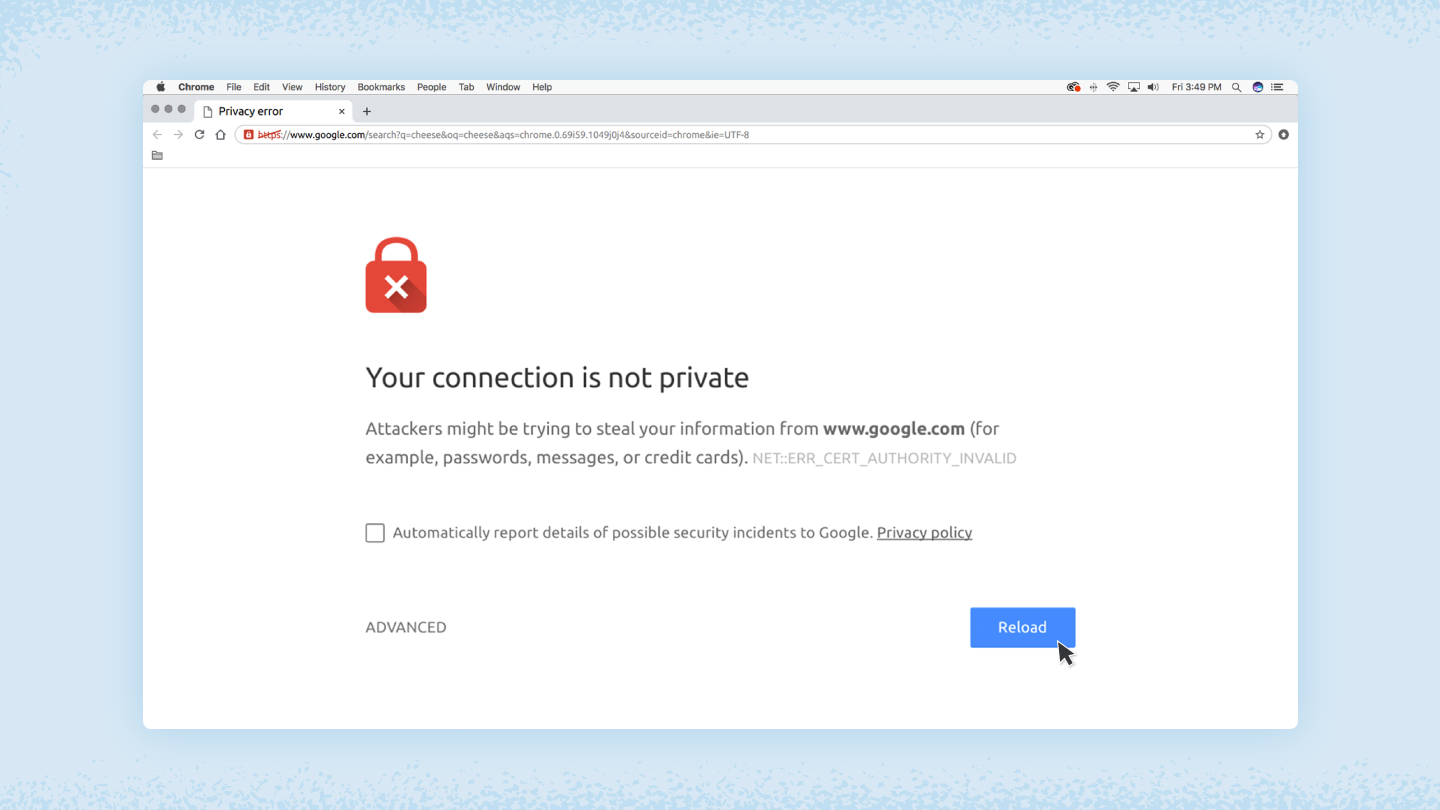
How to fix "Your connection is not private" error
Detailed analysis of the causes and solutions of "Your connection is not a private connection" error, including checking the SSL certificate, adjusting the date and time, clearing the cache, etc., to help you quickly fix the browser privacy error and protect online security.

How to Fully Backup and Restore a WooCommerce Database: Keeping Your Store Data Safe
Learn how to backup your WooCommerce database and restore your data easily with manual, plugin, hosted service and command line methods. Protect your store data from losses due to data loss.
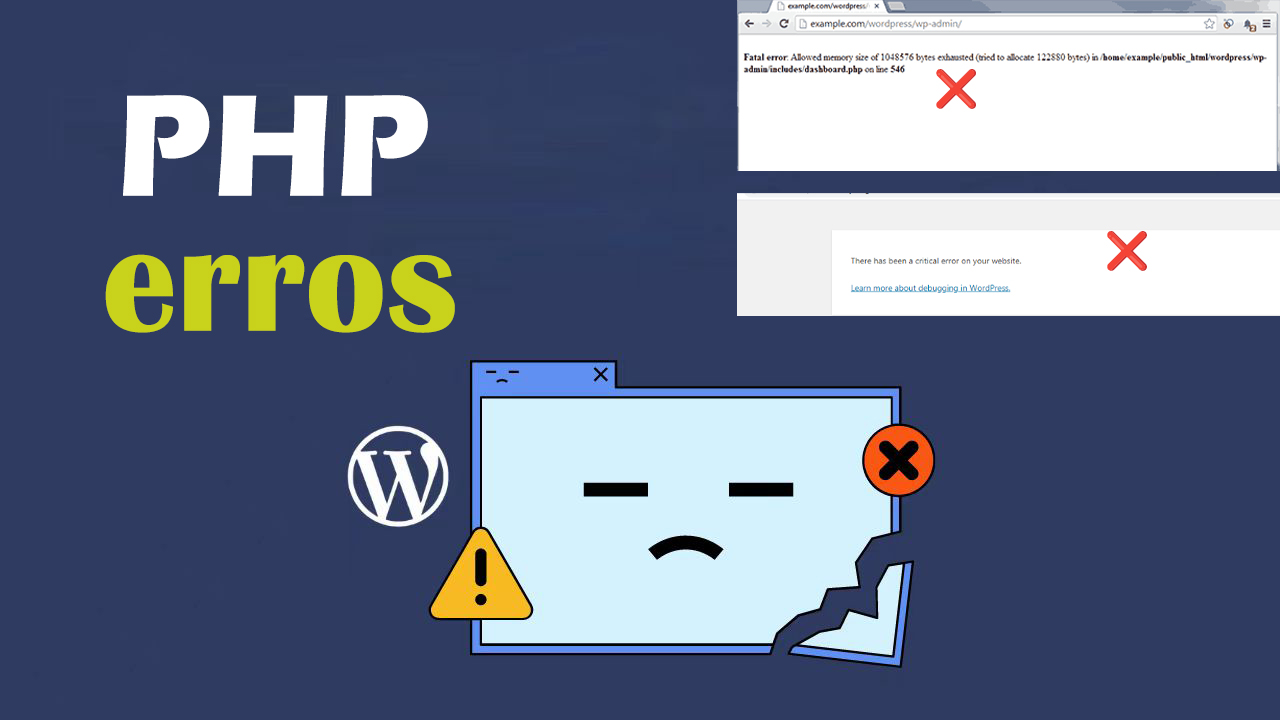
How to Quickly Identify and Fix PHP Errors in WordPress
PHP errors if left unfixed, they can not only slow down a website, they can even cause plugins to not work properly, affect SEO rankings, or even cause a website to go down. The longer they go unfixed, the more business damage they may cause. Therefore, fixing PHP errors quickly and effectively is...
How to Fix "The Link You Followed is Expired" Error in WordPress
If you've ever uploaded a theme or plugin to WordPress and encountered the "The link you follow has expired" error, this article is for you. This article will delve into the causes of this error and how to fix it to ensure that you can upload your files without this problem...

How to Enable and Use the WordPress Debug Log: The Complete Guide
When managing a WordPress website, it's relatively common to encounter a white screen, a feature failure, or a page loading problem. At this point, WordPress debugging is very important. WordPress has a built-in debugging tool that enables debugging logs to catch errors and help me...
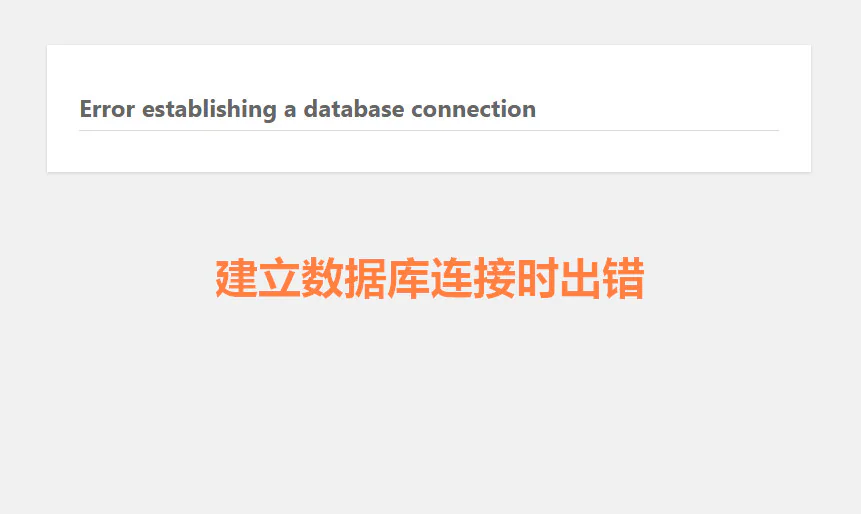
How to diagnose database connection errors through log files
"Database connection error" is one of the common problems in the operation of websites and applications, especially when managing multiple databases. Many webmasters don't know where to start to troubleshoot the problem of "Error establishing database connection". However, log files are the solution to this...





