





arrange in order
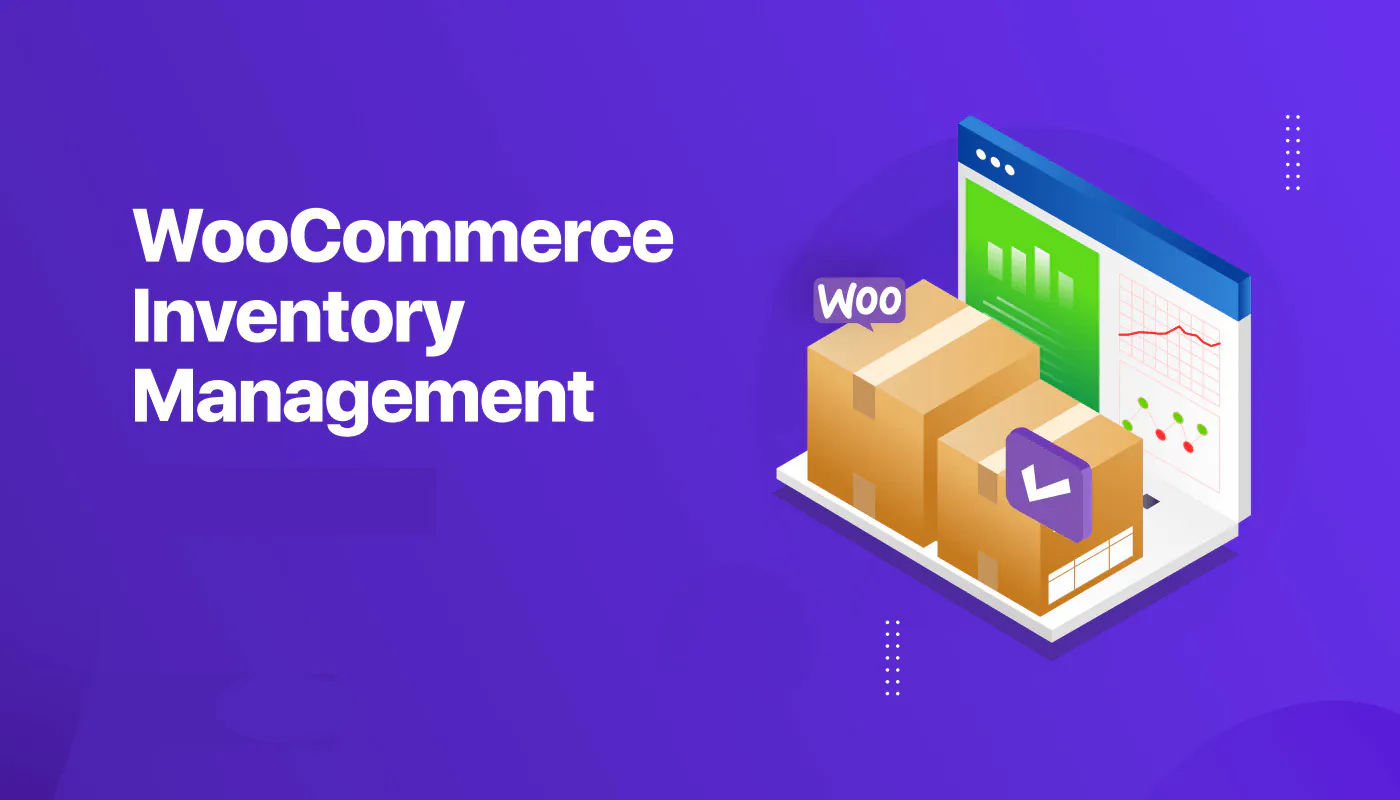
How to achieve real-time inventory updates after WooCommerce activation: a practical guide to e-commerce inventory management
Learn how to realize real-time inventory update after WooCommerce activation. Through plugin configuration, API docking and multi-platform synchronization, you can achieve accurate inventory management, avoid overselling, and improve user experience and operational efficiency.
Practical ways to add banner ads to product category pages
Quickly teaches you to add banner ads to WooCommerce product category pages to boost conversions, adapt Elementor, theme templates and common plugins without writing code.

How to Activate and Configure Product Filtering in WooCommerce: A Guide to Key Settings that Enhance the Shopping Experience
This guide explains in detail how to set up product filtering in WooCommerce, including basic category filtering and advanced plugin configuration. Learn how to use WOOF and other plug-ins to achieve multi-dimensional filtering such as price, color, brand, etc., to improve the user shopping experience and conversion rate. Suitable for all kinds of e-commerce network...

WooCommerce Blocks: Local Pickup in Detail
Comprehensive analysis of WooCommerce Blocks local self-pickup function, support for multiple self-pickup point settings, tax calculation, interface customization and the old version of the way to compare.
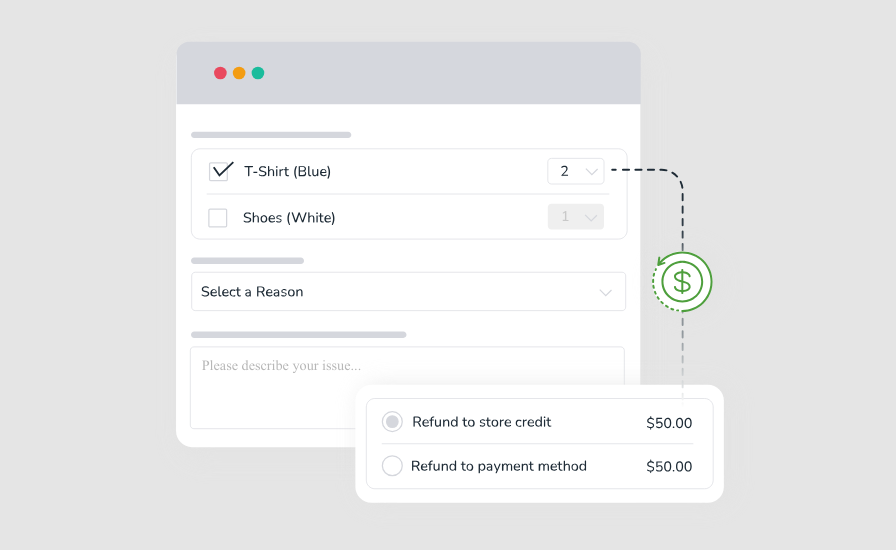
How to Activate and Enable Returns and Exchanges in WooCommerce: A Full Process Guide from Setup to Practice
Learn how to activate and configure returns and exchanges in WooCommerce. Create a clear and efficient after-sales process with plugin recommendations and practical setup guides to increase user satisfaction and brand trust.

How to activate and set up customer support features (e.g. chat plugin) for WooCommerce: Creating an Efficient Communication Ecommerce Experience
Learn how to activate and set up customer support features in the WooCommerce store, including live chat, work order systems, and AI customer service plugins. With this tutorial, it's easy to build an efficient and professional customer communication system to increase user satisfaction and conversion rates.

How to Activate the Inventory Management System for WooCommerce: Complete Configuration Guide
A detailed guide on how to activate and configure WooCommerce's Inventory Management System, covering inventory tracking, out-of-stock alerts, batch updates and FAQs to help you efficiently manage your e-commerce merchandise inventory.
WooCommerce Activation and Product Import Configuration Guide
Comprehensive guide teaches you how to activate the WooCommerce plugin and import products efficiently, including CSV file preparation, batch import process, common problem solving and store configuration optimization for WordPress eCommerce beginners.
How to Activate Membership Rewards System through WooCommerce: An Effective Strategy to Create User Loyalty
Learn how to enable membership points system through WooCommerce, configure points acquisition and redemption rules with the help of professional plug-ins, enhance user loyalty and repurchase rate, and create an efficient e-commerce membership incentive mechanism.

WooCommerce Shipping Setup Guide
A comprehensive explanation of WooCommerce shipping settings, including flat rate, free shipping, and how to use a combination of local pickup and delivery categories for e-commerce merchants.
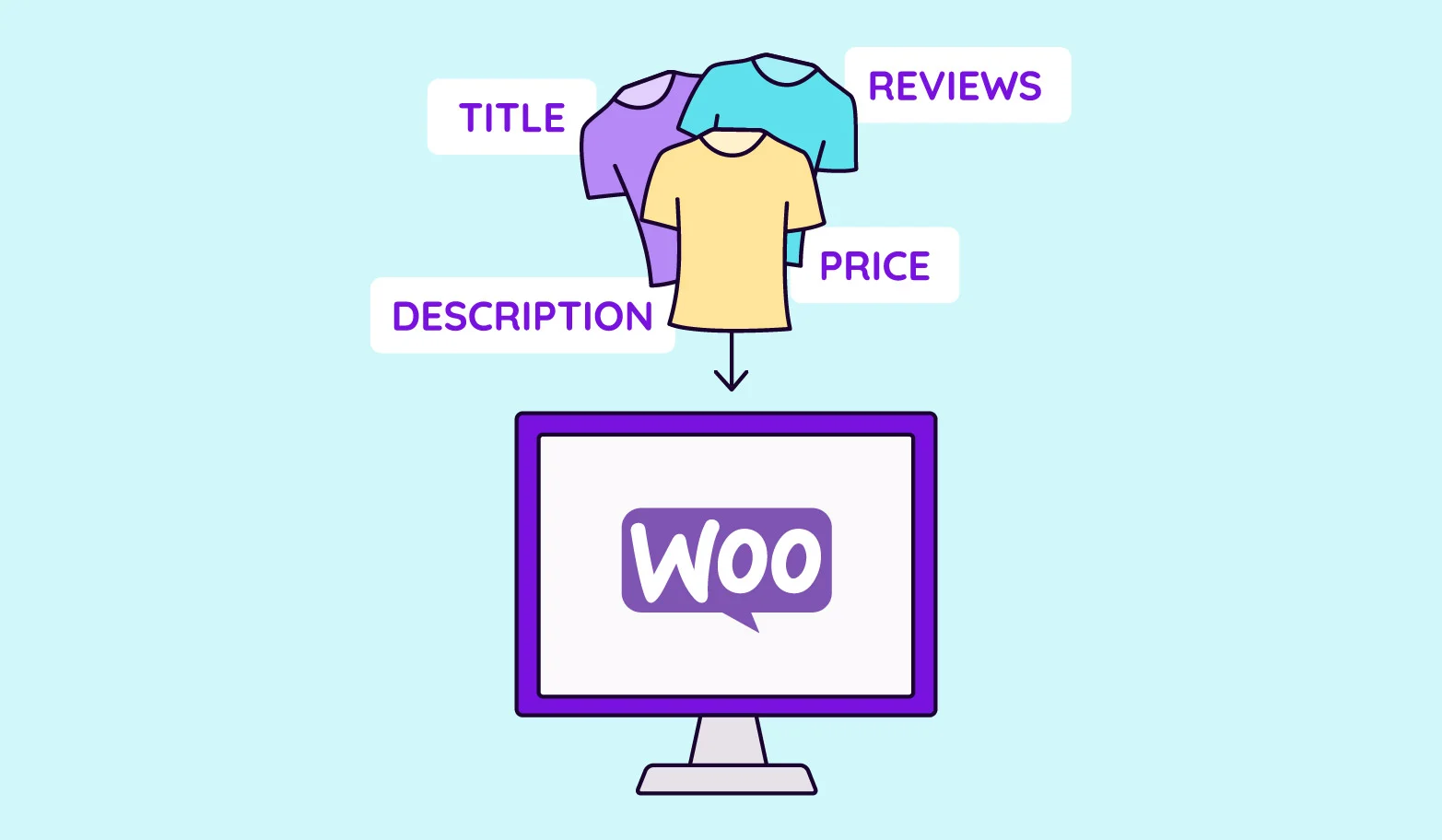
How to activate WooCommerce and set up product variants (e.g. colors, sizes): full tutorial
The detailed tutorial teaches you how to enable product variants in WooCommerce, including the creation of color, size and other attributes, variant combination generation, stock and price configuration and front-end display optimization.

WooCommerce How to Activate and Configure Tax Rules and Zones
This article details how to activate and configure tax rules and zones in WooCommerce, including enabling tax functionality, setting national and provincial tax rates, assigning commodity tax classes, and testing that taxes and fees take effect correctly, for both cross-border and local e-commerce users.





