




woocommerce Page 10
Focus on the latest marketing technologies and operational practices in the cross-border industry
arrange in order
How to Find Products by WooCommerce Product IDs
In WooCommerce, each product is assigned a unique Product ID.This article will detail how to find the ID of a WooCommerce product and provide you with simple steps and usage scenarios. Why do I need a Product ID? Product IDs are WooCommerce ...

How to Setup WooCommerce Payments (Complete Guide for Newbies)
What is WooCommerce Payments? WooCommerce Payments (renamed WooPayments) is a payment method designed for WooCommerce, an e-commerce platform built on WordPress. It allows businesses to make payments directly on their website...

How to Use WooPayments for Multi-Currency Settlement
WooPayments' multi-currency feature enables displaying product prices to customers in multiple currencies. It also allows customers to select their preferred currency from a list defined on the site and then purchase their products in that currency. In this issue, a tutorial has been requested by the "community readers". Introducing...

WooPayments vs. Stripe plugin: which is better for your WordPress site?
WooPayments is built in partnership with Stripe. So, many of you are having a hard time deciding whether to use WooPayments or Stripe itself. To help you guys choose well, we've compiled some important differences. It's also possible to use both plugins at the same time, but sometimes it does lead...

Comprehensive Guide: How to Create, Configure and Optimize Coupons in WooCommerce
For eCommerce stores, coupons are an important marketing tool to help boost sales. This guide will take you through the details of how to create, setup, test and optimize coupons in WooCommerce. 1. How to Create Coupon Codes in WordPress WooCommerc...

Customizing the WooCommerce Checkout Page: Full Tutorial
The checkout page of a website that does e-commerce is one of the important aspects. After all, it's the final destination for customers after placing an order. If the website WooCommerce checkout page is difficult or time-consuming to use, buyers may abandon their shopping and leave a bad impression of the website. An effective and high converting checkout...
Newbie WooPayments Setup Steps: Quickly Enable Online Payments
A comprehensive overview of WooPayments' general settings, payment methods, express checkout, transactions, deposits and fraud protection features to help WooCommerce merchants properly configure and enhance their payment experience.
WooCommerce Inventory and Order Management Guide: Taking Full Control of E-Commerce Operations
When using WooCommerce for e-commerce website management, inventory and order management is the key to ensure the smooth operation of your business.WooCommerce provides a lot of built-in features to help merchants manage inventory and orders easily. WooCommerce provides many built-in features to help merchants easily manage inventory and orders.
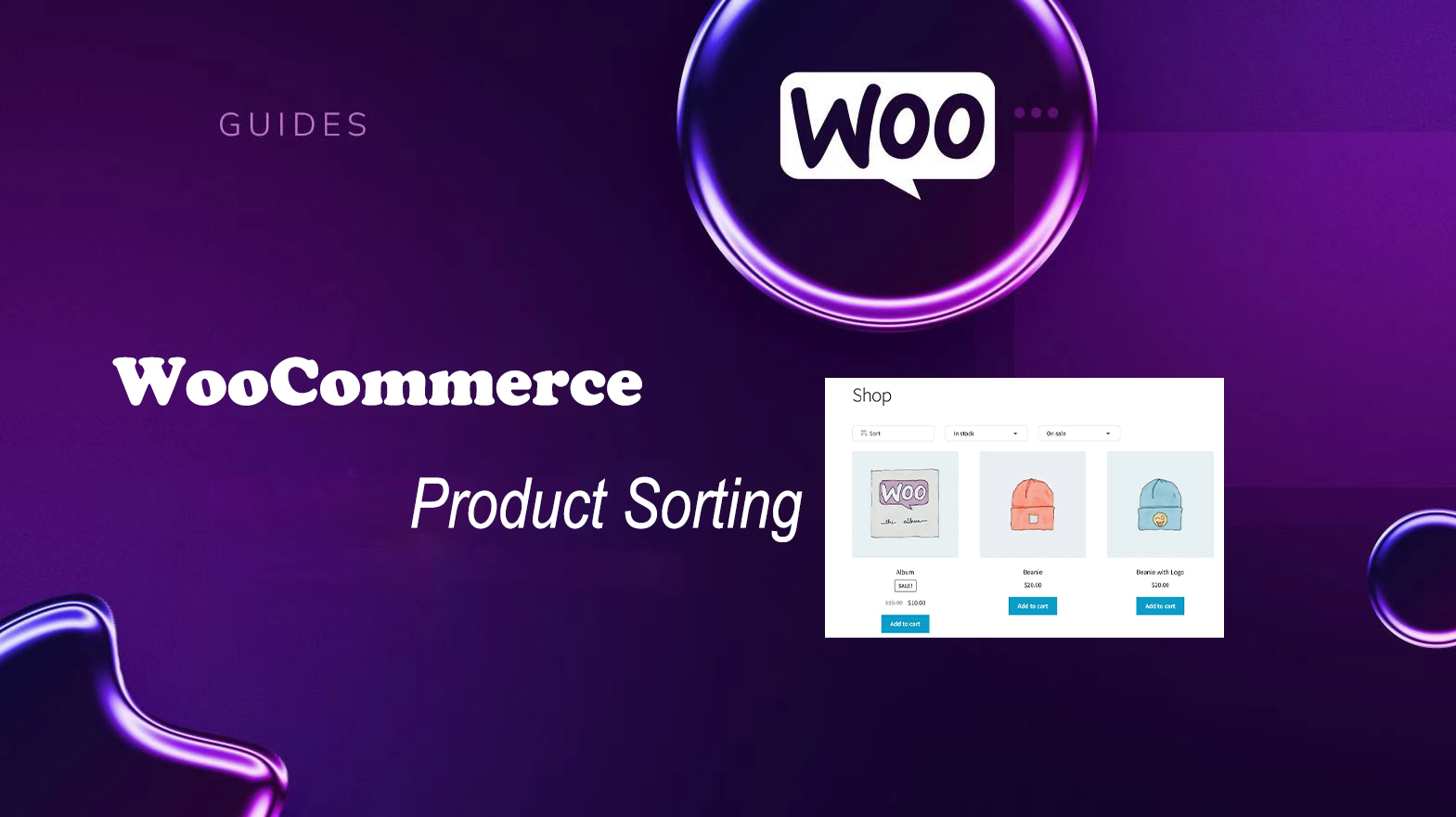
Improving User Experience and Conversion: A Comprehensive Analysis of WooCommerce Product Sorting Optimization Tips
In WooCommerce, more advanced sorting can be achieved through the built-in sorting options, manually adjusting the order of your products, or using a plugin. Why is WooCommerce product sorting important? Effective product sorting helps customers quickly find the items they need, which increases...

Configuration Guide for WooCommerce Cache Plugin
In websites that use WooCommerce, the use of caching plugins can effectively increase page loading speed and improve user experience. However, since pages such as shopping carts, user accounts, etc. involve dynamic user data, these pages should usually not be cached, otherwise it may lead to information exhibition...
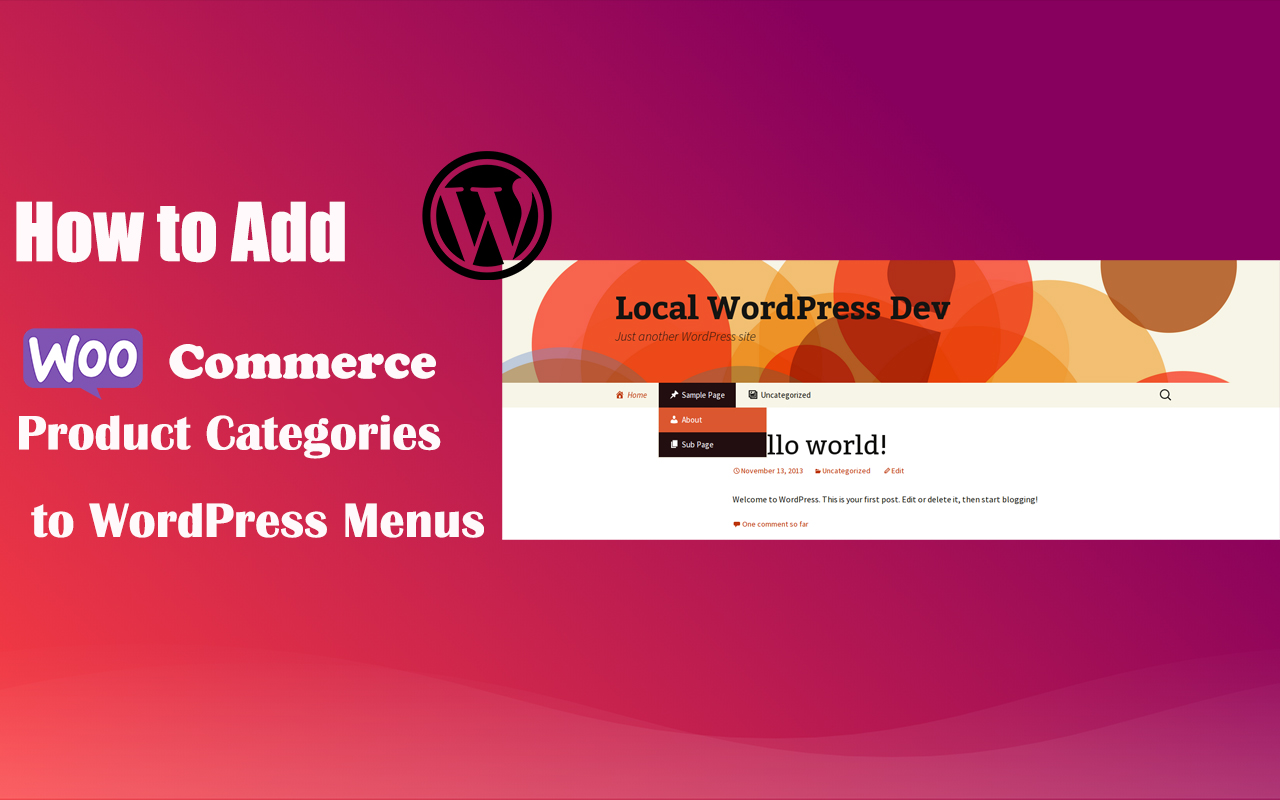
How to Add WooCommerce Product Categories to WordPress Menus to Improve User Experience and Conversions
When running a WooCommerce store, it's important to help users quickly navigate to product categories. By adding product categories to the main WordPress menu, you can simplify the user experience and make it easy for users to find the products they need. In this article, we'll detail how to add WooCommerce ...

How to Effectively Manage and Optimize Product Reviews in WooCommerce
Learn how to disable product reviews in WooCommerce or turn off reviews for specific products. We also provide tips for managing and optimizing the display of reviews to help improve user experience and page aesthetics.





