




woocommerce Page 32
Focus on the latest marketing technologies and operational practices in the cross-border industry
arrange in order

How to set up differential sales tax for different product categories in WooCommerce
Detailed tutorials teach you how to set up differentiated sales tax for different product categories in WooCommerce, including enabling tax options, creating product categories, setting tax rates, and assigning tax classes to ensure tax rules are compliant and efficient.
4 Practical Ways to Customize WooCommerce Product Pages to Boost Ecommerce Conversions
Learn how the WooCommerce site editor, plugin extensions, custom code, and page builders like Elementor give you the flexibility to create personalized product pages that boost brand image and sales conversions.

How to Customize Order Emails in WooCommerce
Learn how to customize WooCommerce email templates to enhance the personalization effect of emails, increase customer engagement, and optimize automated emails such as order processing, reminder, etc., to help improve the efficiency of store operations and customer satisfaction.

How to Customize WooCommerce Checkout Page and Add Additional Fields
Learn how to customize your WooCommerce checkout pages with plugins or code, add or remove fields, optimize the checkout process, and create one-page checkout pages to improve conversions and customer experience.

How to set up WooCommerce logs for newbies (step-by-step guide)
Get a comprehensive overview of WooCommerce logging features, including setting up and optimizing error logs and activity logs, to help you easily track down store issues, improve performance, and keep your site running smoothly.
How to add custom "Add to Cart" button in WooCommerce
Learn how to customize WooCommerce's Add to Cart button, including design, enhancements, and code implementation, to improve user experience and optimize conversions.
Eight Powerful WooCommerce Extension Plugins Recommended: Make Your E-Commerce Site More Powerful
This article recommends eight of the most useful WooCommerce extension plugins to help enhance the shopping experience, optimize the checkout process, increase sales, and ensure smooth store operations. Suitable for all WooCommerce merchants, they offer a wide range of solutions from customized checkout pages to step pricing...
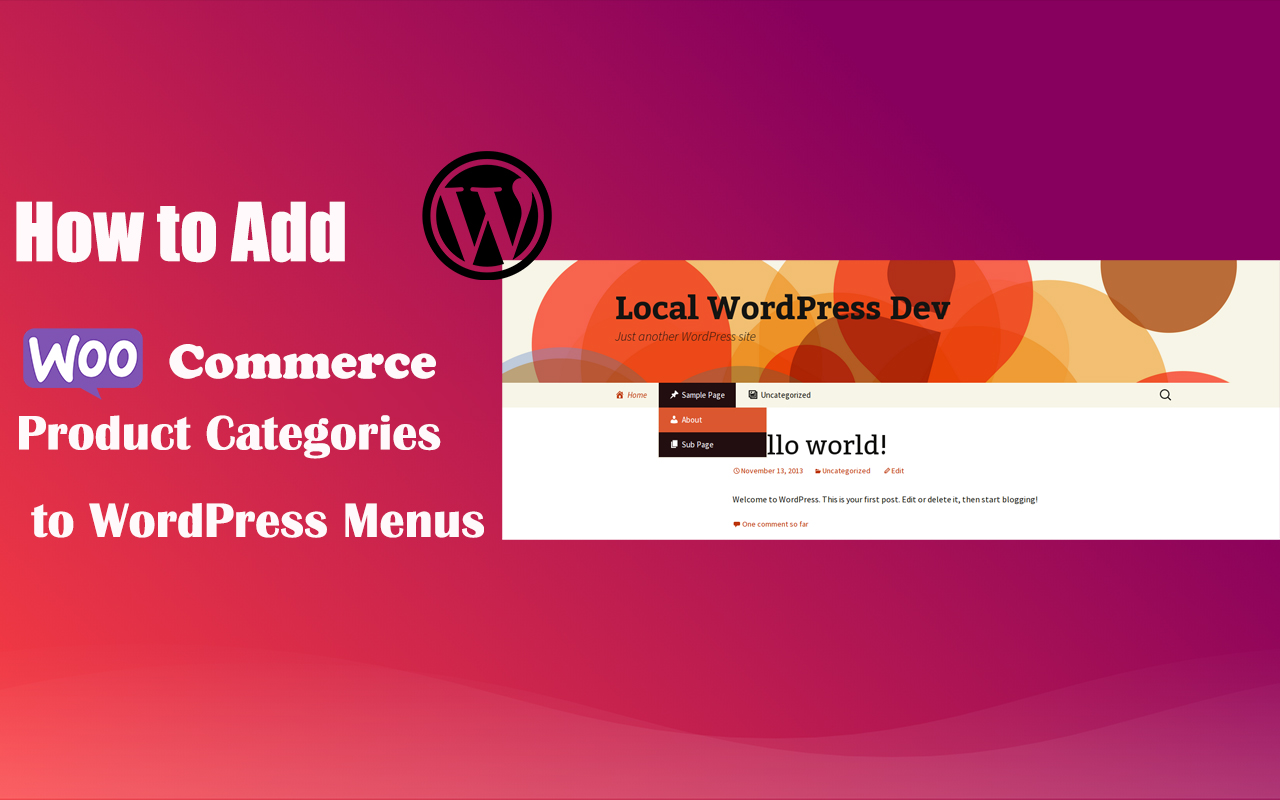
How to Add WooCommerce Product Categories to WordPress Menus to Improve User Experience and Conversions
When running a WooCommerce store, it's important to help users quickly navigate to product categories. By adding product categories to the main WordPress menu, you can simplify the user experience and make it easy for users to find the products they need. In this article, we'll detail how to add WooCommerce ...

The Easy Way: How to Add Subscriptions to WooCommerce
Learn how to add subscriptions to WooCommerce in WordPress. Easily automate billing, subscription product setup, and membership plan management with the free plugin YITH WooCommerce Subscriptions to create a stable income e-commerce system.

How to Set Up WooCommerce One Page Checkout: 3 Ways to Increase Conversions
Optimize your WooCommerce store's checkout process, reduce cart abandonment and increase conversions with the One Page Checkout feature. This guide details how to implement the One Page Checkout feature using templates, shortcodes, custom code, or plugins, as well as solutions to common problems.
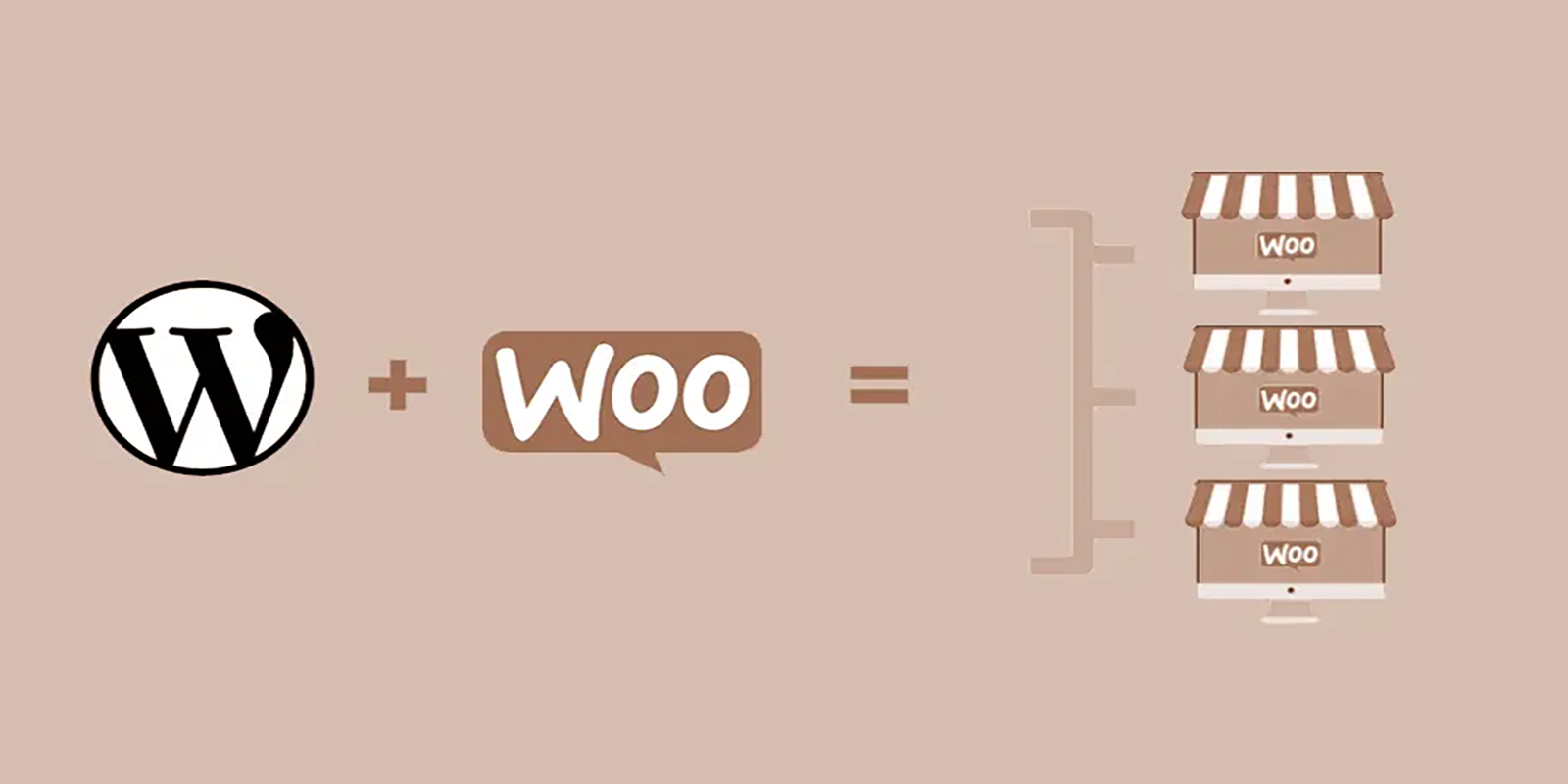
How to Hide, Remove or Disable the Add to Cart Button in WooCommerce
A comprehensive guide on how to hide, remove or disable the "Add to Cart" button in WooCommerce. Whether it's for sold-out products, product catalog displays, or optimizing functionality for specific conditions, it's easy to do and gives you more flexibility in managing your store's functionality!

How do I add a "Minimum Purchase Amount" or "Cart Discount" rule to WooCommerce?
Want to boost your WooCommerce store's customer unit price? This guide explains in detail how to set minimum purchase amount limits, full discount offers and shopping cart discount rules, and recommends useful plugins to make discounts apply automatically, optimize user shopping experience and increase sales!





