




woocommerce Page 6
Focus on the latest marketing technologies and operational practices in the cross-border industry
arrange in order

How to Integrate Airwallex in WooCommerce for Multi-Currency Checkout
This article explains how to integrate Airwallex into your WooCommerce store to achieve multi-currency settlement and global localized payments for cross-border e-commerce merchants to optimize the collection process and improve user conversion and financial efficiency.

How to enable Blocksy's content block feature in WordPress?
A comprehensive explanation of Blocksy Pro content block features, from installation and activation to display condition settings, covering bulletin boards, template replacements, mobile tips and other real-world applications, to help you create a more flexible and efficient WordPress website structure.

WooPayments 2025 Latest Trend Analysis: Functional Evolution, International Support and Future Directions
WooPayments 2025 is quietly changing the landscape of cross-border payments! The official team continues to optimize the interface, expand international support, and strengthen the compliance system to make it easier for WooCommerce merchants to collect payments globally. Here's an in-depth look at what's coming!
Does WooPayments work well? Compare it with PayPal and Stripe and see the difference immediately!
WooPayments in the end to save or step on the pit? WooPayments, PayPal, Stripe from the checkout experience, conversion rate, wind control freezes, refused to pay disputes, subscription renewals, reconciliation settlement item by item to split the comparison, to tell you the new station who to choose, how to combine the more stable, less accidents are also better collection.

Building a Multilingual WooCommerce Store: A Comprehensive Guide and Practical Tips
Engaging a global audience is critical to the success of any online store. One effective way to expand your reach is to make your e-commerce store multilingual. According to the Bright Plugins website, offering content in multiple languages can increase online sales by as much as 100%. through...

Comprehensive Guide: How to Export and Manage Customer Data from WooCommerce
When running an online store, accessing and utilizing customer data is critical to optimizing operations and developing effective marketing strategies.WooCommerce provides the ability to export customer information, allowing you to access this data in the form of a CSV file.CSV (Comma Separated Values) is a widely...

How to Create WooCommerce "Add to Cart" Custom URL: Detailed Guide
WooCommerce provides powerful e-commerce features for WordPress websites, and one of the most important features is the "Add to Cart" button. By customizing the "Add to Cart" URL, you can create a more convenient shopping experience for users. This article will delve into how...
Detailed Guide to Placing Orders Manually in WooCommerce: No Plugin Required
Manually placing orders can be an often overlooked but very useful feature when managing a WooCommerce store. While most customers will place orders the standard way, in some cases it may be necessary to manually create an order for a customer. In this article, we will detail how to create an order in WooCom...

How to Add Additional Product Specifications and Attributes to WooCommerce Product Detail Pages
When managing a WooCommerce store, you may come across situations where you need to add additional information to the product detail page, such as product specifications, specific attributes or technical parameters. This article will detail how to add additional product specifications and attributes in WooCommerce, as well as through plugins for...
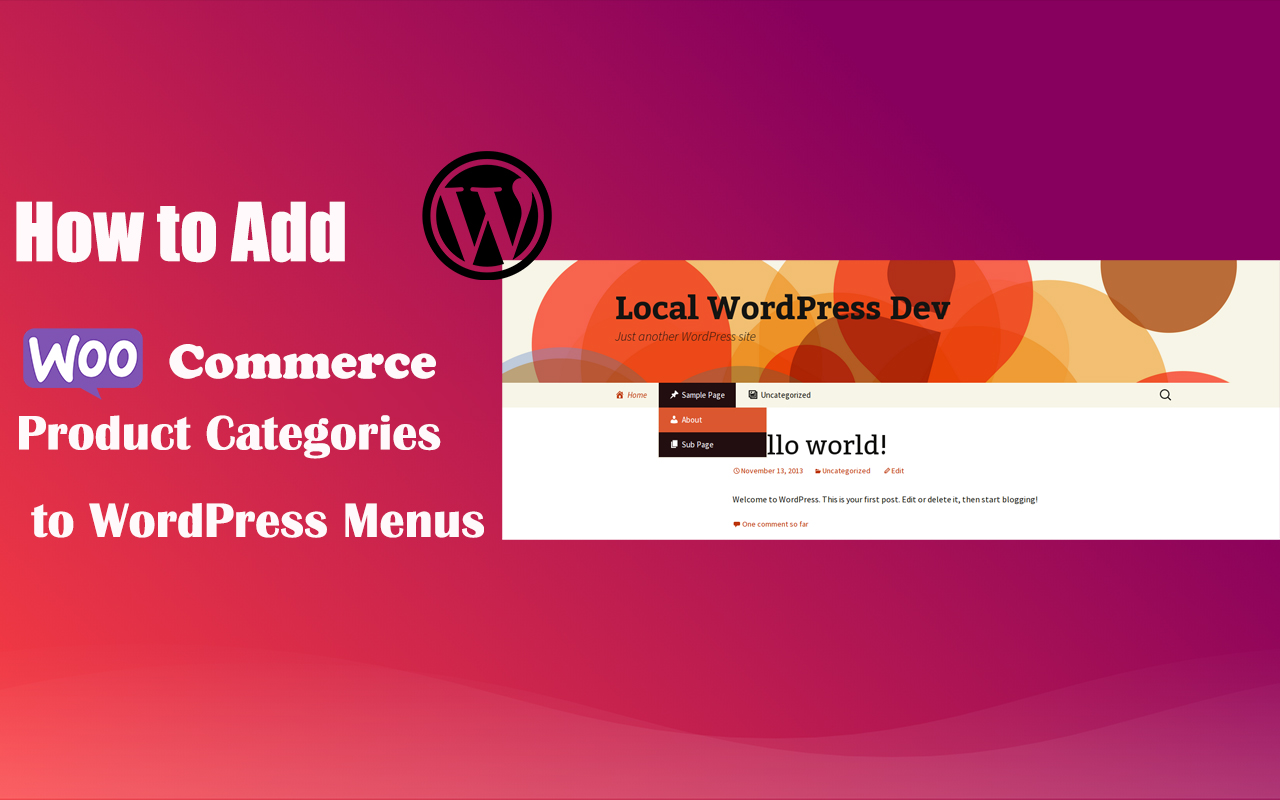
How to Add WooCommerce Product Categories to WordPress Menus to Improve User Experience and Conversions
When running a WooCommerce store, it's important to help users quickly navigate to product categories. By adding product categories to the main WordPress menu, you can simplify the user experience and make it easy for users to find the products they need. In this article, we'll detail how to add WooCommerce ...
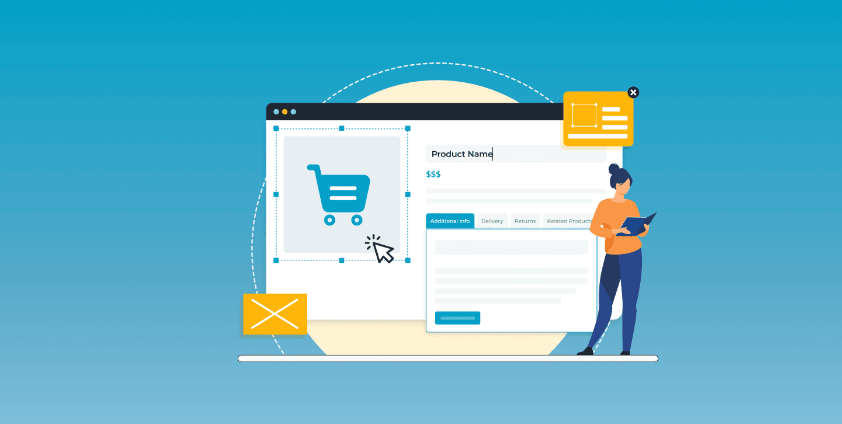
4 Practical Ways to Customize WooCommerce Product Pages to Boost Ecommerce Conversions
Learn how the WooCommerce site editor, plugin extensions, custom code, and page builders like Elementor give you the flexibility to create personalized product pages that boost brand image and sales conversions.
How to make WooCommerce multilingual with a plugin
Learn how to make your WooCommerce store multilingual with the four best multilingual plugins from WPML, Weglot, TranslatePress and Polylang. Detailed comparison of features and configuration methods to help you quickly tap into the global marketplace and achieve higher conversion rates!





