


WordPress Tutorial Page 27
The "WordPress Tutorials" feature takes you in-depth understanding of WordPress, from the basic installation, theme and plug-in configuration, to SEO optimization and site security, covering all aspects of the core knowledge and practical skills needed to build a site. Whether you are a novice or an experienced developer, you can find the appropriate tutorials to help you easily master the use of WordPress and advanced operations.
arrange in order
WordPress Page Password Protection: Why It's Important and How to Achieve It
WordPress is the world's most popular Content Management System (CMS) and has become the platform of choice for many websites due to its flexibility and wide range of features. However, with the growing number of Internet security threats, it has become crucial to protect website content from unauthorized access...

How to Automatically Associate Keywords with Affiliate Links in WordPress: a Complete Guide
Affiliate marketing has become one of the most important ways for content creators and bloggers to make money online. With the increasing amount of content on your website, manually adding affiliate links to each post is not only time-consuming and laborious, but it is also prone to omissions, which can lead to loss of revenue. To solve this problem, automating the off...

How to Convert Your WooCommerce Store to Multi-Language
Want to expand your WooCommerce store to the global market and attract more international customers? It's a task that requires careful planning and execution. With multi-language support, you can attract more customers globally and dramatically increase sales. In this article, we'll take a deeper look at how...

How to Fix 502 Bad Gateway Error in WordPress
What is a 502 Error Gateway Error? The "502 Error Gateway" error occurs when the server receives an invalid response from the requested page. This issue can be caused by a number of reasons and the error message may vary depending on your server. When users visit a WordPress website, they...
Full Explanation: Difference between WordPress.Org and WordPress.com, which one is better for your website or blog?
If you're planning to create a website or blog, chances are you've heard of WordPress, the world's most popular content management system (CMS) powering millions of websites and blogs around the globe, according to Google Trends below. The top three content management system apps...
How to Fix WordPress 429 Too Many Requests Error
Recently I was visiting the WordPress open source website https://wordpress.org时, and because of my VPN, I reloaded it a few times and always got a "429 Too Many Requests" error. This error message indicates that the user has sent too many HTTP ...

How to Turn Off PHP Errors in WordPress
Recently a reader left a comment asking "How to turn off PHP errors in WordPress"? PHP warnings and notifications can help debug problems in your code during development. However, if these warnings and notifications are visible to all website visitors, the entire website will look...

Multilingual Plugin of Choice for WooCommerce Stores: A Full Comparison of WPML vs Polylang
Choosing the right translation plugin is crucial when building a multilingual website.Woocommerce offers two popular translation plugins: WPML and Polylang.They differ in terms of functionality, SEO options, translation process and price. In this article, we will make an in-depth comparison of these...

Detailed Guide to Placing Orders Manually in WooCommerce: No Plugin Required
Manually placing orders can be an often overlooked but very useful feature when managing a WooCommerce store. While most customers will place orders the standard way, in some cases it may be necessary to manually create an order for a customer. In this article, we will detail how to create an order in WooCom...

Optimizing the WooCommerce Checkout Page: How to Increase Sales Conversions with Plugin Custom Forms
This article will provide you with a detailed guide on how to customize the checkout page using the free WooCommerce plugin to speed up the checkout process and increase sales by optimizing the form. A. What is WooCommerce Checkout Page By default, WooCommerce raises...

How to Fix 413 Request Entity Too Large Error in WordPress
What causes the WordPress 413 Request Entity Too Large error? This error occurs when an attempt to upload a file exceeds the maximum file upload limit for a WordPress site. The web server will not be able to upload the file and will see the "413 Request Entity Too Large" error...

How to Create Richly Structured and Beautifully Designed Mega Menus with Elementor
Super Menu is a tool that gives you the flexibility to create stylish, powerful menus that are perfect for adding more navigation options and visual elements to your website. If you're looking to add creativity and personality to your website's navigation system, Super Menu is an excellent choice. In this...
How to Fix Secure Connection Errors in WordPress
What causes the Unable to establish secure connection error in WordPress? WordPress comes with a built-in system to manage updates. This system periodically checks for updates and displays notifications to make it easier for you to install plugins and theme updates. However, it requires a connection to the WordPress.org website to...

A Complete Guide to Creating and Editing Titles in WordPress with Elementor
The headline is an integral part of every website design. It usually appears at the top of a web page and contains the website's logo, navigation menu, search bar, social media links and other important elements. Whether your website is a corporate website, a blog or an e-commerce platform, the headline provides users with...
How to Fix Destination Folder Already Exists Error in WordPress
What causes the Target Folder Already Exists error in WordPress? When installing a plugin or theme, a "Destination folder already exists" error occurs in WordPress, but the folder for those files already exists. WordPress will then cancel the installation and display the following error...

How to fix "Unable to create directory wp-content/uploads.Is its parent directory writable by the server."
When using WordPress, many users may encounter the common error "Unable to create directory wp-content/uploads.Is its parent directory writable by the server. "Is its parent directory writable by the server. This issue prevents you from adding blog posts...
How to Fix Elementor Contact Form Not Sending Emails
When editing a website using Elementor, you may encounter issues with the contact form not sending emails. This article will detail how to resolve this issue by using FluentSMTP and Zoho ZeptoMail to ensure that emails are sent successfully. Why Ele...

How to Send Email Confirmations with Elementor Forms: A Detailed Guide
Elementor Forms in Elementor Pro is a powerful tool that not only allows you to create custom forms, but also to enhance the user experience by sending email confirmations. Since Elementor Forms is an exclusive feature of Elementor Pro, this article will...
Astra Theme Official Typography Guide: Elementor Module Setup and Optimization Tips (06)
We have already talked about the individual details of the Astra theme's features, and today we are talking about how to formalize the layout In today's WordPress ecosystem, the Astra theme has won the favor of a wide range of users for its lightweight and highly customizable features. However, for first-time users of Astra theme...

The Complete Guide to Creating Multilingual Websites with TranslatePress and Elementor
A multilingual website is a great way to increase your brand's reach. By combining Elementor, WordPress' powerful page builder, with TranslatePress, a powerful translation plugin, it's easy to create and manage a multilingual website. I. Why Choose Translate...

How to Fix the "Another Update is Currently in Progress" Error in WordPress
I don't know if you guys have ever gotten stuck with a WordPress update that won't work. "Another update is currently in progress" error. We've dealt with this error countless times on our own site. In this guide, we've put together our own guide to dealing with the "Currently working on another...
How to Fix Password Reset Key Error in WordPress
I don't know if you have ever encountered the "Unable to save password reset key to database" error in WordPress. We have found that this error usually occurs when trying to log in to a WordPress site and it can lock the administrator out of the site, making it impossible for the administrator to...
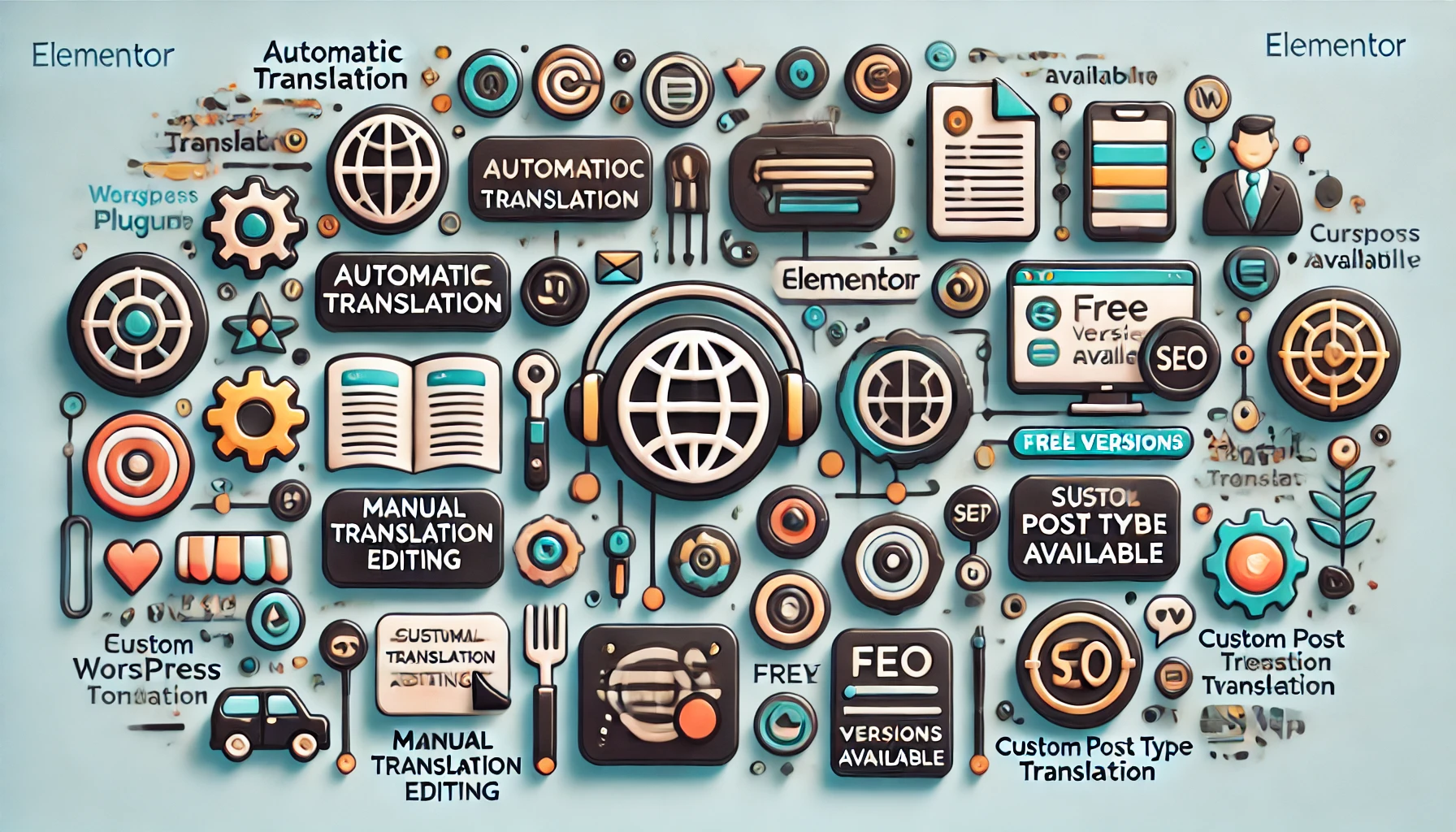
5 Best Translation Plugins for Elementor Websites: A Detailed Guide
Elementor serves as a powerful WordPress page builder, however, the page builder alone is not enough to make a website available in multiple languages. A powerful translation plugin is required to achieve this goal. In this article, we'll dive into five of the best Elementor...

How to Create WordPress Category Pages with Elementor Pro Recurring Grids
In WordPress, it is possible to create beautiful and powerful category pages by using a recurring grid or recurring rotation. This article will detail how to use these tools to achieve this goal. First, why use circular grid or circular rotation to create category pages? Circular ...

How to add HTML, JavaScript and CSS code to your website using Elementor's Custom Code feature
Customizing and optimizing the functionality of your website in a WordPress site builder often involves adding custom code snippets, such as Google Analytics codes or Facebook Pixel codes. These code snippets can help you track website data, enhance the user experience, and even add specific sample...
How to Fix "Missing Temporary Folder" Error in WordPress
The "Missing Temporary Folder" error in WordPress is also a serious error that prevents administrators from uploading images, updating themes and plugins, or even updating the WordPress core, which can seriously hamper the functionality of a website. But don't panic, this error can be fixed...
How to Improve WordPress Website Design Efficiency with Elementor Global Widgets
In WordPress websites, it is sometimes necessary to use the same design elements or features in multiple pages.Elementor Pro provides a powerful tool for this purpose - Global Widgets. With global widgets, it is possible to create a widget and use it in multiple pages without...
How to Fix Pluggable.php File Error in WordPress
Encountering pluggable.php file errors in WordPress can be a headache, especially when it's uncertain what's causing these errors. From our team's experience with WordPress over the years, these errors are generally due to themes, plugins, or custom generation...
In-Depth Analysis of WooCommerce Inventory Management: Default System and Best Plugin Recommendations
Although WooCommerce provides basic inventory management features, they often seem insufficient for complex and extended requirements. For this reason, this article will delve into the features, limitations, and how WooCommerce's default inventory management can be improved by choosing the right advanced plug...
How to Edit wp-config.php File in WordPress
Many of our previous tutorials have mentioned editing the "wp-config.php" file when resolving issues. This file is very important as it controls key WordPress settings, especially for security, performance and troubleshooting. So, when modifying this file...

 简体中文
简体中文  English
  日本語
日本語  Français
  Español



