


WordPress Tutorial Page 31
The "WordPress Tutorials" feature takes you in-depth understanding of WordPress, from the basic installation, theme and plug-in configuration, to SEO optimization and site security, covering all aspects of the core knowledge and practical skills needed to build a site. Whether you are a novice or an experienced developer, you can find the appropriate tutorials to help you easily master the use of WordPress and advanced operations.
arrange in order
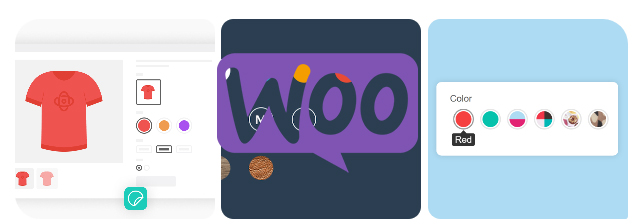
How to Add Attributes to Products in WooCommerce
Whether it's apparel, electronics, or other goods, attributes enable your customers to select products by color, size, material, and many other dimensions.WooCommerce also supports creating variants for different attributes, which means you can set prices for different combinations of products, inventory, and...

How to use WooCommerce plugin to implement multi-language checkout page design
Why Translate WooCommerce Checkout Page? WooCommerce is one of the most popular e-commerce platforms in the world, supporting countless merchants in building their online stores. As your business grows, it may begin to attract a customer base with different language backgrounds. In order to maximize the...
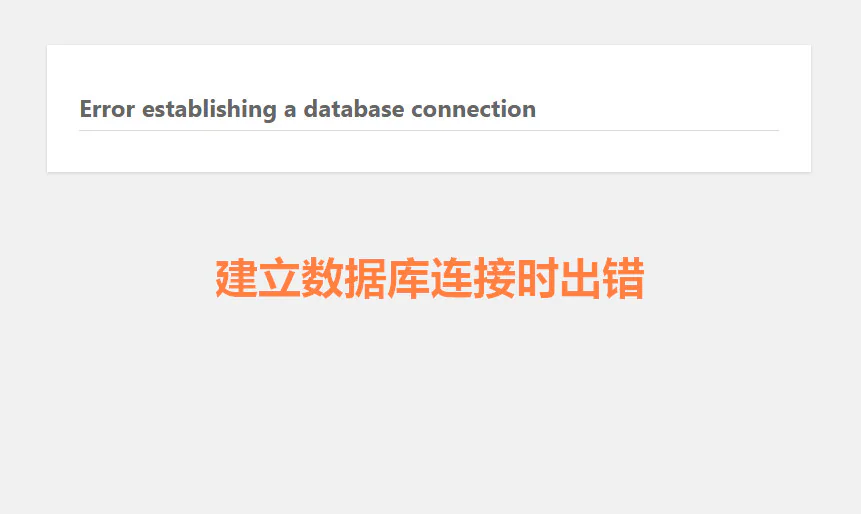
How to diagnose database connection errors through log files
"Database connection error" is one of the common problems in the operation of websites and applications, especially when managing multiple databases. Many webmasters don't know where to start to troubleshoot the problem of "Error establishing database connection". However, log files are the solution to this...

How to Improve Website Content Organization and SEO with WordPress Taxonomy
WordPress taxonomy is an important feature for organizing and managing website content, it helps webmasters to group and categorize posts to provide readers with a better navigational experience, and also helps search engines to better understand the content of the website, thus optimizing SEO results. In this detailed ...

Creating Floating Contact Forms in WordPress with UserFeedback
Want to create a simple floating contact form with direct customization options in your WordPress website, then using a plugin is better for WordPress newbies. UserFeedback is a WordPress plugin that creates customized feedback forms, floating contact forms, and popup tunes...

How to Install Google Analytics in WordPress for Newbies
After our website is built, we will do SEO optimization. Then we will use a tool Google Analytics (Google Analytics), this article, we will share Google Analytics why it is more important, and how to easily install in WordPress G...
How to Add Additional Information to WooCommerce Product Pages to Improve User Experience and SEO
What is Additional Information in WooCommerce? WooCommerce Additional Information is typically a section on a product page that displays product attributes and other customized information. This information is crucial for customers, especially when it comes to multiple product options (such as size...

A Guide to the Gutenberg Module and Patterns Patterns for Quick Typography Homepage (05)
In the last installment, we discussed WordPress default theme with Gutenberg (Gutenberg) editor header settings. In this installment, we will take you through how to quickly layout your homepage with Gutenberg. If you feel that adding modules one by one (such as header, text, buttons, images, etc...

WooCommerce Product Page Editing Tutorial: A Comprehensive Guide
In WooCommerce, the product page is an important page for users to understand product information and make purchase decisions. Therefore, editing and optimizing product pages not only helps to improve user experience, but also increase conversion rate. In this article, we will explain in detail how to edit in WooCommerce...
How to set up a multilingual plugin in your WordPress website to enhance international user experience
In today's era of globalization, having a multilingual website is crucial for multinational companies or businesses that want to expand internationally. By making your website multilingual, you can better serve users from different regions, improve the user experience and increase your business reach...

How to Quickly Add Product Videos in WooCommerce to Increase Conversions and Sales
With product videos, you can effectively engage your customers and increase sales by presenting a more comprehensive and visual representation of the product's appearance, functionality, and usage scenarios. In this detailed guide, I'll take you step-by-step through how to add videos to your WooCommerce product library and discuss why...

How long does it take for website SEO to be effective?
We all go for SEO optimization after our WordPress website is built. We all do SEO to get more users as the ultimate goal. Many webmasters who do SEO are most concerned about how long it will take for the website SEO to be effective. SEO involves the use of a series of...
Comprehensive analysis of Avada theme homepage layout and container setting tips (04)
When using Avada theme, many newbies may be confused about its homepage layout, especially in the selection and setting of containers and modules. Compared to other page builders such as Elementor and WPBakery Page Builder, Avada theme's built-in editor provides a more intuitive and...
A Few WordPress Website Settings Critical to SEO Success (A Must for Newbies)
Why WordPress Website Settings are Critical to SEO Success? Search engines are the main source of traffic for most websites, so it's important to optimize your website for SEO. There are countless tips, plugins, and actions you can take to improve your website's search engine rankings. However, the wrong...

How to create a product showcase gallery using Elementor rotations
Elementor provides a powerful Carousel widget that allows you to easily create dynamic and aesthetically pleasing product display galleries. In this guide, we'll explain how to use Elementor's Carousel widget to create an eye-catching product gallery...

In-depth analysis of Avada theme special modules: product rotation, product grid and image hotspot (05)
In the last installment, we explored the basic module setup in Avada theme. Today, we'll move on to some of the more unusual modules such as the WooCommerce Product Rotator, Product Grid and Image Hotspot modules. These modules provide an opportunity to exhibit...

Enhance WordPress CTA Button Interactive Animations to Increase Conversions Quickly
The CTA (Call-to-Action) button is a crucial element in the process of optimizing your website for conversions. It directs the visitor to take an action, such as signing up, making a purchase, or subscribing. Adding the right interactive animation can greatly increase the user's click-through rate. In this article, we will give you...
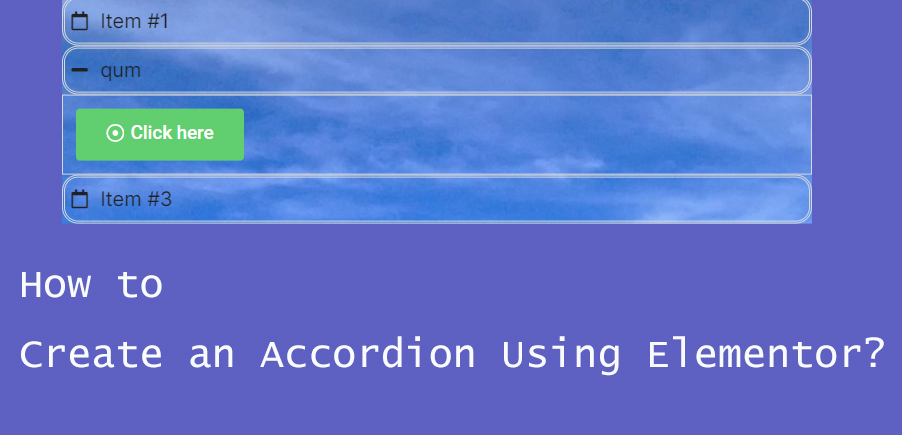
How to Create Accordion Widgets with Nested Elements in Elementor: The Ultimate Guide to Enhancing User Experience
To improve the user experience, web developers often use "Accordion widgets" (accordions) to organize content. Accordion widgets can be used to show and hide content in a hierarchical fashion, making the page look cleaner and improving the user interaction experience. With nested meta...

A Beginner's Guide to SEO for WordPress Websites - Optimizing Images for Search Engines
Optimizing Images for SEO and Speed Page load speed plays an important role in SEO and user experience. Search engines rank faster websites higher. The same is true for image search. Images increase the loading time of the entire page. Images take longer to download than text, meaning...

How to Enable Multi-Currency Functionality in WordPress Themes with the FOX Currency Switcher Plugin
In a previous post there was written about the implementation of multi-currency functionality, but since it's going to be charged, I brought another free multi-currency plugin to use. Of course he also has a paid version, but free is basically enough. In a cross-border e-commerce scenario, providing multi-currency payment options is a great way to enhance...
How to Enable Breadcrumb Navigation on a WordPress Website: A Detailed Guide
Breadcrumb navigation is often presented in the form of 'Home > Category > Products', providing users with a hierarchical path through the pages. It is especially helpful for e-commerce sites, blogs and content-intensive websites. In this article, we will detail how to WordPress website...

How to Enable or Disable the Coming Soon Page in WooCommerce: A Step-by-Step Guide
Setting up a "Coming Soon" page in WooCommerce not only generates interest in your store, but also prepares you for upcoming product releases or promotions. It's a very effective way to control customer expectations, and in this article, we'll detail how to set up a "Coming Soon" page in WooC...

Bricks Themes Explained: Fast, Efficient, and Flexible Website Builders (01)
When building a WordPress website, choosing the right theme is critical for performance, load speed, and design flexibility. In recent years, the Bricks theme has quickly emerged with its built-in visual page builder, clean code structure, and excellent customization...

How to Create Cart Page, Store Page, Checkout Page, and My Account Page in WooCommerce
The Cart page, Store page, Checkout page and My Account page are crucial functional pages in any WooCommerce store. They enable users to easily browse, shop, pay and manage their accounts. In this article, we will provide you with detailed...
How to Install and Activate Elementor Pro: A Complete Step-by-Step Guide
If you intend to design more professional websites with Elementor Pro, this guide will help you ease through the installation and activation process. Before you begin, make sure that you have installed and activated Elementor Core (i.e. the free Elementor plugin), as Elementor Pro...
How to Manually Add Directories in WordPress to Accelerate SEO Results
Then, in addition to the few WordPress website settings we talked about earlier that are important for SEO success, you can also create directories manually with anchor links that can also accelerate SEO results, and you don't need a plugin to do it. Of course, it will take some time and effort. Catalog First of all, ...

How to Easily Add Slideshows to WordPress: A Detailed Guide
By adding a slideshow to your WordPress website, you can greatly enhance the visual appeal of your pages and increase user engagement. Slideshows are not only capable of displaying multiple images, but they can also dynamically display different types of content such as products, services, customer testimonials or limited time promotions. ...
How to Create a Multilingual WordPress Website with TranslatePress (01)
TranslatePress is one of the best WordPress translation plugins on the market. Usually, multi-language plugins will require creating multiple versions of the same post in order to translate it.TranslatePress can create translations at the same time. It can also use a live editor to translate all of the site's...
How to Optimize Image Loading to Improve WordPress Website Performance
Loading large images can significantly lengthen page load times, which in turn affects the user's browsing experience and can even affect SEO rankings. To optimize image loading, many WordPress users use page builder tools like Elementor. In this article, we'll detail how to optimize the loading of images with El...

Visual Slideshow Design with WPBakery Page Builder
WPBakery Page Builder is a powerful visual editor that allows you to easily design and customize slideshows. This tutorial will guide you how to implement a visual slideshow design using WPBakery Page Builder. 1. Install WPBakery Page Builder First...

 简体中文
简体中文  English
  日本語
日本語  Français
  Español



