




WordPress Tutorial Page 41
The "WordPress Tutorials" feature takes you in-depth understanding of WordPress, from the basic installation, theme and plug-in configuration, to SEO optimization and site security, covering all aspects of the core knowledge and practical skills needed to build a site. Whether you are a novice or an experienced developer, you can find the appropriate tutorials to help you easily master the use of WordPress and advanced operations.
arrange in order
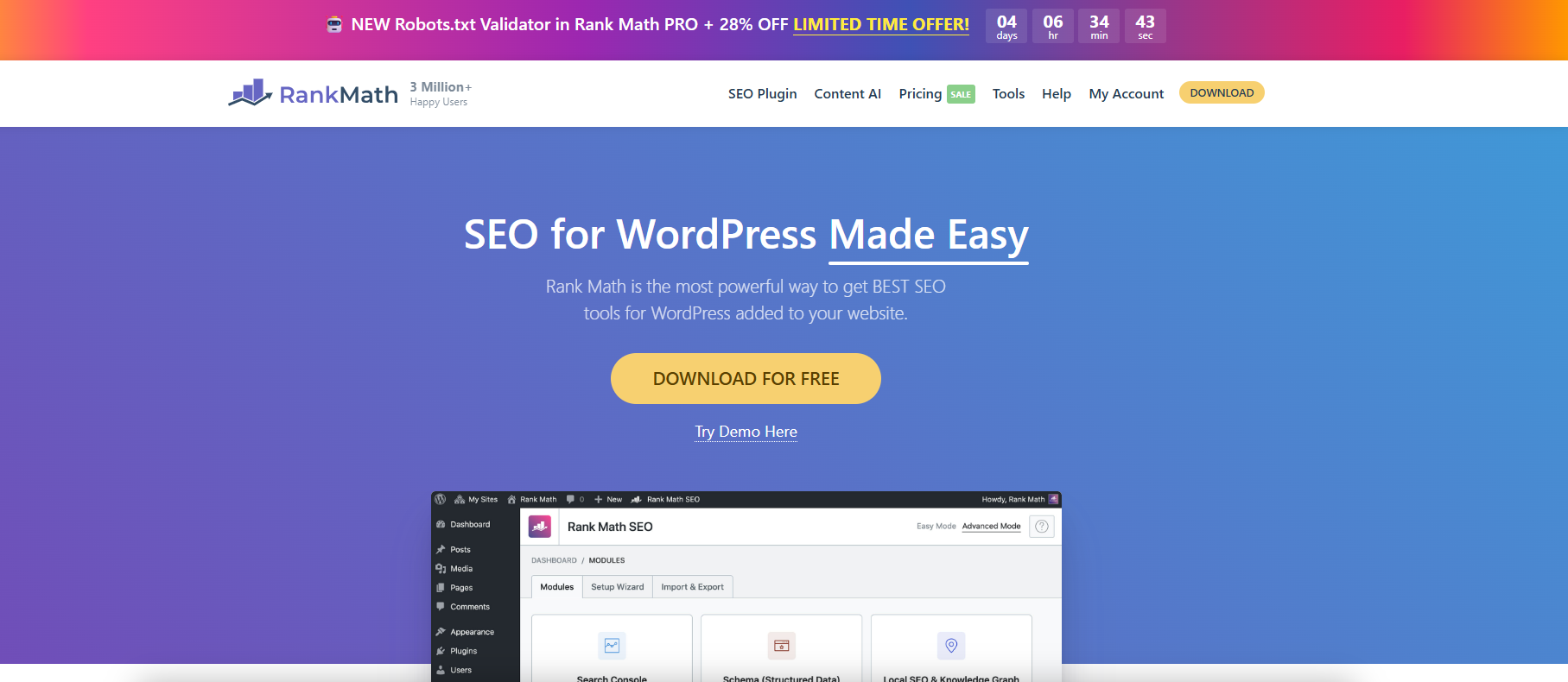
Use Rank Math to fine-tune WordPress Sitemap output.
With Rank Math, you can finely configure WordPress sitemaps, customize page indexing and category filtering to improve search engine crawling and SEO efficiency.

WordPress Performance Optimization: Managing WordPress Heartbeat Request Frequency with Plugins
The WordPress Heartbeat API sends frequent background requests, which can lead to high server resource consumption. By using the Heartbeat Control plugin to set the request frequency, you can optimize the site performance and ease the background lag while preserving features such as autosave.

Graph Bed Plugin + WebP Optimization: Accelerating WordPress Image Loading Across the Board
Hosting images in a graph bed and enabling WebP format compression, combined with CDN acceleration and lazy loading, dramatically improves WordPress site load speeds and mobile user experience, while optimizing SEO performance.

WordPress Heartbeat's Relationship with Autosave and Session Synchronization
The WordPress Heartbeat API is closely related to backend autosave, session synchronization, and multi-person editing. By controlling the frequency of requests, you can improve performance while maintaining functional integrity.
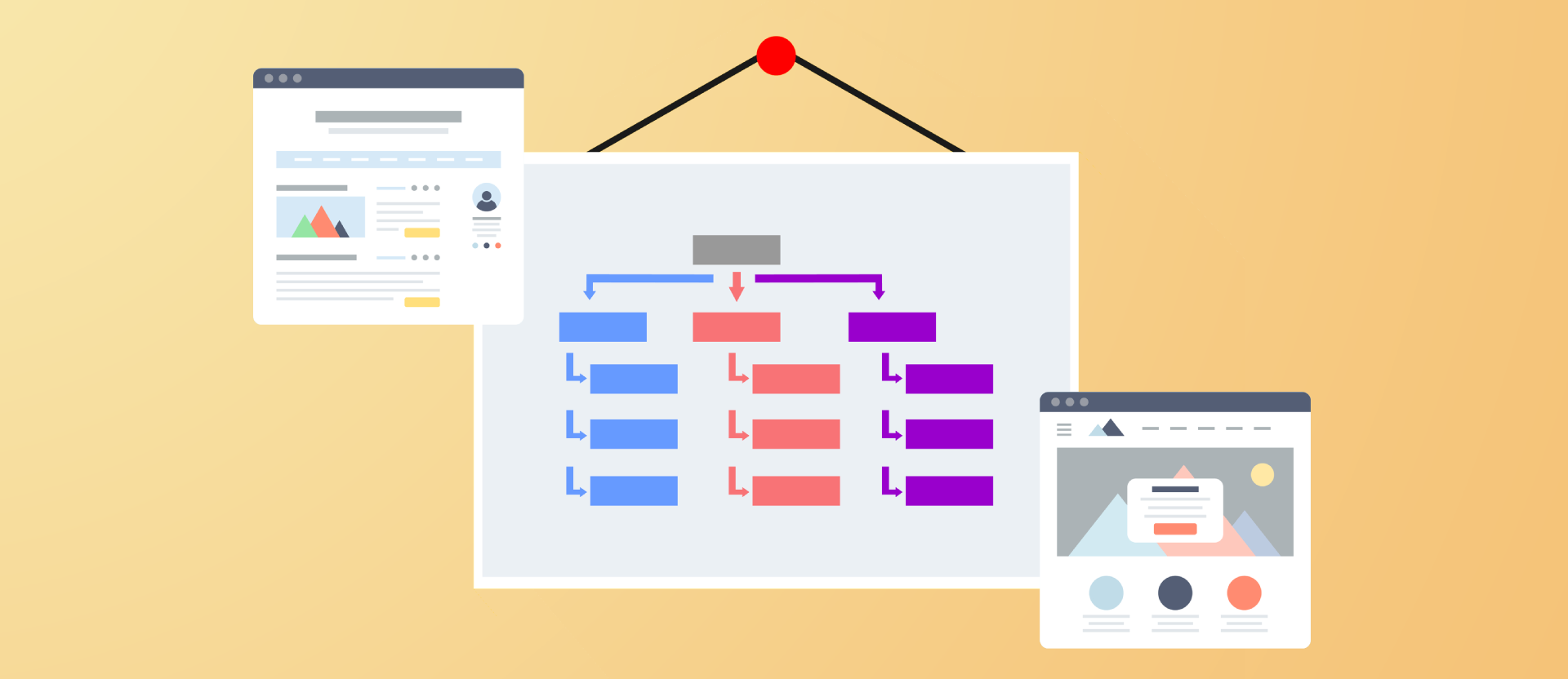
Improving Crawl Efficiency Across the Board: A Guide to Configuring WordPress XML Sitemaps
Comprehensively introduce how to generate, configure and submit XML sitemaps for WordPress websites, improve crawling efficiency and indexing performance, and adapt Rank Math and Yoast SEO.

WoodMart Conditional Sidebar Setup Tutorial: Easy Page Control with Plugins
Want your WoodMart store page to display different sidebars based on categories? This tutorial teaches you to customize conditional sidebar settings with the Content Aware Sidebars plugin, which is easy to use and improves conversion results.

Five Benefits of PayPal as a WooCommerce Payment Method
Find out why more and more WooCommerce merchants are choosing PayPal as their payment method. From visibility and speed to multi-currency support, this article breaks down the six core benefits and who it's for.
Yoast SEO Tutorial: How to Exclude Specific Page Types from Generating Sitemaps
Exclude media pages, tabs and other worthless pages with Yoast SEO plugin for a more focused sitemap and better SEO results. Easy to operate and practical, help you optimize the whole site structure.

Can you do SEO on WordPress?
This article explores how to boost your website rankings with WordPress SEO features and plugins such as Yoast SEO, including optimizing URL structure, titles, meta descriptions, image ALT text, as well as improving site performance and mobile optimization.

Does WordPress have a built-in SEO tool?
This article explores the built-in SEO features of WordPress and describes how to optimize your website's SEO performance through plugins, including key steps such as URL settings, title customization, and website performance improvement.
How WP Super Cache works: How to improve page load speed?
In-depth analysis of the working mechanism of WP Super Cache and configuration techniques to help WordPress websites achieve faster loading speed and better performance.

How do I get Elementor to support the WebP image format?
Teach you how to load WebP images correctly in Elementor, improve loading speed, work with plugins, CDN and caching to optimize website performance and SEO results.





