


WordPress Tutorial Page 56
The "WordPress Tutorials" feature takes you in-depth understanding of WordPress, from the basic installation, theme and plug-in configuration, to SEO optimization and site security, covering all aspects of the core knowledge and practical skills needed to build a site. Whether you are a novice or an experienced developer, you can find the appropriate tutorials to help you easily master the use of WordPress and advanced operations.
arrange in order
How to Fix 500 Internal Server Error in WordPress: A Detailed Step-by-Step Guide
Solve 500 Internal Server Error in WordPress with detailed step-by-step instructions on how to fix .htaccess files, increase PHP memory limit, deactivate plugins, switch themes, and re-upload WordPress core files. With these methods, quickly restore your website to normal operation...

WordPress default avatar is too monotonous? Teach you to change to a personalized avatar in one click
With WP Swiss Toolkit plugin, you can easily set up customized avatars in your WordPress website, support avatar upload, SVG image upload, enhance file upload size and other functions, which can comprehensively improve the efficiency of website management and user experience.

How to Reset WordPress Password: A Complete Step-by-Step Explanation
Forgot your WordPress password? This article provides a variety of effective methods to help you retrieve the password, reset the password, strengthen the account security and regular backup site data to ensure that the site is safe and stable.

Polylang Free vs. Pro: Are the features worth the upgrade?
An in-depth comparison of Polylang Free and Pro features to help you determine if you need to upgrade and create a more efficient WordPress multilingual website.
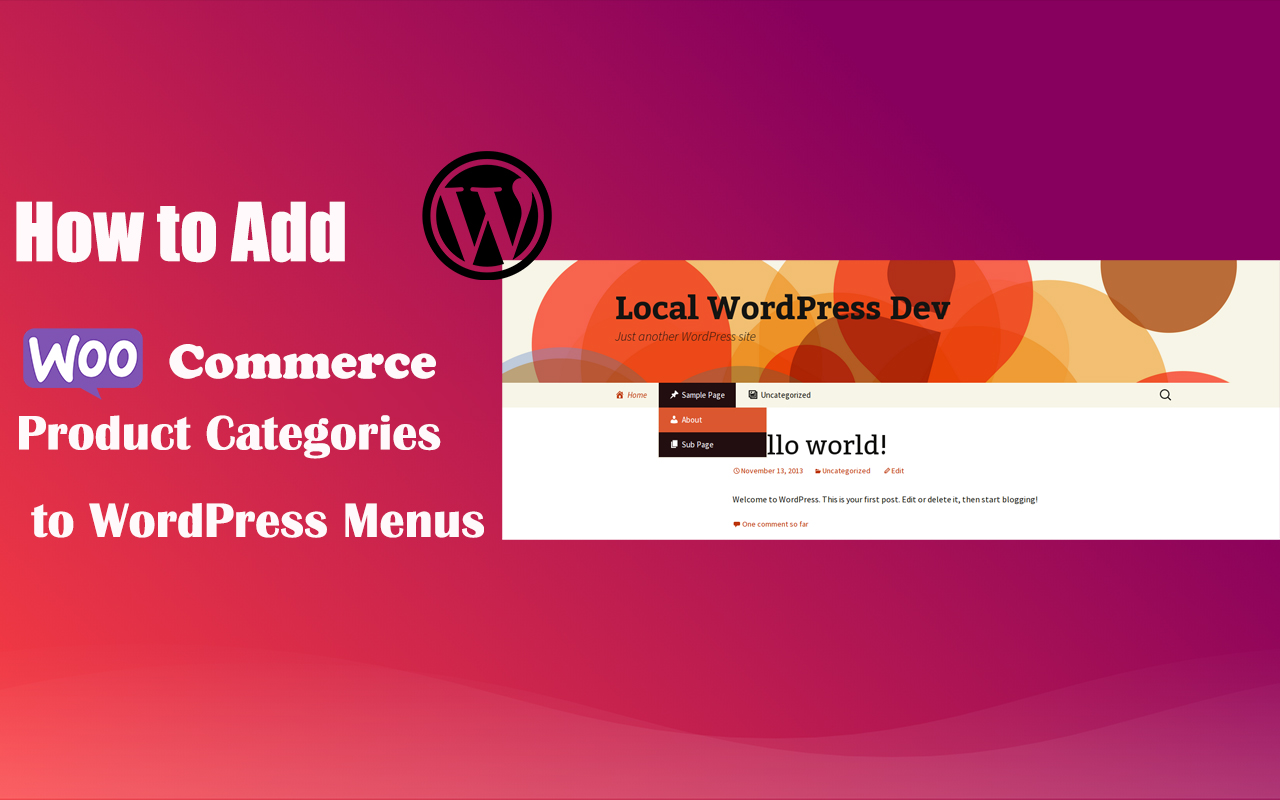
How to Add WooCommerce Product Categories to WordPress Menus to Improve User Experience and Conversions
When running a WooCommerce store, it's important to help users quickly navigate to product categories. By adding product categories to the main WordPress menu, you can simplify the user experience and make it easy for users to find the products they need. In this article, we'll detail how to add WooCommerce ...

5 Practical Ways to Add Custom CSS in WordPress and FAQs
Adding custom CSS to WordPress is a very practical way to give you complete control over the look and feel of your website. Custom CSS is a very flexible and powerful tool in WordPress website customization, helping you to have fine control over your website's visuals, cloth...

Smart Post Layout for Elementor - Elementor Smart Post Layout plugin
Smart Post Layout is a WordPress plugin designed for Elementor to help users easily create elegant blog post display areas. It provides two layouts (rotate and grid) and five themes to enhance the visual effect of your blog without coding. Main Features: Two...

How to Customize WooCommerce Product Pages with Elementor to Improve User Experience and Page Appeal
Customize your WooCommerce product pages with Elementor, and easily design unique layouts with drag-and-drop editors and rich widgets to enhance user experience and page appeal, all without coding!
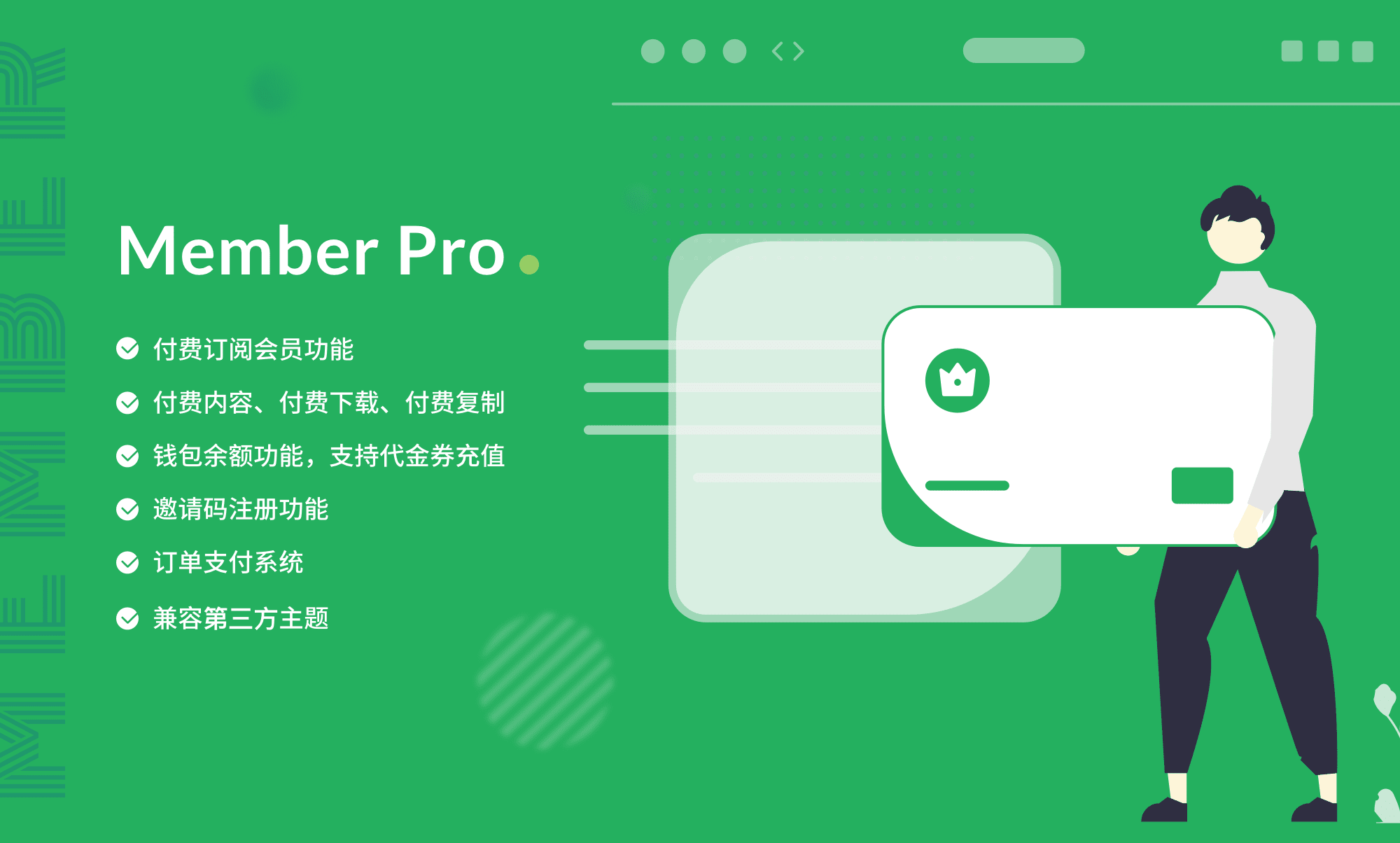
Total WordPress Membership Management: WPCOM Member Pro
WPCOM Member Pro plugin provides comprehensive member subscription, content payment, resource download and social login functions for WordPress websites, helping content creators and educational platforms to realize content cash and enhance user stickiness.
How to Improve the Loading Speed of Your WordPress Website: From Image Optimization to Cache Management
Discover how to improve the loading speed of your WordPress website by optimizing images, enabling caching, choosing efficient plugins and using a CDN. Improve user experience, SEO rankings and reduce bounce rates to accelerate website conversions.
How to Hide, Remove or Disable the Add to Cart Button in WooCommerce
A comprehensive guide on how to hide, remove or disable the "Add to Cart" button in WooCommerce. Whether it's for sold-out products, product catalog displays, or optimizing functionality for specific conditions, it's easy to do and gives you more flexibility in managing your store's functionality!

How to Improve WordPress Website Security and Force Strong User Passwords
Learn how to set up strong passwords on your WordPress site and improve overall site security with two-factor authentication, SSL certificates, and limiting login attempts to protect user data from attacks.

Multiple Ways to Fix WordPress Featured Images Not Showing Up
Comprehensive analysis of common reasons why WordPress featured images are not displayed, providing detailed solutions and optimization techniques, including theme compatibility issues, plugin conflicts, cache cleanup and image permission settings, to help you improve site performance and user experience.
WordPress Editor Battle: Full Comparison of the Classic Editor and the Gutenberg Editor
Learn about the features, pros and cons, and key differences between the Classic Editor and the Gutenberg Editor to help you choose the right WordPress content editing tool for your site's needs.

How to Fix 408 Request Timeout Error (Simple Fix Guide)
A comprehensive understanding of the causes and solutions to HTTP 408 request timeout errors. 8 solutions from client-side to server-side, including debugging plug-ins, server log analysis and firewall adjustments to help you quickly troubleshoot problems and improve your browsing experience.
What is AJAX and how to use it in WordPress?
Learn how to implement AJAX in your WordPress website to improve the interactivity and performance of your website. This article describes the basic principles of AJAX and how to improve user experience by updating content asynchronously.

10 Effective WordPress Password Management Tips to Prevent Brute Force Breach & Credential Filling Attacks
This article presents 10 practical password management tips to help improve website security against threats such as brute force, credential stuffing attacks and phishing. Secure your accounts by using strong passwords, password managers and enabling two-factor authentication.

How to Create a WordPress Custom Login Page Without Creating a Custom Page and Redirection
Learn how to customize your WordPress login page by modifying the functions.php file and customizing the CSS to enhance the user experience while strengthening your site's security by limiting login attempts, enabling two-factor authentication, and changing the login URL.

How to use WPBakery to create dynamic rotation of images: detailed tutorials
Learn how to create dynamic image rotation effects using WPBakery page builder with this tutorial. Detailed installation, setup and optimization tips are explained to enhance the interactivity and visual appeal of your website.

How to Fix Blurry Images in WordPress: 6 Effective Methods
Blurry images in a WordPress website can affect the visual effect and user experience. This article introduces 6 effective fixes, including uploading high-resolution images, choosing the right image format, optimizing image thumbnails, and using the appropriate image optimization plugin, to help you resolve the image...

How to Add Schema Markup with Rank Math Pro to Boost SEO and Click Through Rates
Schema Markup makes Google search results more attractive, increasing click-through rates and SEO rankings. This article introduces 20+ Schema types of Rank Math Pro in detail and demonstrates how to quickly add structured data to optimize website presentation.

UpdraftPlus: The Best Choice for WordPress Website Backup & Restore
UpdraftPlus is an efficient and reliable WordPress backup plugin that provides automatic backup, incremental backup and database encryption. It supports cloud storage and local backup to ensure the safety of website data. Free and paid versions to meet the needs of different users, easy to restore the site...

How do I add a "Minimum Purchase Amount" or "Cart Discount" rule to WooCommerce?
Want to boost your WooCommerce store's customer unit price? This guide explains in detail how to set minimum purchase amount limits, full discount offers and shopping cart discount rules, and recommends useful plugins to make discounts apply automatically, optimize user shopping experience and increase sales!
WebP format's impact on SEO: make your images lighter and rank higher
Learn how the WebP format can improve your WordPress site's SEO ranking by optimizing image loading speeds, reducing bandwidth consumption, and enhancing the user experience. Discover how to enable WebP format in WordPress to improve site performance.

Astra Theme Tutorial: How to Integrate Woocommerce to Astra Theme
Learn how to integrate WooCommerce on Astra Theme to build an efficient online store. This tutorial details the steps to install Astra theme, enable WooCommerce, setup the store, optimize the pages, and more to help improve website performance and user experience.

Mastering Avada Popups for Good: Creating Professional-Grade Popups with Modal Elements
A comprehensive explanation of the Modal popup element in the Avada theme, introducing how to trigger popups via buttons, menus, or images, and implementing advanced content layouts such as mixed-text, forms, and so on, to help you create a highly interactive, high-converting website.

Avada theme tutorial: how to use Image Carousel elements to create the home page of the image rotation effect
This article details how to create image rotation elements using Avada Builder to help you easily display product images, project examples or photography. With simple steps and settings, it enhances the visual effect and user interaction experience of the page.

How to Boost Trust and Interactivity on Your Website with Elementor Comment Widgets
Easily display user reviews with Elementor review widgets to increase social trust and boost website engagement. This article explains how to add, edit and customize the appearance of review widgets to help you display user reviews for e-commerce, restaurant, travel and other industries to boost website credibility...

How to Add a Floating WhatsApp Chat Button to a WordPress Website (Free Version)
Learn how to quickly add a floating WhatsApp chat button to your WordPress website using the WP Chat App plugin. With simple installation and configuration, visitors can communicate with you in real-time via WhatsApp, increasing the efficiency of customer interaction and support. Suitable for all WordPre...

Avada Theme Tutorial: How to create a custom timeline on the homepage to introduce the brand story in depth based on the time dimension
Use Avada Builder to build a responsive timeline with zero code to show your company history, project progress and important points. Detailed steps and homepage layout optimization suggestions are included to help you improve your brand's professionalism and user dwell time.

 简体中文
简体中文  English
  日本語
日本語  Français
  Español



