


WordPress Tutorial Page 86
The "WordPress Tutorials" feature takes you in-depth understanding of WordPress, from the basic installation, theme and plug-in configuration, to SEO optimization and site security, covering all aspects of the core knowledge and practical skills needed to build a site. Whether you are a novice or an experienced developer, you can find the appropriate tutorials to help you easily master the use of WordPress and advanced operations.
arrange in order

Linux vs Windows hosting: which is better for running WordPress?
Before setting up a WordPress website, the first task is to choose a suitable "running space" for it - that is, a server. For newbies, a hosted server is a good choice, it's simple and convenient, and doesn't require much technical knowledge. For those who have some technical...

WooCommerce Approved Download Catalog
Approved Download Catalogs is a feature that helps manage the catalogs that are allowed to be used to store downloadable product files. This feature was introduced in WooCommerce 6.5 if one is selling or intends to sell products that can be downloaded, especially if the site has the ability to create...

Why Choose Genuine Elementor Pro: The Best Choice for Safety and Reliability
Elementor Pro is a very popular WordPress plugin that holds an important place in website building with its easy-to-use interface and powerful features. However, there is an ongoing discussion about cracked and licensed versions of Elementor Pro, especially in terms of security and stability....

How to Integrate TikTok for Your WordPress Site: Best Plugin Recommendations & Detailed Guide
In the digital era, social media platforms have become one of the most important channels for brands and content creators to showcase and promote.TikTok, as a popular short video platform, has a huge user base and high interactivity. Integrating TikTok with WordPress website not only...

Visual Slideshow Design with WPBakery Page Builder
WPBakery Page Builder is a powerful visual editor that allows you to easily design and customize slideshows. This tutorial will guide you how to implement a visual slideshow design using WPBakery Page Builder. 1. Install WPBakery Page Builder First...

Elementor 3.23 Update: Enhanced Performance and Accessibility, New Live Search, Floating Buttons and Profile Widgets
Elementor 3.23 Update: Enhanced performance, accessibility, and design with new search widgets, floating buttons, links in 7 profile widgets, and more! [Pro] New Search Widget Delivers Real-Time Results via AJAX Elementor's new search widget is now...

A Guide to Effectively Contacting WordPress Support: Best Practices for Resolving Common Website Issues
How to Contact WordPress Support and Solve Common Problems Even though WordPress is supported by more than 43% sites on the Internet, sometimes you still run into roadblocks and don't know what to do next. This article will detail when you need to contact WordPress support and...

How to manually configure .htaccess file to block country-specific IP addresses
Blocking access from specific countries is necessary to secure your website and optimize resource usage. For example, if your website is subject to frequent malicious attacks from certain countries, or if you need to restrict access to certain content to users from specific countries, manually configuring the .htaccess file...

How to Add Google Maps to Your WordPress Website
Embedding Google Maps into a WordPress website is a very useful technique for local businesses looking to attract potential customers or make it easy for existing customers to find their location. By displaying your business location on an interactive map, not only does it improve the user experience, but it also improves...
How to Optimize admin-ajax.php in WordPress: Reduce Performance Issues Caused by High Usage
The file admin-ajax.php plays a key role in WordPress websites, it is the core file that manages AJAX requests and allows you to implement dynamic features such as real-time notifications, asynchronous form submissions, infinite scrolling, and more without having to refresh the entire page. When admin-ajax.p...
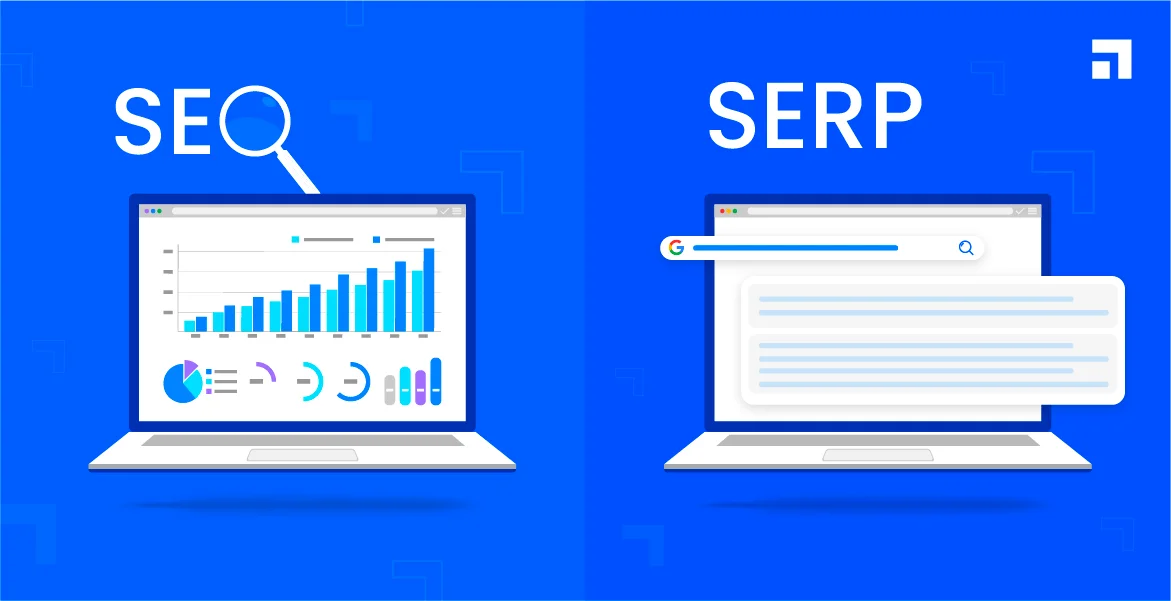
How to Optimize Your WordPress Website Title and Meta Description
Optimizing the title and meta description of your WordPress website is important for improving search engine rankings and attracting user clicks. Title and meta-description is the first user in the search engine results page (SERP) to see the content, directly affecting the click-through rate and site traffic. First, the title (Titl...
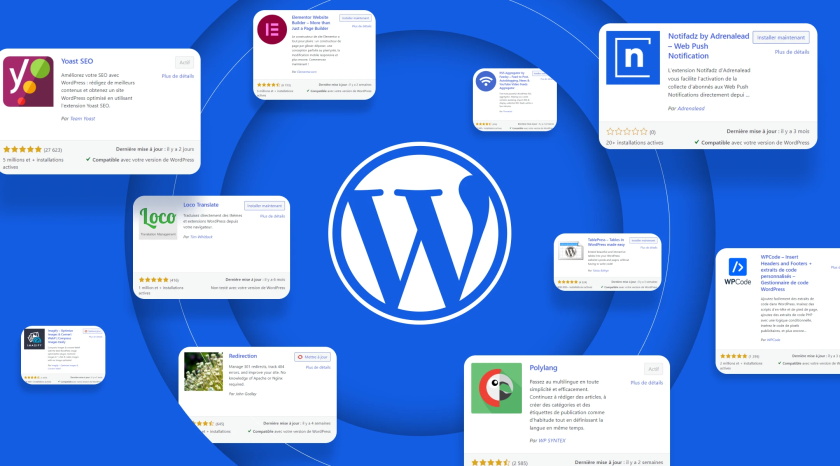
WordPress Sidebar Ads Management: How to Create Custom Ad Widgets
Learn how to create custom ad widgets in WordPress for efficient management and optimized placement of sidebar ads, support Google AdSense and other ad alliance codes, and improve traffic cash flow.

How to Add and Efficiently Manage Products in WooCommerce
Adding and Managing Products Before you can sell anything, you first have to have something to sell. That's why choosing and managing products is one of the most important aspects when opening a store. Getting Started with Product Management in WooCommerce On the WooCommerce platform, adding products may seem...
WordPress source code - jquery-ui (1.8.20 - jquery.effects.core.js)
1 /*! 2 * jQuery UI Effects @VERSION 3 * 4 * Copyright 2012, AUTHORS.txt (http://jqueryui.com/about) 5 * Dual licensed under the MIT or GPL Version 2 license. 6 * http://jquery.or...

How to Fix Common Image Issues in WordPress (The Ultimate Guide)
WordPress itself comes with some very clean tools for managing and editing images. It's easy to upload images, align images, and even edit images from within WordPress. We're going to take a look at the most common image issues in WordPress today and how to fix it...

How to Check and Resolve WordPress Plugin Conflicts: A Comprehensive Guide
Plugin conflicts are one of the most common technical issues when managing a WordPress website. This post will give you details on how to check for and resolve WordPress plugin conflicts to ensure your site is always running smoothly. What is a WordPress Plugin Conflict? A plugin conflict is when...

What is SEO Migration?
SEO migration is a set of best practices for maintaining search rankings and SEO settings when a website undergoes a major change or migration. Since search engines are the primary source of traffic for most websites, it is critical to ensure that no traffic is lost during the migration process.SEO migrations are typically applied to the following situations: ...

How to Easily Build & Customize Exclusive WordPress Page Templates
Creating custom WordPress page templates makes it easy for you to take control of your website's appearance and design freedom. Doing so will not only give your website a unique look, but will also save you a lot of time in the development process. The good news is that there are multiple ways to create these templates to choose from. You can make them yourself...

How to Stop Search Engines from Indexing WordPress Websites
Why should you prevent search engines from indexing your site? Because in some cases, search engines are not expected to index their sites: Unfinished sites - at this stage, which is full of errors and trial and error, it is recommended to use the WordPress staging environment for this purpose. Restricted...
How to use WooCommerce plugin to implement multi-language checkout page design
Why Translate WooCommerce Checkout Page? WooCommerce is one of the most popular e-commerce platforms in the world, supporting countless merchants in building their online stores. As your business grows, it may begin to attract a customer base with different language backgrounds. In order to maximize the...

Optimizing WordPress Site Load Speed: A Comprehensive Guide to Improving Elementor Performance (I)
Optimizing the loading speed of your WordPress website is an important measure to improve user experience and SEO results.Elementor, as a powerful and flexible page builder, can cause your website to load slowly if not optimized. We will detail a series of optimization recommendations to help...

Building E-Commerce (B2C) Websites with WordPress
Creating a WordPress e-commerce site that is both functional and profitable, while it is more difficult, the process can be greatly simplified by tackling the challenges one by one. There are a lot of details that need to be taken care of to create such a site, and tackling them in steps can make the whole process much easier. ...

How to Create Cart Page, Store Page, Checkout Page, and My Account Page in WooCommerce
The Cart page, Store page, Checkout page and My Account page are crucial functional pages in any WooCommerce store. They enable users to easily browse, shop, pay and manage their accounts. In this article, we will provide you with detailed...

WordPress source code - jquery (jquery-1.4.4.js)
1 /*! 2 * jQuery JavaScript Library v1.4.4 3 * http://jquery.com/ 4 * 5 * Copyright 2010, John Resig 6 * Dual licensed under the MIT or GPL Version 2 license. 7 * http://jquery.or...
How to Customize the Background Color of WordPress Block Editor (Gutenberg)
Want to change the Gutenberg editor background color in WordPress to match the site branding colors and showcase the site culture. Detailed tutorial today it's here! Why should I change the background color of the block editor in WordPress? Want to change the background color of...

How to Edit and Customize WooCommerce Checkout Page
Why Build Custom WooCommerce Checkout Pages? Ensuring that the checkout process is smooth and hassle-free is essential to enhancing the shopper experience. One simple and straightforward way to do this is to streamline the checkout process so that shoppers can complete their orders quickly. Not only that, but customizing WooCommerce checkout...

Why is there still no traffic to your website after SEO optimization? What is the principle?
SEO optimization is performed in order to get better rankings for a website in search engines, thus attracting more traffic. However, even with SEO optimization, a website may still not get the expected traffic. This may be due to the following reasons: High competition: If your industry is non...

What's New in WooCommerce 8.6 Revealed
Order Attribution Now, WooCommerce 8.6 offers order attribution tracking for a deeper understanding of your customers. Want to know which marketing campaigns successfully attracted potential customers and ultimately led to a purchase? This feature does it for you! It is based on the final click attribution model...

How to Create a "Sticky" Floating Footer Bar in WordPress
Are you looking for a way to create a sticky floating footer bar in WordPress? A sticky floating footer bar will always be displayed at the bottom of your website even if the user scrolls through the page. This way, you can utilize it to promote offers or social media accounts, enticing users to stop...

How to fix Elementor stuck on loading screen
When friends are using Elementor to edit WordPress pages, they encounter that Elementor gets stuck and displays a gray page. How to solve this situation? Don't worry, let's continue to look down; first of all, you need to troubleshoot the cause and solve it with the appropriate method. Possible causes and solutions...

 简体中文
简体中文  English
  日本語
日本語  Français
  Español



