


WordPress Tutorial Page 84
The "WordPress Tutorials" feature takes you in-depth understanding of WordPress, from the basic installation, theme and plug-in configuration, to SEO optimization and site security, covering all aspects of the core knowledge and practical skills needed to build a site. Whether you are a novice or an experienced developer, you can find the appropriate tutorials to help you easily master the use of WordPress and advanced operations.
arrange in order
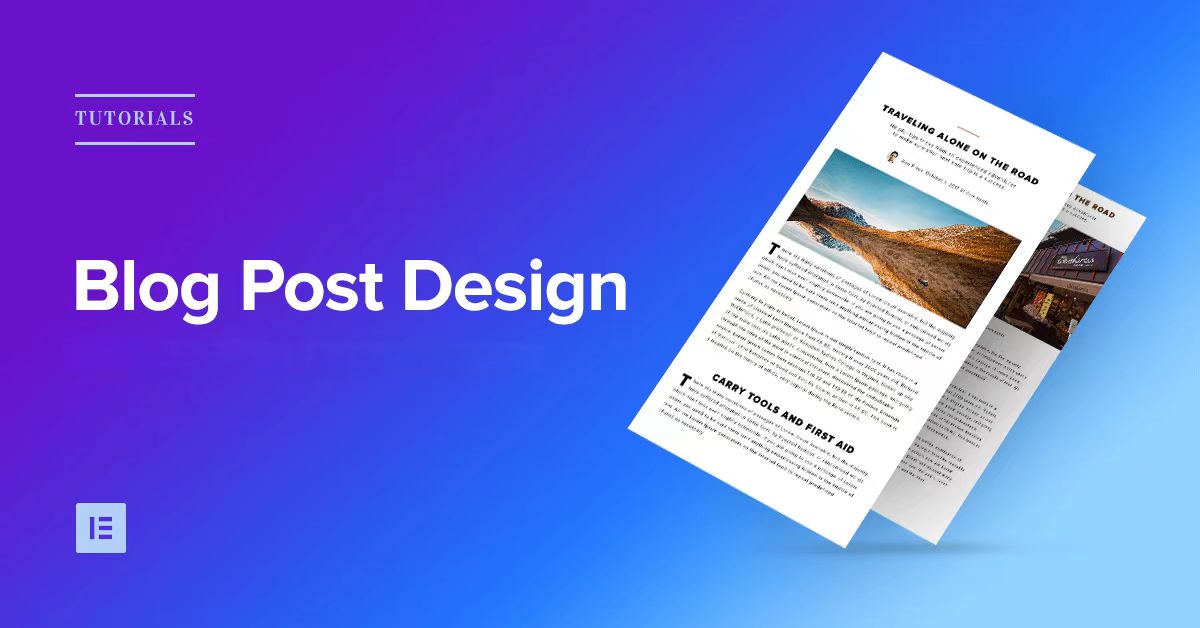
How to Design Your Own WordPress Blog Theme with Elementor
With Elementor, a powerful visual page editor, it's easy to create a professional and attractive WordPress blog theme without writing any code. This article will take you step by step through how to use Elementor to design your own WordPress ...
How to Reset User Password in WordPress Dashboard
Resetting WordPress user passwords is an important thing to do, especially when the user forgets the password or the security of the account is at stake, WordPress reset passwords are crucial. Here are the detailed steps that I have compiled on how to reset user password securely in WordPress dashboard. 1....

Security Vulnerabilities in the Elementor Add-on Plugin and How to Protect Your WordPress Site
Elementor researchers have issued security advisories for 11 separate Elementor add-ons containing 15 vulnerabilities. These vulnerabilities could enable hackers to upload malicious files, and one is rated as a high-threat vulnerability because it could allow hackers to bypass access control...

WordPress.com vs WordPress.org: what's the difference?
First of all, when we say "WordPress", what are we referring to? Actually, there are two versions of WordPress, and many people get them confused. WordPress.org is the "real" WordPress, and it's very powerful, allowing you to create all kinds of websites - whether it's a small blog... Tiny blogs...

How to Effectively Manage and Optimize Product Reviews in WooCommerce
Learn how to disable product reviews in WooCommerce or turn off reviews for specific products. We also provide tips for managing and optimizing the display of reviews to help improve user experience and page aesthetics.
In-depth analysis of BoxShop theme: custom modules and advanced DIY tips (05)
In the last issue, we talked about how to edit BoxShop theme with WPBakery Page Builder, today, we will delve into the various modules provided by BoxShop theme and how to make advanced customization, to help you make full use of these powerful features to enhance the functionality of your website and...
WordPress source code - jquery-ui (1.8.20 - jquery.effects.clip.js)
1 /*! 2 * jQuery UI Effects Clip @VERSION 3 * 4 * Copyright 2012, AUTHORS.txt (http://jqueryui.com/about) 5 * Dually licensed under the MIT or GPL Version 2 licenses. 6 * http://jque...
Enhancing WordPress Security: A Guide to Changing Database Table Prefixes
By default, WordPress assigns a prefix to all tables in the database during installation: wp_. While this may seem like a small, inconsequential detail, this default prefix may actually make your site more vulnerable to attacks. In this article, we'll dive into...

WordPress source code - jquery (jquery-1.6.1.js)
1 /*! 2 * jQuery JavaScript Library v1.6.1 3 * http://jquery.com/ 4 * 5 * Copyright 2011, John Resig 6 * Dual licensed under the MIT or GPL Version 2 license. 7 * http://jquery.or...

How to Fix WordPress RAM Exhaustion Error - Increase PHP Memory
Ever encountered the error message of seeing memory size exhausted in WordPress? This is one of the most common WordPress errors and it can be easily fixed by increasing the PHP memory limit in WordPress. What is WordPress Running Out of Memory Error? If the website...
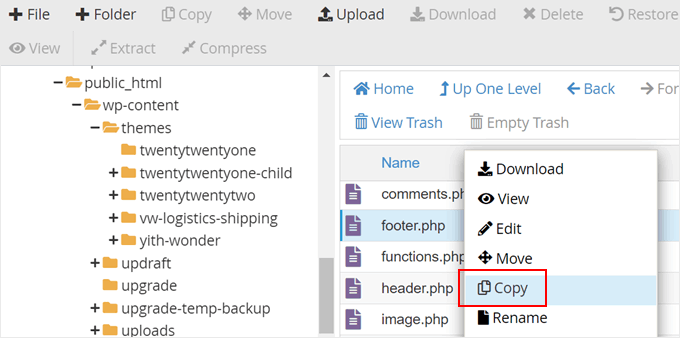
How to Edit and Optimize WordPress Child Theme Template Files and Features (Detailed Tutorial)
Our tutorial in this installment is still about child themes. We talked earlier about how to create a child theme. Now, let's see how to edit the template files of a child theme, how to add new features to a child theme and how to fix some WordPress child theme issues. How to edit a child theme's...

Elementor custom fonts not showing up on live site
When using Elementor's custom fonts feature, a common problem is encountered: custom fonts are not displayed on the live site. There are many reasons for this problem, which may involve caching, HTTP/HTTPS settings, CORS errors, and so on. This article will analyze the possible causes and solutions in detail...

What is the WordPress Heartbeat API and how to manage it?
In 2013, WordPress introduced the Heartbeat API, a feature that allows your browser to automatically communicate with the server. If you are using web hosting, you need to look carefully at your server's CPU usage. This is because when you exceed the limit, some hosting companies may...

How to Reset WordPress Administrator Password
WordPress is the world's most popular content management system, with over 43% websites built using it worldwide. As powerful as WordPress is, users occasionally forget their login credentials for managing their websites. In this article, we'll cover a few quick ways to recover your WordPress administrator password...

One-Click WordPress Installation: The Easy Way to Use Pagoda Panels
Welcome to the practical chapter of Creating Your Digital World! Today, we're going to explore how to quickly deploy WordPress by utilizing the one-click install feature in the Pagoda Panel, which makes installing WordPress on a server a breeze with its easy and efficient administration....

How to Notify Search Engines and Users About WordPress Domain Changes
Changing your WordPress domain name should be done carefully, as it can significantly affect website traffic and SEO performance. To ensure a smooth transition and minimize the impact on search engine rankings and user experience, it's important to notify search engines and users in a timely manner. Let's look at what it takes to notify search...

How to Effectively Disable Comments in WordPress
Why disable WordPress comments? 1. Spam Spam usually refers to information that we don't need, and some people will send this type of information on purpose, which not only bothers the recipients, but may also cause them harm. Spam also affects a website's search citation in...

7 SEO Optimization Tips for Elementor Deployments
Search Engine Optimization (SEO) has become one of the key factors in the success of a website. When building a website with Elementor, there are some simple SEO optimization techniques that can be used to improve your website's ranking in search engines. Here are some that can be applied in an Elementor deployment...

Ensuring Website Privacy Policies and GDPR Compliance in WordPress
The GDPR (General Data Protection Regulation) is an EU regulation designed to strengthen and harmonize the protection of personal data within all EU member states. Even if your website is not located in the EU, you need to comply with these rules as long as the data being processed involves EU citizens. This article will detail how...

How to Set SEO Friendly Fixed Links for WordPress Blog Posts
When creating a WordPress blog, setting up SEO-friendly permalinks is crucial for improving search engine rankings and enhancing user experience. Permanent links (Permalinks) are fixed URL structures, and by optimizing them, you can make the blog more attractive and easy to navigate. Receiving...

Astra Theme and IKS Menu Pro Plugin Compatibility Problems and Solutions
Learn about common compatibility issues and solutions for Astra theme and IKS Menu Pro plugin. This article details how to resolve menu style conflicts, JavaScript compatibility issues, responsive design conflicts, and performance issues to help you optimize your WordPress site's navigation system...

WordPress website construction optimization strategy: domain name selection, server configuration, theme installation, keyword ranking improvement and content optimization techniques
Domain Name Purchase We do Chinese, domain name selection in the Ali cloud purchase is good, including our own is also the choice of the Ali cloud, relatively speaking, cost-effective is relatively high. Aliyun registered domain name https://wanwang.aliyun.com/ quickly improve the ranking of the site, the new domain name is a not...

Multiple Ways to Resolve Elementor 520 Errors: A Comprehensive Guide
What is a 520 error in Elementor? The 520 error that occurs when trying to edit with Elementor is a server error that usually occurs due to a connection problem or an unexpected problem with the server processing the request. This error can be caused by the following: Some requests are not wrapped...

Elementor 3.20 Launches: Experience New Display Conditioning Features and Significant Performance Improvements
Elementor 3.20 update is here, bringing new display condition features to make your web design more flexible. Now you can load pages faster, both when editing and when visitors are browsing. Introducing the new element display conditions, you can use "or" like...

What is redirection? When is redirection (redirection) necessary?
"Redirection" is a process of directing the URL from page A to page B, through which users are directed to the page we want to present. Usually, we will set up redirection in the following five cases: 1. Website revamp and relocation When we build a new website and need to relocate...

WordPress security analysis: how secure is it really?
Is WordPress secure? Many new users ask this question, especially when they know that WordPress is an open source platform, there will inevitably be concerns in their minds. Well, let's answer this question today with data. I'll look at WordPress core, themes and plugins in terms of security...

Configuration Guide for WooCommerce Cache Plugin
In websites that use WooCommerce, the use of caching plugins can effectively increase page loading speed and improve user experience. However, since pages such as shopping carts, user accounts, etc. involve dynamic user data, these pages should usually not be cached, otherwise it may lead to information exhibition...

WordPress Navigation Block Tutorial: Easy to Create Navigation Menu
Welcome to this tutorial on using WordPress navigation blocks. Today, we're going to teach you step-by-step how to create and optimize your website menu using WordPress navigation blocks. Whether you're a beginner or an advanced user looking to enhance your website's navigation, this tutorial will provide you with practical...

How to Fix "Googlebot Cannot Access CSS and JS Files" Error in WordPress
Why does Google need access to CSS and JS files? Google has been providing better rankings, fast speeds, good user experience for user friendly websites and more. In order to determine the user experience of a website, Google needs access to access the website's CSS and JavaS...
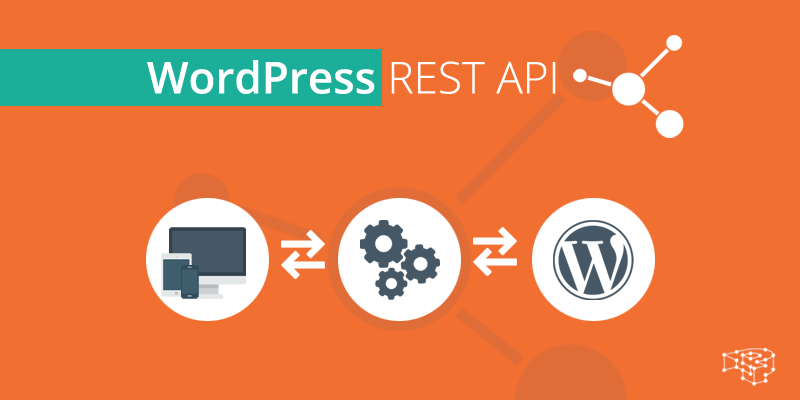
What is a REST API and how does it work?
REST (Representational State Transfer) API (Application Programming Interface) is a mechanism for communicating between different software components over the Internet. It allows developers to use standard HTTP methods (e.g. GET, POST, PUT, DELETE) to access and manipulate information from Wor...

 简体中文
简体中文  English
  日本語
日本語  Français
  Español



