



WP Theme Decoration Page 26
WP Theme Decoration Knowledge Platform focuses on providing high-end professional WordPress theme design and optimization knowledge. Through detailed tutorials, practical tips and the latest industry trends, we help users master all the skills of customizing WordPress themes to improve the visual effect, functional performance and SEO performance of their websites.
arrange in order

Astra Theme Container Layout Update: Three New Layouts for Clearer Operation
Astra theme simplifies the original five container layouts into three core options, improving the efficiency of settings and page flexibility. Combined with page settings and sidebar styles, it is easy to realize a variety of layout combinations.

Astra Theme Container Layout Optimization: Fully Upgraded Design Options and Flexible Configuration
The Astra theme offers new container layout options, including standard width, narrow, full width and content boxed layouts, helping users quickly create visually unified and flexibly customized website pages according to their needs.

Enhancing the Blogging Experience: Exploring the New Features of Astra Theme
The latest update to the Astra theme enhances the visual appeal and interactivity of single blog posts. New features include social sharing, featured image options, metadata separators, and more flexible post layouts, providing more customization options for webmasters. If you encounter problems during implementation,...

Enhance Website Content Display with Dynamic Data Blocks in Blocksy Theme
Get an in-depth look at the dynamic data blocks featured in the Blocksy theme, and master how to extract and display multi-source content in WordPress to create flexible, vivid and optimized page layouts.

Blocksy Pro Content Block Hands-on Tutorial: Implementing Automatic Ad Insertion (Google AdSense Support)
Learn how to use the Blocksy Pro content block feature to efficiently insert static ads and Google AdSense into WordPress websites for WooCommerce malls and content blogs without modifying the page structure.
A Practical Guide to Image Optimization in 2025: Building Faster, Lighter WordPress Websites
Master 2025 image optimization techniques to improve WordPress site speed and performance, covering format selection, size control, compression tools, lazy loading & responsive image solutions.

Kadence Teaching: 7 Tips for Creating a Professional Website (2025 Update Guide)
Learn how to use Kadence to optimize your website design, improve loading speed, and strengthen your brand image. This guide covers template selection, navigation optimization, mobile adaptation, and other practical tips to make your website more professional!

How to Use Blocksy Popups to Enhance Engagement
Learn how to use the Blocksy theme's popup feature to interact with your visitors by setting up triggers, animations, and display conditions to boost your website's conversion rate.

How to use GeneratePress to center the logo and balance the menu items on both sides of the site.
Using GeneratePress combined with custom CSS, the website navigation bar logo centered, the two sides of the menu items balanced distribution, to enhance the visual effect of the page and user experience.
Teach you how to master the GeneratePress dynamic font system and customize your site's typography without stress!
Learn how to customize your site's font styles with the GeneratePress Dynamic Font System, and easily control the typography of your site's headers, menus, body text, and more for a more professional and brand-recognizable look and feel without having to write CSS.

Fully unlocked global styles and template libraries for GenerateBlocks
In-depth analysis of GenerateBlocks global style and template library features, support for multiple combinations and batch insertion of templates, to improve the efficiency of WordPress page design and style consistency.
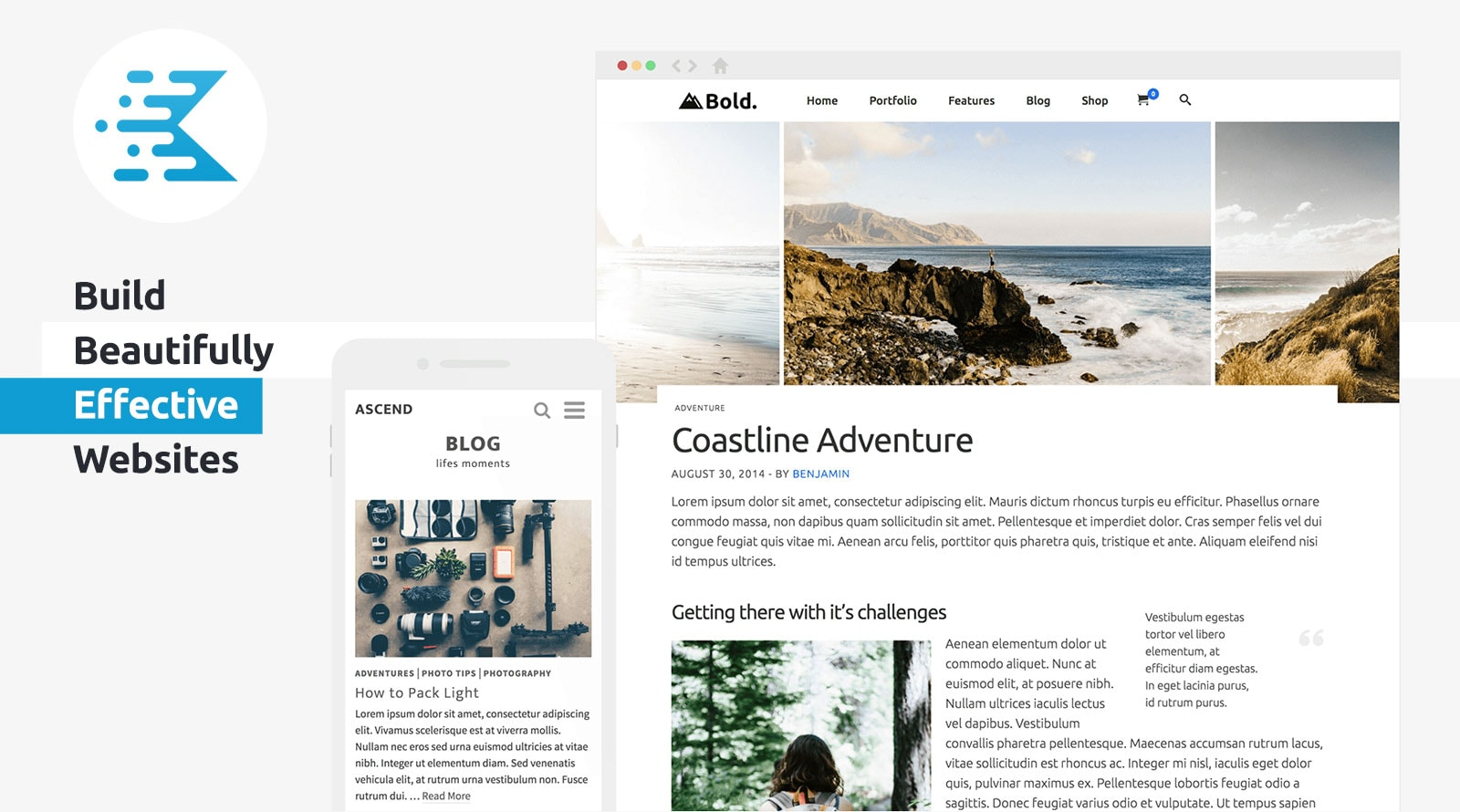
KadenceWP Explained: Ideal for Building High Performance WordPress Websites
Take a deep dive into the core features and benefits of the KadenceWP theme, including a drag-and-drop header/footer builder, global color and font controls, rich starter templates, and deep compatibility with the Gutenberg editor and WooCommerce to help you easily build high-performance, responsive...





