




WP self-taught website builder Page 24
At Photon Academy, we specialize in providing high quality WordPress instruction to help you master every aspect of WordPress from basic to advanced. Our courses are designed to allow students to get hands-on and understand the power of WordPress, whether it's building a personal blog or a business website.
arrange in order

Comparative Analysis of WordPress, Wix and Shopify Website Building Platforms
WordPress, Wix, Shopify Which platform is right for you? From the difficulty of operation, functionality expansion to e-commerce performance, a comprehensive analysis of the key points of building a website selection.

Quickly Deploy Website Bulletin Boards, Holiday Sale Banners with Content Blocks
With Blocksy Pro's Content Blocks feature, you can quickly create flexible bulletin boards and holiday promotional banners in your WordPress website for efficient, timed, targeted content display without writing code, suitable for all webmasters and marketers...

Blocksy Pro Content Blocks Explained: A Key Tool to Improve WordPress Website Flexibility
Take a deep dive into Blocksy Pro's Content Blocks feature and learn how to quickly create bulletin boards, promotional banners, and custom content modules without code for precise placement, optimized experience, and increased site flexibility.
WordPress Website Acceleration Practical Tips: 5 Ways to Improve Loading Speed
Solve the problem of slow loading WordPress website, from caching, images, plugins to CDN optimization, to improve the overall website operation efficiency and open speed.
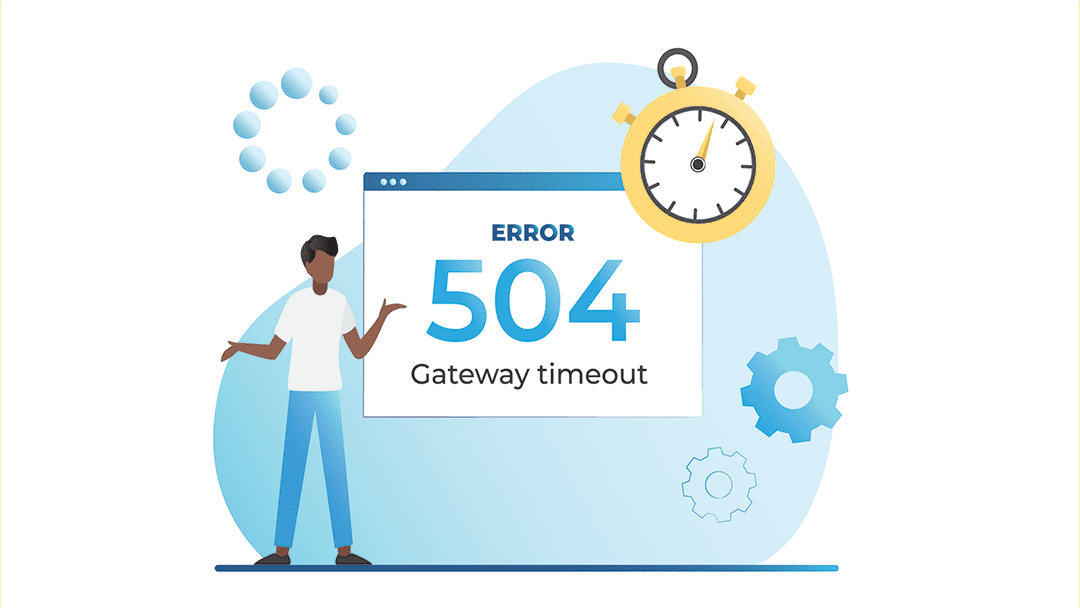
Is a slow website a 504? Accurate Differentiation with Lighthouse and GTmetrix
A slow page load is not the same as a 504 error. This article explains the difference between the two, and describes how to use Lighthouse and GTmetrix tools to analyze website response issues and identify performance bottlenecks.
Configure SEO data and indexing permissions for attached pages such as PDFs using Rank Math
WordPress auto-generated attachment pages may affect the site SEO. this article describes how to use Rank Math to set up indexing permissions and redirection of PDF and other media pages, to avoid low-quality content being included.

How to Add Text, Images, and Media Files to the Gutenberg Editor
The complete guide teaches you to add text, images, and videos to the WordPress Gutenberg editor to make content creation more intuitive and efficient.
Elementor Safe Mode and Cross-Browser Compatibility: Ensuring the Perfect Experience for All Users
Learn how to diagnose browser compatibility issues with Elementor's Safe Mode, along with practical optimization strategies to ensure website consistency and performance across all major browsers and devices.
How to Insert Links and Buttons in Gutenberg: A Practical How-to Guide for WordPress
Graphic explanation of how to add text links, image links and buttons in the Gutenberg editor to improve page navigation and user interaction experience.
Flatsome Theme Security Analysis: How to Protect Your WordPress Website?
In-depth analysis of Flatsome theme security performance in 2025, revealing potential risks and protective measures. Provide practical plugin recommendations and professional configuration guide to help you build a safe and reliable WordPress website.

ERR_TOO_MANY_REDIRECTS after turning on HTTPS? one article on solving SSL round tripping issues
Encounter ERR_TOO_MANY_REDIRECTS error after opening HTTPS? This post analyzes the causes of circular jumps in detail, and provides a multi-faceted solution for WordPress, CDN, and servers.

WordPress Website Guide to Uploading and Displaying Video Content (with YouTube / Vimeo Embedding Tutorial)
A comprehensive guide to uploading videos in WordPress sites, YouTube and Vimeo embedding and optimization tips to improve loading speed and viewing experience.

How to Implement SEO Optimized Onsite Link Blocks with Blocksy Content Blocks
A detailed explanation of how to use Blocksy Content Blocks to build automated onsite link recommendation blocks to improve website structure optimization, user experience and search engine crawling efficiency.

How to Configure Multiple Domains in WordPress to Increase Brand Reach
Learn how to configure multiple domains in WordPress to increase brand reach, covering tips on SEO optimization, content localization, site management, and more to help boost your website's performance in different markets.
The Value of WordPress in Content Marketing: Building a Closed Loop from Product Launch to Case Deposit
A complete strategy guide to using WordPress to build a closed loop of content marketing from product launch to case deposition for conversion and trust growth.
Blocksy Content Blocks VS Elementor: who is the king of website structure control?
An in-depth comparison of Blocksy Content Blocks and Elementor, each with its own advantages in terms of structural control, editing experience, and usage scenarios, to help you choose the most suitable website builder.

502 and 504 in terms of human-computer relationships: how sensitive is your site to user impatience?
Errors 502 and 504 are not just technical problems, but also a breakdown in communication between the website and its visitors. This article discusses these errors behind the "human-machine relationship" to help you build a more warm system response mechanism.

Zero Code Implementation: Publishing Beautiful Product Showcase Pages with Blocksy Theme
With Blocksy and Gutenberg, you can quickly create product showcase pages for WooCommerce stores and brand websites with no programming knowledge.

How to add user registration and login functionality to Astra Theme? Full Tutorial
Learn how to quickly implement front-end user registration and login in Astra theme without programming, with plugins to achieve a complete user system, suitable for newbie webmasters.

What are the best CDN services for WordPress? Comparison of the world's leading solutions
Choose the right CDN service for your WordPress site, compare Cloudflare, BunnyCDN, QUIC.cloud and other solutions to help you improve access speed and stability.

Practical Guide to Customizing Tab Content on WooCommerce Product Detail Page (e.g. Adding "After Sales Service", etc.)
Teach you to use code to add custom tabs for WooCommerce product detail page, such as "After-sales service", no plugin, simple and efficient, support a variety of content display.
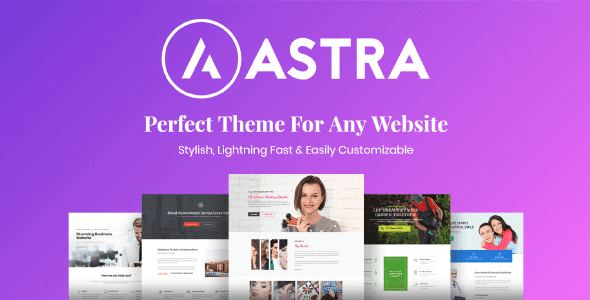
Astra + Gutenberg: a simple way to customize the login registration block
Use Astra with Gutenberg to quickly create beautiful, secure front-end login and registration forms for e-commerce and membership sites without programming.
Rank Math vs. Semrush Content Scoring Mechanism: Who's Better for Your SEO Efforts?
An in-depth analysis of the content scoring logic of Rank Math and Semrush, two SEO tools, to help webmasters and content creators choose a more appropriate optimization method.
How to Reset WordPress Password with WP-CLI
Learn how to quickly reset your WordPress password using WP-CLI for VPS environments. Manage WordPress from the command line to increase efficiency and save time.
Domestic vs Foreign CDNs: How should WordPress users weigh in?
Comprehensive comparison of the characteristics and differences between domestic and foreign CDNs, for WordPress websites to choose the right acceleration program to provide a practical reference, suitable for newcomers and developers to read.
![TranslatePress How to do after switching language page jump incorrectly? [Detailed solution guide] - Photon Flux | Professional WordPress repair service, worldwide, fast response!](https://www.361sale.com/wp-content/uploads/2025/06/20250625110347862-image.png)
What should I do if the page jumps incorrectly after switching the language of TranslatePress? Detailed solution guide
Solve TranslatePress switch language jump error problems, including jump to the home page, 404 page, language does not correspond to the causes of common failures and practical solutions.

Guide to Adding Custom Titles and Descriptions to Each Post with Yoast SEO
Use the Yoast SEO plugin to set custom titles and descriptions for each post to boost search engine rankings and click-through rates, and it's easy for WordPress newbies to master.

Complete Guide to Installing WordPress Plugins with WP-CLI
This tutorial explains how to install, enable and manage WordPress plugins using WP-CLI. Learn how to simplify the plugin installation process via the command line for developers.

How to use Google Search Console in conjunction with weight lookup tools to optimize website traffic
Explore how to use a combination of Google Search Console and weighting tools to analyze keywords and on-page performance, optimize website traffic, and improve SEO results.

How to Create Beautiful Graphic Layouts in Gutenberg
Learn how to use the WordPress Gutenberg editor to create beautiful graphic typography, from basic blocks to advanced techniques to create professional page layouts that enhance the user experience and visual impact.

 简体中文
简体中文  English
  日本語
日本語  Français
  Español



