





arrange in order

How to Implement Sticky Join WooCommerce Cart Button and Optimize It
Enable Sticky Add to Cart button in WooCommerce store to make the cart button always visible and increase the purchase success rate. This article describes how to add a Sticky Add to Cart button using the WowStore plugin or custom code, and explains in detail the styling and move...

How to Configure Virtual and Physical Products after WooCommerce Activation: A Comprehensive Setup Guide
This article describes in detail how to configure virtual and physical goods after WooCommerce activation, including the difference between the types of goods, configuration steps, order process differences, and how to use plug-ins to support the download of content or a combination of merchandising, to help you efficiently manage multiple types of merchandise and improve the operational efficiency ...
Why Choose a Kadence Theme? Comparison of features in the free version versus the Pro version
Learn about the features of the free version of the Kadence theme compared to the Pro version to help you choose the best version for you. This article provides an in-depth analysis of the design, layout, WooCommerce integration, and other features of both to help you create a highly customized and optimized WordPress website.
Top WooCommerce Bulk Edit Plugins Recommended & Comparison
We recommend many popular WooCommerce Bulk Edit plugins, with detailed comparison of features, advantages and disadvantages and applicable scenarios, to help you efficiently manage products, orders and inventory.

WooCommerce Front-End Language Setup Guide
A comprehensive guide on how to use the Polylang plugin to set up front-end languages for WooCommerce, enabling multi-language switching of products, pages and categories to optimize user experience and SEO.
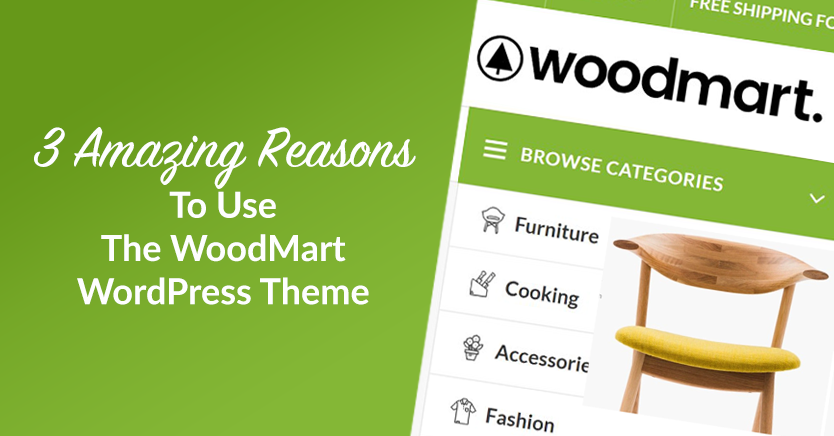
WoodMart Theme Ajax Filter Optimize Product Browsing
WoodMart theme has built-in Ajax filtering feature, so that users do not need to refresh the page when filtering products to improve browsing efficiency. This article introduces how to enable Ajax filtering, optimize filtering options, adjust price slider and user guidance strategy to help e-commerce sites to improve conversion rate.
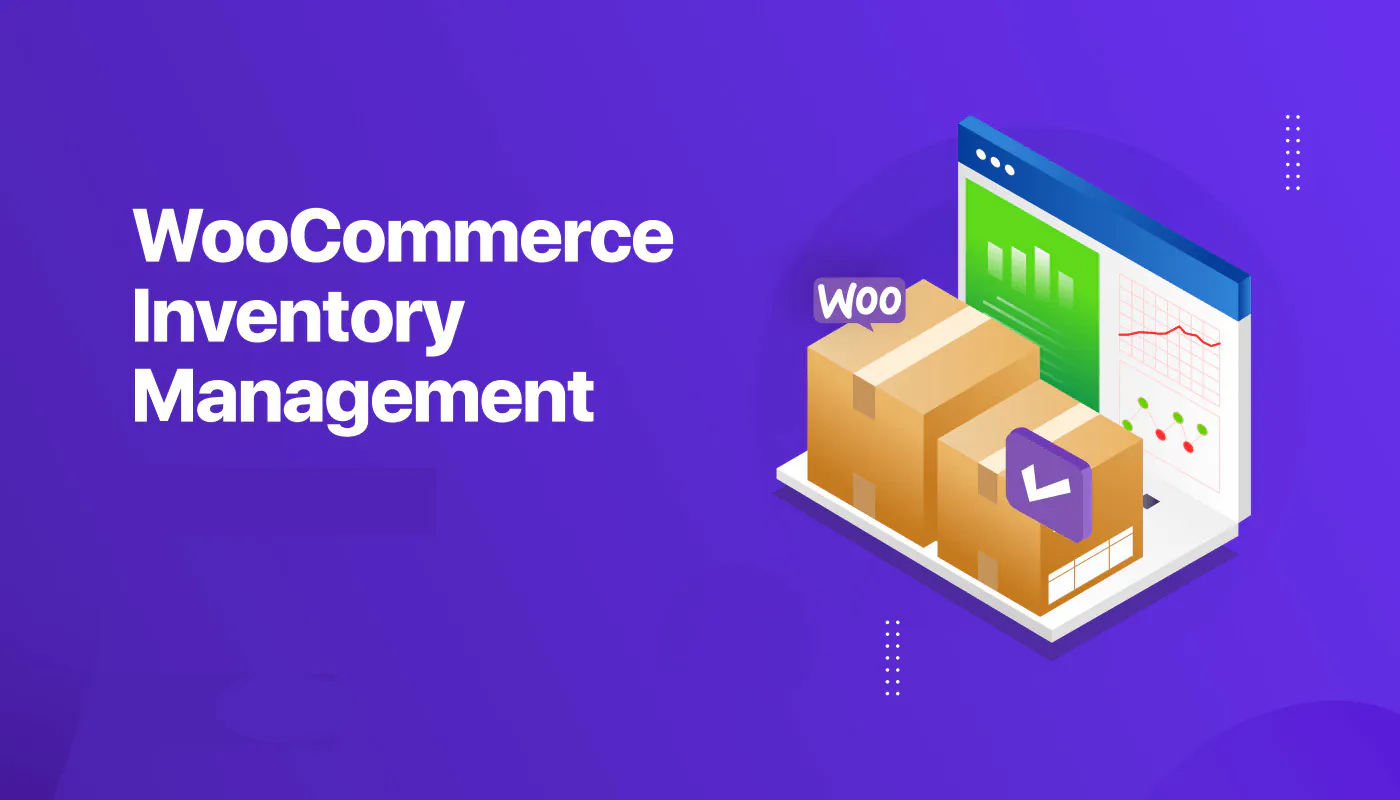
How to achieve real-time inventory updates after WooCommerce activation: a practical guide to e-commerce inventory management
Learn how to realize real-time inventory update after WooCommerce activation. Through plugin configuration, API docking and multi-platform synchronization, you can achieve accurate inventory management, avoid overselling, and improve user experience and operational efficiency.

How to activate and set up customer support features (e.g. chat plugin) for WooCommerce: Creating an Efficient Communication Ecommerce Experience
Learn how to activate and set up customer support features in the WooCommerce store, including live chat, work order systems, and AI customer service plugins. With this tutorial, it's easy to build an efficient and professional customer communication system to increase user satisfaction and conversion rates.
WooCommerce How to Activate and Setup Product Recommendation Feature
This article details how to set up the WooCommerce product recommendation feature, including built-in cross-sell/up-sell configurations, and the best plugin recommendations. Learn how to increase customer unit price with smart recommendations for e-commerce stores of all sizes.
How to create and manage product categories and subcategories after WooCommerce activation: a complete tutorial on building a clear product structure
Detailed explanation on how to create and manage product categories and subcategories in WooCommerce, including category structure settings, menu display, gadget usage and optimization suggestions, helping e-commerce websites build a clear and efficient product navigation system.
How to Add Uniform Borders to All WooCommerce Buttons in Bulk
With simple CSS, this article describes how to add uniform borders to all WooCommerce buttons in bulk to improve the overall visual consistency of your website. Includes button class names, code examples, usage and advanced optimization tips to help you design your e-commerce website more professionally.

Make your website fly! Extreme loading, WebP support and perfect SEO optimization with Woodmart!
Dramatically improve the loading speed and search engine rankings of your WooCommerce mall by setting up lazy loading, WebP image formatting, and SEO plugins.

 简体中文
简体中文  English
  日本語
日本語  Français
  Español



