





arrange in order

The Complete Guide to Using the WooCommerce REST API: A Tool for Quickly Connecting to External Systems
Understand basic WooCommerce REST API usage, key generation and connection testing to quickly establish data interaction with third-party systems.

WooCommerce Variable Merchandise Tutorial: Easily Set Size and Color Options
Want to make items available in a choice of sizes and colors? This WooCommerce tutorial teaches you how to quickly set up variable products to make your WordPress store more complete and your customers' shopping easier.
WooPayments and Global Payment Solutions: Helping Merchants Easily Expand to Global Markets
Learn how WooPayments helps cross-border e-commerce merchants achieve global market expansion by supporting multi-currency payments, automatic exchange rate conversion, and cross-border transaction optimization features, providing a secure and convenient global payment solution.
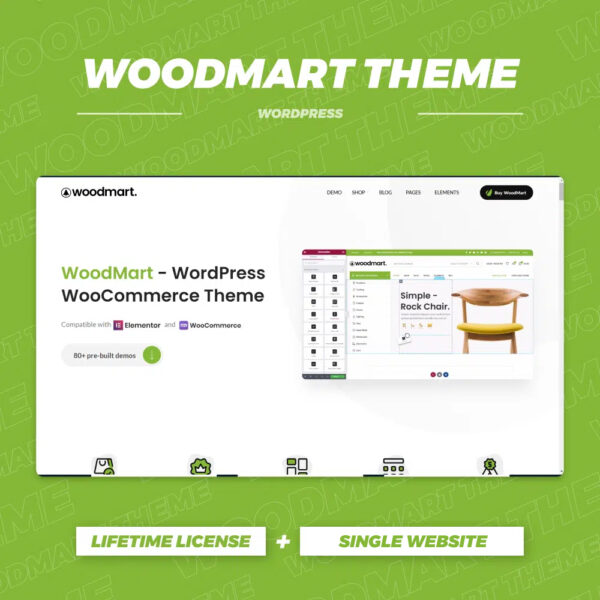
WoodMart Theme with WPML Multilingual Settings
Use WPML to implement multi-language support on WoodMart theme to enhance the internationalization competitiveness of your e-commerce website. This article introduces WPML installation, translation mode, WooCommerce multi-language configuration, string translation and other key features.

Elementor not loading content? Check the WooCommerce template first!
Elementor editing WooCommerce page with content function error? Most of them are template structure problems, this article helps you quickly locate and fix.

How to Create Products with WoodMart Theme
Use WoodMart to create WooCommerce product pages, complete the title, image, price, category and other settings, quickly build a clear and complete product display structure.

WooCommerce Child Theme Development Tutorial: Customizing Your WooCommerce Store Appearance
Learn how to customize the look of your store using the WooCommerce child theme, including template overrides, styling tweaks, and feature extensions for personalized e-commerce site design.
The secret to skyrocketing sales! Easily activate the customer review feature in WooCommerce to create irresistible, high-trust product pages!
Want to boost sales fast? Learn how to add customer reviews to WooCommerce to increase trust, boost conversions, and make your products the top choice for shoppers!

WooCommerce Payment Gateway Settings
Detailed explanation of WooCommerce payment gateway setup methods, including credit card (Stripe), PayPal and other payment methods configuration steps, to help e-commerce sites secure and efficient collection.
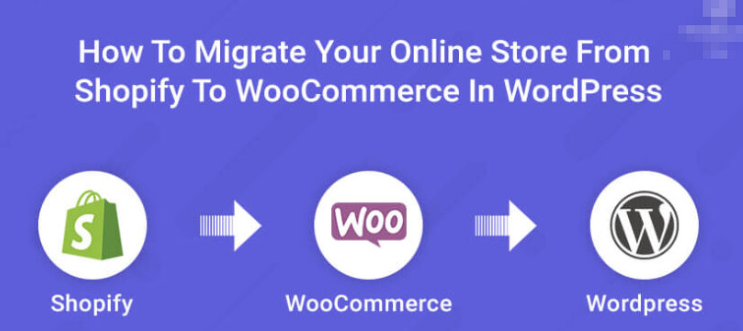
Shopify not flexible enough? Migrate to WordPress and save money!
Still worried about Shopify's high cost and limited functionality? 🔥 This article takes you through the whole process of Shopify to WordPress migration with low cost and zero loss!
WooCommerce: Replace the "Add to Cart" button with "Pay Now" button to improve purchase conversion rate
Learn how to change the "Add to Cart" button to a "Pay Now" button in WooCommerce to simplify user actions and increase checkout conversions for single-item or limited-time promotion sites.

Don't Miss! How to use Instagram and Facebook to help WooCommerce store sales explode?
Learn how to increase brand exposure, optimize the shopping experience, target ads and convert sales with WooCommerce that works seamlessly with Instagram and Facebook. Make social media your secret weapon to boost sales!

 简体中文
简体中文  English
  日本語
日本語  Français
  Español



