





arrange in order

Understanding the "Add to Cart" Click Counter in WooCommerce: Increasing Conversions
For running a WooCommerce store, knowing how many visitors actually clicked on the "Add to Cart" button can provide valuable insights into the attractiveness of product pages and the path to conversion. By implementing an "Add to Cart" click counter, an additional...
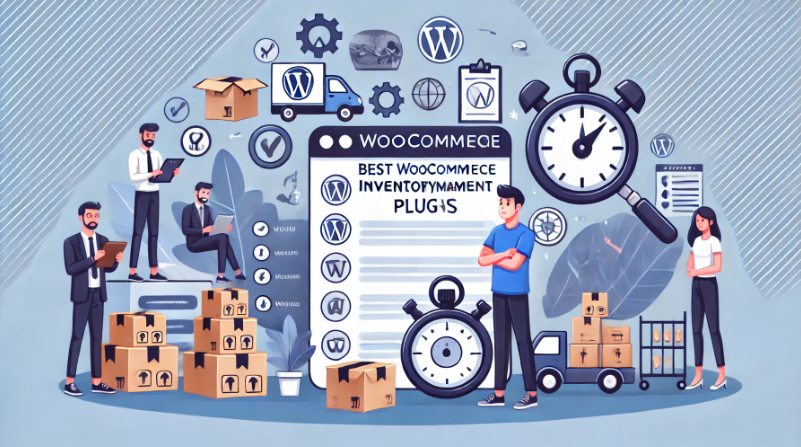
In-Depth Analysis of WooCommerce Inventory Management: Default System and Best Plugin Recommendations
Although WooCommerce provides basic inventory management features, they often seem insufficient for complex and extended requirements. For this reason, this article will delve into the features, limitations, and how WooCommerce's default inventory management can be improved by choosing the right advanced plug...
A Comprehensive Guide to WooCommerce SEO: Optimizing Your Store for Higher Search Engine Rankings
It's crucial to optimize your WooCommerce store to improve its visibility in search engines.WooCommerce, the most popular eCommerce plugin on WordPress, provides store owners with powerful tools and features that can dramatically improve product pages in search engine results...
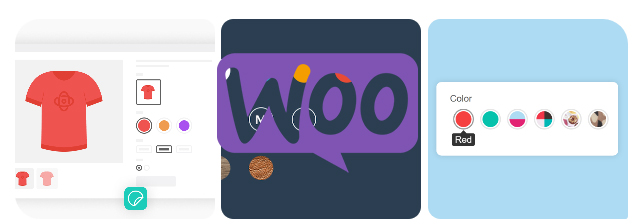
How to Add Attributes to Products in WooCommerce
Whether it's apparel, electronics, or other goods, attributes enable your customers to select products by color, size, material, and many other dimensions.WooCommerce also supports creating variants for different attributes, which means you can set prices for different combinations of products, inventory, and...

How to Improve WooCommerce Performance: 11 Optimization Tips to Improve Website Speed and User Experience
Many of our readers who use WordPress websites for online retailing have left comments in the community wondering what they can do to improve WooCommerce performance. So, this tutorial summarizes some of our team's experience in optimizing WooCommerce performance. Why is WooCommerce speed important? Wo...

Customizing WooCommerce Shopping Cart Pages with Elementor: The Ultimate Guide to Boosting Conversions
Customize WooCommerce shopping cart pages with Elementor to improve conversions and user experience with coupons, upsells, dynamic content, and more. Detailed tutorials, easy to follow, no code required.

How to Set Up and Display Featured Products in WooCommerce
Setting up and displaying featured products in WooCommerce is a key strategy to increase product exposure and sales conversion. This guide details how to flexibly display featured products by editing product pages, widget areas and shortcodes to optimize user experience and boost store revenue.
How to Add Custom Currencies and Symbols in WooCommerce
This tutorial teaches you how to add custom currencies and their symbols to your WooCommerce store to enhance the shopping experience and increase user conversions. With simple steps, it makes it easy for you to manage your store's currency options.

Kadence Themes with Elementor: Creating Highly Customizable Web Pages
Learn how to use the Kadence theme in conjunction with the Elementor page builder to create a highly customizable and performance-optimized WordPress website. This article will detail installation, design, optimization, and advanced feature integration to help you easily create pages that meet your needs.
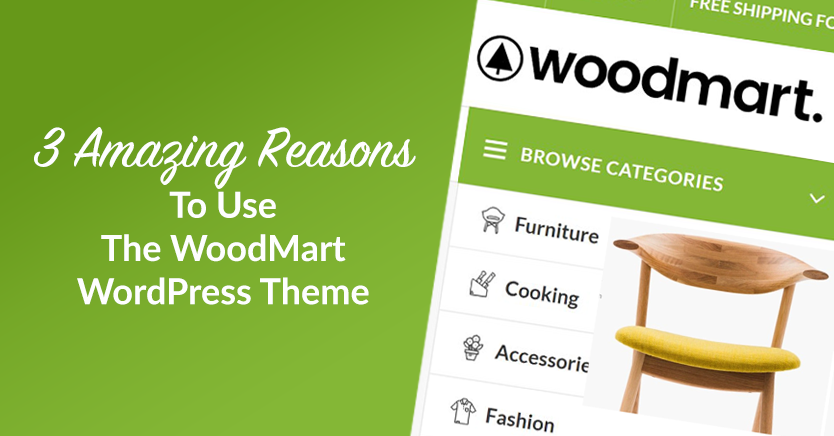
WoodMart Theme Ajax Filter Optimize Product Browsing
WoodMart theme has built-in Ajax filtering feature, so that users do not need to refresh the page when filtering products to improve browsing efficiency. This article introduces how to enable Ajax filtering, optimize filtering options, adjust price slider and user guidance strategy to help e-commerce sites to improve conversion rate.
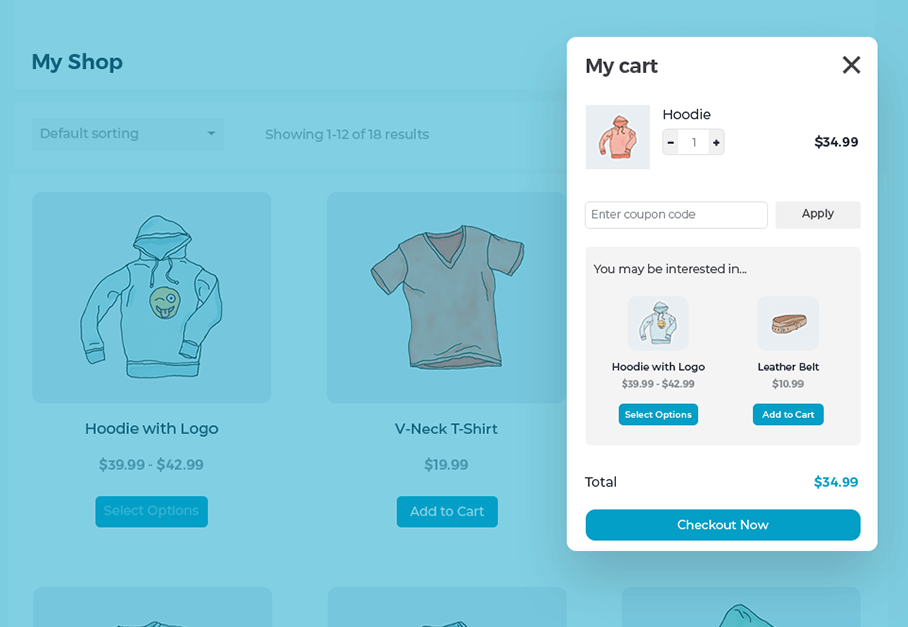
Create a Popup WooCommerce Cart with the WooCommerce Fast Cart Plugin
WooCommerce Fast Cart plugin makes shopping more convenient, supports pop-up shopping cart, fast checkout and recommended products features, reduces bouncing, optimizes the shopping process and improves the order completion rate.

WooCommerce Theme Mobile Optimization Guide: Enhancing the Mobile and Tablet Shopping Experience
Comprehensively optimize the performance of WooCommerce theme on cell phones and tablets, from page layout and navigation structure to checkout flow and loading speed, to improve the efficiency of mobile shopping and website performance.

 简体中文
简体中文  English
  日本語
日本語  Français
  Español



