





arrange in order

WooThumbs plugin introduction: How to improve WooCommerce product image display?
WooCommerce's default image functionality is basic, affecting user experience and conversion rates.The WooThumbs plugin provides HD zoom, sliding thumbnail, lightbox mode and video support to optimize product presentation and boost sales. Learn how to install and configure WooThumbs to build a more...

Build an Efficient Shopping Cart System with Avada and WooCommerce
Deepening the integration of WooCommerce in the Avada theme, this article explains how to optimize the shopping cart system to improve conversion rates. It includes enabling Ajax shopping cart, setting up side popup shopping cart, auto-populating checkout address and other features to improve customer shopping experience and conversion rate.

Woodmart theme: full support for your online store
Woodmart Theme is a powerful WooCommerce theme that provides the perfect e-commerce solution. Its unlimited customization options, drag-and-drop design and performance optimization features help merchants quickly build an efficient and professional online store.

Bricks Ultimate Version 1.8.7.1 Update Analysis
Bricks Ultimate version 1.8.7.1 is released, optimizing Order Bumps feature and fixing WooCommerce product image display issues. This article analyzes the updates and whether it's worth upgrading.

WoodMart Theme SEO Optimization Guide: Improving Site Structure, Loading Speed & Content Weighting
Want to improve SEO ranking of WoodMart theme? This article introduces site structure optimization, page load acceleration, keyword layout, internal link building, and outbound link promotion to help WooCommerce stores achieve higher search engine rankings and continue to attract accurate traffic.
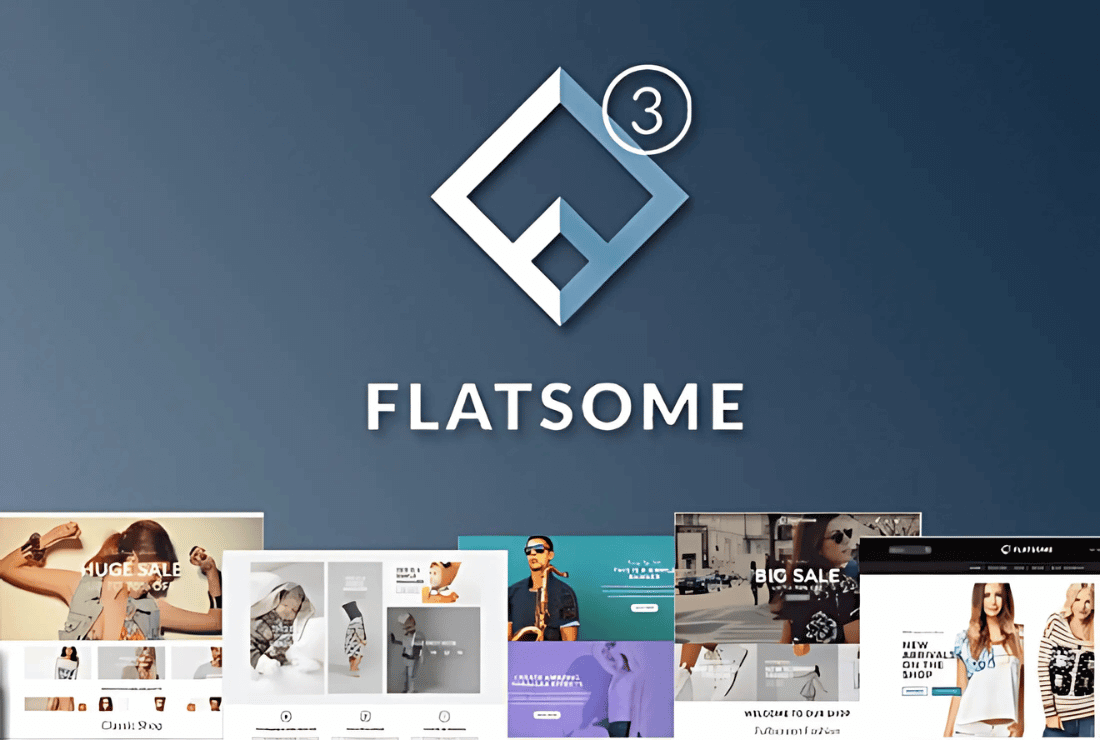
Flatsome Theme Review: Versatile WooCommerce Theme with Powerful Customization and Optimization Features
Flatsome is a powerful WooCommerce theme with rich customization features, built-in UX Builder page builder and seamless WooCommerce integration. Suitable for e-commerce websites, it offers a wide range of layouts and templates to easily help users create and manage online stores...

Kadence Teaching: Kadence Shop Kit Advanced Reviews Features Explained
An in-depth look at the advanced review features in the Kadence Shop Kit, including settings for review sorting, polling, title addition, ratings distribution charts, featured reviews, and more, to help WooCommerce stores improve review presentation and interactivity.

WordPress Discounts: How to Set Up Discounts in Your WordPress Site
Learn how to set up various types of discounts in your WordPress site through WooCommerce, including product discounts, coupons, limited time discounts, and more, and extend the discount functionality through plugins to boost your store's sales performance.
WooCommerce: Replace the "Add to Cart" button with "Pay Now" button to improve purchase conversion rate
Learn how to change the "Add to Cart" button to a "Pay Now" button in WooCommerce to simplify user actions and increase checkout conversions for single-item or limited-time promotion sites.
How to Activate Membership Rewards System through WooCommerce: An Effective Strategy to Create User Loyalty
Learn how to enable membership points system through WooCommerce, configure points acquisition and redemption rules with the help of professional plug-ins, enhance user loyalty and repurchase rate, and create an efficient e-commerce membership incentive mechanism.
How to achieve real-time inventory updates after WooCommerce activation: a practical guide to e-commerce inventory management
Learn how to realize real-time inventory update after WooCommerce activation. Through plugin configuration, API docking and multi-platform synchronization, you can achieve accurate inventory management, avoid overselling, and improve user experience and operational efficiency.

How to activate and set up customer support features (e.g. chat plugin) for WooCommerce: Creating an Efficient Communication Ecommerce Experience
Learn how to activate and set up customer support features in the WooCommerce store, including live chat, work order systems, and AI customer service plugins. With this tutorial, it's easy to build an efficient and professional customer communication system to increase user satisfaction and conversion rates.





