



Elementor Page 13
arrange in order
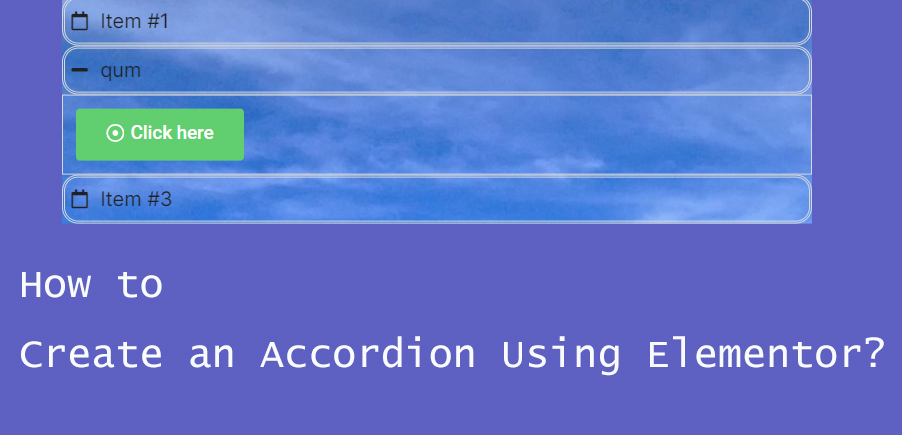
How to Create Accordion Widgets with Nested Elements in Elementor: The Ultimate Guide to Enhancing User Experience
To improve the user experience, web developers often use "Accordion widgets" (accordions) to organize content. Accordion widgets can be used to show and hide content in a hierarchical fashion, making the page look cleaner and improving the user interaction experience. With nested meta...

How to Add Google reCAPTCHA to Elementor Login Forms to Improve Website Security
What is Google reCAPTCHA? WordPress reCAPTCHA is a security tool available for WordPress website use and on Elementor. reCAPTCHA helps you differentiate between real users and automated programs (such as bots) on your website. It does this by displaying a small test...

How to Easily Display Templates on WordPress Websites Using Elementor Shortcodes
Elementor is one of the most popular page builders. It offers many powerful features, one of which is the use of shortcodes. With shortcodes, you can easily embed and display Elementor templates anywhere in your WordPress site. In this article, we'll talk more about...

How to fix Elementor widget panel not loading issue
When you are using Elementor Widget Panel fails to load and keeps displaying a rotating 'Loading' icon, you can find out the reason for the problem by doing the following. Possible reasons: The widget panel fails to load probably because of the following reasons: Insufficient memory With other plugins...

5 Creative Ways to Use Accordion Widgets: How to Embed Charts, Images, and More in Elementor
Web developers often use "Accordion widgets" (accordions) to organize content. Accordion widgets can show and hide content in a hierarchical fashion, i.e. a collapsible box, which makes the page look cleaner and improves the user interaction experience. With nested meta...

Common Problems and Solutions in Elementor Safe Mode
Elementor is a powerful page builder plugin, but in the process of using it, users may encounter various problems, such as blank pages (white screen of death), widget sidebars disappearing, editor loading endlessly, etc. Elementor provides a safe mode as a feature,...

A Guide to Using Elementor Safe Mode for Website Migration
What is Elementor Safe Mode? Elementor's Safe Mode is a troubleshooting tool that loads the Elementor page editor with other plugins and themes disabled. This ensures that when troubleshooting potential conflicts and issues, the editor can...

How to collect and manage submission data using Elementor forms
Backup, access and management of form submission data is very important in website management. With Elementor Forms, it's easy to collect and manage visitor submissions from the WordPress admin backend. This not only helps to gather valuable user insights and analyze campaign data...

How does Elementor paginate a loop
The layout of the loop will determine how many items appear on any single page of the loop. If there are more items in the loop than can fit on a single page, you will need to define a paging style. By default, loops are not paginated, which means that the loop displays items on only one page. Defining pagination...

How to change the site logo and menu with Elementor
Update Site Logo, Description, Logo, and Site Icon To update a site's logo, site description, logo, and site icon, follow these steps: 1. On the My Elementor Dashboard > Sites page, hover over the site card for the site you want to edit and...

The Complete Guide to Releasing Dynamic Content with Elementor
The Importance of Dynamic Content According to McKinsey research, 71% consumers expect companies to provide personalized interactions. Dynamic content is an effective way to accomplish this goal by adapting to user interactions, keeping the page fresh and up-to-date. Dynamic content makes a page look more...

Detailed Guide to Displaying Cart Item Totals in WooCommerce with Elementor
How can I display the total number of current items in my WooCommerce cart using the Elementor editor in Wordpress? We'll be using the Elementor Icon List element, and this method works for most other elements as well. Here's what we're going to accomplish: By this...
Detailed Steps on How to Troubleshoot Elementor Display Errors
Elementor is a powerful page builder plugin, but sometimes you may encounter display errors while using it. This article will detail the steps on how to troubleshoot and resolve Elementor display errors to help you quickly restore your site's normal display. Step 1: Check the plugin...
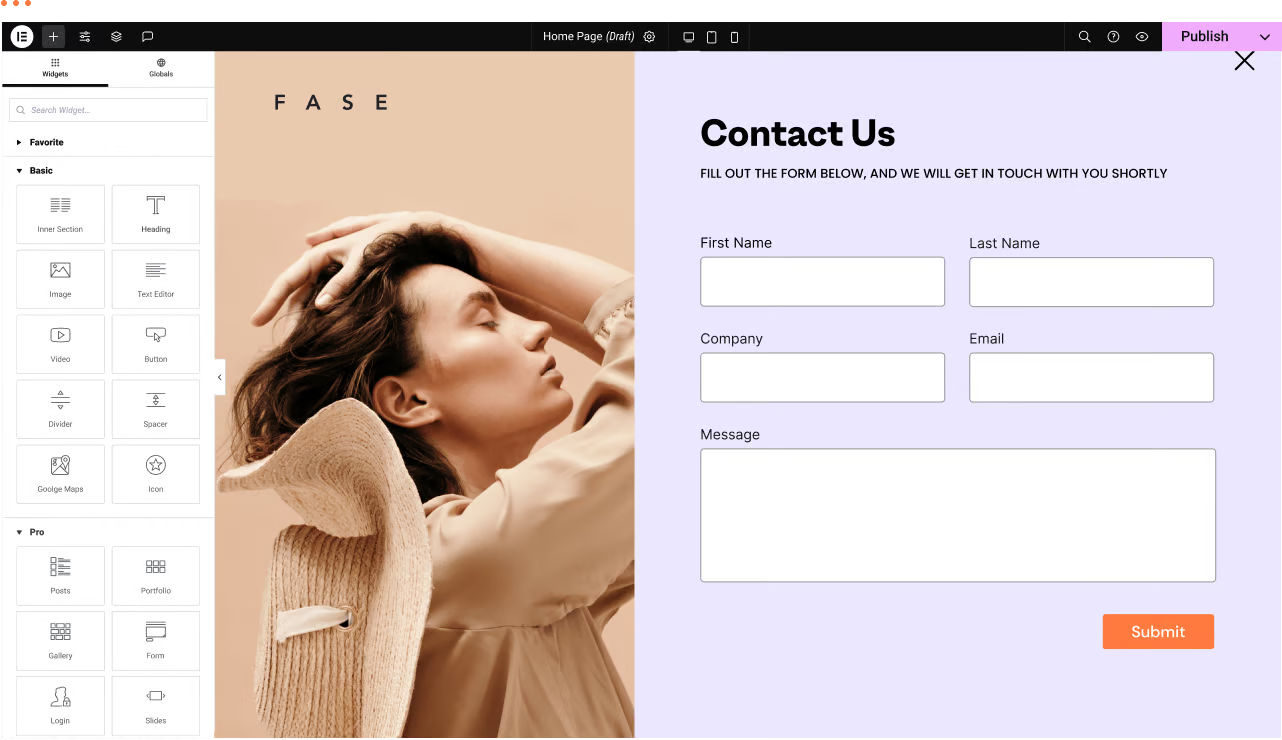
WordPress Troubleshooting: Page Not Found or 404 Page Error
We have a WordPress website with the Elementor editor. Sometimes there are malfunctions, for example: a page not found or 404 page error when trying to navigate to a certain page. Let's analyze the reasons and how to fix it! Possible reasons ...
How to disable page scrolling when Elementor Lightbox is opened via CSS
Elementor Lightbox is a popup display feature that allows websites to display relevant content in a popup window on the current page when an image, video or link is clicked. In this tutorial, you will be shown in detail how to disable the page when Elementor Lightbox opens...

A Complete Guide to Creating Professional Preloaders with Elementor Pro to Improve the Website Loading Experience
When building a website with Elementor, it is crucial to create a smooth visual experience for the user. Preloaders can show loading animations before the page content is fully loaded. Below, we'll give you a step-by-step guide on how to create a preloader in Elementor Pro. Preloaders...

How to Set Template Conditions with Elementor: Enhancing Customization and SEO for WordPress Websites
With Elementor, you can create beautiful web pages and easily customize the layout and display of your website by setting template conditions for different pages. This article will detail how to set template conditions in Elementor to make your WordPress website more flexible...

Fade-in Text Animation Tutorial with Elementor
In website design, text animation can bring users a more attractive and interactive website experience. In this article, I will introduce how to implement line-by-line text fade-in animation effect in Elementor. Why use fade-in animation? Fade-in animation can not only make the page content...

How to Add Wishlist Icons to Elementor WooCommerce Product Listings: A Detailed Guide
Adding a wishlist feature can help you increase customer engagement and boost conversions. The wishlist feature allows customers to save products that they desire but have not purchased yet, and return to your store to make a purchase at a later date. This post will detail how to do this by using the Elementor page...

How to Create Full-Screen Inactivity-Triggered Countdown Popups with Elementor to Boost User Conversions
Full-screen pop-up window used to attract the user's attention in a very effective way, especially in promotional activities, calls to action and other timely response to the need for users to respond to the scene. This article will detail how to use Elementor to create a full-screen pop-up window, the pop-up window will be in the user does not ...
How to use Elementor's call-to-action (CTA) widgets
Call to Action (CTA) is an integral part of website design. It is effective in directing visitors to take a specific action, such as registering, purchasing, or contacting.Elementor provides powerful CTA widgets to help web designers and...

What dynamic tags are available for Elementor?
Dynamic content takes content from a website or current page/post and dynamically changes it based on the page or post it is on. Not all dynamic tags apply to all dynamic content fields. Only applicable tags are listed as options in the field's drop-down selection list. Post (POST) ...
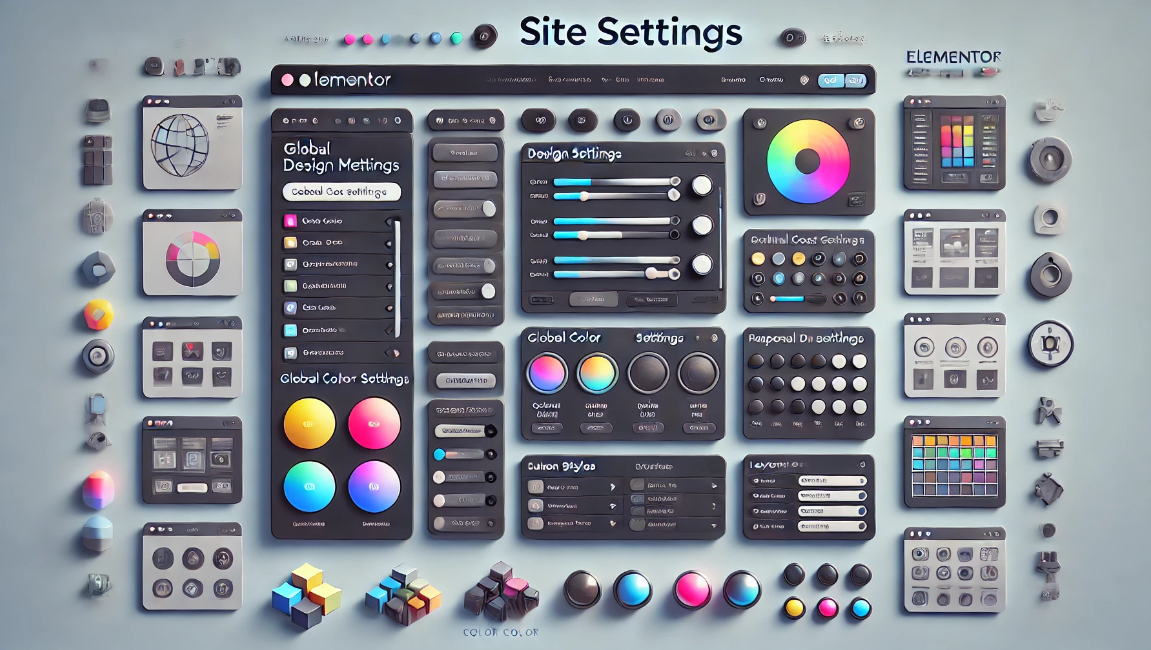
Simplify design management of multi-page websites with Elementor Site Settings
Elementor is a powerful page builder plugin, especially for multi-page sites that require flexible design and customization. With Elementor's global site settings, you can dramatically simplify the process of designing and managing multi-page sites, ensuring consistent style and ease of maintenance. This article...

How to Create WordPress Category Pages with Elementor Pro Recurring Grids
In WordPress, it is possible to create beautiful and powerful category pages by using a recurring grid or recurring rotation. This article will detail how to use these tools to achieve this goal. First, why use circular grid or circular rotation to create category pages? Circular ...
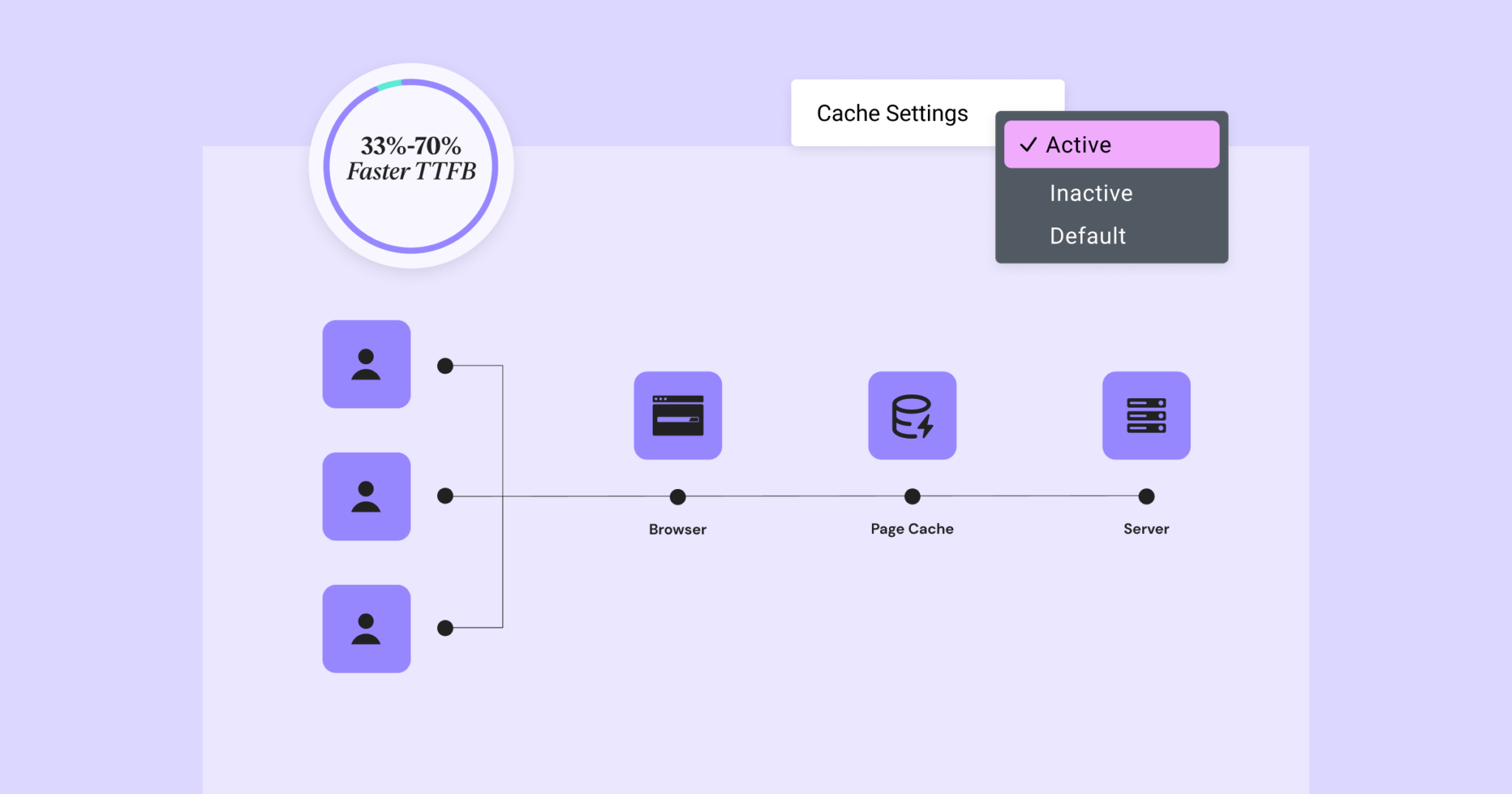
Elementor 3.22 Update: New Off-Canvas Widget and Caching Improve Site Performance
What's New: Off-Canvas Widget Elementor 3.22 introduces Off-Canvas Widget, a new professional design tool that creates interactive page layouts and enhances user experience. Features: Interactive Layout: Open and close containers by clicking on links that can...

How to manage Elementor form submissions
This article will take a deep dive into how to manage form submissions in Elementor, covering a range of operations from data collection to accessing and exporting, and providing some advanced suggestions to help you manage website form submissions more efficiently. 1. Enable Form Submission Elementor's Form Submission...

Creating Clean and Efficient Single-Page Websites in WordPress: A Comprehensive Guide
Sometimes, a simple design can have more impact than a complex structure. This is why single page websites are becoming increasingly popular in WordPress development. By simplifying and centralizing their design, single page websites not only provide a smoother user experience, but also more effective...

How to connect your custom domain to an Elementor static site: a detailed guide
Connecting your custom domain name to an Elementor static website is a critical task that will give your website a professional and credible look. In this detailed guide, we'll walk you through the process step-by-step to ensure that you're able to smoothly connect your domain name to your website. ...
How to Fix Elementor Not Loaded Error
Why is Elementor not loading? If you're having problems launching the Elementor editor and it keeps getting stuck on the loading page, it means that there may be some malfunction. Usually it takes some time for the Elementor editor to load and you should see the following loading screen...
How to Create a Wave Hover Effect in Elementor Gallery: Full Tutorial
Add a wave hover effect to your Elementor gallery to bring a dynamic visual experience to your WordPress site. This tutorial covers detailed steps including image settings, custom CSS code, animation tweaks, and more.

 简体中文
简体中文  English
  日本語
日本語  Français
  Español



