





arrange in order
The Ultimate Guide to Fully Optimizing Elementor's Website Speed: Improving Performance and User Experience
Learn how to optimize the speed of WordPress sites built on Elementor to improve performance and user experience. This guide covers CSS optimization, cache settings, database cleanup, image compression, and other advanced techniques to help improve search engine rankings and reduce load times.

Elementor Cloud Templates is now available: Create your own design library!
Elementor 3.29 introduces Cloud Templates, a feature that allows you to quickly store and retrieve pages, blocks and containers across multiple sites for design unification and efficient collaboration, so you can say goodbye to repetitive productions and cumbersome import processes.

How to quickly create responsive web pages with Elementor plugin for external templates
Learn how to easily create responsive web pages adapted to various devices with Elementor plugin for external templates. This article provides detailed steps and practical tips to help you improve your website user experience and SEO ranking.


How to fix the "you must call the content function" error in Elementor (4 ways)
If you use Elementor, you may occasionally encounter errors specific to this page builder plugin. "You must call the content function" is one of them. This error message is particularly headache-inducing because it can prevent you from using the page builder altogether. Usually, when you try to compile...
Elementor plugin for external templates vs. other page builders: which one fits your needs better?
In WordPress website building, the choice of page builder tool is crucial. In this article, we compare Elementor, WPBakery, Gutenberg and Brizy to help you choose the most suitable page builder plugin to improve design efficiency and website performance.

How to Customize WooCommerce Product Pages with Elementor to Improve User Experience and Page Appeal
Customize your WooCommerce product pages with Elementor, and easily design unique layouts with drag-and-drop editors and rich widgets to enhance user experience and page appeal, all without coding!
In-Depth Website Editor Comparison: Core Differences Between Elementor and Gutenberg
An in-depth look at the core differences between Elementor and Gutenberg, from design freedom and performance to future directions, to help you choose the best editor for your next WordPress project.

Elementor Pro Crack 有哪些风险?破解插件的安全隐患与替代方案
Elementor Pro Crack 有哪些风险:按真实问题、原因、步骤、验证和 FAQ 重写的 WordPress SEO 教程。

Elementor 3.25 Update: CSS Optimizations, New Anchor Offset Controls and Search Widget Pagination
The Elementor 3.25 update brings continuous CSS optimization, new anchor offset controls, and real-time search paging to improve site speed, user experience, and interactivity to support site optimization.
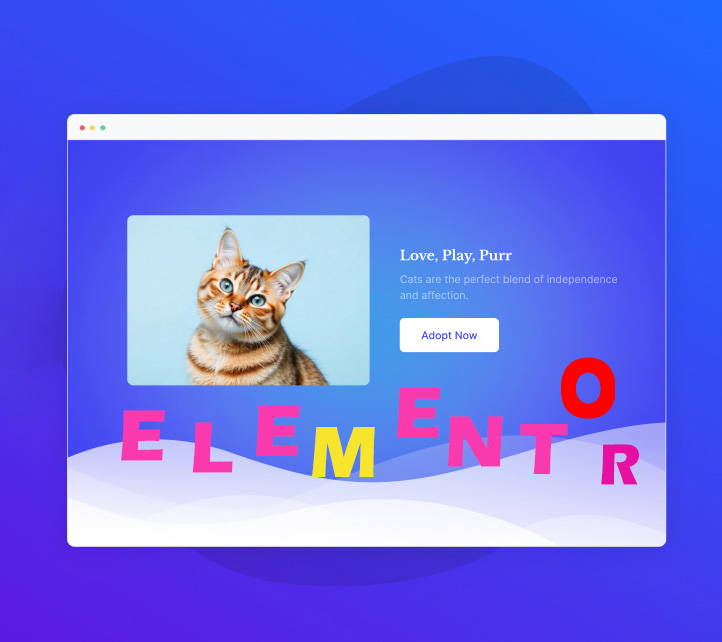
How to Create a Wave Hover Effect in Elementor Gallery: Full Tutorial
Add a wave hover effect to your Elementor gallery to bring a dynamic visual experience to your WordPress site. This tutorial covers detailed steps including image settings, custom CSS code, animation tweaks, and more.





