





arrange in order

ElementsKit and SEO: How plugins can help with website optimization
Explore the role of ElementsKit in SEO optimization with this WordPress plugin that helps improve site structure, speed and ranking performance.

Post Content Widget is the key to Elementor's success!
Have you ever encountered an "empty space" on your Elementor page? The truth is that the Post Content Widget is missing! This article is an in-depth analysis of its importance to SEO and content presentation.

Don't Step in the Pit Again! One article to fix all the common errors and solutions of ShopEngine!
ShopEngine Problems? This article summarizes the most common errors and solutions for newbies! From installation conflicts, templates do not take effect to checkout abnormalities and SEO optimization, the whole process of diagrams, teaching you to quickly troubleshooting, speed loading, multi-language inclusion, easy to build a high-conversion e-commerce page!

Don't Panic! The Real Reason TranslatePress Doesn't Recognize Elementor Widgets Revealed!
TranslatePress doesn't recognize Elementor? This super-useful tutorial takes you deep into the root cause of the problem, from dynamic strings to cache interference, and shows you how to fix translation failures once and for all! Make your Elementor multilingual website smooth and accurate!

Why doesn't the front-end page change after adding the Archive template?
Added the Archive template but no changes? Don't panic. This article uses an 8-step troubleshooting method to quickly pinpoint the cause: Naming paths, Cache, Template priority, Permissions, Error reporting, Function restrictions, Plugin conflicts, Permalinks. Solve frontend display issues once and for all.
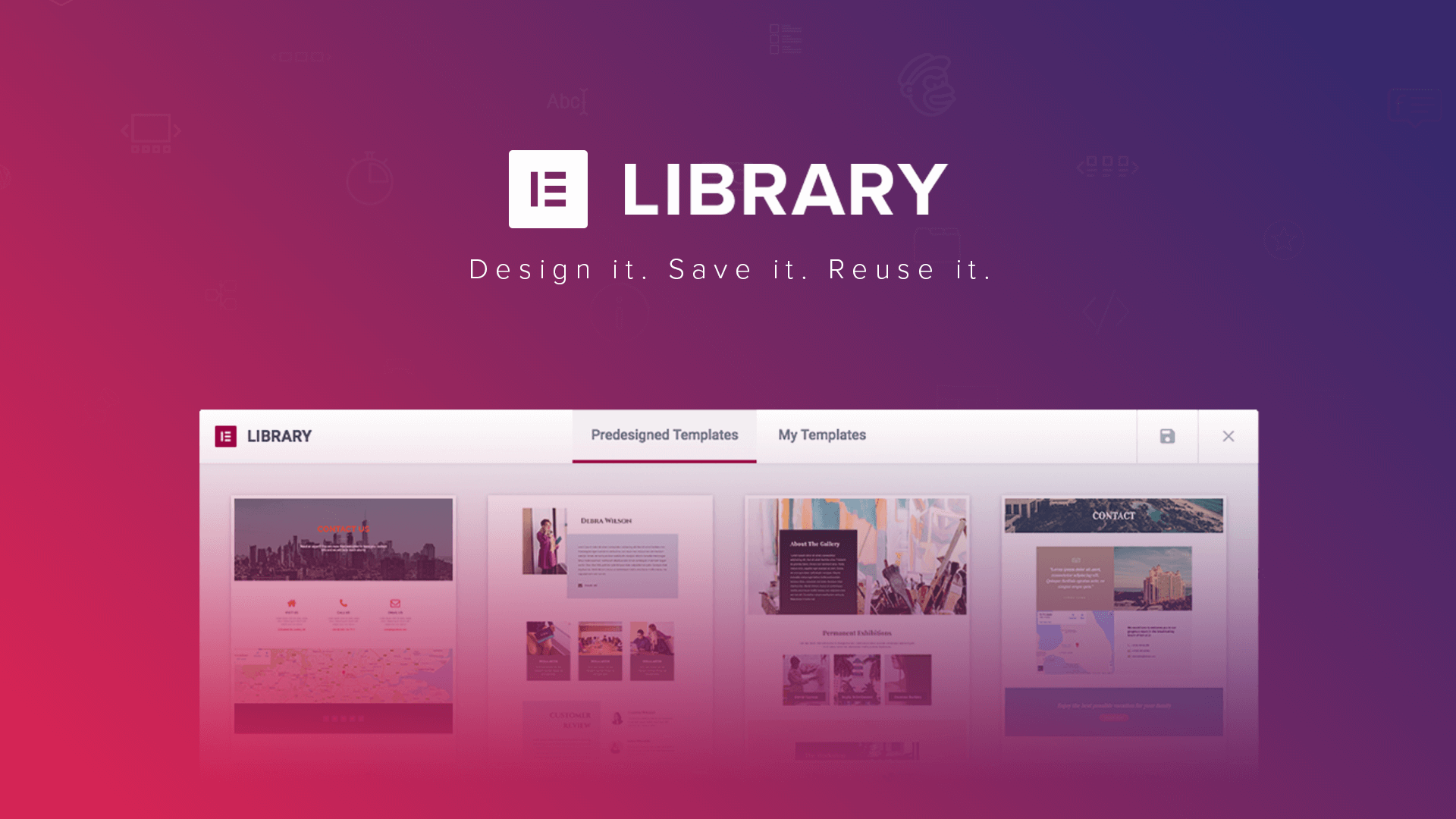
Elementor free templates vs. Pro templates: which features are worth investing in?
Learn the difference between Elementor Free Edition and Pro Edition templates, and explore the functional advantages of Pro Edition, including full site templates, block templates and dynamic templates. Depending on your needs, choose the version that best suits your website construction, improving design efficiency and website professionalism.
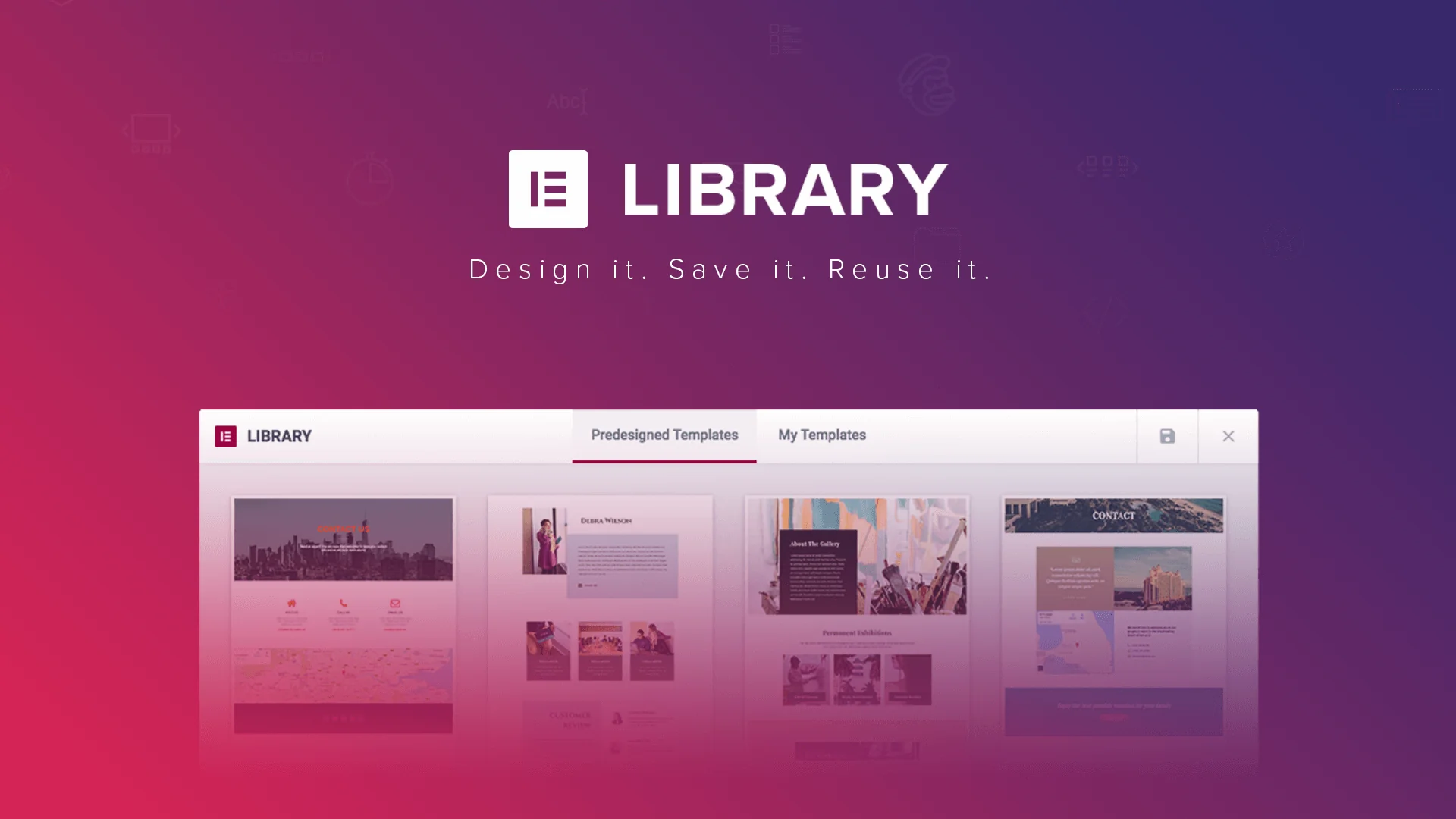
Accelerating Website Design with Elementor Templates: Tips for Increasing Efficiency
Learn how to use Elementor templates to boost your website design efficiency. This article details template selection, customization and tweaking tips and helps you accelerate your website development with real-world scenarios for businesses, e-commerce and blogs.

How to Change Text Color and Typography Settings in Elementor
When building a website with Elementor, typography and colors are one of the key elements that determine the visual effect of a page.Elementor provides flexible and powerful tools that allow users to easily customize font typography and text colors. Let's take a look at how to modify these in Elementor...

How to create flexible custom one-page templates with Elementor Flexbox containers: a detailed tutorial
Learn how to create custom one-page templates using Elementor's Flexbox container with detailed step-by-step tutorials to provide flexible layouts and modern designs for blog posts, product pages, or service pages, optimizing user experience and responsive results.

2025 Image Optimization Guide: essential tips to improve website speed and SEO rankings
Image optimization continues to be an important factor in website performance. This article breaks down 2025 image optimization best practices in detail, including choosing the right image format, resizing, compressing images, enabling lazy loading, optimizing metadata, and more, to help improve website speed and SEO rankings.
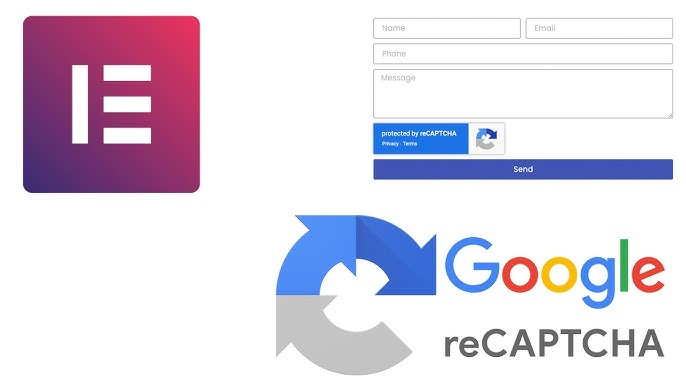
Common Problems and Solutions for reCAPTCHA Not Displayed in Elementor
Learn how to fix reCAPTCHA not showing up in Elementor, including checking for Google API keys, JavaScript, caching issues, plugin conflicts, and other common causes, to help you successfully fix the reCAPTCHA feature in Elementor forms.

Optimizing Backend Performance with Elementor Secure Mode: Improving Developer Productivity
Elementor background loading slow, editor white screen lag how to do? This article explains how to use Elementor Safe Mode to troubleshoot plugin conflicts and improve backend performance, which can greatly improve developer productivity and easily optimize WordPress website experience.





