



WordPress Themes Page 12
arrange in order

How to Enhance Your Ecommerce Experience with the Product Comparison Feature in Blocksy 2
Learn how to enable and configure the product comparison feature in Blocksy 2 to help customers quickly compare products and improve shopping decisions. Enhance the user experience and conversion rate of your e-commerce website with simple settings.

How to use the product branding feature in Blocksy 2 for e-commerce customization
Learn how to enable and use the product branding feature in Blocksy 2 to efficiently manage and display brand information with simple settings to enhance product categorization and presentation on e-commerce websites. For Blocksy Pro users, better customization options are available.

Enhance e-commerce website functionality with Blocksy 2 Conditional Manager Showcase
Learn how to leverage Blocksy 2's Conditional Manager to accurately display content based on time of day, user behavior, source of visit, and more to boost customer engagement and e-commerce conversions.

Adding Variation Swatches to WooCommerce Products with blocksy 2
Learn how to improve the intuitiveness and aesthetics of your WooCommerce store product displays with blocksy 2's variant color palette feature. Use visual options such as images, colors, and buttons to enhance user experience and increase conversions.

Blocksy Advanced Reviews Module, a comprehensive upgrade to the social validation experience for e-commerce websites
Blocksy launches an advanced comment module that provides comment sorting, image uploading, and voting functions to enhance social validation effects and boost user trust and interactivity on e-commerce sites.

Blocksy Product Filter Module to Optimize Ecommerce Website Shopping Experience
Blocksy launches a new product filtering module that supports price, category, brand and attribute filters to help e-commerce sites improve product browsing efficiency and customer satisfaction.
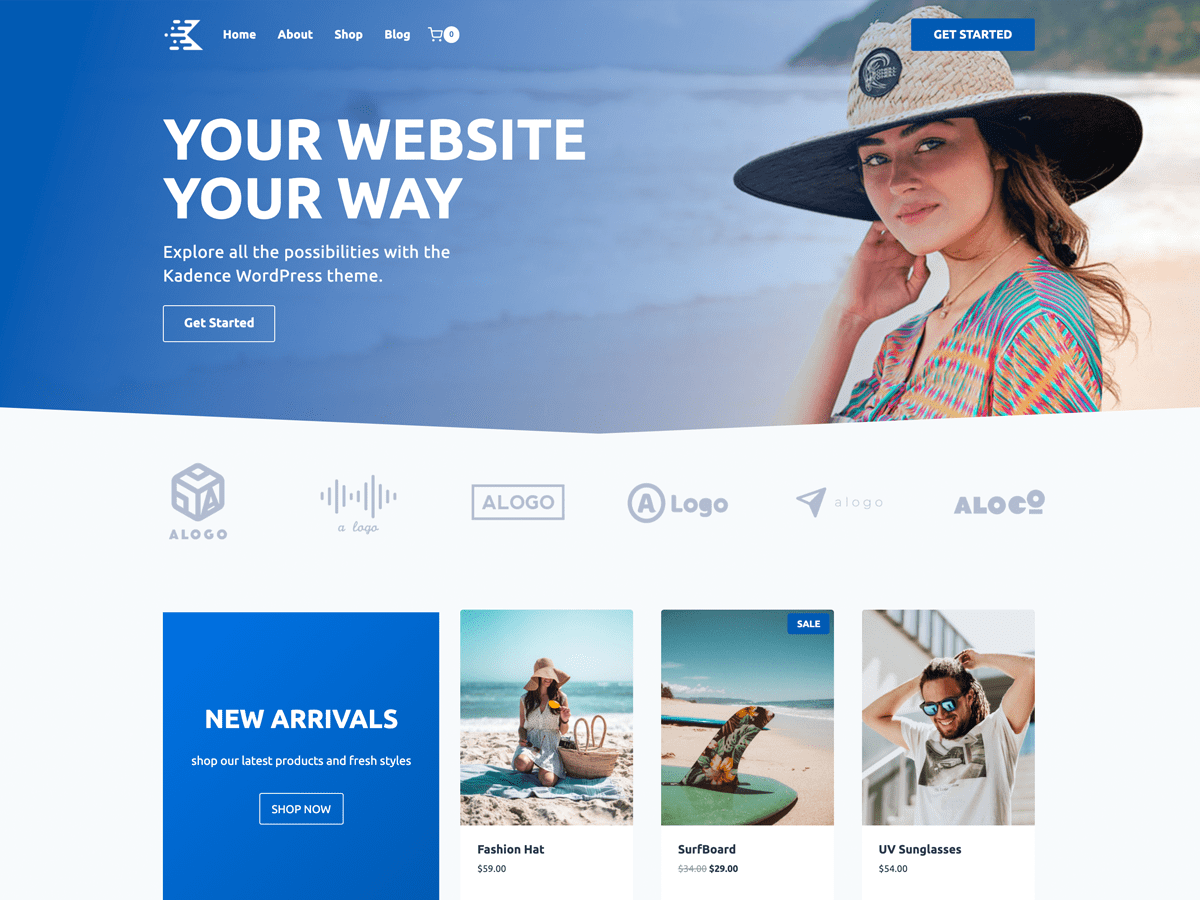
Kadence Theme Overview and Installation Tutorial
Learn how to install and setup the Kadence theme and learn about the theme's powerful customization features, responsive design options, and perfect compatibility with WooCommerce to help you build high-performance WordPress websites with ease.

Blocksy Added to Cart Popup Module to Help Boost Ecommerce Conversions
Blocksy launched the add-to-cart pop-up module, which displays product details and shopping cart updates, and recommends related products to help e-commerce sites improve turnover rates and page interactivity.

Blocksy Inventory Tightness Alert Module to Help Improve Ecommerce Conversions
Blocksy launches the Stock Tightness Alert module to display real-time inventory dynamics, stimulate customers to make quick purchases, and help e-commerce sites improve sales conversion results.
Introducing the Blocksy 2 Waitlist module.
Blocksy 2 launches a product out-of-stock alert module, which supports customers to register their email address to receive replenishment notifications, and is compatible with WooCommerce, helping e-commerce websites to improve conversion rates and sales opportunities.

Integrating Featured Videos in Blocksy 2: Boosting Conversions and Engagement
Learn how easy it is to integrate self-hosted videos, YouTube and Vimeo videos in Blocksy to boost the interactivity of your blog posts and product pages, increasing user engagement and conversions.

Manage and Optimize Sidebars in Blocksy Theme
Learn how to manage and optimize sidebars with Blocksy theme. Discover how to enable sidebars, adjust layout and spacing, set fixed sidebars, and more. Build more powerful customization options for your website with Blocksy Pro's multiple sidebar extensions.

Solving Blocksy Theme Starter Site Importer Import Process Problems
Learn how to troubleshoot problems with the Starter Site Importer import process in Blocksy themes. Ensure that the import completes smoothly by adjusting your PHP configuration and time constraints to get your new site up and running quickly.

Optimize Category Archive Pages with Blocksy Theme
Learn how to optimize WordPress category archive page design with Blocksy theme. Explore customizations such as page titles, structural layouts, card options, and more to enhance the appearance and functionality of category pages.

Optimize WordPress Page Design with Blocksy Theme
Learn how to optimize WordPress page design with the Blocksy theme. Explore customization options for page titles, structural layouts, content styles, and more to enhance the visual appeal and functionality of your pages.

Optimizing WordPress Single Post Page Design in Blocksy Theme
Discover how to optimize the design of WordPress single post pages with Blocksy theme. Learn how to choose the right layout, styles, and features to improve the visual appeal and browsing experience of your post pages.

Blocksy Theme Blog Page Design & Functionality : Enhancing Blog Page Design & Functionality
Explore the powerful blog page customization features of Blocksy theme and learn how to customize the blog structure, card styles, pagination settings and dynamic effects to enhance the appearance and user experience of your blog pages.

Blocksy Theme's Font Management and "Back to Top" Feature: Optimizing Website Design and User Experience
Explore the powerful font management features and "Back to Top" button settings of the Blocksy theme and learn how to customize font styles to optimize your website design and enhance user experience. Learn how to create professional looking websites with fine control over fonts, button shapes and device adaptation.

Blocksy Theme Breadcrumb Navigation: Optimize Site Navigation and User Experience
This article introduces the Blocksy theme's breadcrumb navigation feature, covering how to enable, customize and optimize breadcrumb navigation. Color settings, separator styles, and compatibility with SEO plugins are explained in detail to help improve user experience and website SEO performance.

Color Management in Blocksy Theme: Global Color Palette and Custom Color Settings
Learn how to use Blocksy theme's global color palette and custom color settings to ensure website design consistency. This article details the color management features and how to easily create a color scheme that matches your brand.

Create stunning flickering image effects with Elementor's Image Carousel widgets
Use Elementor to create modern and engaging flashing image effects to showcase fashion brands' collections. Enhance the dynamic feel and user experience of the page with Image Carousel widgets and fade-in effects that make it easy for users to browse products and engage with the campaign.

Blocksy Theme Layout, Forms and Sidebars Setup Guide
Learn how to customize your website layout, form styles, and sidebar displays with the Blocksy theme. This article details common setting options to help you easily create a personalized WordPress website.

Blocksy child theme installation and use details
Blocksy provides flexible child theme support to help users perform advanced customization without affecting theme updates. This article describes the installation and setup process of Blocksy child theme in detail.

New choice for fast website building: Blocksy Starter Sites and control panel analysis
Blocksy provides professionally designed Starter Sites and an intuitive control panel to help you quickly complete the WordPress website building. This article describes in detail the functions and operation procedures of each module.

How to Install Blocksy Theme: A Complete Guide to WordPress High Performance Themes
Want to build a fast and beautiful WordPress website? Blocksy is the lightweight and feature-rich theme of choice. This article describes the complete installation process, suitable for blogs, e-commerce and business websites.

What type of e-commerce website is Woodmart theme suitable for? Read about its advantages and adaptability scenarios
Wondering what type of e-commerce website the Woodmart theme is suitable for? This article comprehensively analyzes five typical adaptation scenarios to bring you to understand whether this high-performance WordPress e-commerce theme is suitable for your business.

Translate Astra Themes/Plugins into your own language with GlotPress
Learn how to use GlotPress Translate Astra themes and plugins to translate your website into your desired language. Quickly achieve multilingual support and improve the global adaptability of your website by exporting .po and .mo files and uploading them to WordPress.

Setting up Astra websites as multilingual with Polylang
Learn how to use the Polylang plugin to set up your Astra website as multilingual, translate pages, menus, and add a language switcher to provide multilingual support for global users and enhance the internationalization capabilities of your website.

Translating Categories, Tags, and Astra Strings with Polylang
Learn how to use the Polylang plugin to translate post categories, tags, and custom strings in your WordPress site and help add multilingual support to your Astra site for global adaptability and internationalization.

Free WordPress Knowledge Base Theme Download: Build the Perfect Self-Service Platform
Discover how to create a powerful self-service platform with a free WordPress knowledge base theme. This article provides detailed theme recommendations, installation tutorials and optimization tips to help you easily build an effective knowledge base website.

 简体中文
简体中文  English
  日本語
日本語  Français
  Español



