





arrange in order

Complete Guide to Setting Up WoodMart Product Comparison and Collection Features
Using WoodMart to build an e-commerce site? This article teaches you to fully open the product comparison and collection features, no plugin to quickly complete the configuration.

WoodMart Performance Optimization Guide: Reducing JS/CSS Files and Enabling Delayed Loading
By reducing the size of JS/CSS files and enabling delayed loading of images, WoodMart theme improves loading speed and overall website performance, optimizes user experience and improves the responsiveness of e-commerce websites.

Personalizing Headers and Footers: Using the WoodMart Header Builder in Detail
Comprehensively explains how to use WoodMart Header Builder, easily create personalized headers and footers, and improve the overall design and structure of e-commerce site performance.

WoodMart Theme Complete Getting Started Tutorial: A Guide from Installation to Initial Configuration
Comprehensive explanation of WoodMart theme installation, plugin configuration, demo import and basic settings, to help newbies quickly build a full-featured WooCommerce mall site.

WoodMart Product Filter Setup Tutorial: A Complete Guide to Price, Brand and Attribute Filtering
Comprehensive explanation on how to set up product filters in WoodMart theme, including price slider, brand list and attribute filters such as color, size, etc. to enhance the efficiency of mall browsing.
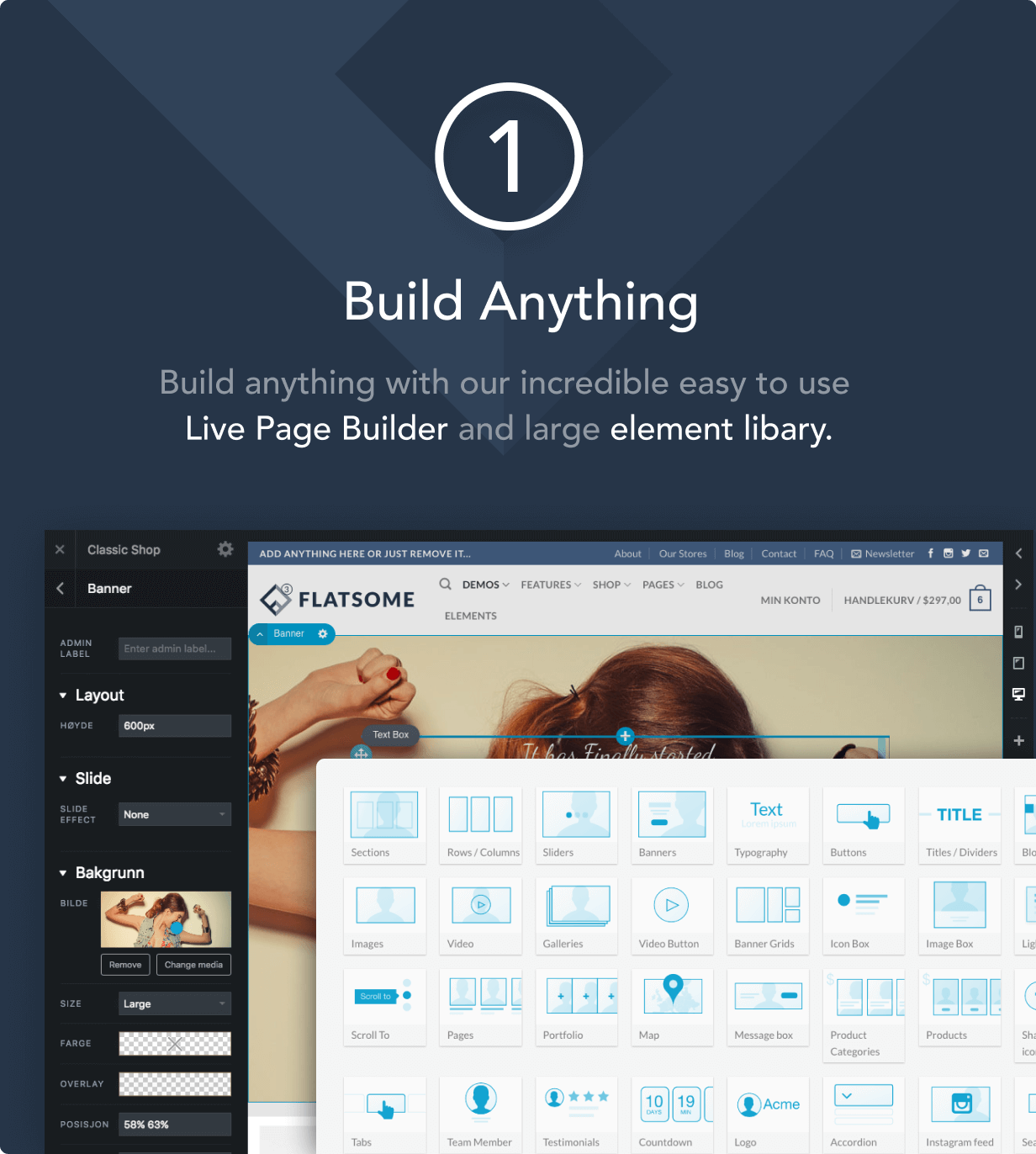
How to Improve Website Loading Speed with Fatsome Theme
Learn how to use Fatsome theme to improve website loading speed and master optimization techniques such as image compression, cache configuration, delayed loading, etc. to improve website performance, user experience and SEO ranking.

Add Sticky Social Icons to WoodMart Theme
Instruction on how to enable sticky social icons in WoodMart theme and insert social buttons with Elementor or WPBakery.

Fatsome Theme Overview: Clean and Powerful Design for WordPress Websites
Fatsome Theme is a clean and powerful WordPress theme for business, blog and e-commerce websites. Offering responsive design, SEO optimization, fast loading and rich customization options, it helps users build professional websites with ease.
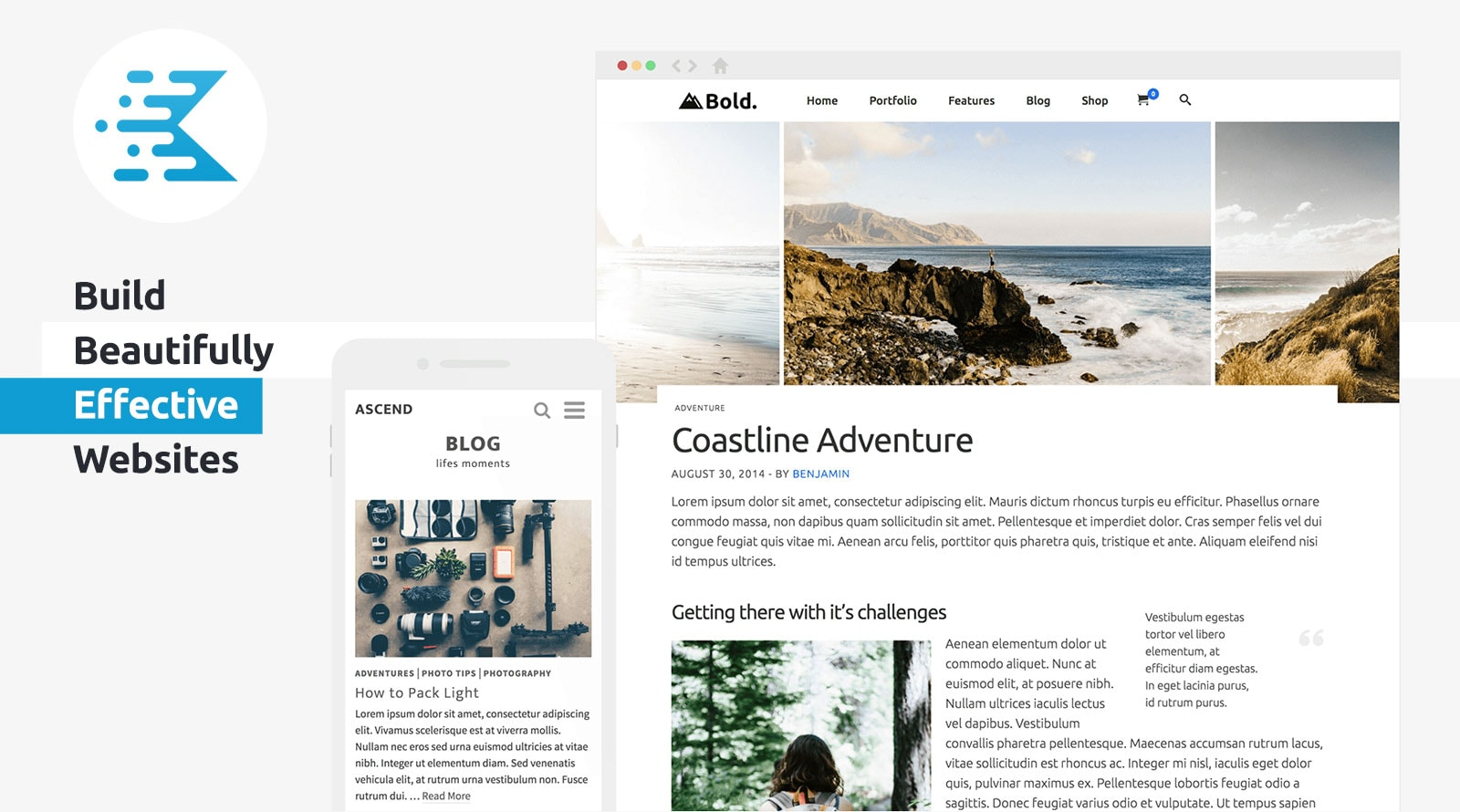
KadenceWP Explained: Ideal for Building High Performance WordPress Websites
Take a deep dive into the core features and benefits of the KadenceWP theme, including a drag-and-drop header/footer builder, global color and font controls, rich starter templates, and deep compatibility with the Gutenberg editor and WooCommerce to help you easily build high-performance, responsive...

How to Create Products with WoodMart Theme
Use WoodMart to create WooCommerce product pages, complete the title, image, price, category and other settings, quickly build a clear and complete product display structure.

How to avoid WordPress auto-compressing images causing blurriness? Complete Setup Guide
WordPress uploading blurry images? This guide breaks down the top five causes and provides a complete solution for turning off compression, plugin optimization and HD image settings.

WooCommerce Theme Mobile Optimization Guide: Enhancing the Mobile and Tablet Shopping Experience
Comprehensively optimize the performance of WooCommerce theme on cell phones and tablets, from page layout and navigation structure to checkout flow and loading speed, to improve the efficiency of mobile shopping and website performance.

 简体中文
简体中文  English
  日本語
日本語  Français
  Español



