





arrange in order

How to Create a Custom 404 Page with Blocksy Pro
Learn how to create custom 404 pages with Bloxy Pro to improve your website's user experience and retention rate through interesting design, interactive elements and brand presentation. Simple steps to make users want to continue browsing your site even when they encounter an error page.
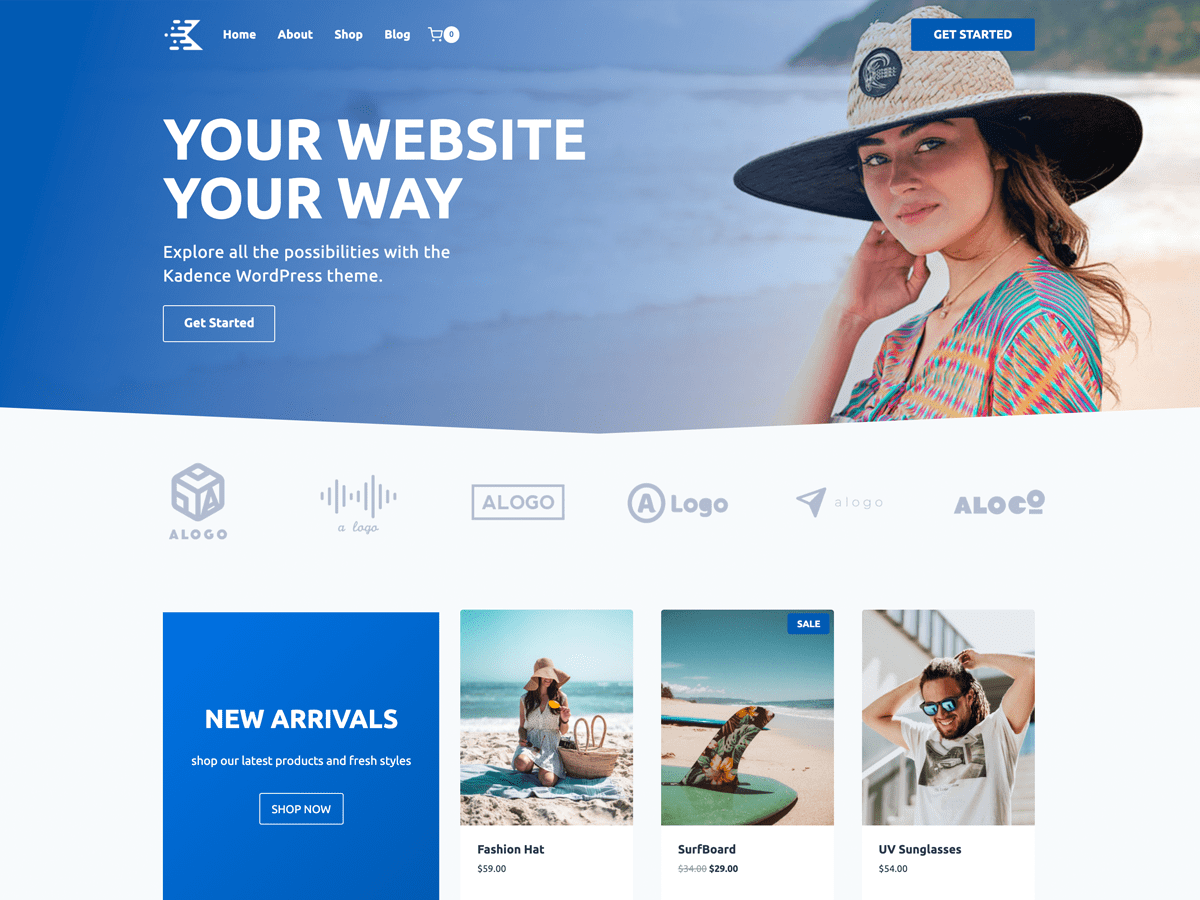
Speed up your website with Kadence Theme: Create a blazing fast online experience!
Learn how to build fast-loading websites with Kadence Theme to enhance the online service experience by optimizing performance, SEO, delayed loading, and other techniques that will help you improve user retention and website speed for an efficient and responsive online platform.

Blocksy tutorial: a comprehensive analysis of the use of each header element and settings
A detailed introduction to all the header elements and their usage in Blocksy Header Builder, to help you create a flexible and beautiful WordPress custom header structure.

Blocksy Tutorial: Using Content Blocks to Create Advanced Dynamic Menus
Use Blocksy Pro's advanced menu features, combined with Content Blocks and the Gutenberg editor, to customize and build interactive menu content and upgrade your site's navigation experience.

Blocksy Tutorial: Creating Custom One-Page Templates with Content Blocks
Use Blocksy's Content Blocks feature to build WordPress post detail page templates, customize structure and content, and work with the Gutenberg editor for a high degree of design freedom.

Blocksy Tutorial: Creating Exclusive Archiving Templates to Enhance Content Presentation
Learn how to create custom archive templates with Blocksy's Content Blocks feature, with the freedom to control post cards and full-page structure, adapted to blogs with custom content types.

Blocksy tutorial: using Account Header Element to achieve the front of the site login and registration function
Learn how to build frontend login and registration functionality using Blocksy account header elements with WooCommerce support, custom jumps, social login and CAPTCHA integration for all types of WordPress websites.

Blocksy Tutorial: Anchor Navigation Effects and Menu Highlighting
Learn to use the Blocksy theme and the Gutenberg editor to implement anchor jumping and menu highlighting in WordPress one-page sites, suitable for creating highly interactive landing pages and showcase pages.

Blocksy Blog Archive Page Complete Customization Guide (with Header Area, Card Layout, Pagination Animation, etc.)
Comprehensive introduction to Blocksy theme blog archive page setup tips, including the title area, card layout, paging style and scrolling animation, to help you quickly create a beautiful and practical blog homepage.

Blocksy Pro Content Block Hands-on Tutorial: Implementing Automatic Ad Insertion (Google AdSense Support)
Learn how to use the Blocksy Pro content block feature to efficiently insert static ads and Google AdSense into WordPress websites for WooCommerce malls and content blogs without modifying the page structure.

Customizing Hero Blocks with Blocksy Pro Content Blocks: Full Tutorial
Customize and replace the default post Hero blocks with Blocksy Pro's Content Blocks feature, and use Gutenberg for dynamic content loading and modular layouts to easily build professional template structures.

Blocksy Multilingual Tutorial: How to Translate Content Strings in a Website
Learn how to use the WPML plugin to translate content strings in Blocksy themes, including buttons, menus, placeholders, and more, to create complete and consistent multilingual WordPress sites.

 简体中文
简体中文  English
  日本語
日本語  Français
  Español



