



WordPress Themes Page 8
arrange in order

How to Implement SEO Optimized Onsite Link Blocks with Blocksy Content Blocks
A detailed explanation of how to use Blocksy Content Blocks to build automated onsite link recommendation blocks to improve website structure optimization, user experience and search engine crawling efficiency.

WoodMart Theme Color and Font Styles Setting Guide
Learn how to set theme colors and font styles with WoodMart to easily create an e-commerce website design that matches your brand's tone.

How to Make Global Popups with Blocksy Content Blocks
With Blocksy Content Blocks, it's easy and efficient to create site-wide pop-ups for welcome messages, promotions, or email collection without a plugin.
How to Quickly Create Site-wide Unified CTA Blocks with Blocksy Content Blocks
Blocksy Content Blocks creates unified CTA blocks across the entire website, realizing consistent structure, accurate display, efficient maintenance, and improving user conversion rate and brand professionalism.

Quickly Deploy Website Bulletin Boards, Holiday Sale Banners with Content Blocks
With Blocksy Pro's Content Blocks feature, you can quickly create flexible bulletin boards and holiday promotional banners in your WordPress website for efficient, timed, targeted content display without writing code, suitable for all webmasters and marketers...

WordPress theme style wrong 7 common reasons and solutions
Confused page style after installing WordPress theme? This article summarizes 7 common causes and solutions to help quickly troubleshoot and restore normal layout.

Increase Conversions by Adding Subscription Popups with WoodMart
Learn to add pop-up subscription forms with WoodMart's own features or plugins to easily entice visitors to leave their emails and grow user conversions.

Blocksy Pro Content Blocks Explained: A Key Tool to Improve WordPress Website Flexibility
Take a deep dive into Blocksy Pro's Content Blocks feature and learn how to quickly create bulletin boards, promotional banners, and custom content modules without code for precise placement, optimized experience, and increased site flexibility.

WoodMart Tutorial: Creating a Lookbook with a Showcase Page
Create a lookbook page with WoodMart, combining hot images, product links and mobile optimization to achieve a high-end brand visual display and increase conversion rates.

Basic Guide to WordPress Security Settings: Preventing Website Attacks
From account passwords and login restrictions to plugin protection, this article teaches you to do the most basic security settings for your WordPress site to prevent malicious attacks.

Fatsome and SEO: How to Optimize Fatsome Theme to Improve Search Ranking
Building a website with the Fatsome theme? This guide teaches you how to optimize all aspects of SEO, from structure to content to technology, to improve your WordPress website's visibility and ranking in search engines.

WoodMart Theme Setup AJAX Product Filter Tutorial
Teach you to set up AJAX product filtering in WoodMart theme, configure attributes, sidebar and mobile filtering, quickly improve the usefulness and professionalism of e-commerce pages.
WoodMart Responsive Mobile Menu & Header Navigation Explained
A complete explanation of how to set up mobile menus and header navigation in WoodMart theme, covering menu creation, styling and responsive structure configuration.

WoodMart 8.2 heavy update: 4 new demo sites + search function upgrade + full performance optimization!
WoodMart 8.2 version is online, with 4 new demo sites, customized Thank You page, upgraded search function, and full performance optimization.

The Complete Guide to Choosing a Theme for WordPress Newbies
Comprehensive explanation of how to choose WordPress themes for newbies, covering blogs, e-commerce, business official websites of various types, with a high-quality theme recommendation form.
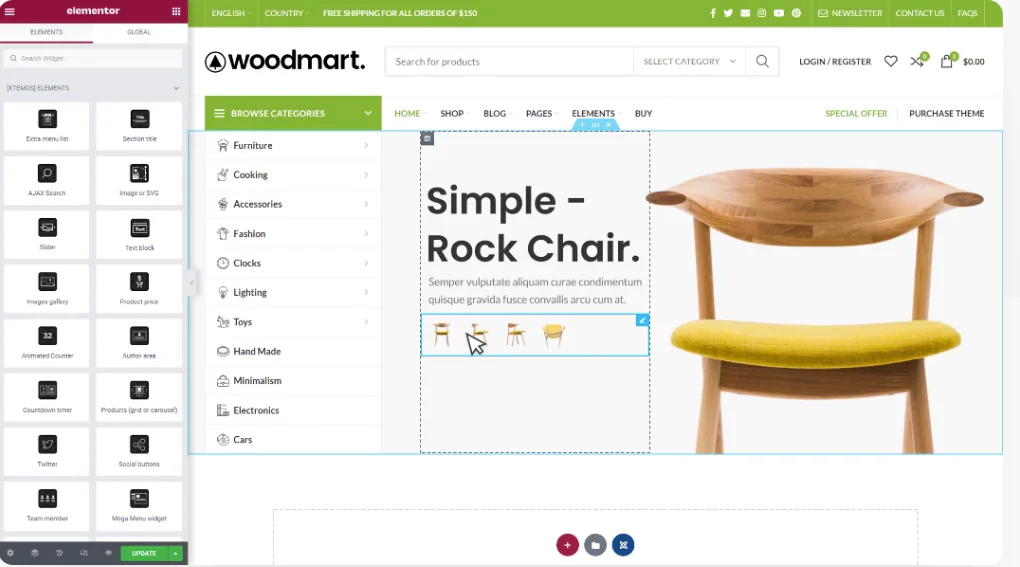
WoodMart and Elementor Tutorials for Building High Converting Landing Pages
The full tutorial teaches you how to use WoodMart with Elementor to build high converting landing pages, including structure building, component layout and publishing settings and other hands-on steps.

Complete method for inserting GA and Facebook Pixel in WoodMart
Introduces several ways to insert Google Analytics and Facebook Pixel in WoodMart, suitable for different levels of users, including plugin and theme configuration methods.

How to Set Sidebars on Archive, Blog and Post Pages in WoodMart Theme
Comprehensive explanation on how to configure sidebar and top filter features on store and blog pages in WoodMart theme to improve page structure and browsing efficiency.

How to Fix Elementor "Inner Section Widget Missing" Issue
This tutorial teaches you to restore the gadget and analyze the common applications and compare the differences.

Elementor Safe Mode and Website Backup: How to Synchronize Your Website Security
Learn how to troubleshoot plugin conflicts with Elementor Safe Mode and secure your WordPress site with regular backups. This article provides complete instructions and advice to help you secure a stable website.
WoodMart Topic: Out of stock product Swatch style not displaying solution
Solve the problem of out-of-stock product Swatch style not displaying in WoodMart theme, provide two practical methods for multi-attribute product settings.

Complete setup of WoodMart header layout and navigation menu
The tutorial explains the WoodMart theme header layout and navigation menu setup process, build a professional navigation structure suitable for e-commerce websites from scratch.

How to use HTML Block in WordPress and WoodMart Themes
Introduces how to use HTML Block in WordPress and WoodMart to unify the display of information content, and realize the flexible call and management of multi-area layout.

Complete Guide to Setting Up WoodMart Product Comparison and Collection Features
Using WoodMart to build an e-commerce site? This article teaches you to fully open the product comparison and collection features, no plugin to quickly complete the configuration.

WoodMart Performance Optimization Guide: Reducing JS/CSS Files and Enabling Delayed Loading
By reducing the size of JS/CSS files and enabling delayed loading of images, WoodMart theme improves loading speed and overall website performance, optimizes user experience and improves the responsiveness of e-commerce websites.

Personalizing Headers and Footers: Using the WoodMart Header Builder in Detail
Comprehensively explains how to use WoodMart Header Builder, easily create personalized headers and footers, and improve the overall design and structure of e-commerce site performance.

WoodMart Theme Complete Getting Started Tutorial: A Guide from Installation to Initial Configuration
Comprehensive explanation of WoodMart theme installation, plugin configuration, demo import and basic settings, to help newbies quickly build a full-featured WooCommerce mall site.

WoodMart Product Filter Setup Tutorial: A Complete Guide to Price, Brand and Attribute Filtering
Comprehensive explanation on how to set up product filters in WoodMart theme, including price slider, brand list and attribute filters such as color, size, etc. to enhance the efficiency of mall browsing.
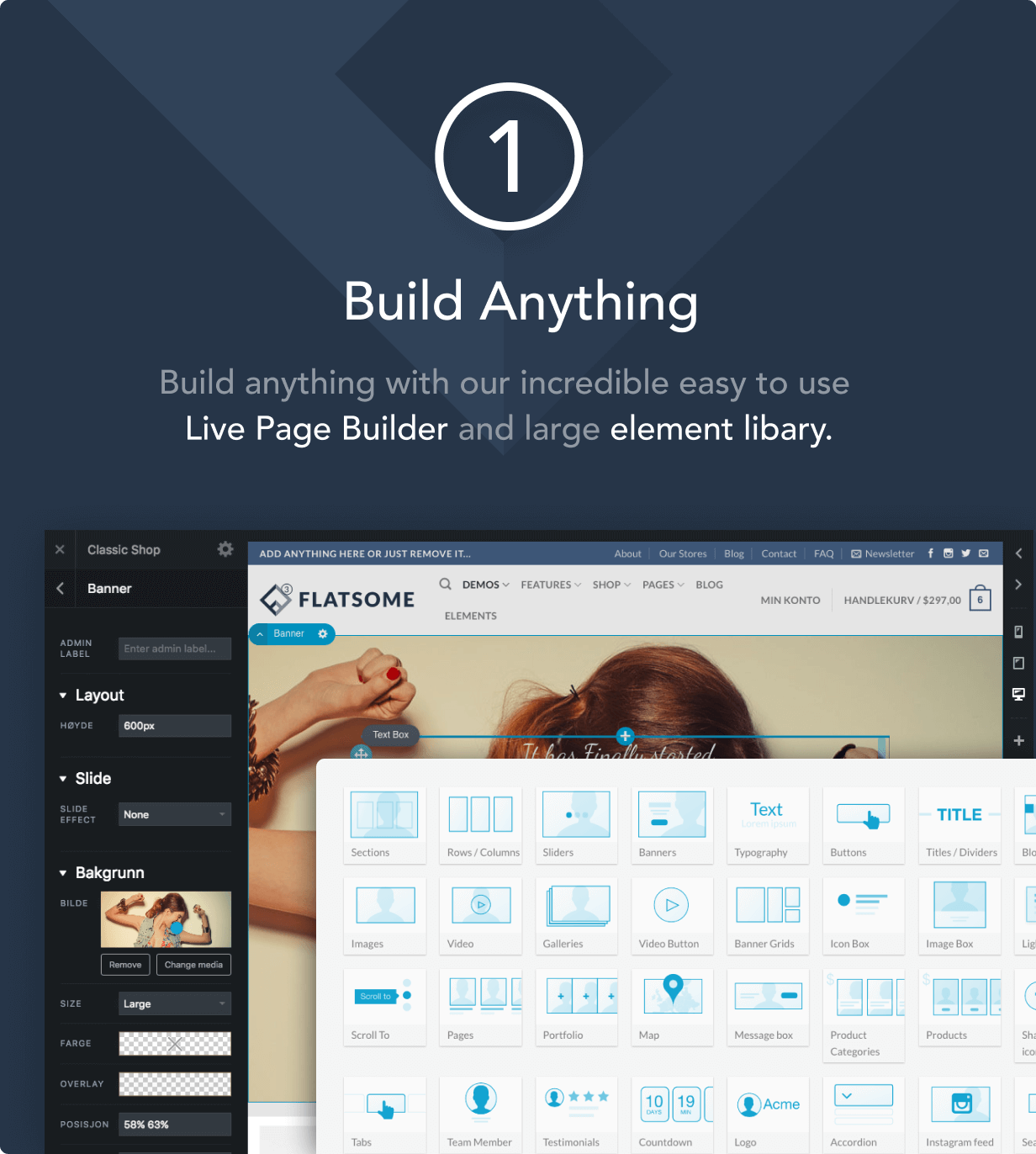
How to Improve Website Loading Speed with Fatsome Theme
Learn how to use Fatsome theme to improve website loading speed and master optimization techniques such as image compression, cache configuration, delayed loading, etc. to improve website performance, user experience and SEO ranking.

Add Sticky Social Icons to WoodMart Theme
Instruction on how to enable sticky social icons in WoodMart theme and insert social buttons with Elementor or WPBakery.

 简体中文
简体中文  English
  日本語
日本語  Français
  Español



