



WordPress Themes Page 9
arrange in order
A guide to using the dynamic discount feature in WoodMart themes
This article details how to enable and configure the dynamic discount feature in WoodMart theme, which helps WooCommerce merchants to set different price discounts based on the purchase quantity and show them to customers through discount forms. By setting discount rules, priorities and conditions, merchants can increase sales...
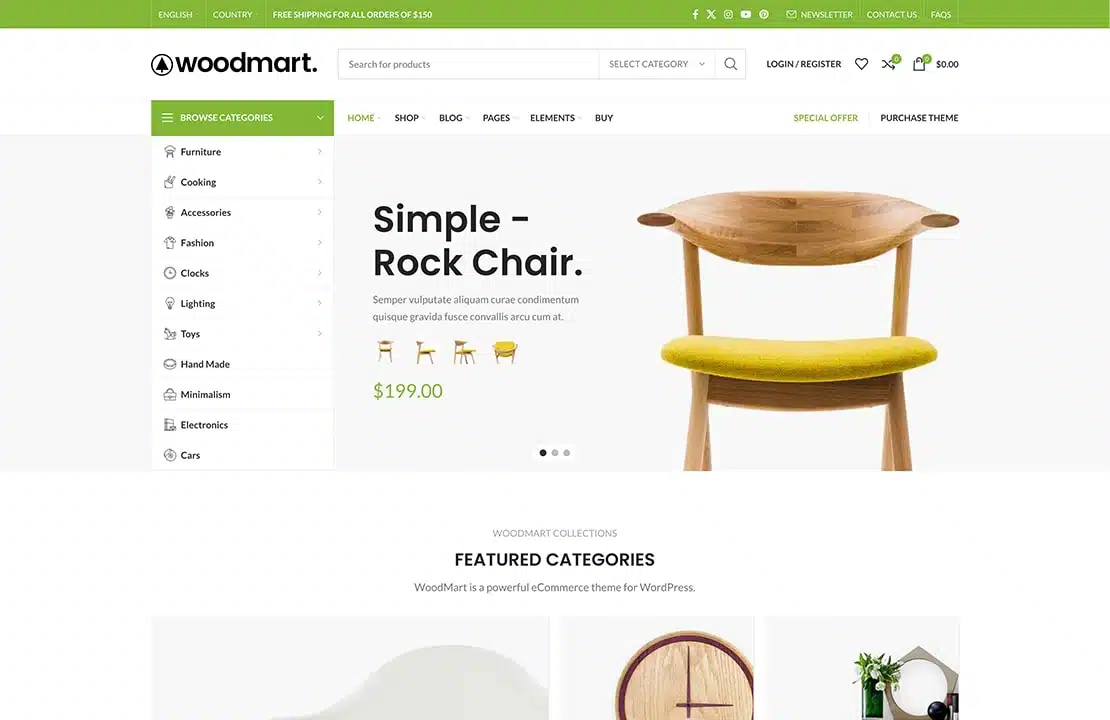
WoodMart Theme: Header Builder to create and customize website headers
This article details how to create and customize website header in Frontend mode using Header Builder for WoodMart theme. Use flexible editing methods, template selection and JSON data import to help you quickly design a header layout that meets your needs.
Product Features and Procedures in WoodMart Themes
This article introduces three core product features of WoodMart theme: visitor counter, sales counter and inventory progress bar, and provides detailed configuration steps to help WooCommerce store to improve page interaction and purchase conversion.

Complete guide to installing the WoodMart theme and enabling Gutenberg blocks
Learn how to enable Gutenberg blocks in WoodMart theme to enhance page editing flexibility. Includes steps to activate the theme, install Gutenberg editor, import pre-built website templates and more to help you build a personalized e-commerce website efficiently.
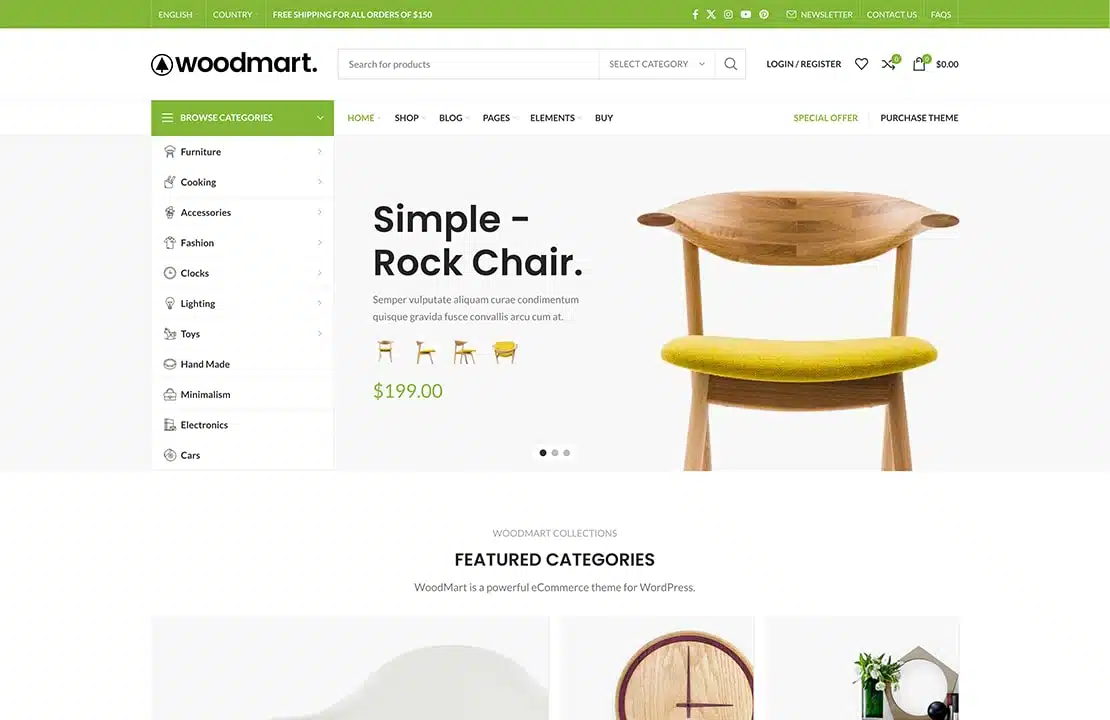
How to Boost Sales and Customer Engagement with WoodMart Theme's Waiting List Feature
This article introduces the Waiting List feature in the WoodMart theme that helps merchants manage out-of-stock items and send timely notifications to customers. This feature not only improves customer engagement, but also helps merchants forecast demand and drive sales.

How to Create Products with WoodMart Theme
Use WoodMart to create WooCommerce product pages, complete the title, image, price, category and other settings, quickly build a clear and complete product display structure.

Add Sticky Social Icons to WoodMart Theme
Instruction on how to enable sticky social icons in WoodMart theme and insert social buttons with Elementor or WPBakery.

Personalizing Headers and Footers: Using the WoodMart Header Builder in Detail
Comprehensively explains how to use WoodMart Header Builder, easily create personalized headers and footers, and improve the overall design and structure of e-commerce site performance.

How to use HTML Block in WordPress and WoodMart Themes
Introduces how to use HTML Block in WordPress and WoodMart to unify the display of information content, and realize the flexible call and management of multi-area layout.
WoodMart Topic: Out of stock product Swatch style not displaying solution
Solve the problem of out-of-stock product Swatch style not displaying in WoodMart theme, provide two practical methods for multi-attribute product settings.

How to Set Sidebars on Archive, Blog and Post Pages in WoodMart Theme
Comprehensive explanation on how to configure sidebar and top filter features on store and blog pages in WoodMart theme to improve page structure and browsing efficiency.

Slider Settings Guide in WoodMart Theme
WoodMart theme provides lightweight slider feature to quickly create smooth image rotation effect. This article describes how to set up a slider in WordPress, manage slideshows, adjust animation effects, optimize the layout, and through Elementor or WPBakery Page Builder to add ...

WoodMart Theme WooCommerce Product Grid with Rotator Feature
Understand the WooCommerce product grid and rotation features of WoodMart theme, support custom product display, optimize page layout, and enhance the visual effect of the store. Master product filtering, paging, sorting and rotation configurations for a more flexible and efficient online sales experience.

WoodMart Theme WooCommerce Estimate Delivery Feature Setting
This article details how to enable and configure the WooCommerce Estimated Delivery feature in your WoodMart theme. By setting delivery dates, configuring shipping zones, specifying skip dates, and more, stores are able to provide customers with accurate delivery time expectations, increase shopping transparency and optimize...

WoodMart Theme FAQs and Solutions
When using WoodMart theme, you may encounter problems such as wrong page layout, slow loading, plugin conflicts and so on. This article provides detailed solutions, including cache cleanup, image optimization, theme update adjustment and mobile adaptation, to help improve the stability and performance of the site.

Customize Header and Footer of WoodMart Theme
Learn how to customize the header and footer of your WoodMart theme, including adjusting the layout, colors, and components using Header Builder, and editing the footer with HTML Blocks to create a more personalized and professional looking website structure.

Mobile Optimization Tips for WoodMart Themes to Boost Mobile User Conversions
Optimize the mobile loading speed, navigation interaction and conversion rate of WoodMart theme, using WebP image format, Lazy Load technology, AJAX search, cache optimization, etc., to make the website run smoother on mobile devices, and improve the user access experience and order conversion rate.

Reasons to choose WoodMart theme: advantages of WoodMart theme
WoodMart is a high-end WordPress theme for WooCommerce with powerful performance optimization, rich customization options, multi-language compatibility and excellent mobile adaptability to help sellers build an efficient e-commerce platform.
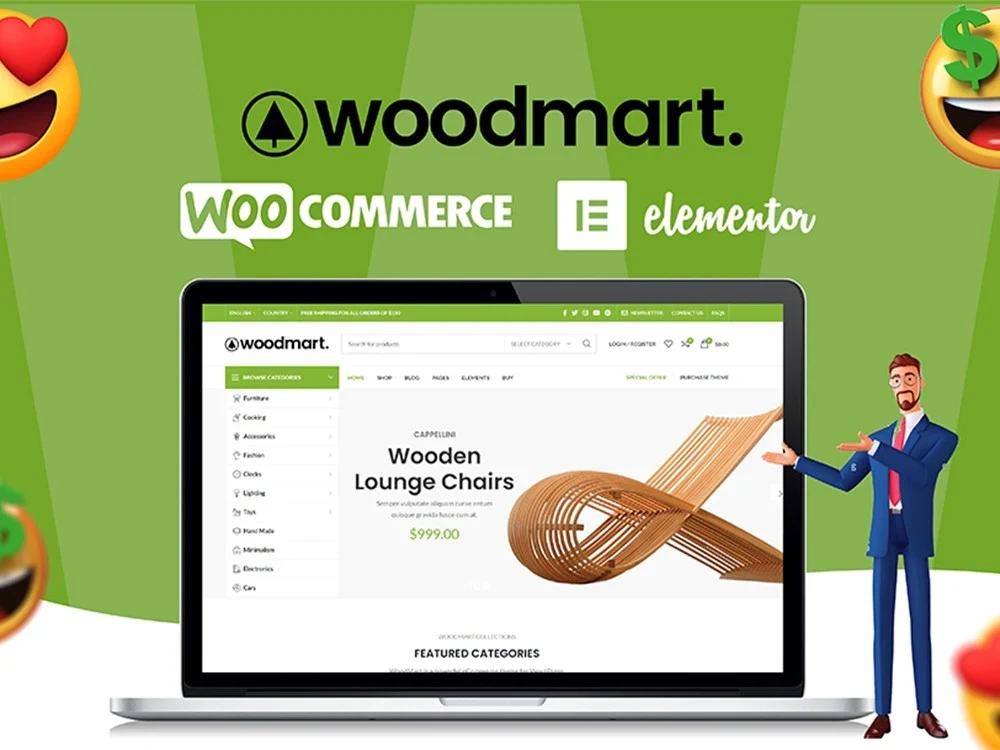
WoodMart Theme Menu Customization Tutorial
Learn how to edit and customize menus in the WoodMart theme. This article details how to create, add menu items, adjust the order, set styles, and enable responsive menu features for clear and easy-to-use website navigation.

How to Create a Mega Menu with Elementor Builder and WoodMart Themes
This article describes how to create powerful and flexible mega menus with the Elementor builder and WoodMart theme. It includes creating navigation menus, setting up dropdown menus, adding full-width mega menus, customizing sizes, adding labels and setting up rotating product displays to help enhance web...

Recommended Premium Plugins and Must-have Extensions Supported by WoodMart Theme
Want to make your WoodMart theme more powerful, load faster and perform better in SEO? In this article, we have selected Elementor, WP Rocket, WooCommerce Variation Swatches, ShortPixel, Rank Math SEO and other plugins to help WooCommerce sites realize efficient...

WoodMart Theme Ajax Filter Optimize Product Browsing
WoodMart theme has built-in Ajax filtering feature, so that users do not need to refresh the page when filtering products to improve browsing efficiency. This article introduces how to enable Ajax filtering, optimize filtering options, adjust price slider and user guidance strategy to help e-commerce sites to improve conversion rate.

The Complete Guide to Choosing a Theme for WordPress Newbies
Comprehensive explanation of how to choose WordPress themes for newbies, covering blogs, e-commerce, business official websites of various types, with a high-quality theme recommendation form.

Complete method for inserting GA and Facebook Pixel in WoodMart
Introduces several ways to insert Google Analytics and Facebook Pixel in WoodMart, suitable for different levels of users, including plugin and theme configuration methods.

How to Fix Elementor "Inner Section Widget Missing" Issue
This tutorial teaches you to restore the gadget and analyze the common applications and compare the differences.

Elementor Safe Mode and Website Backup: How to Synchronize Your Website Security
Learn how to troubleshoot plugin conflicts with Elementor Safe Mode and secure your WordPress site with regular backups. This article provides complete instructions and advice to help you secure a stable website.

Complete Guide to Setting Up WoodMart Product Comparison and Collection Features
Using WoodMart to build an e-commerce site? This article teaches you to fully open the product comparison and collection features, no plugin to quickly complete the configuration.
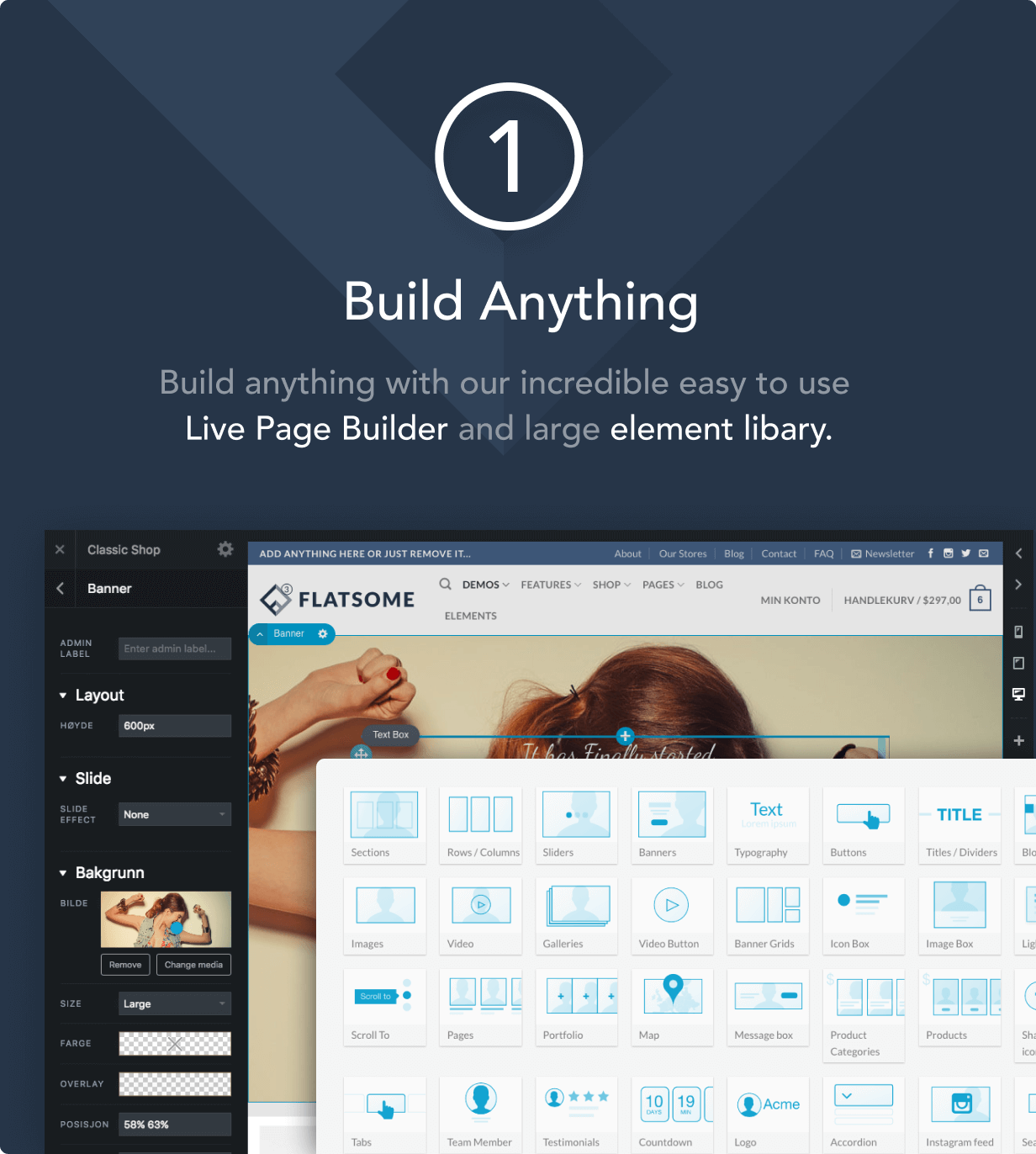
How to Improve Website Loading Speed with Fatsome Theme
Learn how to use Fatsome theme to improve website loading speed and master optimization techniques such as image compression, cache configuration, delayed loading, etc. to improve website performance, user experience and SEO ranking.

Fatsome Theme Overview: Clean and Powerful Design for WordPress Websites
Fatsome Theme is a clean and powerful WordPress theme for business, blog and e-commerce websites. Offering responsive design, SEO optimization, fast loading and rich customization options, it helps users build professional websites with ease.
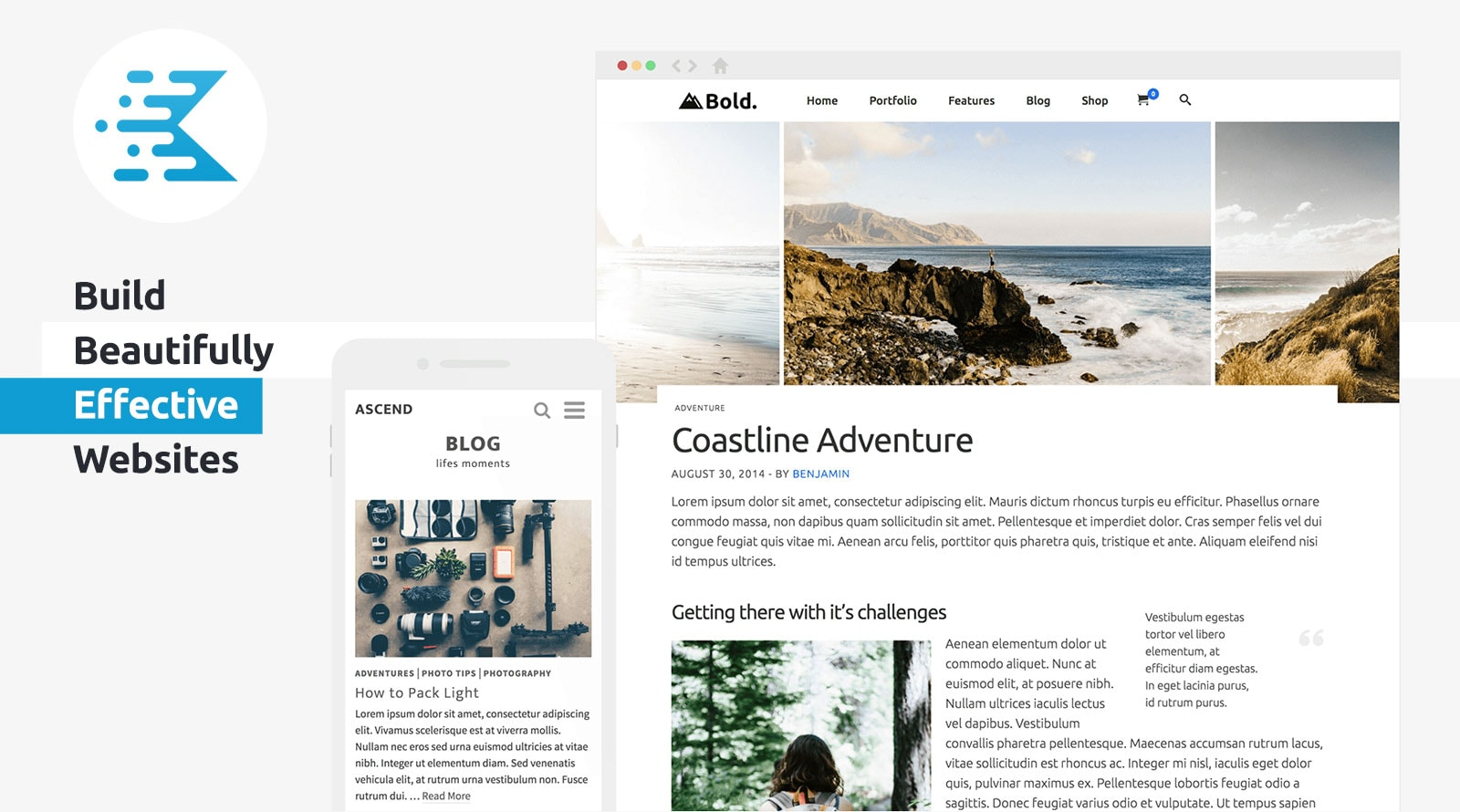
KadenceWP Explained: Ideal for Building High Performance WordPress Websites
Take a deep dive into the core features and benefits of the KadenceWP theme, including a drag-and-drop header/footer builder, global color and font controls, rich starter templates, and deep compatibility with the Gutenberg editor and WooCommerce to help you easily build high-performance, responsive...

 简体中文
简体中文  English
  日本語
日本語  Français
  Español



