





arrange in order

Show "Last Updated" date instead of "Released" date in Astra Theme
Learn how to display last updated date instead of published date in Astra theme. This article describes modifying post metadata and date boxes with custom code to help you accurately display when your website content was updated.

How to change HTML tags for site title and subtitle in Astra Theme
Learn how to change the HTML tags for site title and subtitle in Astra theme. This article provides specific ways to adjust the tags through custom filters to help you optimize the structure of your site according to your needs.

How to self-host Google Fonts in Astra Theme
Learn how to enable the self-hosted Google Fonts feature in your Astra theme to improve site load speeds, reduce CLS, and modify font file formats and remove Astra branding as needed.

Astra Free Theme Integration for WooCommerce Explained in Full
Learn how Astra free theme is deeply integrated with WooCommerce, easily set up product catalog, shopping cart, image display and sidebar layout, and quickly build a WordPress e-commerce website with unified style.

How to Use WebP Images in WordPress
Learn how to use WebP images in WordPress to boost site performance, reduce file size, speed up page loads, and improve SEO rankings by installing a plugin or uploading them manually. Optimize images with the WebP format to improve user experience and load speed on mobile.
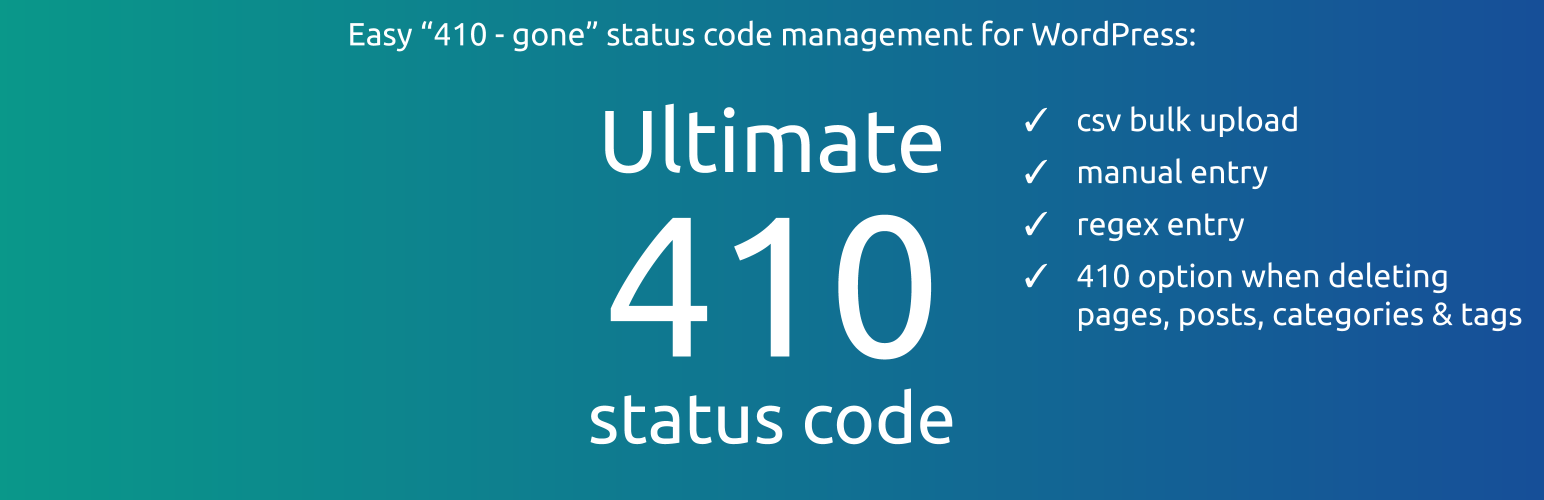
How to Manage Deleted Pages and Improve SEO with WordPress 410 Plugin
Learn how to speed up search engine updates, boost SEO performance, improve user experience, and simplify site maintenance management by using the 410 plugin for WordPress. Ideal for sites that need to permanently remove pages to help optimize overall site performance.

WooCommerce Page Enhancement Tips: Default Comments Tab and Empty Cart Display Products
When building a WooCommerce store with Astra theme, you can optimize the page performance and enhance customer interaction by setting "Reviews" as the default tab and enabling the display of selected products with empty cart. This article provides detailed settings and code reference.

How to Customize the Appearance of WooCommerce Product Images with Essential Addons (Elementor Free Plan)
Learn how to use Essential Addons plugin with Elementor Free Edition in this tutorial to customize the image display of WooCommerce product pages, including rotating, thumbnail arrangement and popup view functions, to enhance the visual effect and user experience of product pages, and to easily achieve...

Astra Themes WooCommerce Hooks Practical Guide: Building Flexible Ecommerce Pages
Comprehensively organize Astra theme can be used for WooCommerce common hooks , covering shopping cart style adjustment , product field display , page structure control and other functions , suitable for developers to quickly customize the layout of the e-commerce site and interaction logic . All the code is adapted to the child theme functions.php to make ...

Astra Tutorial: How to hide the display of articles, pages or other types of titles
When you create a WordPress website with Astra theme, you can hide page or post titles via visual buttons or functions.php code. This article introduces two practical methods for single page setup and batch processing scenarios.

How to Quickly Build a NFT Website Using Templately Templates on a WordPress Website
Quickly learn how to build an NFT website with zero code using the WordPress block editor and Templately templates with support for integrating the OpenSea API to showcase your on-chain collections.
How to Optimize WordPress Database to Improve Website Performance
Learn how to use the WP-Optimize plugin and phpMyAdmin to optimize your WordPress database, clean up useless data, improve site performance and reduce load times.

 简体中文
简体中文  English
  日本語
日本語  Français
  Español



