





arrange in order

How to install WordPress on a local host computer
Hands-on guide to install WordPress locally using XAMPP/MAMP, including database configuration, server settings and FAQs. Test and develop WordPress websites without internet, suitable for developers and beginners.

How to Build a Multilingual Website with Kadence
Learn how to use Kadence themes with WPML or Polylang plugins to create multilingual websites, improve user experience and optimize search engine rankings for global websites.

Blocksy Theme Layout, Forms and Sidebars Setup Guide
Learn how to customize your website layout, form styles, and sidebar displays with the Blocksy theme. This article details common setting options to help you easily create a personalized WordPress website.

Optimize your website's images: Improve your website's performance with the Image Optimizer plugin from Elementor.
Use the Image Optimizer plugin to automatically optimize all images on your WordPress site, reduce image file sizes, and improve site loading speed. It supports automatic compression, batch optimization and format conversion to help your website improve performance, user experience and SEO ranking.

Blocksy child theme installation and use details
Blocksy provides flexible child theme support to help users perform advanced customization without affecting theme updates. This article describes the installation and setup process of Blocksy child theme in detail.

New choice for fast website building: Blocksy Starter Sites and control panel analysis
Blocksy provides professionally designed Starter Sites and an intuitive control panel to help you quickly complete the WordPress website building. This article describes in detail the functions and operation procedures of each module.

Getting Started with Elementor Containers: Structure, Orientation and Layout Controls Explained
Get an in-depth understanding of the structure and orientation of the Elementor container, as well as tips on content width, minimum height, customized typography, and responsive layout, to help you create professional WordPress pages with ease.

How to Install Blocksy Theme: A Complete Guide to WordPress High Performance Themes
Want to build a fast and beautiful WordPress website? Blocksy is the lightweight and feature-rich theme of choice. This article describes the complete installation process, suitable for blogs, e-commerce and business websites.

How to Use Chat Plugin with WooCommerce: Live Customer Support for Ecommerce Websites
Learn how to integrate chat plugins with WooCommerce to boost customer support and conversions on your e-commerce site. Optimize the shopping experience by providing customers with instant help through live chat, automated responses, and multi-channel support.

What type of e-commerce website is Woodmart theme suitable for? Read about its advantages and adaptability scenarios
Wondering what type of e-commerce website the Woodmart theme is suitable for? This article comprehensively analyzes five typical adaptation scenarios to bring you to understand whether this high-performance WordPress e-commerce theme is suitable for your business.

How to Easily Add New Stickers in Gutenberg with Essential Blocks Plugin
Easily add new sticker features in the Gutenberg editor to boost website interactivity with the Essential Blocks plugin. Learn how to configure content feeds, set up animations, and implement dynamic content displays to help keep your site up to date and users engaged.

How to Embed Audio Files in Gutenberg and Elementor with EmbedPress Plugin
Learn how to embed audio files in your WordPress website using the EmbedPress plugin. Easily add an audio player through the Gutenberg or Elementor editor and customize playback options to enhance the user experience.
How to Enhance Website Storytelling with Essential Blocks' Timeline Slider
Learn how to use the timeline slider of the Essential Blocks plugin in the Gutenberg editor to create an interactive timeline that enhances the visual appeal and user experience of your website. Easily display historical events, project progress, and other time with simple setup and customization...
How to customize the global style of Gutenberg blocks using Essential Blocks
Learn how to use the Essential Blocks plugin to set consistent custom styles for Gutenberg blocks in your WordPress site. By configuring global styles, you can easily apply a consistent design to all Essential Blocks blocks on pages and posts, improving your site...

Translate Astra Themes/Plugins into your own language with GlotPress
Learn how to use GlotPress Translate Astra themes and plugins to translate your website into your desired language. Quickly achieve multilingual support and improve the global adaptability of your website by exporting .po and .mo files and uploading them to WordPress.

Setting up Astra websites as multilingual with Polylang
Learn how to use the Polylang plugin to set up your Astra website as multilingual, translate pages, menus, and add a language switcher to provide multilingual support for global users and enhance the internationalization capabilities of your website.

Translating Categories, Tags, and Astra Strings with Polylang
Learn how to use the Polylang plugin to translate post categories, tags, and custom strings in your WordPress site and help add multilingual support to your Astra site for global adaptability and internationalization.

How to change "Add to Cart" button text in WooCommerce
Learn how to modify the Add to Cart button text in WooCommerce with the Loco Translate plugin and custom CSS. This article provides detailed steps to help customize the button text and style according to your needs, enhancing the personalization and user experience of your website.
WordPress 6.8 Plugin Compatibility Issues: Causes and Solutions
Experiencing WordPress 6.8 plugin compatibility issues? This article analyzes in detail the common causes of plugin compatibility issues and provides practical solutions, such as updating plugins, fixing code, and cleaning cache, to help you ensure your website runs smoothly.
How to Create Filterable Image Galleries in WordPress Websites with the Essential Blocks Plugin
Create feature-rich filtered image galleries in your WordPress website with the Essential Blocks plugin to enhance the user experience. This article details how to use Elementor to configure and customize filtered image galleries, including choosing a template, uploading images, setting filters...
How to Fix 500 Internal Server Error in WordPress: A Detailed Step-by-Step Guide
Solve 500 Internal Server Error in WordPress with detailed step-by-step instructions on how to fix .htaccess files, increase PHP memory limit, deactivate plugins, switch themes, and re-upload WordPress core files. With these methods, quickly restore your website to normal operation...
Changing the "Leave a comment" title tag in Astra Theme
Learn how to customize the "Leave a Comment" title tag in Astra Theme. Help keep the comments section in line with your website's design style by making simple code changes to make the comments section more visually coherent with the site as a whole.
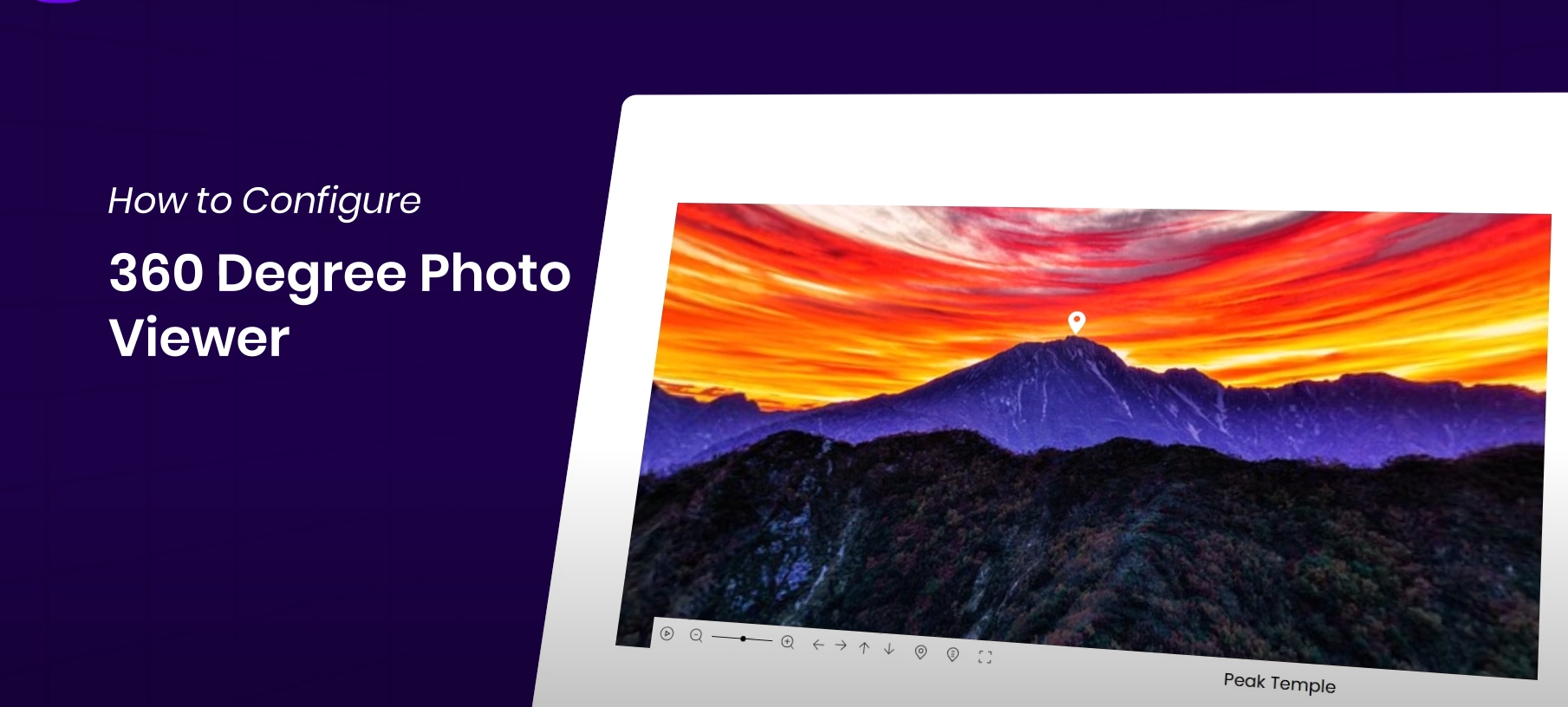
How to Display 360° Panoramic Images in Elementor Websites for Highly Interactive Images
Easily display 360° images on your WordPress website with the Essential Addons plugin and Elementor for an interactive, immersive user experience. This article details how to install and configure a 360° image viewer to help you enhance your website's visuals and...
Show "Last Updated" date instead of "Released" date in Astra Theme
Learn how to display last updated date instead of published date in Astra theme. This article describes modifying post metadata and date boxes with custom code to help you accurately display when your website content was updated.

How to change HTML tags for site title and subtitle in Astra Theme
Learn how to change the HTML tags for site title and subtitle in Astra theme. This article provides specific ways to adjust the tags through custom filters to help you optimize the structure of your site according to your needs.

How to self-host Google Fonts in Astra Theme
Learn how to enable the self-hosted Google Fonts feature in your Astra theme to improve site load speeds, reduce CLS, and modify font file formats and remove Astra branding as needed.

Astra Free Theme Integration for WooCommerce Explained in Full
Learn how Astra free theme is deeply integrated with WooCommerce, easily set up product catalog, shopping cart, image display and sidebar layout, and quickly build a WordPress e-commerce website with unified style.

How to Use WebP Images in WordPress
Learn how to use WebP images in WordPress to boost site performance, reduce file size, speed up page loads, and improve SEO rankings by installing a plugin or uploading them manually. Optimize images with the WebP format to improve user experience and load speed on mobile.
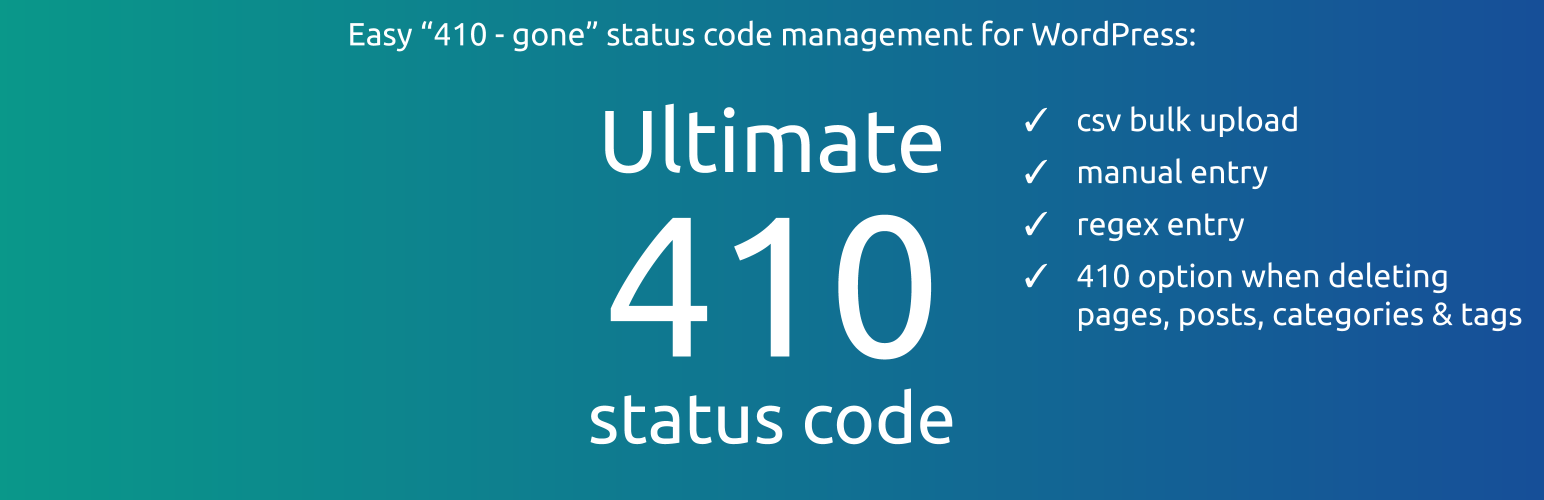
How to Manage Deleted Pages and Improve SEO with WordPress 410 Plugin
Learn how to speed up search engine updates, boost SEO performance, improve user experience, and simplify site maintenance management by using the 410 plugin for WordPress. Ideal for sites that need to permanently remove pages to help optimize overall site performance.

WooCommerce Page Enhancement Tips: Default Comments Tab and Empty Cart Display Products
When building a WooCommerce store with Astra theme, you can optimize the page performance and enhance customer interaction by setting "Reviews" as the default tab and enabling the display of selected products with empty cart. This article provides detailed settings and code reference.

 简体中文
简体中文  English
  日本語
日本語  Français
  Español



