



WordPress Page 66
arrange in order

Don't know how to use Avada popup links? 1 minute to learn how to implement popup triggers with Modal Text HTML Link elements!
Detailed instructions on how to use Modal Text / HTML Link element in Avada theme, through the image or text click to trigger the pop-up effect, support HTML code embedded, applicable to forms, maps, product details and other scenarios.

Avada Theme Tutorial: Make Your Music or Podcast Easy to Embed on Your Website with Avada SoundCloud
Details on how to embed music or podcast content into a WordPress website using the Avada theme's SoundCloud element, with support for a variety of layouts and styling settings, suitable for musicians and podcast creators to enhance the interactive experience of their websites.
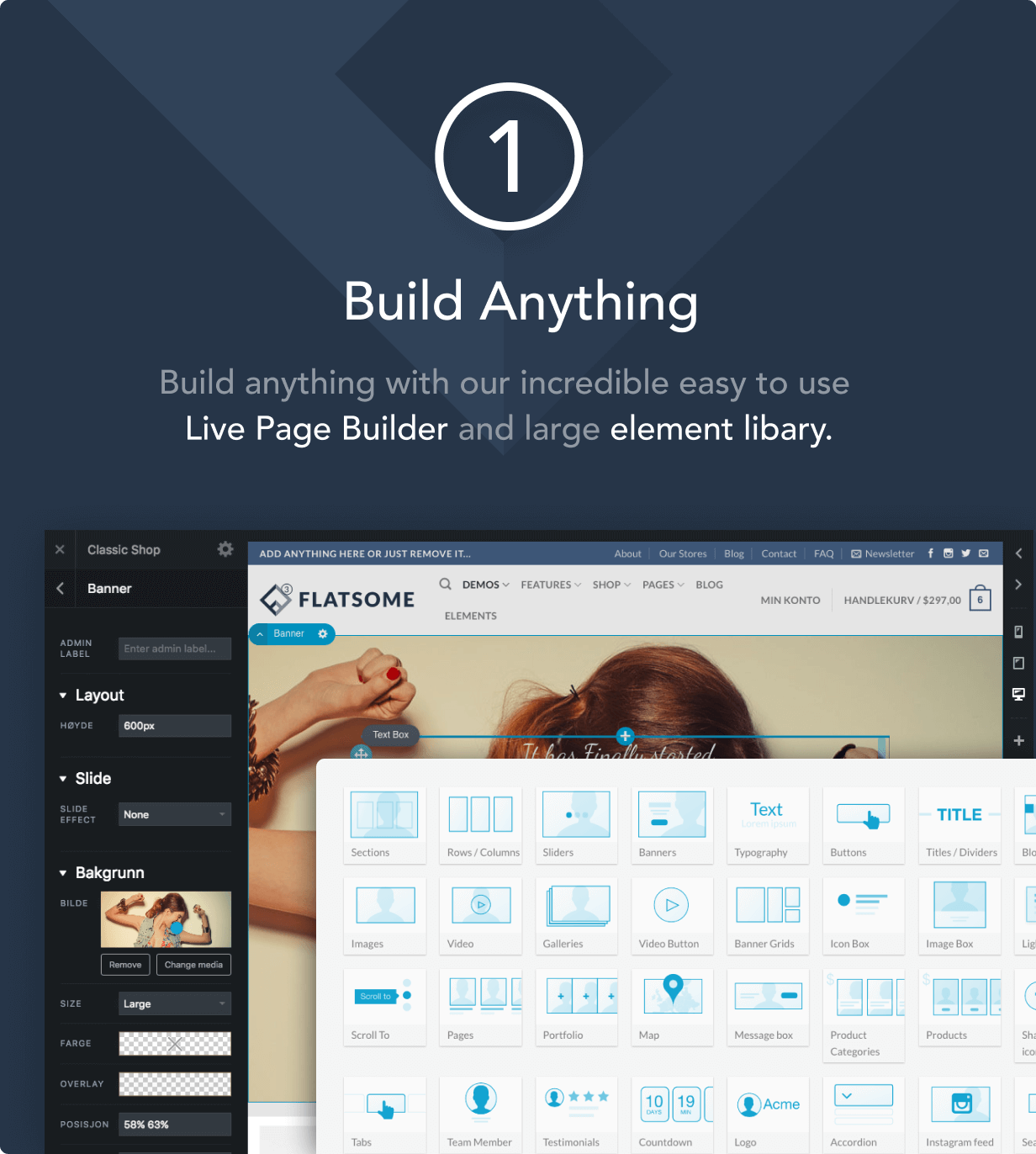
How to Improve Website Loading Speed with Fatsome Theme
Learn how to use Fatsome theme to improve website loading speed and master optimization techniques such as image compression, cache configuration, delayed loading, etc. to improve website performance, user experience and SEO ranking.

Comprehensive Guide: How to Create and Customize User Registration Forms in WordPress
Learn how to create user registration forms in WordPress, covering enabling the built-in registration functionality, customization with plugins, code development, and best practices for optimizing user experience and form security.
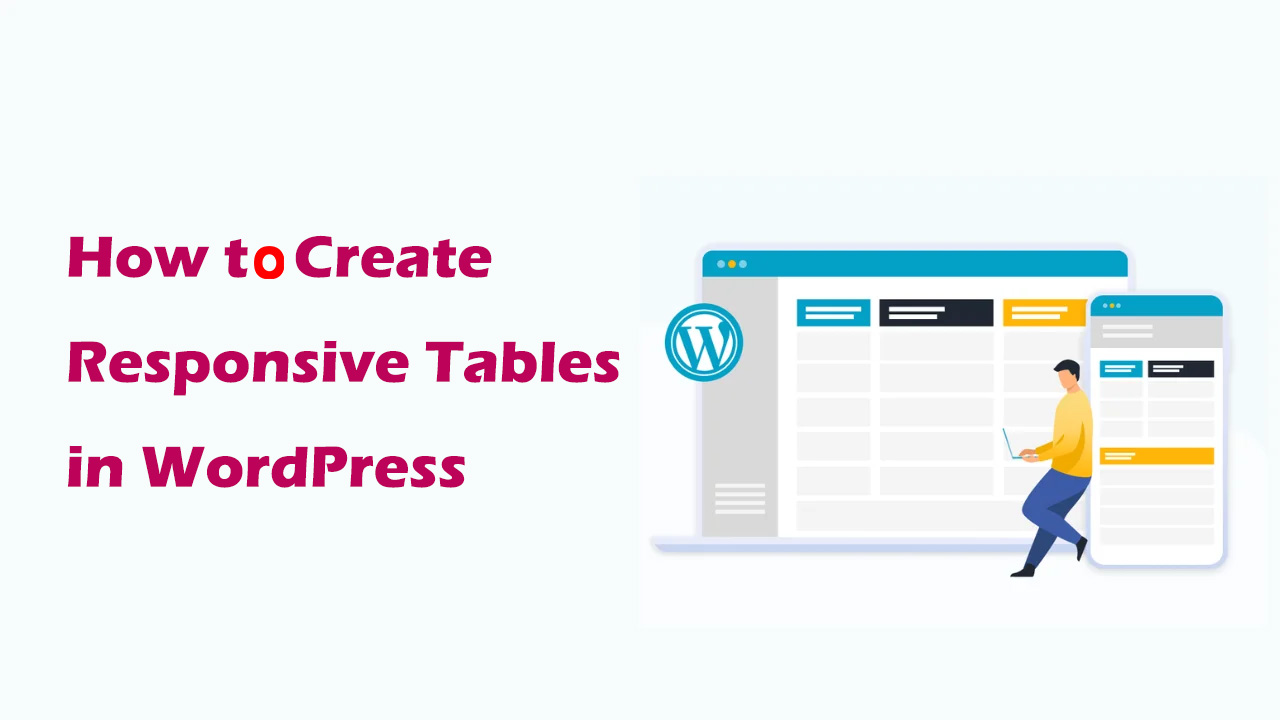
How to Create Responsive Tables in WordPress: Plugin and Manual Methods Explained
Learn how to create responsive tables in WordPress, including the easy way to use the TablePress plugin and the manual HTML+CSS customization method. Whether you're a beginner or a developer, it's easy to create tables that adapt to different screen sizes.
How to Fix Common SSL Issues in WordPress
This guide provides a comprehensive analysis of how to fix common SSL/HTTPS issues in WordPress, including mixed content errors, too many redirects, invalid certificates, etc., to help you quickly optimize your site's security and user experience.

Comprehensive Analysis: How to Edit HTML in WordPress to Optimize Website Design and Functionality
Learn detailed steps and tips on how to edit HTML in WordPress, including pages, posts, widgets, and converting HTML templates to WordPress themes to enhance website design and functionality.

WP Rocket and Cloudflare Synchronization Setup Guide: Accelerate Your Site and Improve Your User Experience
This article details how to use WP Rocket in conjunction with Cloudflare to optimize website performance and load speed. By synchronizing cache clearing, adjusting development modes and optimal settings, you can ensure that your website is always running fast and efficiently.

How to Improve WordPress Website Performance by Optimizing Themes, Images, and Caching
Learn how to significantly improve the loading speed and search engine ranking of your WordPress website by choosing the right theme, optimizing images, using the caching plugin WP Rocket, setting up a CDN, and getting a high Google Page Speed score.

Improving WordPress Site Loading Speed: Image Sizing and Optimization Tips
Learn how to improve your site's performance by setting WordPress image sizes wisely, optimizing image formats, and enabling lazy loading to ensure faster page loads and a better user experience.

How to Add Unlinked Titles to WordPress Menus: A Detailed Guide
Learn how to add unlinked headings to WordPress menus, optimize your site's navigation structure with custom links, enhance the user experience, and provide a clearer way to organize submenus.

How to Add Parallax Effects to Your WordPress Website: From Manual Coding to Using Elementor
A comprehensive breakdown of how to add parallax effects to your WordPress website, including detailed methods for manual coding, using plugins and Elementor, to help you create dynamic and attractive web designs with ease.

2 Simple Ways to Use WebP Images in WordPress to Improve Site Speed and Performance
Learn 2 ways to use WebP images in your WordPress site, including the EWWW Image Optimizer and Imagify plugins, to reduce image file sizes, increase page load speeds, and optimize SEO rankings while keeping image quality intact.
Free Tool to Improve WordPress Website SEO in 1 Second: RankMath
Learn how to improve the SEO performance of your WordPress website with the Rank Math plugin. This article details the features, benefits, and how to optimize your content with the Rank Math plugin to help you improve your website's search engine rankings and attract more traffic.
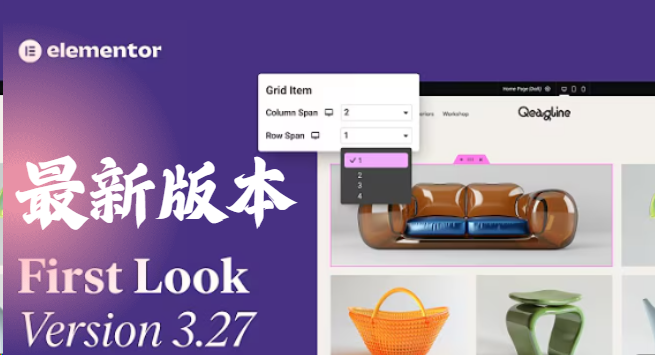
Elementor 3.27 Update: Flexible Grids, Security Enhancements, Accessibility Optimization and Creative Breakthroughs
The Elementor 3.27 update brings flexible grid layouts, improved site security, enhanced accessibility support, and new AI effects and native loading of Google fonts. It's easier than ever to create effective, smart, and creative websites that improve user experience and performance....

Avada page title bar settings in detail: from basic to advanced
This article explains how to set and customize page title bar in Avada theme, from enabling/disabling title bar to adjusting style, font, background and breadcrumb navigation. Enhance your website's user experience and SEO results with these settings!

Imagify Plugin User Guide: Easily Optimize Images to Improve Site Speed and SEO Performance
Imagify is a powerful WordPress image optimization plugin that supports automatic compression and batch optimization of images, and is able to convert images to an efficient WebP format, which significantly improves website loading speed, optimizes website performance, and improves SEO rankings.

How to Boost Brand Professionalism and Remove Default Logos with Astra Theme's White Label Feature
Learn how to fully customize your brand identity using the Astra theme's white label feature. This article details how to remove the Astra default branding and replace it with your own brand name to improve the professionalism of your website and provide customization to your clients.

Astra Theme Tutorial: How to Translate Widget Content in Header and Footer on Astra Theme with Polylang
How to translate header, footer and sidebar widget content in Astra Theme using Polylang or Polylang Pro plugin for multi-language support and professionalism of your website.

Complete Guide to Implementing Local Hosting of Fonts in GeneratePress Themes
This article describes in detail the steps to implement local hosting of fonts in GeneratePress theme, covering font download, upload permission opening, CSS adding and editor configuration, which helps to improve the loading speed of the site and privacy protection.

How to Add Custom Fonts to Elementor and Elementor pro
A comprehensive explanation of adding custom fonts to Elementor and Elementor Pro, covering plug-ins, Pro features, and code methods for novices.

Want to change your menu icon but can't find the location? Complete guide to WordPress mega menu icon setup!
WordPress Super Menu Icon Setup Complete Guide: For users in the background can not find the icon setup entry points, detailed analysis of the Mega Menu plugin works to provide from the menu location to locate the icon uploaded to save the complete steps to help users quickly master the menu icon to add technical ...

A Comprehensive Guide to Fixing and Preventing Deadly WordPress Errors
The Ultimate Guide to Fixing WordPress Fatal Errors WordPress fatal errors occur when your website is unable to perform certain actions or codes. These errors can be caused by plugin incompatibility, insufficient server resources or file corruption. WordPress fatal errors...

WordPress Popup Builder Explained: Best Plugin Recommendations and Installation Tutorials
What is a Popup Builder? A popup generator is a plugin or module that allows you to create customizable popup windows on your WordPress website. These popups can appear in a variety of locations, such as the center of the screen, the top or bottom of the page, or even when the user tastes...
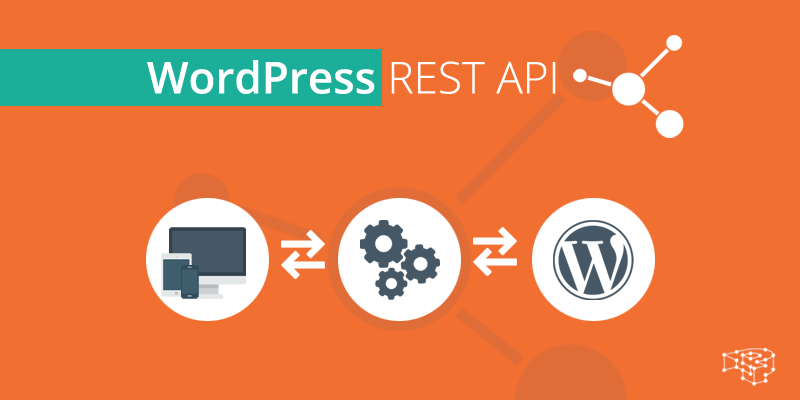
What is a REST API and how does it work?
REST (Representational State Transfer) API (Application Programming Interface) is a mechanism for communicating between different software components over the Internet. It allows developers to use standard HTTP methods (e.g. GET, POST, PUT, DELETE) to access and manipulate information from Wor...

Common WordPress Media Library Image Loading Errors and Their Solutions
WordPress, one of the most popular content management systems, has a powerful media gallery feature. However, many users may encounter the problem of media gallery images not loading during the process. This article will detail some common WordPress media gallery image loading errors and their solutions...

How to Control WordPress Spam with IP Blacklisting and Whitelisting
Wordfence is a popular WordPress security plugin that offers powerful defense features. It comes with a variety of features to help protect websites from unauthorized access, hacking and malware.Wordfence is backed by the world's top WordPress security research...

How to Fix WordPress Login Page Refresh and Redirection Issues
Sometimes, we experience constant refreshing and redirection of the WordPress login page while logging into a website. This issue locks us out of the WordPress admin area so we can't edit or change things on the site. What can we do to fix it? Sh...

How to Fix 403 Forbidden Error in WordPress
What is 403 Forbidden Error in WordPress? The 403 Forbidden error code is displayed when server permissions do not allow access to a specific page on a WordPress website. This error is usually accompanied by the following text: 403 Forbidden - You are not authorized to access this service...

How to Fix 502 Bad Gateway Error in WordPress
What is a 502 Error Gateway Error? The "502 Error Gateway" error occurs when the server receives an invalid response from the requested page. This issue can be caused by a number of reasons and the error message may vary depending on your server. When users visit a WordPress website, they...

 简体中文
简体中文  English
  日本語
日本語  Français
  Español



