





Groxi is an Elementor template pack for quickly and easily creating websites for your business for the Elementor page builder plugin for WordPress. The template pack is optimized to work with the free Hello Elementor theme, but is also compatible with most themes that support Elementor.
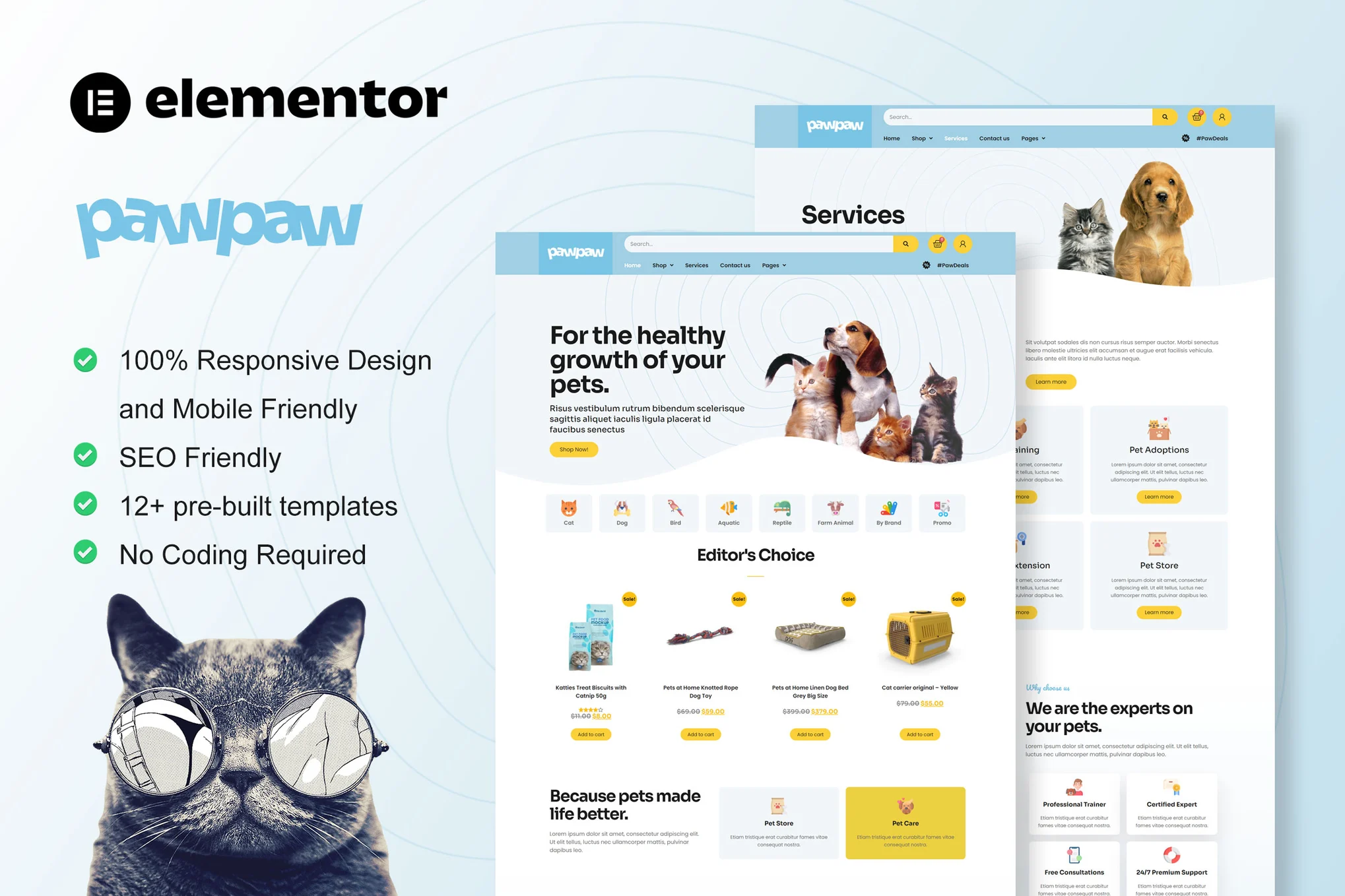
![Image [1] - Groxi - Food Store Elementor Template Pack - Photon Flux | Professional WordPress repair service, worldwide, fast response!](https://www.361sale.com/wp-content/uploads/2024/12/20241203194212219-05_Blog.webp)
![Image [2] - Groxi - Food Store Elementor Template Pack - Photon Flux | Professional WordPress repair service, worldwide, fast response!](https://www.361sale.com/wp-content/uploads/2024/12/20241203194212537-02_About.webp)
Features:
- Fully code-free customizable, drag-and-drop visualization builder
- Customize fonts and colors in one place, or adjust each element individually
- Modern professional design
- Quick Load
- Compatible with most Elementor themes
Installation method:
- Install and activate the "Envato Elements" plugin in the WordPress plugin.
- Do not unzip the file.
- Go to Elements > Installed Templates and click the Upload Template Package button
- Make sure to click on the Installation Requirements button to activate the required plugin
- For best results, import one template at a time
- Create a new page and click "Edit with Elementor".
- At the bottom of the builder, click on the gear icon and select "Elementor Full Width" and Hide Page Titles.
- Click on the gray folder icon to go to the "My Templates" and import page.
Attention: This template pack uses demo images from Envato Elements, you will need to purchase a license from Envato Elements or use your own images instead. Store content is not included, you will need to add products to WooCommerce before the content in the template can be displayed.

© Reprint statement
This article was written by Banner1
Link to this article:https://www.361sale.com/en/28817The article is copyrighted and must be reproduced with attribution.
THE END






















![Emoji[wozuimei]-Photonflux.com | Professional WordPress repair service, worldwide, rapid response](https://www.361sale.com/wp-content/themes/zibll/img/smilies/wozuimei.gif)

![Emoticon[baoquan] - Photon Wave Network | Professional WordPress Repair Services, Worldwide Coverage, Rapid Response](https://www.361sale.com/wp-content/themes/zibll/img/smilies/baoquan.gif)


 简体中文
简体中文  English
  日本語
日本語  Français
  Español


No comments